

Conversational setup with Master Agent
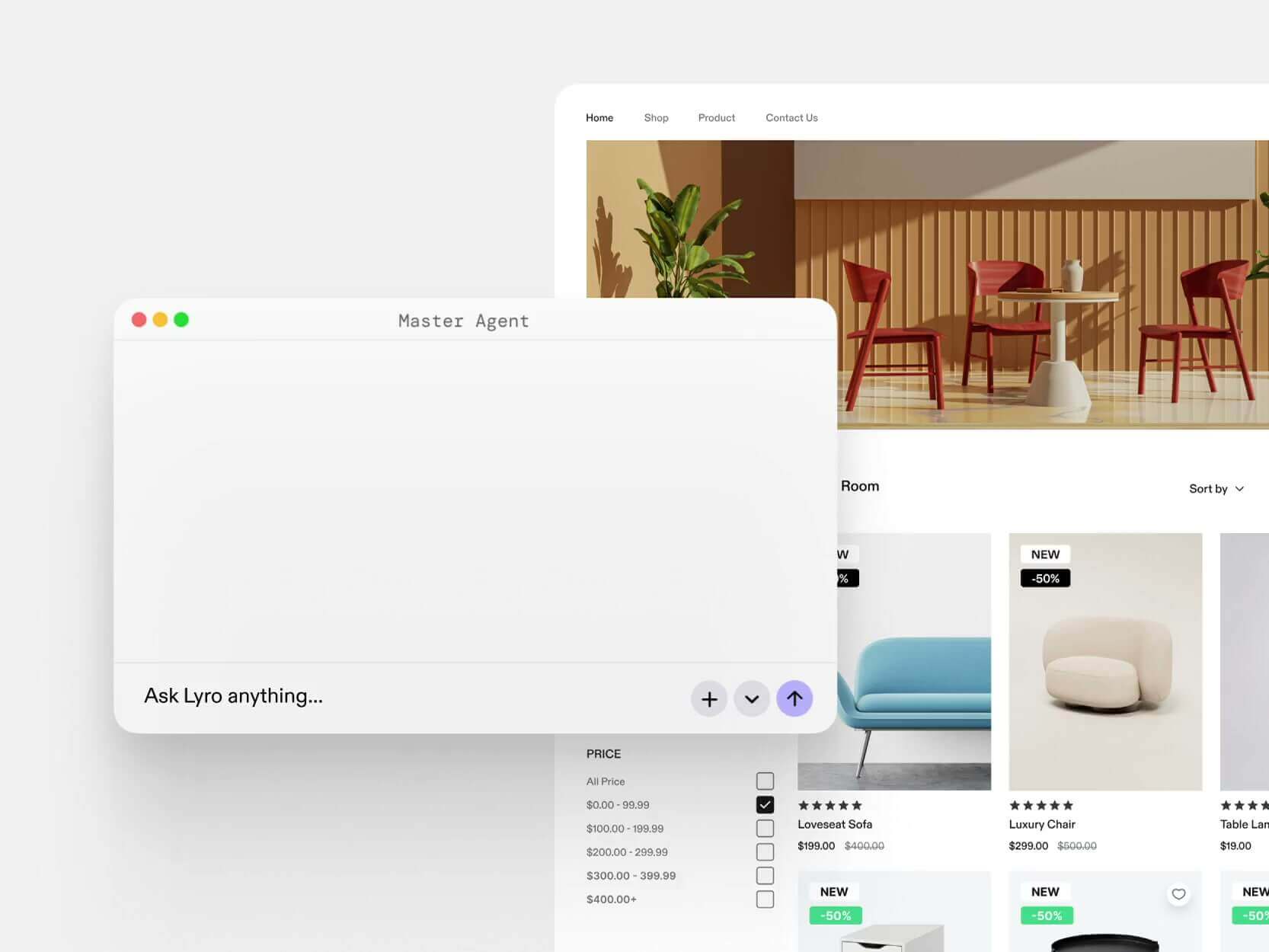
Users describe what they need in plain English, and the Master Agent asks about rules, limits, and tone, then builds the agent, connects tools, and writes a test set to show results before launch.
TOOL PROFILE TOOLAI
AI customer service agent that resolves support, sales, and post-purchase conversations across channels
 View full image
THE BIG PICTURE
Lyro is an AI customer service agent from Tidio that is positioned as a hire for a support team rather than a single helpdesk bot. According to the official site, it handles work across support, sales, and engagement, and can be invited into the tools a team already uses, including Zendesk, Salesforce, Intercom, HubSpot, and Tidio. The company says setup is conversational: a user describes the goal, and a Master Agent asks clarifying questions and turns the answers into a working configuration. Lyro is presented as running on the customer's chosen models and rules, with separate agents for different jobs.
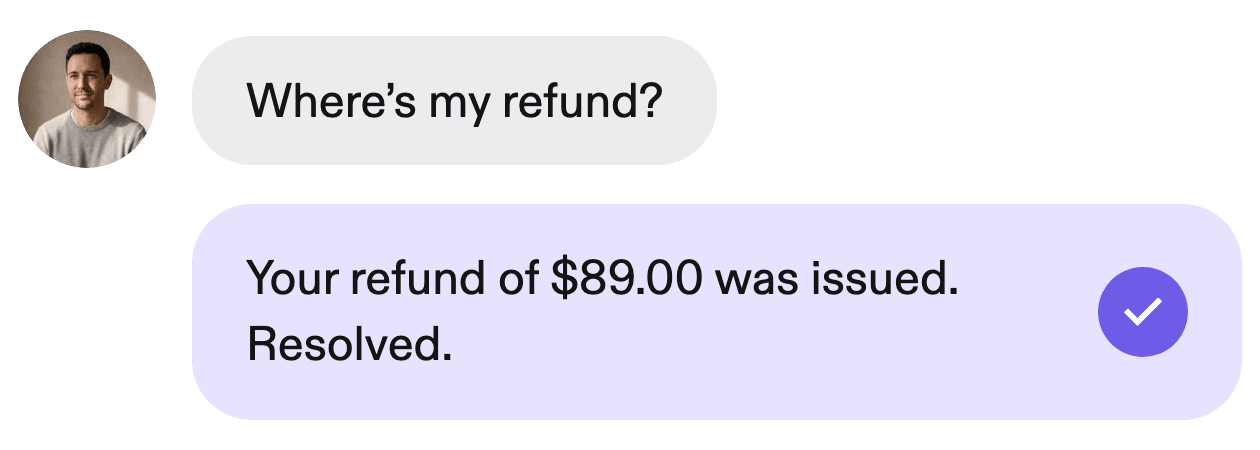
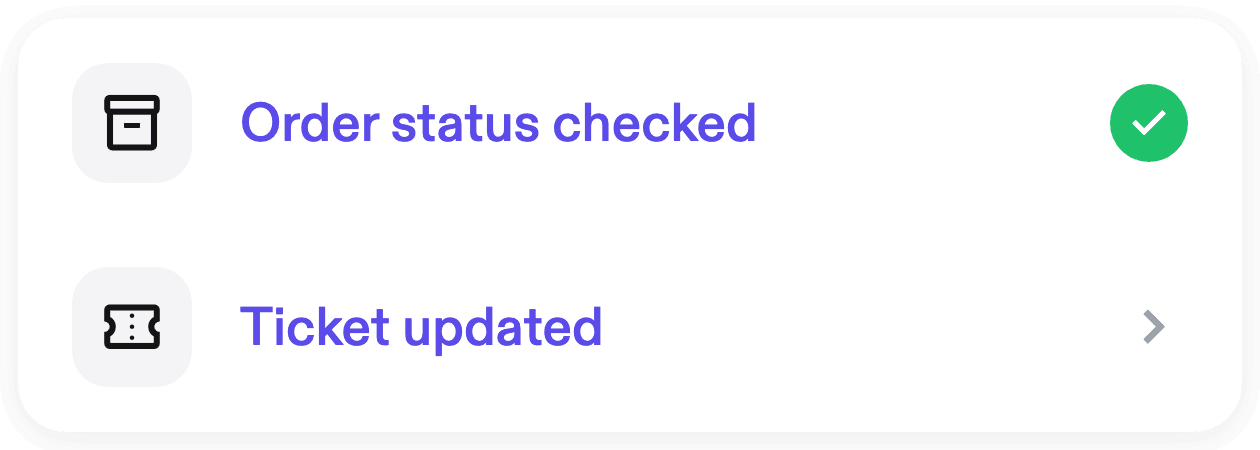
The product is built around resolving conversations from a company's own knowledge rather than only deflecting them. Lyro answers from help articles and shows the source it used, and it can hand a conversation to a human with the full thread when it cannot finish. It supports multiple channels, including live chat, email, WhatsApp, Instagram DMs, Facebook Messenger, Slack, voice, and an API, with the same knowledge and rules applied across them. The site also describes agentic actions: once tools are connected, an agent can look up orders, open tickets, update records, and run workflows in connected systems.
Lyro is offered by Tidio and is described as usable by support, sales, and onboarding teams, as well as by developers who want to call agents through a REST API or configure them from AI builders via an MCP server. The official pages emphasize control over prompts, models, channels, guardrails, and handoffs, plus analytics and quality-assurance features such as evals and a Sentry auditor. Pricing is credit-based, with credits drawn down when Lyro resolves work rather than per seat.
A CLOSER LOOK
Explore product screens and published examples. Open any image for a closer look.
Product interface published on the official website.
Product interface published on the official website.
Product interface published on the official website.
Product interface published on the official website.

WHAT YOU CAN DO
Get to know the capabilities. Find your own way to use them.
Users describe what they need in plain English, and the Master Agent asks about rules, limits, and tone, then builds the agent, connects tools, and writes a test set to show results before launch.
Teams can create separate agents for support, sales, onboarding, and other customer work, each with its own role, rules, knowledge, and tools, with routing to the right agent.
Lyro answers from company help articles and shows which article it used. Strict mode restricts answers to company content only, while full mode can fall back on general knowledge.
With 1,000+ connectors, MCP servers, and custom HTTP tools, agents can perform actions such as checking orders, opening tickets, updating records, and running workflows, with each action labeled read, write, or destructive before approval.
The same setup can run across live chat, email, WhatsApp, Instagram DMs, Facebook Messenger, Slack, voice, and API, with per-channel formatting and language settings.
Lyro hands off to a live teammate, a helpdesk ticket, or a phone transfer with the full thread, and teams can work chat, email, WhatsApp, phone, and API conversations in one queue.
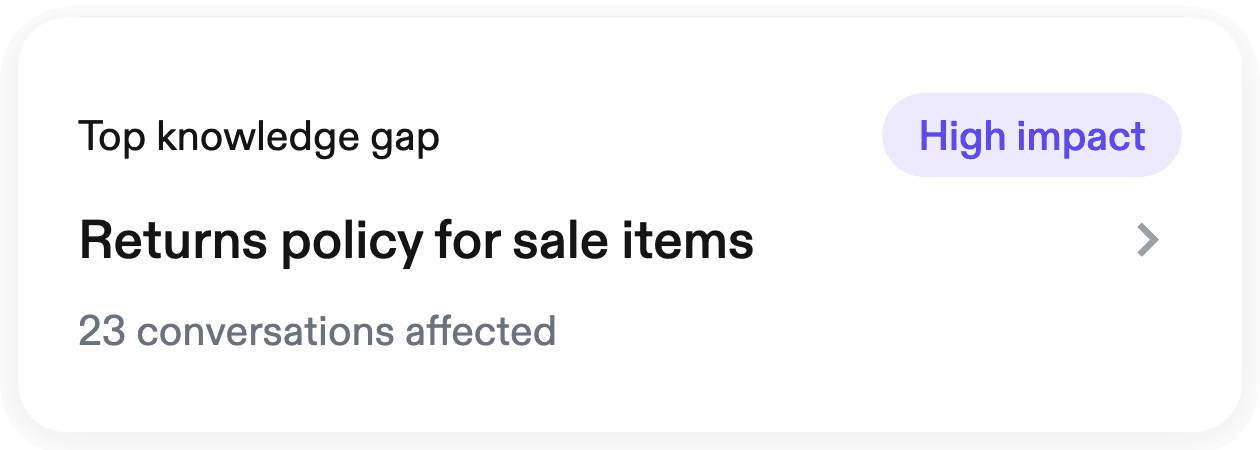
Lyro reviews real conversations to find unanswered questions, drafts missing help articles, and lets teams turn bad answers into test cases that gate publishing.
Reports cover resolution rate, answer rate, response time, satisfaction, grounding share, and tool performance, with drill-down from charts to the conversations behind them and CSV export.
MADE FOR YOUR WORKFLOW
Lyro can answer common questions from help articles and close routine requests without a handoff, escalating only when it cannot finish.
With store and carrier tools connected, an agent can look up an order and tracking information and reply with delivery status.
Lyro can run inside a company's Slack as an internal agent answering employee questions about benefits, payroll, software access, and onboarding.
Through the Google Docs MCP integration, Lyro can search and read documents, create docs from markdown, insert text, tables, and images, and export to PDF.
YOUR FIRST STEPS
Begin with 10,000 free credits to explore how Lyro works before committing to paid usage.
Explain what you need in plain English; the Master Agent asks about rules, limits, and tone, then builds the agent and connects tools.
Connect the helpdesk, messaging channels, and tools you already use, such as Zendesk, Salesforce, Gmail, WhatsApp, or custom HTTP/MCP tools.
Use the private playground and generated test cases to see how the agent answers and which tools it calls before customers interact with it.
Publish the agent, track resolution and quality metrics, and review conversations to find gaps and improve knowledge over time.
PLAN YOUR NEXT STEP
Credit-based pay-as-you-go wallet: $1 equals 1,000 credits, and credits are drawn down only when Lyro resolves a conversation, at each model's own rate. The pricing page shows a $200/mo example for a 200,000-credit selection. An Enterprise plan is available on request with private infrastructure, bring-your-own model contracts and API keys, guaranteed SLA and resolution rate, and a dedicated team.
PLAN
Self-service wallet-based plan. $1 equals 1,000 credits, and each model burns credits at its own rate. Credits draw down only when Lyro resolves a conversation. The pricing page shows a $200/mo example for a 200,000-credit selection.
PLAN
Contact sales for pricing on your usage profile. Use your own model contract with Anthropic, OpenAI, or Google, with Lyro routing through your keys and billing you directly.
Prices, usage limits and terms can change. Confirm the latest details on the tool's official website before subscribing.
Official pricing page confirms the wallet model and the $200/mo example tied to a 200,000-credit selection; users can top up any amount, and Enterprise pricing requires contacting sales.
Sources checked
A credit is the unit you pay with. $1 buys 1,000 credits, and Lyro draws them down as it resolves conversations, with light models drawing fewer credits and stronger ones drawing more. You are charged only when a conversation is resolved; there is no platform fee, no per-seat pricing, and no minimum.
Lyro allows model selection at both the agent and individual-skill level. This lets you assign a lower-cost model to routine work and reserve a more capable model for tasks that require it.
It hands the conversation to your team with the full history and context. Handoffs are not resolutions, so they do not spend credits.
Yes. You can build your agent and test it against your past tickets before spending anything, and credits only go toward live resolutions. The site also mentions starting with 10,000 free credits.
Yes. Lyro can only spend the credits you have topped up, and you can set alerts and hard limits so the bill does not surprise you.
The self-service option charges against prepaid credits and does not require a contract. Lyro describes its Enterprise offer as adding a dedicated team, isolated infrastructure, customer-managed model credentials and contracts, plus contractual commitments for service levels and resolution rates.
No. Sharing and access control are not in the Google Docs toolkit. Lyro can produce something shareable, such as a copy of the document or a PDF export, while sharing itself stays with the document owner.
FROM THE COMMUNITY
Sign in to share your experience and help others find the right tool.
YOUR NEXT DISCOVERY

Use ai as your catalyst for sales, support and development functions with on-premise infrastructure and complete business privacy.

Our all-in-one platform streamlines the process of finding customers and initiating personalized conversations, all with a touch of automation. All you need to do is press send.

Wing is a 24/7 assistant powered by humans & AI that can handle anything, as long as it's legal and possible. All you have to do is place a request on our app, or text us, and we'll handle the rest. 😻

Main features: Design, build, and manage generative AI applications with 6 enterprise-grade LLM boilerplates (Conversational Agent, Search Engine, Agentic Workflows, Data Analytics & Insights, Content Generation, Data Synthesis), enabling Gen AI pilot builds in 8 weeks. Target users: Institutional clients in healthcare, life sciences, and financial services. Key advantages: 50+ proven implementations, 10X faster development, AWS strategic partner (Top 10 global Gen AI innovator), deep domain expertise. Typical use cases: Clinical decision acceleration (10X), pharma compliance audit (99% faster), disease diagnosis improvement (80%), real-time financial fraud detection (99% faster), automated portfolio generation ($6M revenue increase), early glaucoma detection (90% faster). Pricing: Contact for custom quotes.
MAKE YOUR NEXT MOVE
Visit the official website to explore the latest features and get started.