

Email and calendar
Ask for messages needing a reply and conflicting events first. Then choose one item to handle.
HỒ SƠ CÔNG CỤ TOOLAI
Start with one task. Let Muse work across your inbox, calendar and everyday apps.
 Xem ảnh đầy đủ
TỔNG QUAN
Muse is Meta’s personal AI agent for tasks across the apps you connect: research, file organization, reply drafts and planning.
For a first try, choose something small and easy to review. Outline tomorrow’s schedule, compare three products, or turn notes into a checklist. Specify the deadline, the output and the actions that need your approval.
XEM CHI TIẾT
Khám phá màn hình sản phẩm và các ví dụ đã công bố. Mở bất kỳ hình ảnh nào để xem chi tiết hơn.
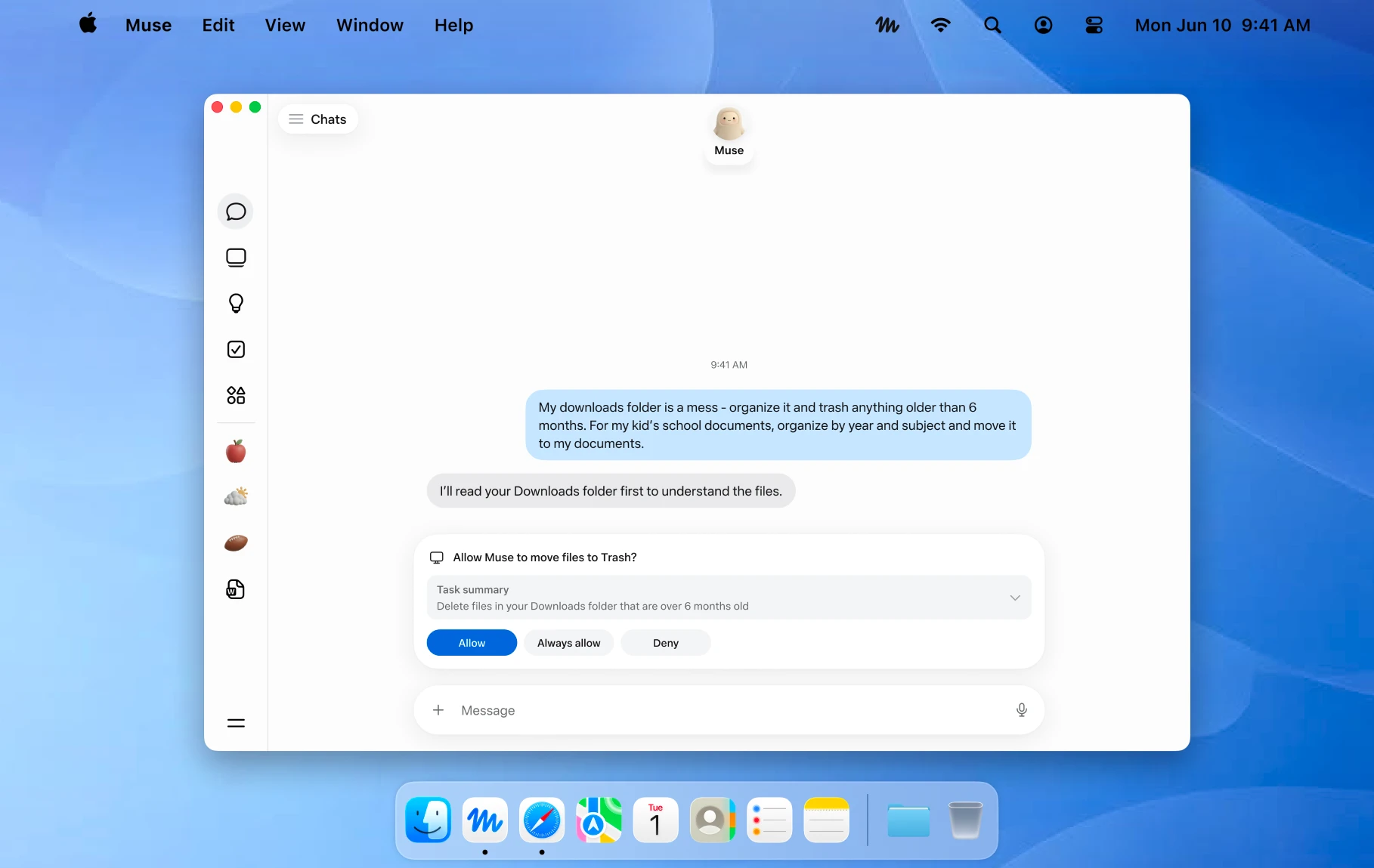
An official Mac example showing a file action awaiting approval. Image © Meta.
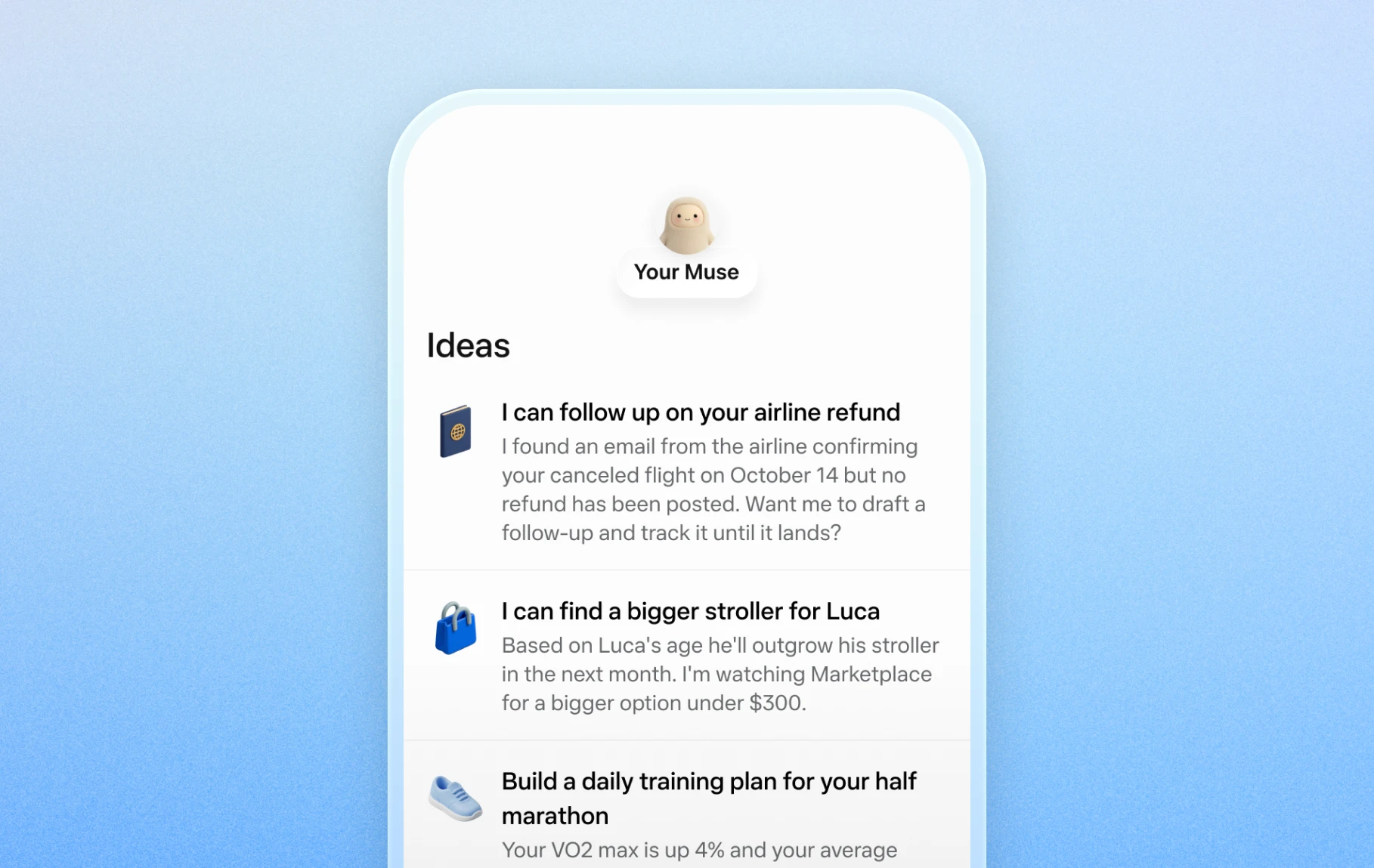
Official mobile examples of suggested everyday tasks. Image © Meta.

Official Artifacts examples, rather than ToolAI test results. Image © Meta.
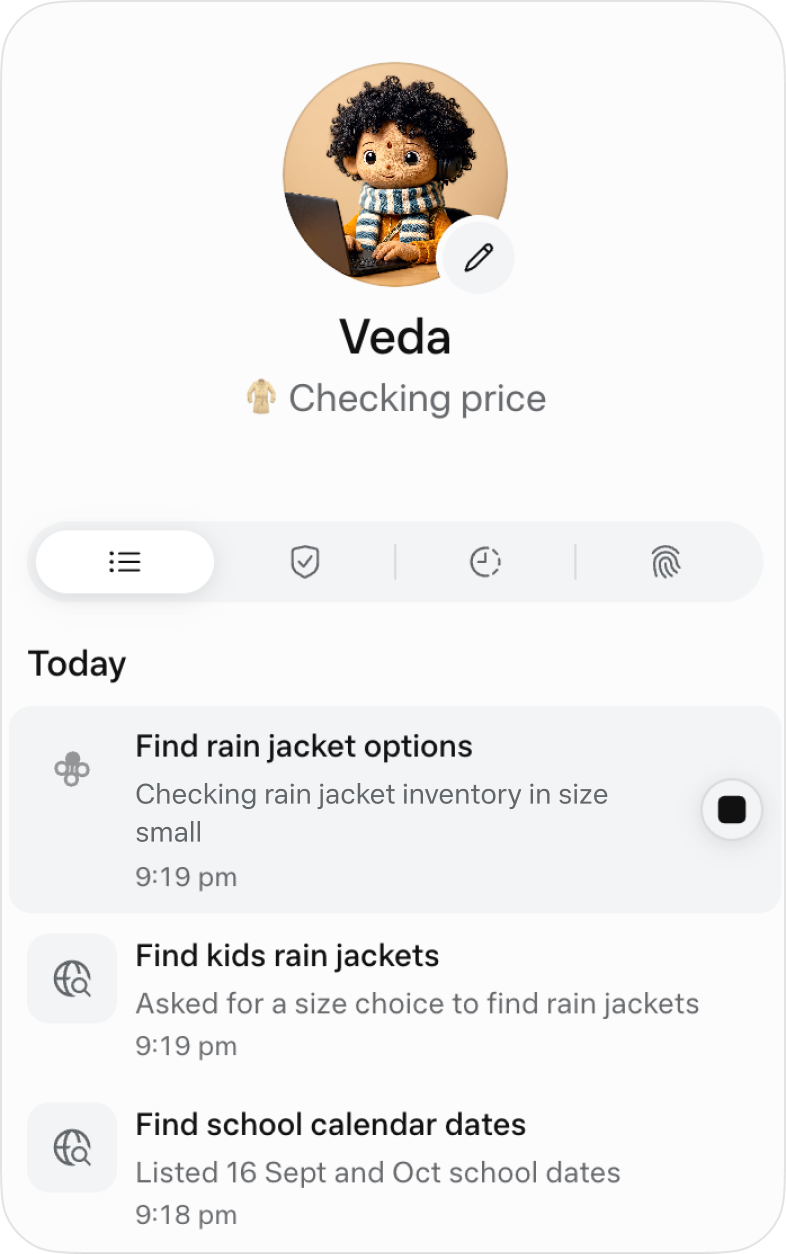
The official activity view for following ongoing work. Image © Meta.
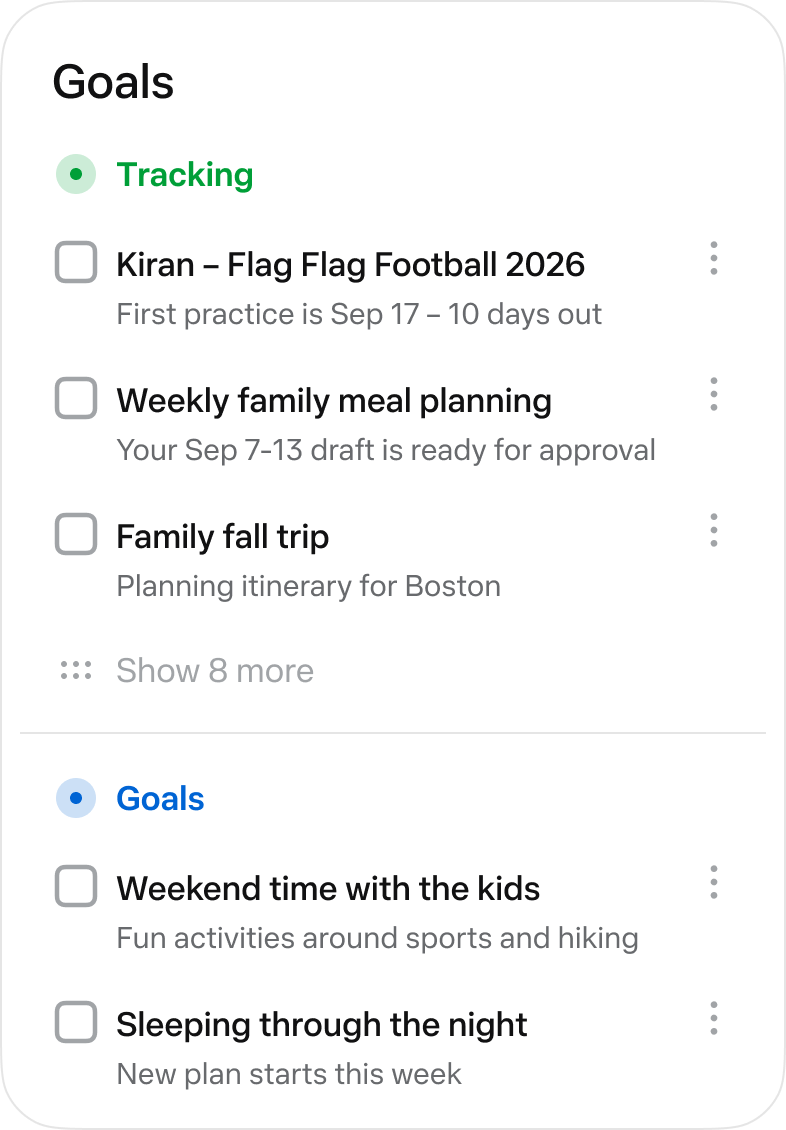
The official Goals view collects longer-running tasks. Image © Meta.
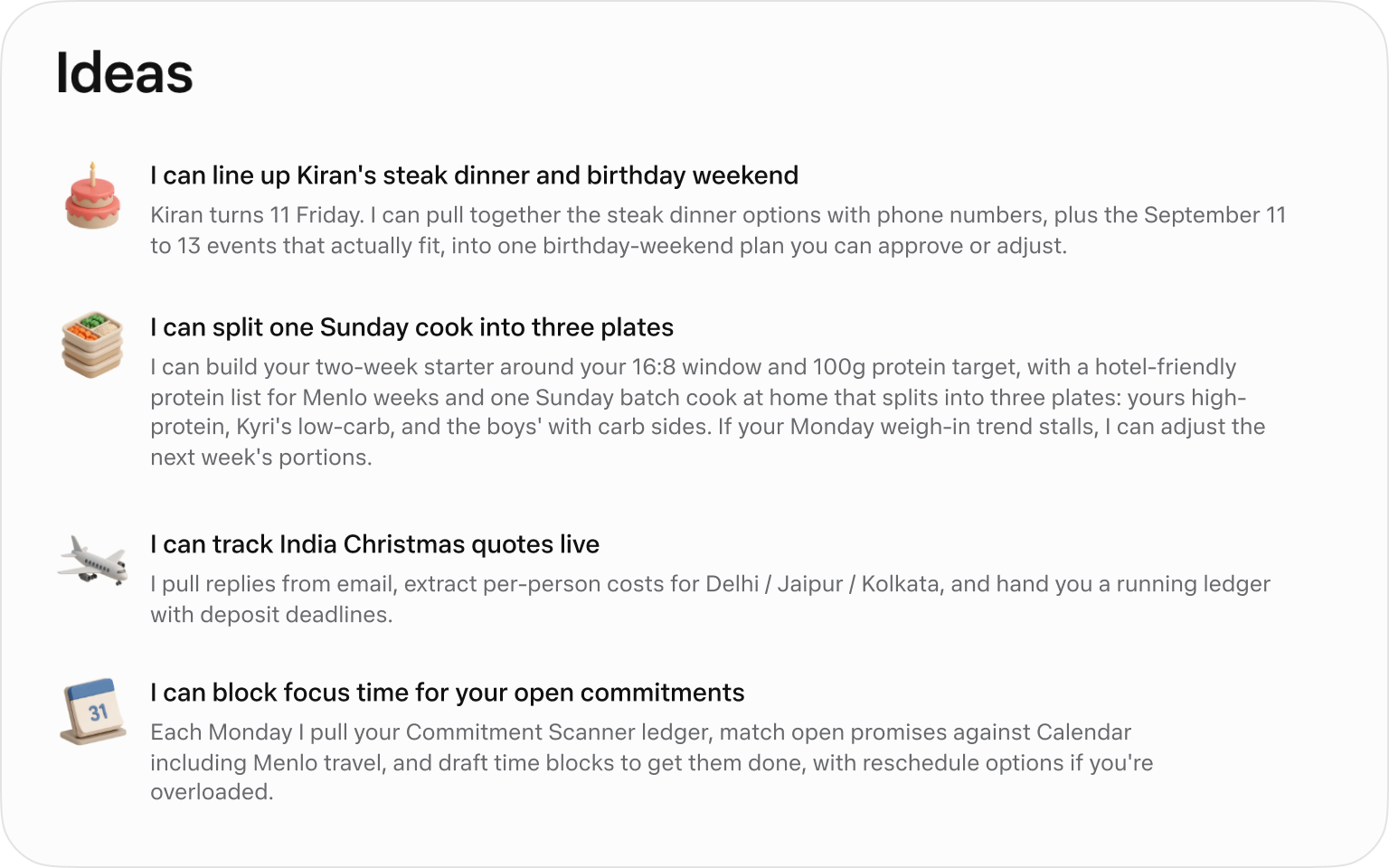
Official suggested tasks; what appears depends on your context. Image © Meta.
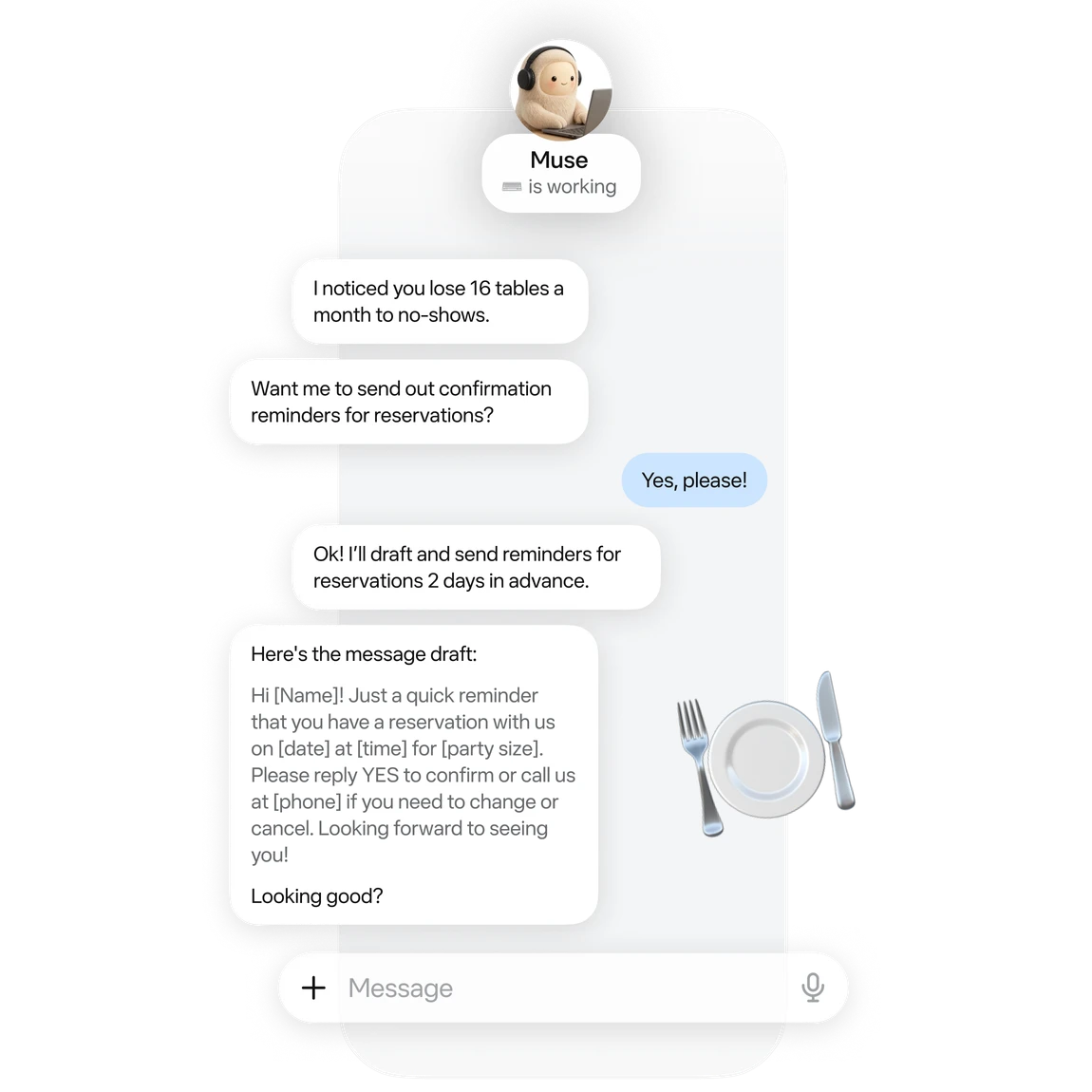
An official small-business example of drafting reservation reminders. Image © Meta.
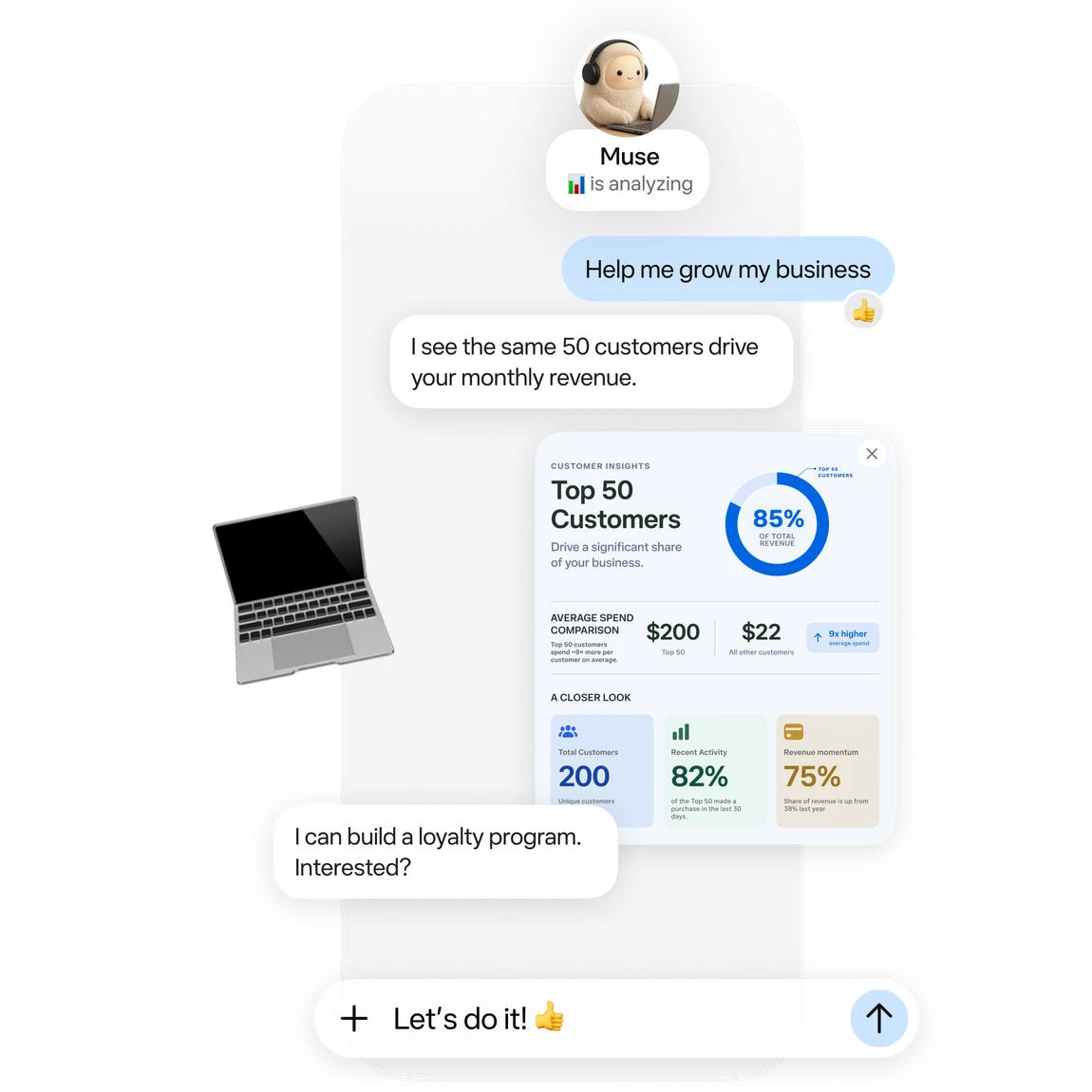
Official business analysis artwork; its numbers are illustrative. Image © Meta.

Official connector artwork. Check settings for actual availability. Image © Meta.
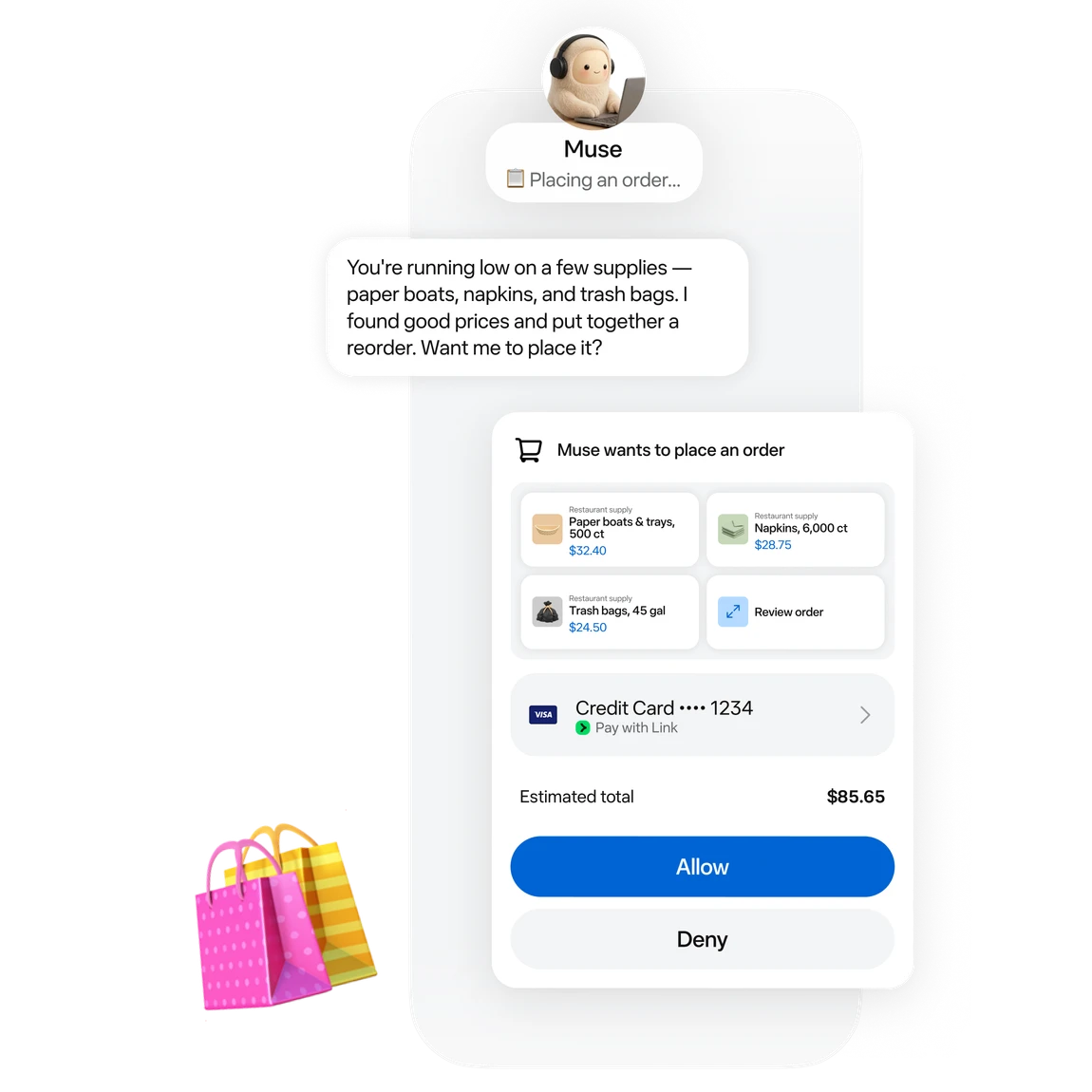
Official approval artwork for a proposed purchase. Image © Meta.
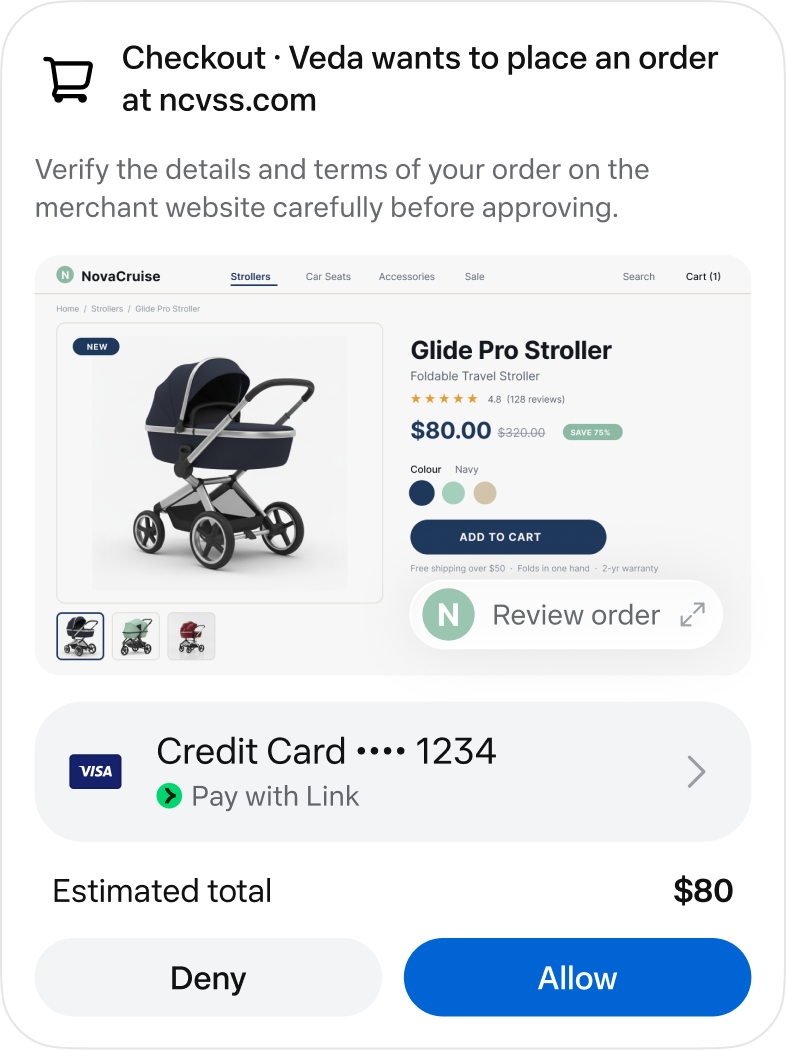
An official checkout approval screen. Image © Meta.
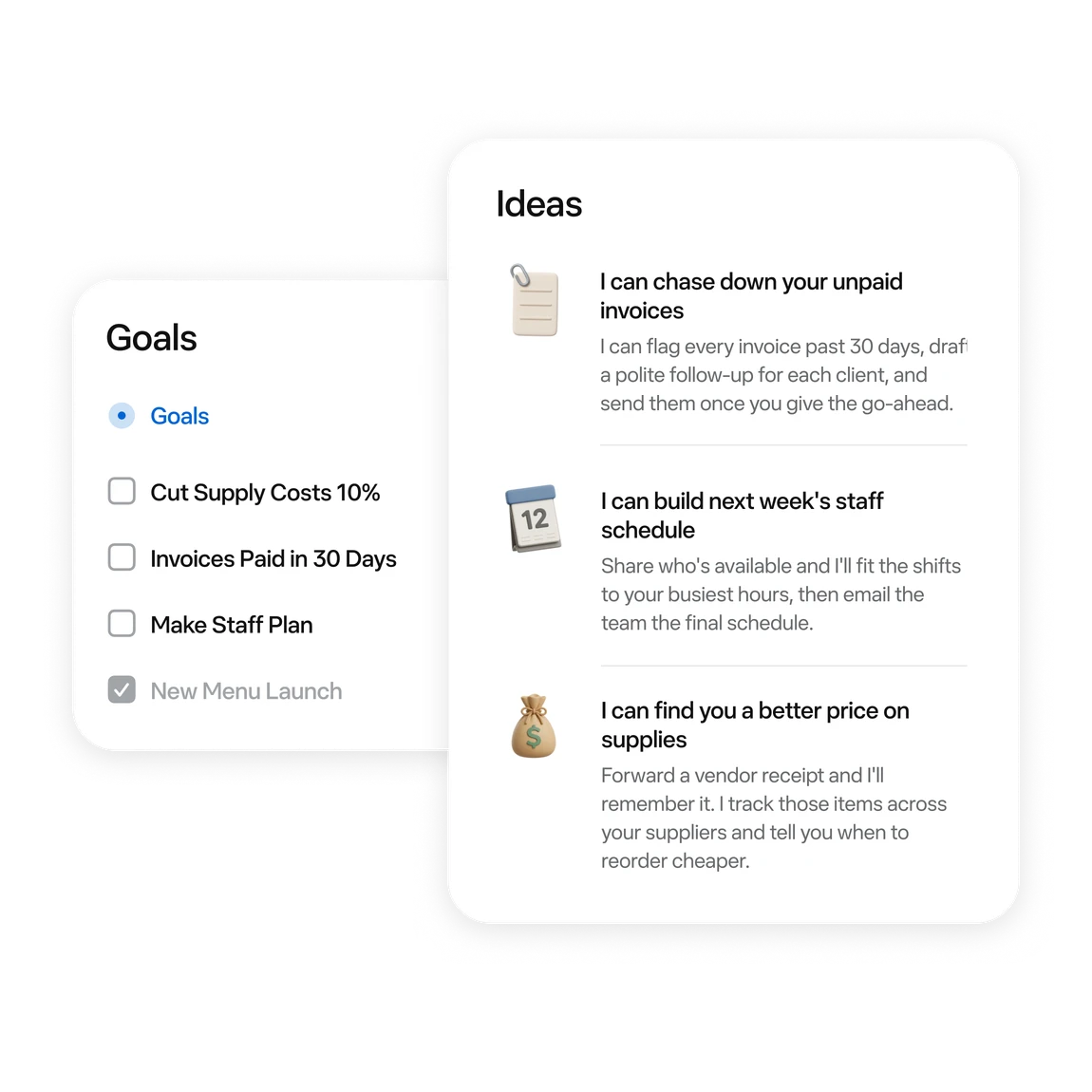
Official examples of business tasks and follow-up ideas. Image © Meta.
BẠN CÓ THỂ LÀM GÌ
Tìm hiểu các khả năng. Tìm cách sử dụng phù hợp với bạn.
Ask for messages needing a reply and conflicting events first. Then choose one item to handle.
Turn scattered material into a checklist or document. Review proposed moves or deletions first.
Follow work in activity and Goals. Use chat to add constraints or adjust a plan.
Try reservation reminders, a content schedule or an order review. Give it one defined task at a time.
Connect a work app when the task needs its data. Review the requested permissions.
Before sending, publishing or buying, review the recipient, content and amount in the approval card.
DÀNH CHO QUY TRÌNH LÀM VIỆC CỦA BẠN
“Outline tomorrow’s schedule. Separate departure times, meeting prep and unfinished items. Leave unknown details blank.”
“Turn these meeting notes into an action table with owners, deadlines and source passages. Flag anything unspecified.”
“Use these orders to draft next week’s tasks: stock, customer follow-up and content. Draft only; do not publish.”
“Compare three candidates within my budget. Include tax, shipping, specifications and returns. Research only; do not order.”
NHỮNG BƯỚC ĐẦU TIÊN
Start at muse.ai and check your region and account eligibility.
Follow the email or phone sign-in prompts and keep free access.
Specify the goal, timing and output. Add “draft only; do not send” when relevant.
When a task needs mail or files, check connectors and permissions in settings.
Check activity. Review sources, numbers and recipients in the result. Wait for a reset if the free allowance runs out.
KHÁM PHÁ XUNG QUANH
Khám phá bản demo hoặc video của công cụ để xem giao diện và quy trình làm việc.
LÊN KẾ HOẠCH CHO BƯỚC TIẾP THEO
Free allowance; optional paid upgrades
GÓI
Start with a small task. Wait for a reset if you reach the limit.
$0
Usage limits apply
GÓI
Explore higher allowances if needed. The free-use guides do not require an upgrade.
See current official plans
Xem gói trên trang webGiá, giới hạn sử dụng và điều khoản có thể thay đổi. Hãy xác nhận thông tin mới nhất trên trang web chính thức của công cụ trước khi đăng ký.
To stay on the free tier, wait for the allowance to refresh. Check your account for its balance and reset time.
Nguồn đã kiểm tra
A free allowance is available. You can wait for a reset; upgrading is optional.
The current published regions are the US and Canada, for adults aged 18+. Interface language does not establish eligibility.
No. These are Meta’s official interface and example images, retained with source attribution.
Choose something easy to review: a one-page task list, one reply draft, or three products to compare.
No. Agent usage and purchase costs are separate. Say “research only; do not buy” when that is your goal.
The official guide shows activity under the avatar and longer-term tasks in Goals. You can also request an update in chat.
TIẾP TỤC KHÁM PHÁ
TỪ CỘNG ĐỒNG
Đăng nhập để chia sẻ trải nghiệm và giúp người khác tìm được công cụ phù hợp.
KHÁM PHÁ TIẾP THEO
Tạo các câu trả lời ngắn gọn, được cá nhân hóa cho email không mong muốn. Bạn có thể dán nội dung tin nhắn và chọn phong cách trả lời, nhưng nên xóa thông tin cá nhân trước. Begone Spammer không xử lý hoặc lưu nội dung email; người dùng nên thận trọng khi sử dụng nền tảng. Bạn có thể quyên góp để hỗ trợ duy trì dự án.
Circleback chép lại cuộc họp và tự động soạn ghi chú cùng email follow-up.
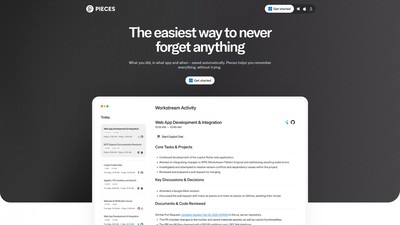
Tăng năng suất lên 10 lần với Pieces for Developers, công cụ quản lý đoạn mã tích hợp AI. Tích hợp liền mạch trình duyệt, IDE và công cụ cộng tác để lưu, tạo, bổ sung, tái sử dụng và chia sẻ mã.
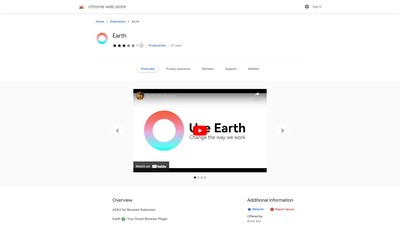
Earth hỗ trợ nhiều mô hình AI. Công cụ này cho phép bạn thiết lập quy trình, rảnh tay và nâng cao hiệu quả công việc. Hãy cài đặt Earth để biến nó thành trợ lý mạnh mẽ và thông minh nhất trong trình duyệt của bạn!
THỰC HIỆN BƯỚC TIẾP THEO
Truy cập trang web chính thức để khám phá các tính năng mới nhất và bắt đầu.