
Email and calendar
Ask for messages needing a reply and conflicting events first. Then choose one item to handle.

TOOLPROFIEL TOOLAI
Start with one task. Let Muse work across your inbox, calendar and everyday apps.
 Volledige afbeelding bekijken
HET GROTE GEHEEL
Muse is Meta’s personal AI agent for tasks across the apps you connect: research, file organization, reply drafts and planning.
For a first try, choose something small and easy to review. Outline tomorrow’s schedule, compare three products, or turn notes into a checklist. Specify the deadline, the output and the actions that need your approval.
| Naam van tool | Muse (Meta) |
|---|---|
| Categorie | E-mailassistent , Assistent voor het dagelijks leven , Productiviteit |
| Prijsmodel | Free allowance; optional paid upgrades |
| Platform & functies | Web / iPhone / Android / Mac |
| Onderwerptag | AI agent,Personal assistant,Free allowance |
| Beste alternatieven | AIT Contacts Extractor for Gmail™ , Monterey AI , Hot Reach AI |
EEN NADERE BLIK
Verken productschermen en gepubliceerde voorbeelden. Open een afbeelding voor een nadere blik.
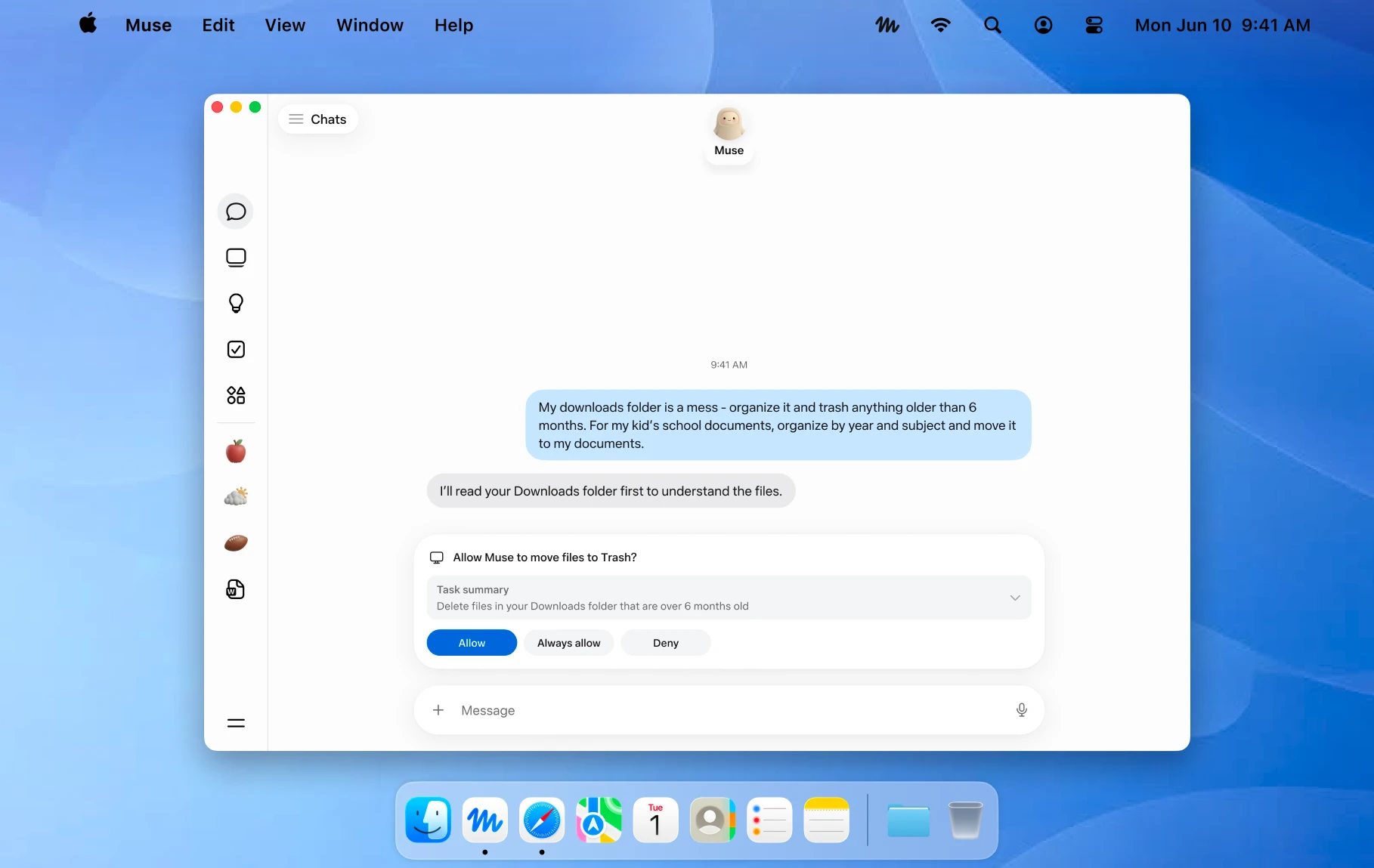
An official Mac example showing a file action awaiting approval. Image © Meta.
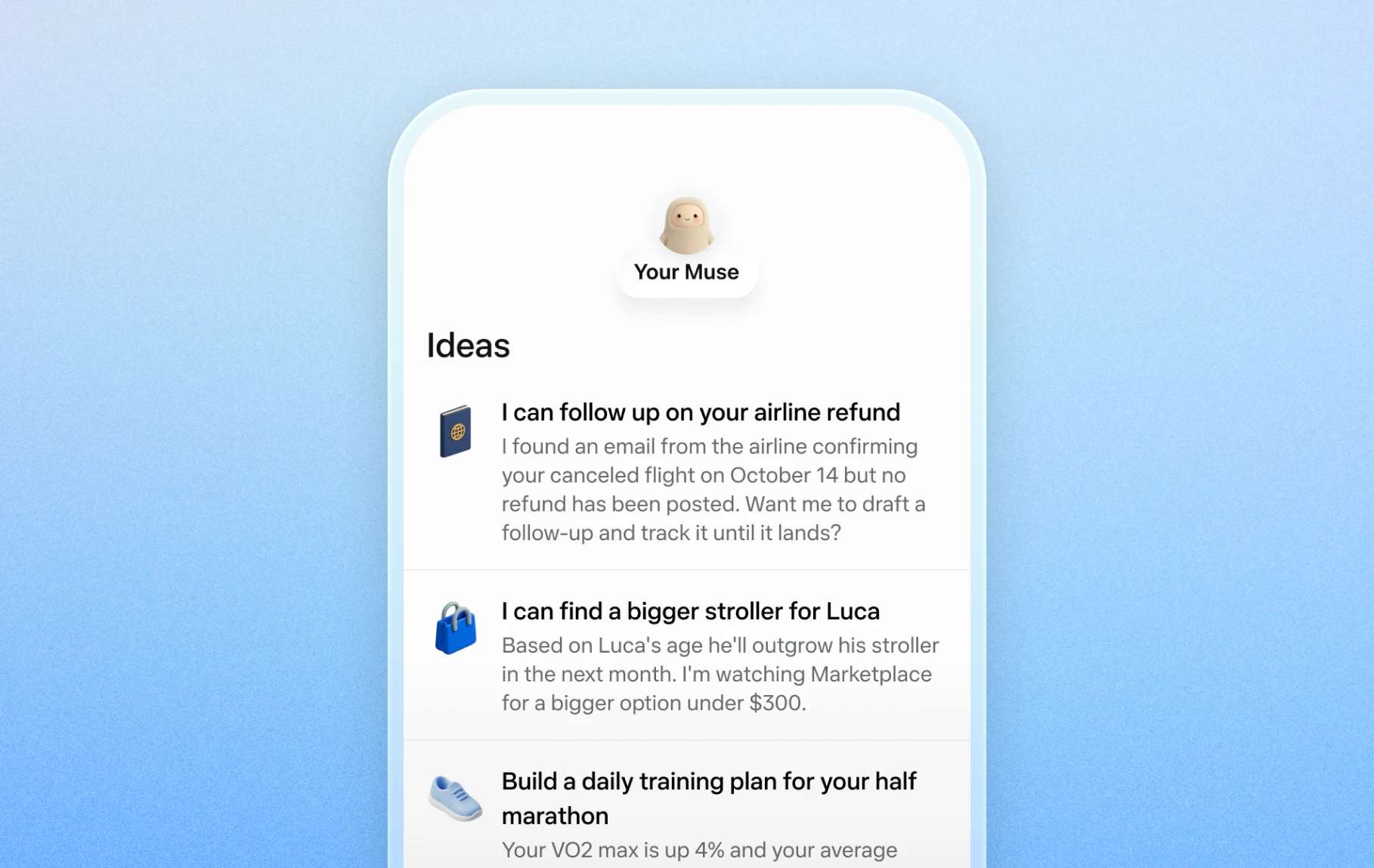
Official mobile examples of suggested everyday tasks. Image © Meta.

Official Artifacts examples, rather than ToolAI test results. Image © Meta.
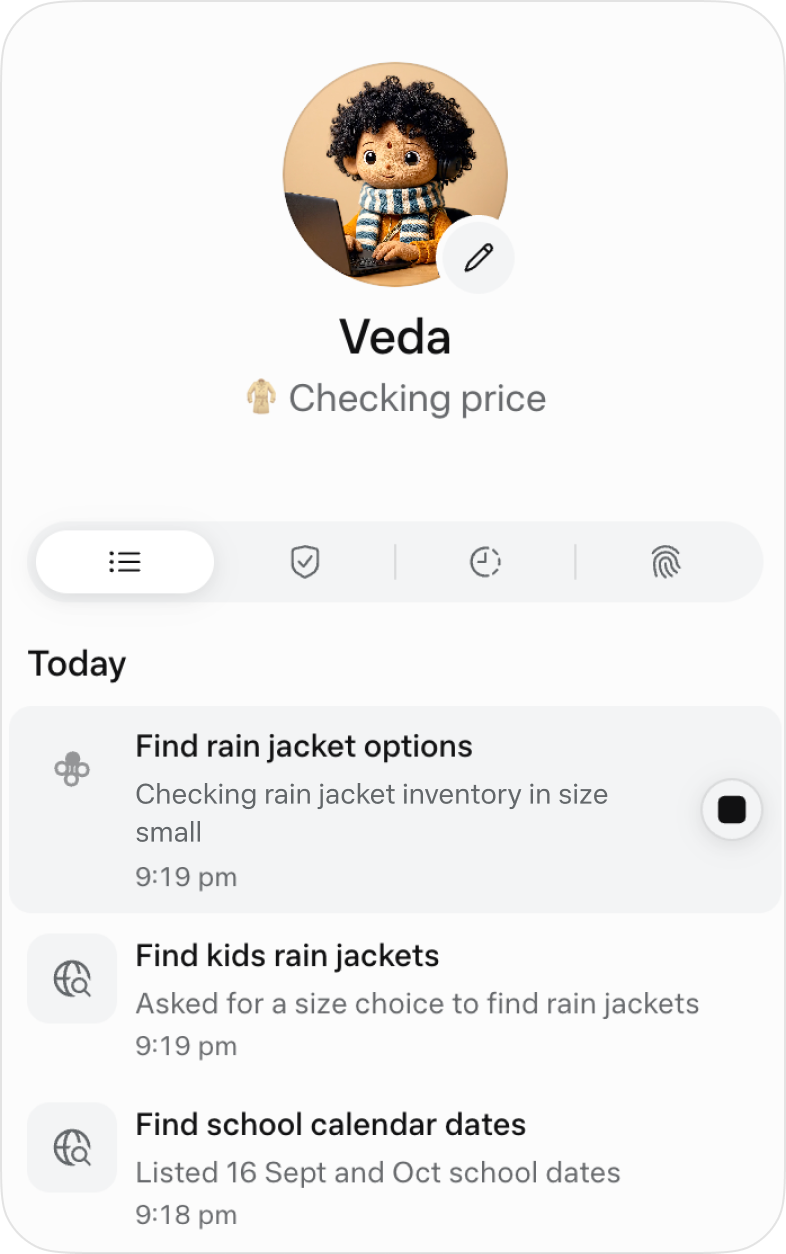
The official activity view for following ongoing work. Image © Meta.

The official Goals view collects longer-running tasks. Image © Meta.
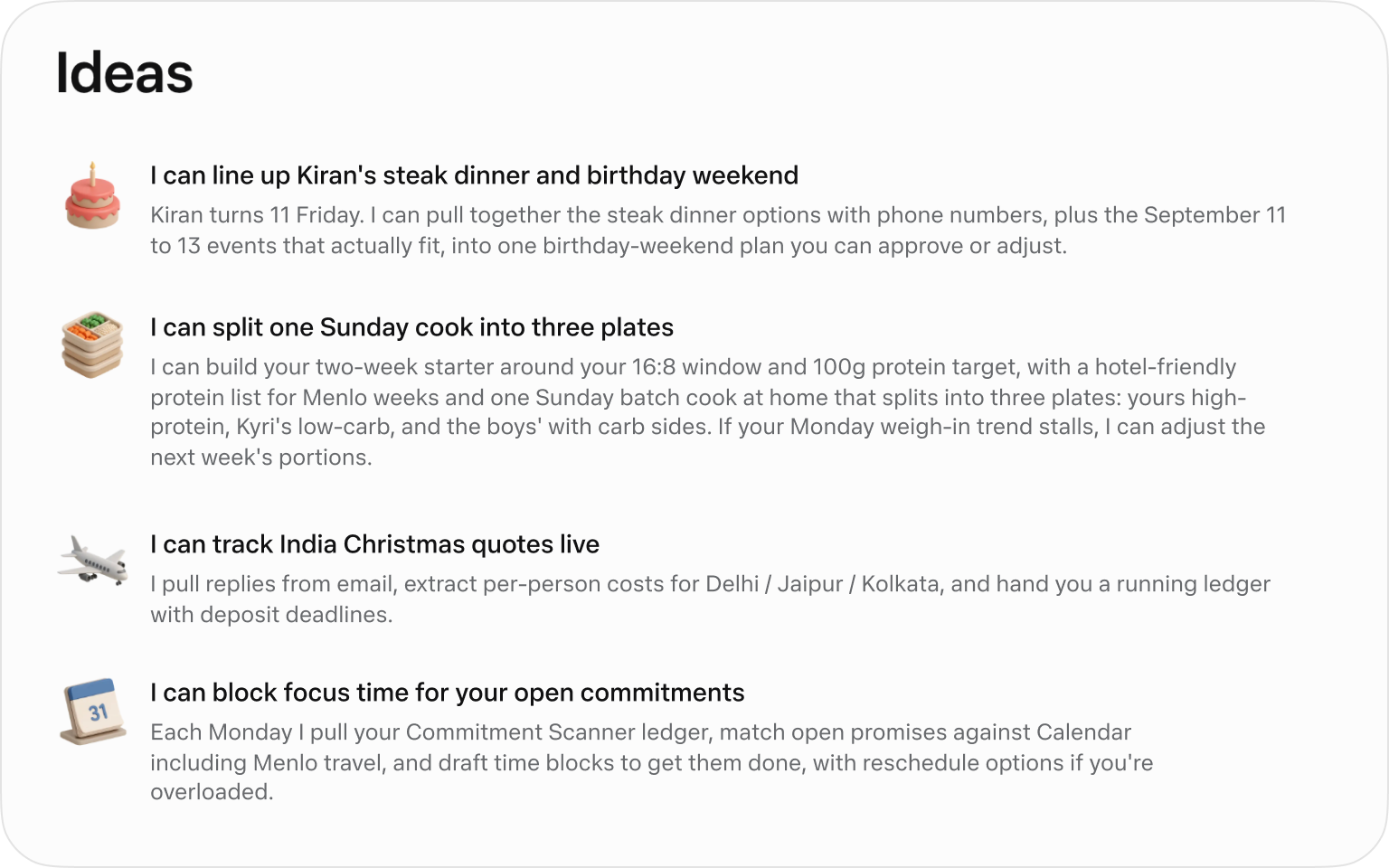
Official suggested tasks; what appears depends on your context. Image © Meta.
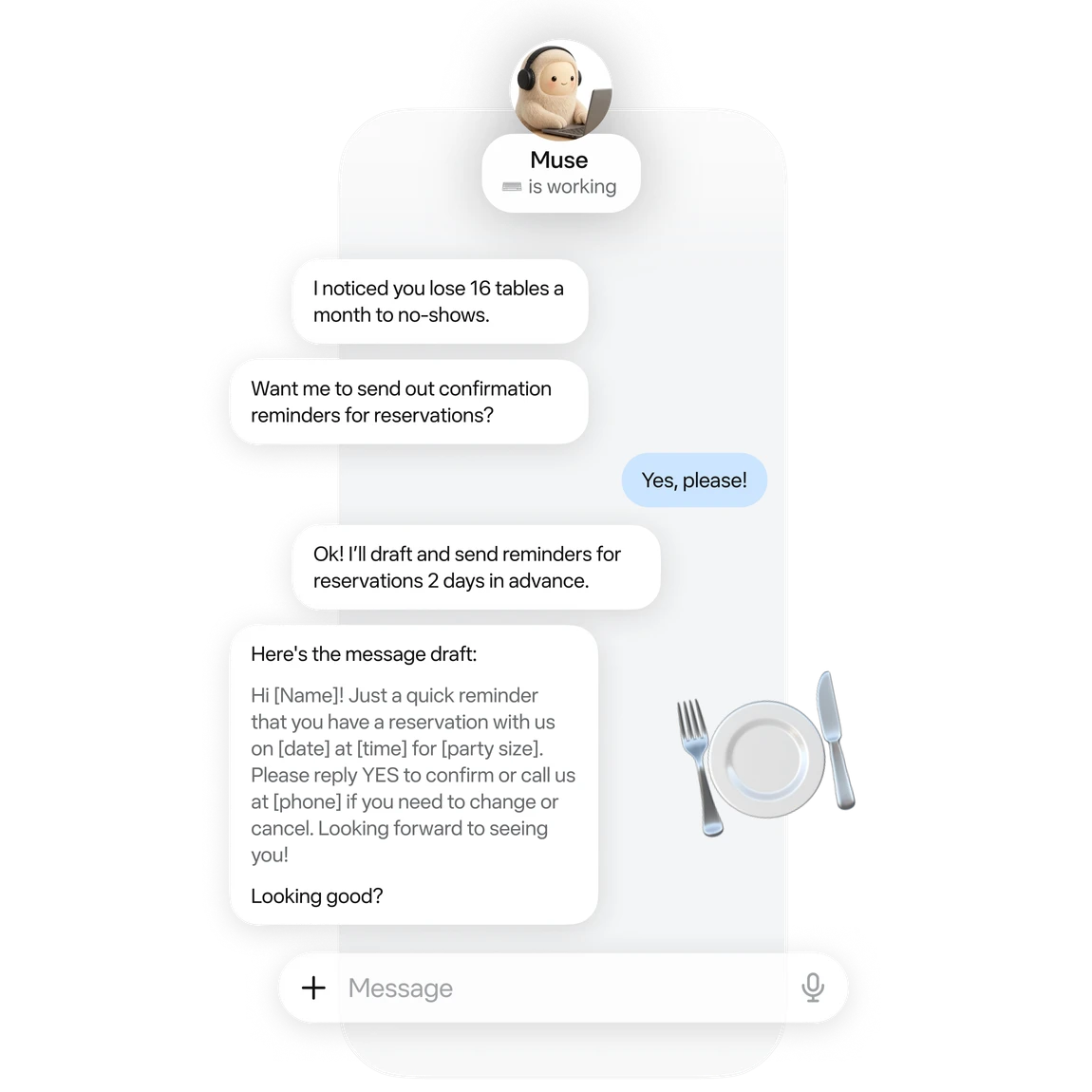
An official small-business example of drafting reservation reminders. Image © Meta.

Official business analysis artwork; its numbers are illustrative. Image © Meta.

Official connector artwork. Check settings for actual availability. Image © Meta.

Official approval artwork for a proposed purchase. Image © Meta.
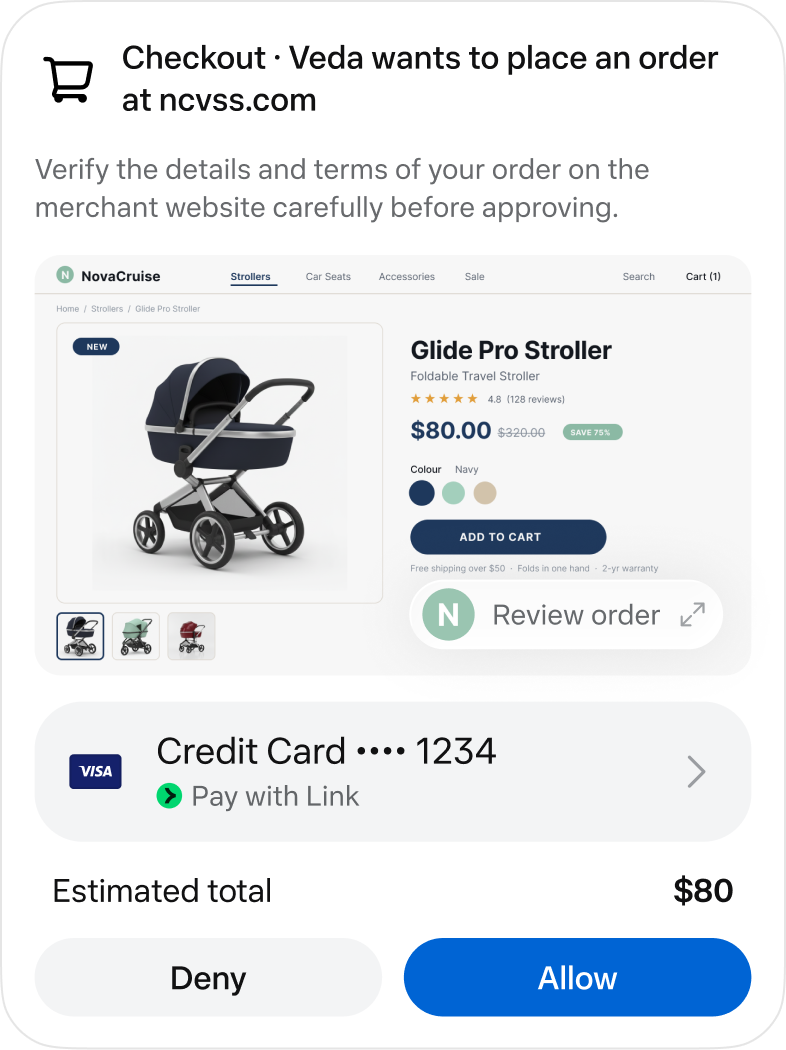
An official checkout approval screen. Image © Meta.
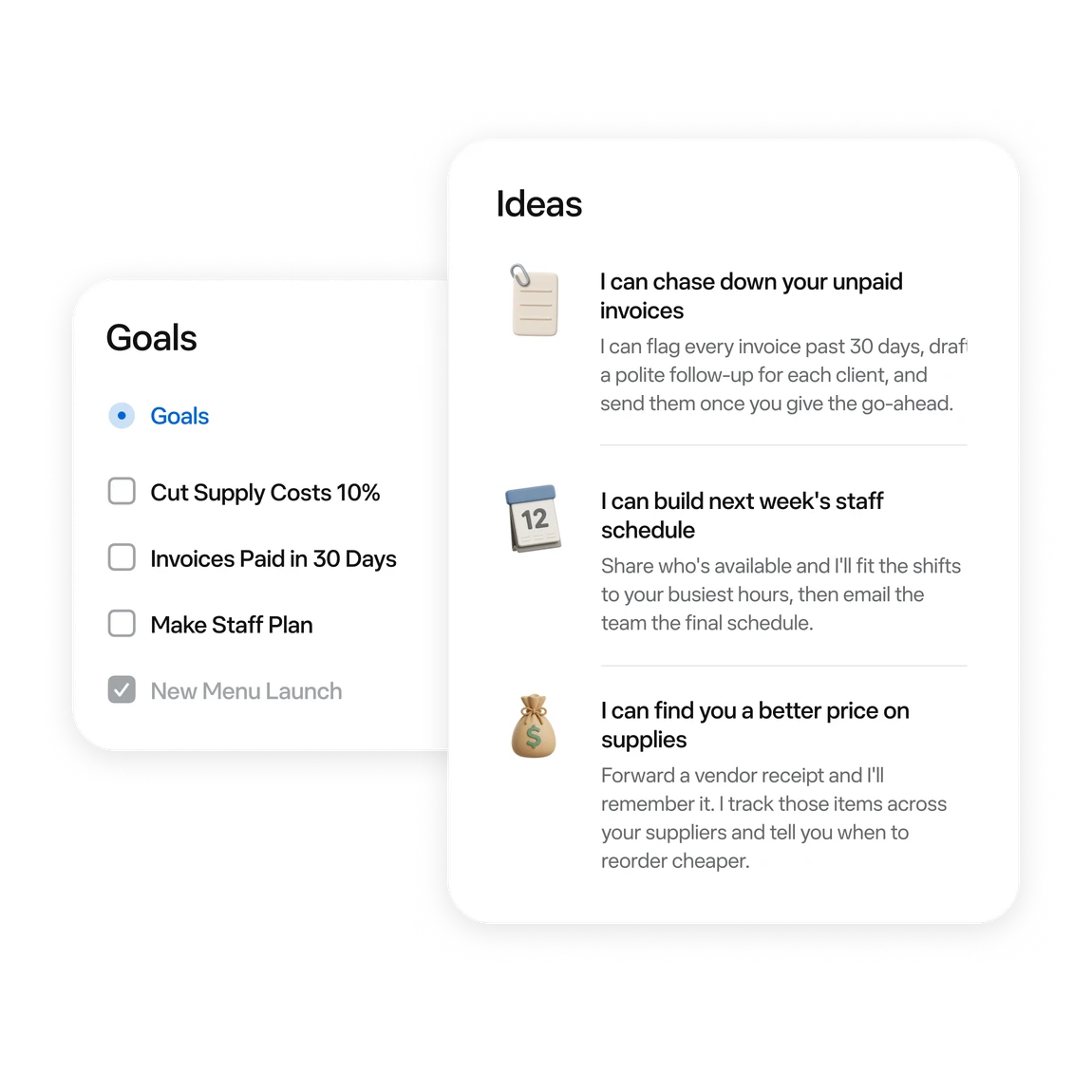
Official examples of business tasks and follow-up ideas. Image © Meta.
WAT JE KUNT DOEN
Ontdek de mogelijkheden. Vind je eigen manier om ze te gebruiken.
Ask for messages needing a reply and conflicting events first. Then choose one item to handle.
Turn scattered material into a checklist or document. Review proposed moves or deletions first.
Follow work in activity and Goals. Use chat to add constraints or adjust a plan.
Try reservation reminders, a content schedule or an order review. Give it one defined task at a time.
Connect a work app when the task needs its data. Review the requested permissions.
Before sending, publishing or buying, review the recipient, content and amount in the approval card.
GEMAAKT VOOR JOUW WERKWIJZE
“Outline tomorrow’s schedule. Separate departure times, meeting prep and unfinished items. Leave unknown details blank.”
“Turn these meeting notes into an action table with owners, deadlines and source passages. Flag anything unspecified.”
“Use these orders to draft next week’s tasks: stock, customer follow-up and content. Draft only; do not publish.”
“Compare three candidates within my budget. Include tax, shipping, specifications and returns. Research only; do not order.”
JE EERSTE STAPPEN
Start at muse.ai and check your region and account eligibility.
Follow the email or phone sign-in prompts and keep free access.
Specify the goal, timing and output. Add “draft only; do not send” when relevant.
When a task needs mail or files, check connectors and permissions in settings.
Check activity. Review sources, numbers and recipients in the result. Wait for a reset if the free allowance runs out.
KIJK ROND
Bekijk de demo of video van de tool om de interface en werkwijze te zien.
PLAN JE VOLGENDE STAP
Free allowance; optional paid upgrades
ABONNEMENT
Start with a small task. Wait for a reset if you reach the limit.
$0
Usage limits apply
ABONNEMENT
Explore higher allowances if needed. The free-use guides do not require an upgrade.
See current official plans
Abonnement op website bekijkenPrijzen, gebruikslimieten en voorwaarden kunnen veranderen. Controleer de nieuwste gegevens op de officiële website van de tool voordat je je abonneert.
To stay on the free tier, wait for the allowance to refresh. Check your account for its balance and reset time.
A free allowance is available. You can wait for a reset; upgrading is optional.
The current published regions are the US and Canada, for adults aged 18+. Interface language does not establish eligibility.
No. These are Meta’s official interface and example images, retained with source attribution.
Choose something easy to review: a one-page task list, one reply draft, or three products to compare.
No. Agent usage and purchase costs are separate. Say “research only; do not buy” when that is your goal.
The official guide shows activity under the avatar and longer-term tasks in Goals. You can also request an update in chat.
BLIJF ONTDEKKEN
VAN DE COMMUNITY
Log in om je ervaring te delen en anderen te helpen de juiste tool te vinden.
FEATURED BADGE

JE VOLGENDE ONTDEKKING
Haal naam, functie, organisatie, postadres, telefoonnummer, e-mailadres en website uit tekst in een e-mailbericht. Voeg eenvoudig nieuwe contacten toe aan je lijst in Google Sheets™ zonder je inbox te verlaten. Maak je leven gemakkelijker met onze GPT-3-app.

Monterey AI is Copilot voor productontwikkeling. Het helpt teams om productvereistedocumenten om te zetten in gezamenlijke en herhaalbare workflows. Het biedt ook generatieve productspecificaties, wireframes en afhankelijkheidscontroles.

Zet meer onbekenden om in klanten. Gepersonaliseerde introducties werken goed, maar verspil geen tijd aan het schrijven ervan! Hot Reach AI verhoogt op grote schaal de conversie van reacties op koude e-mails door introducties te personaliseren met kunstmatige intelligentie en LinkedIn-gegevens.
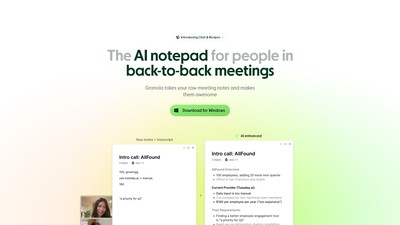
Granola is een AI-notitieblok voor mensen met aansluitende vergaderingen. Het transcribeert vergaderaudio en maakt van ruwe notities automatisch gestructureerde samenvattingen.
ZET JE VOLGENDE STAP
Bezoek de officiële website om de nieuwste functies te ontdekken en aan de slag te gaan.