

Email and calendar
Ask for messages needing a reply and conflicting events first. Then choose one item to handle.
PROFIL DE L’OUTIL TOOLAI
Start with one task. Let Muse work across your inbox, calendar and everyday apps.
 Voir l’image en taille réelle
VUE D’ENSEMBLE
Muse is Meta’s personal AI agent for tasks across the apps you connect: research, file organization, reply drafts and planning.
For a first try, choose something small and easy to review. Outline tomorrow’s schedule, compare three products, or turn notes into a checklist. Specify the deadline, the output and the actions that need your approval.
EN DÉTAIL
Découvrez les écrans du produit et les exemples publiés. Ouvrez une image pour l’examiner de plus près.
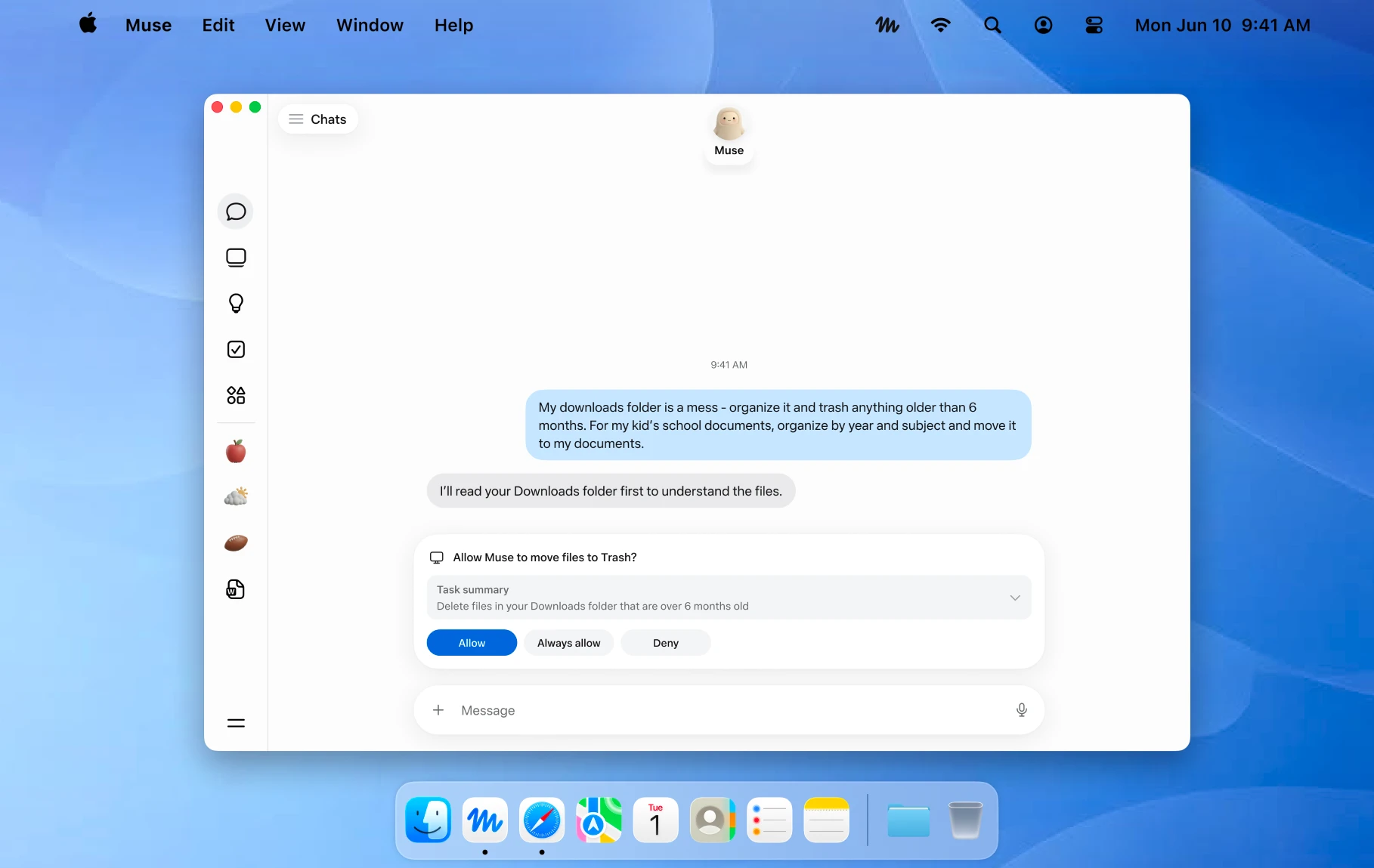
An official Mac example showing a file action awaiting approval. Image © Meta.
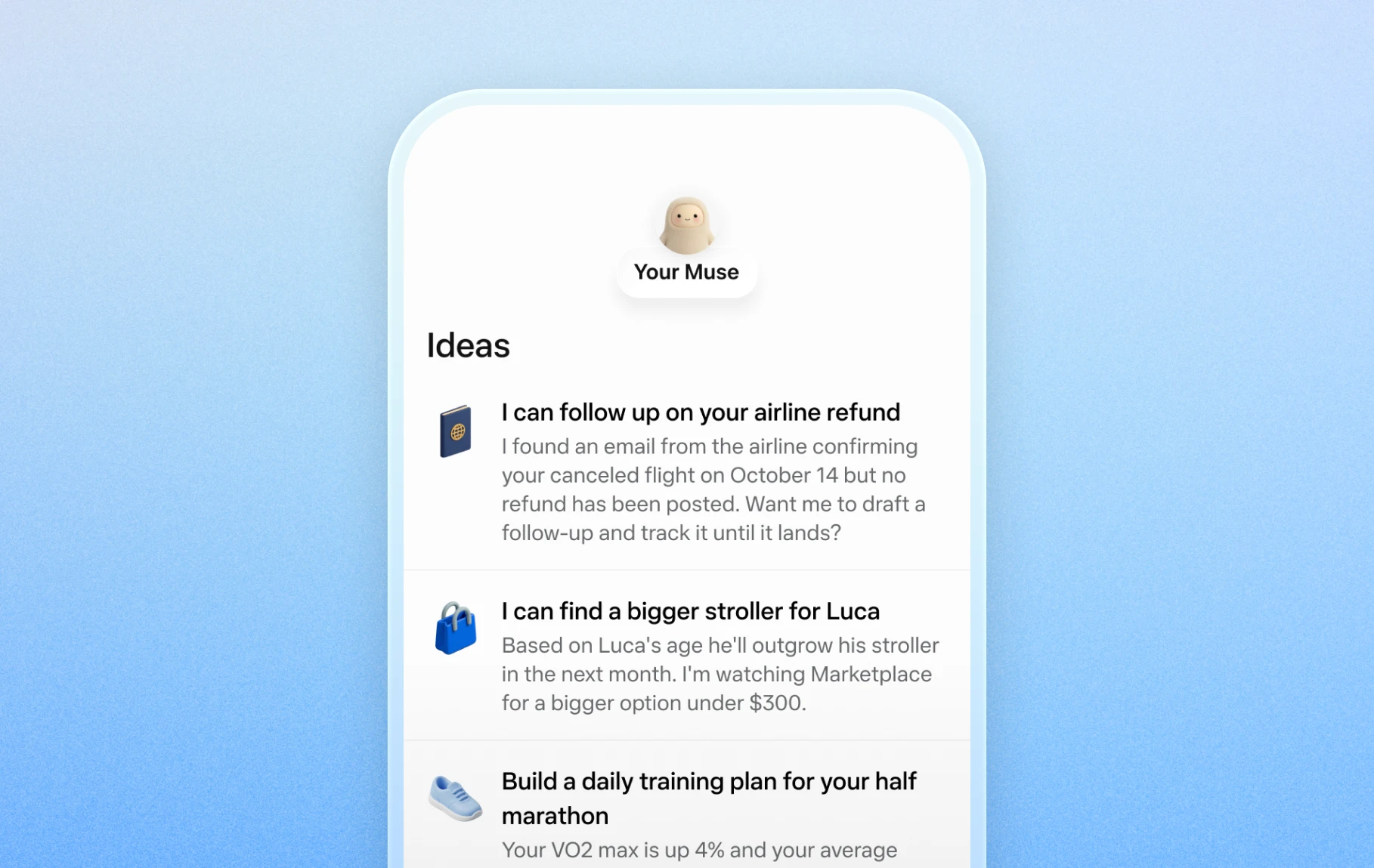
Official mobile examples of suggested everyday tasks. Image © Meta.

Official Artifacts examples, rather than ToolAI test results. Image © Meta.
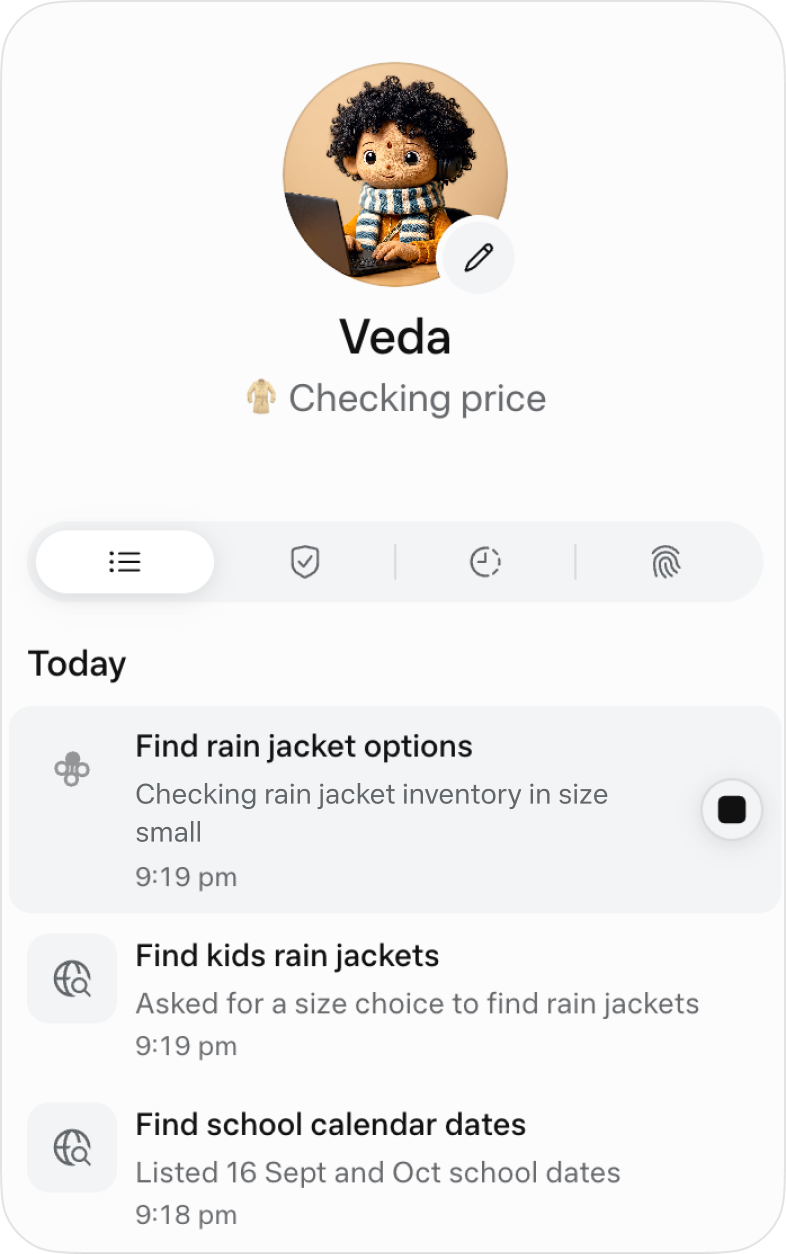
The official activity view for following ongoing work. Image © Meta.
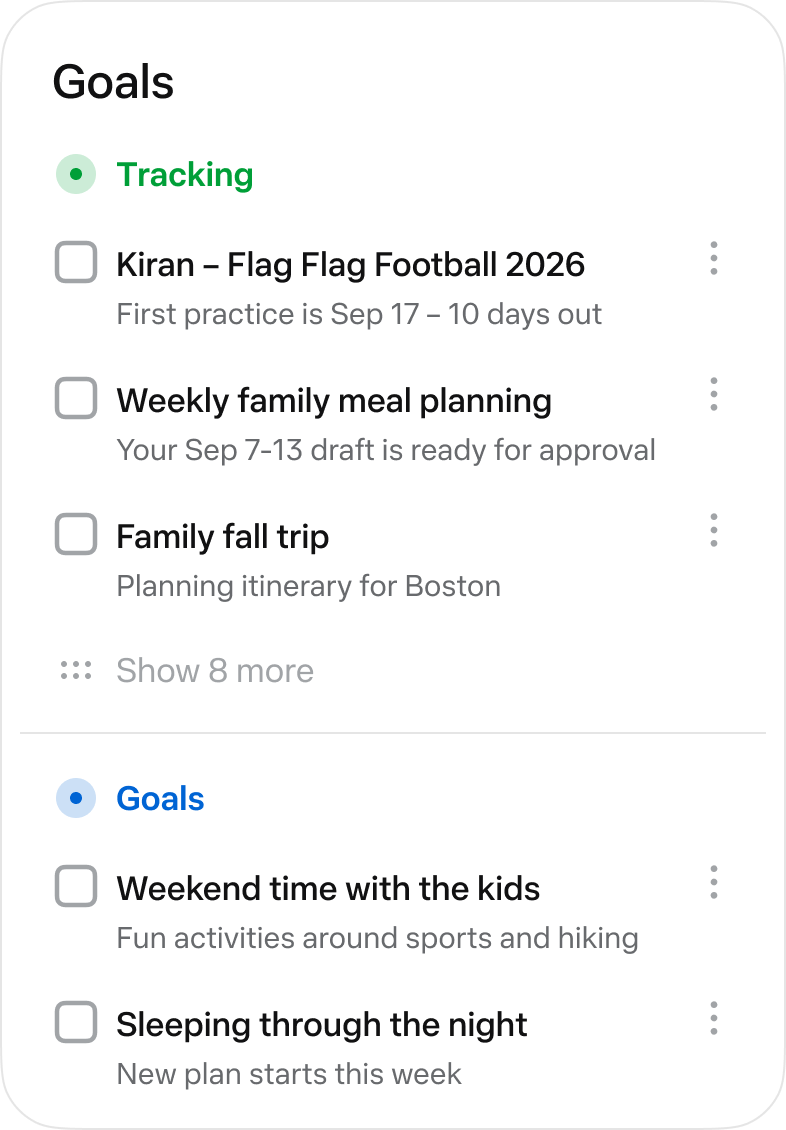
The official Goals view collects longer-running tasks. Image © Meta.
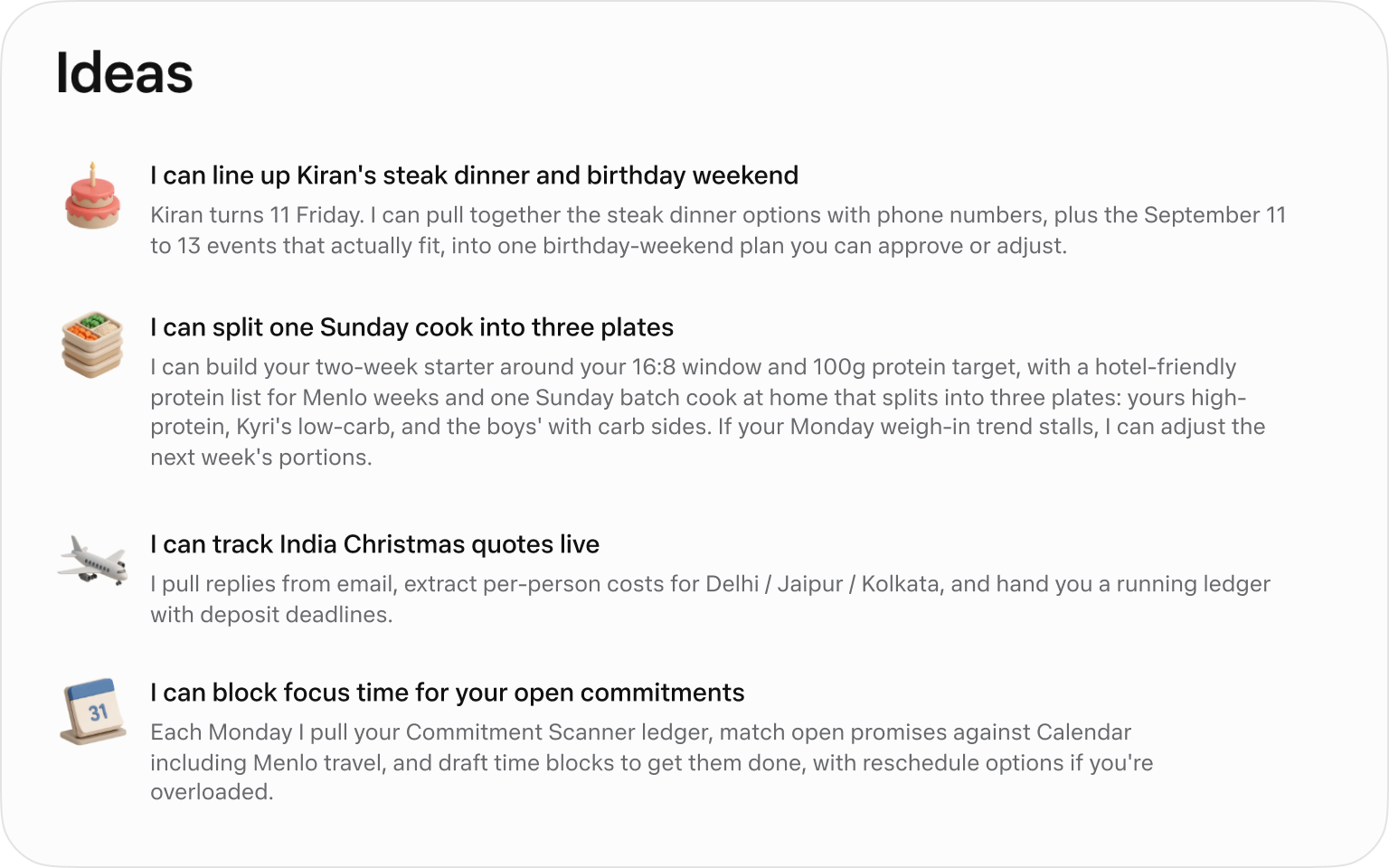
Official suggested tasks; what appears depends on your context. Image © Meta.
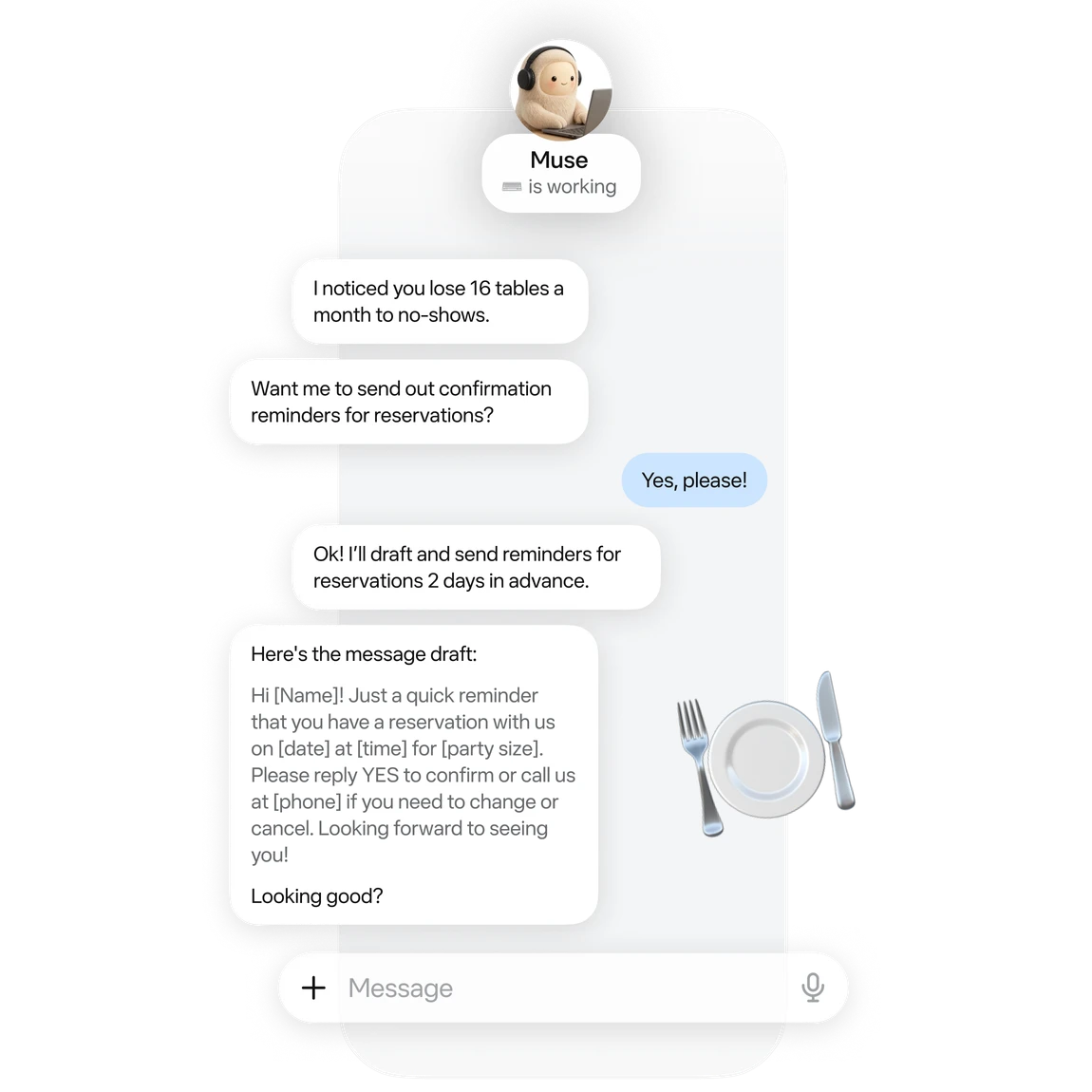
An official small-business example of drafting reservation reminders. Image © Meta.

Official business analysis artwork; its numbers are illustrative. Image © Meta.

Official connector artwork. Check settings for actual availability. Image © Meta.
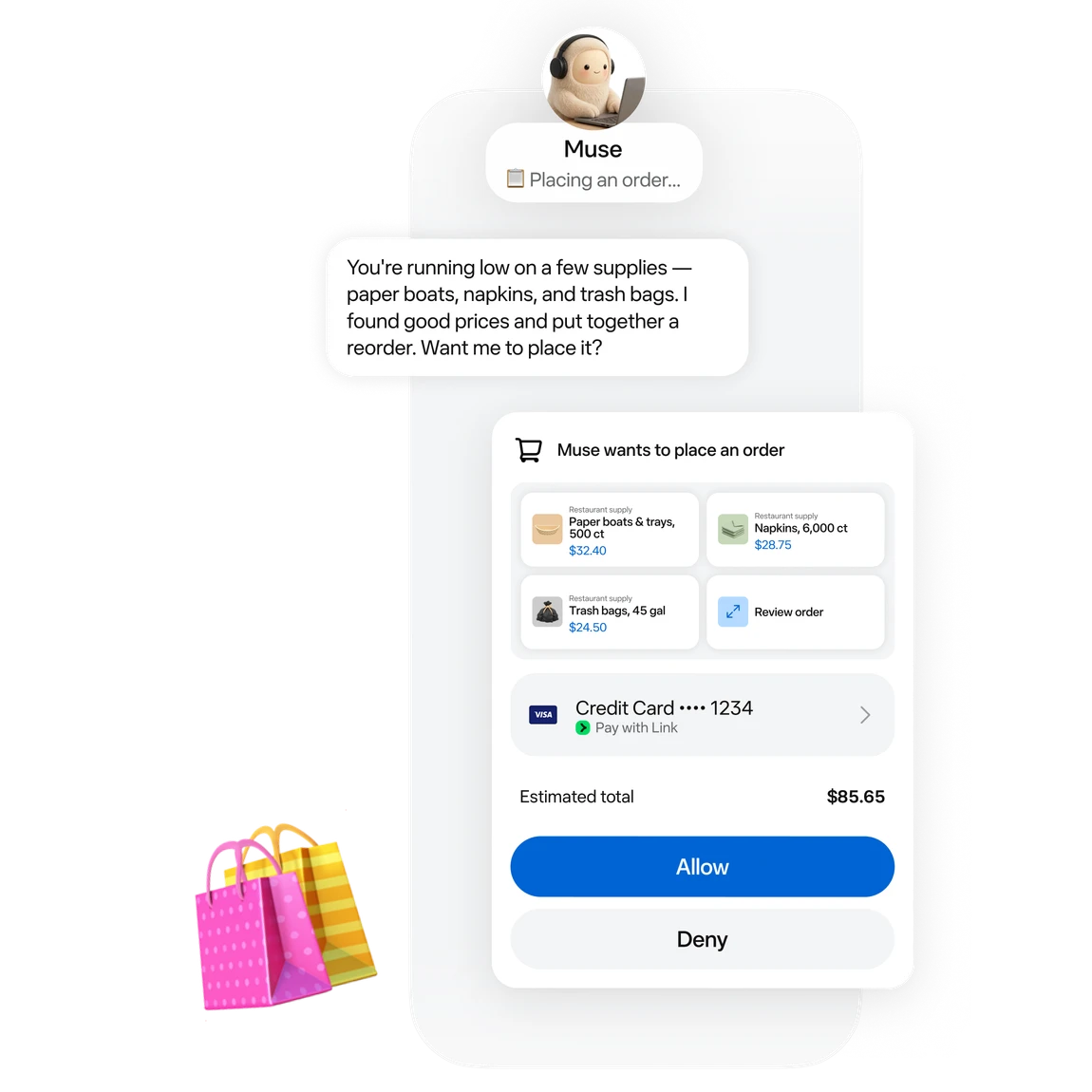
Official approval artwork for a proposed purchase. Image © Meta.
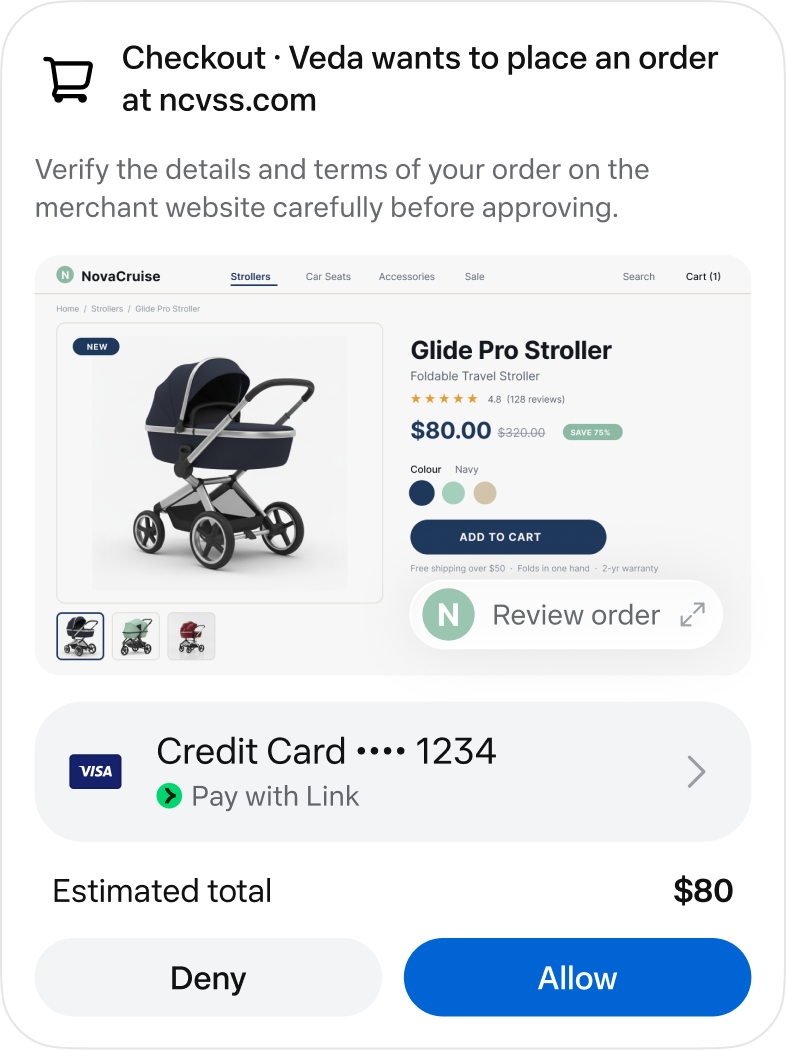
An official checkout approval screen. Image © Meta.
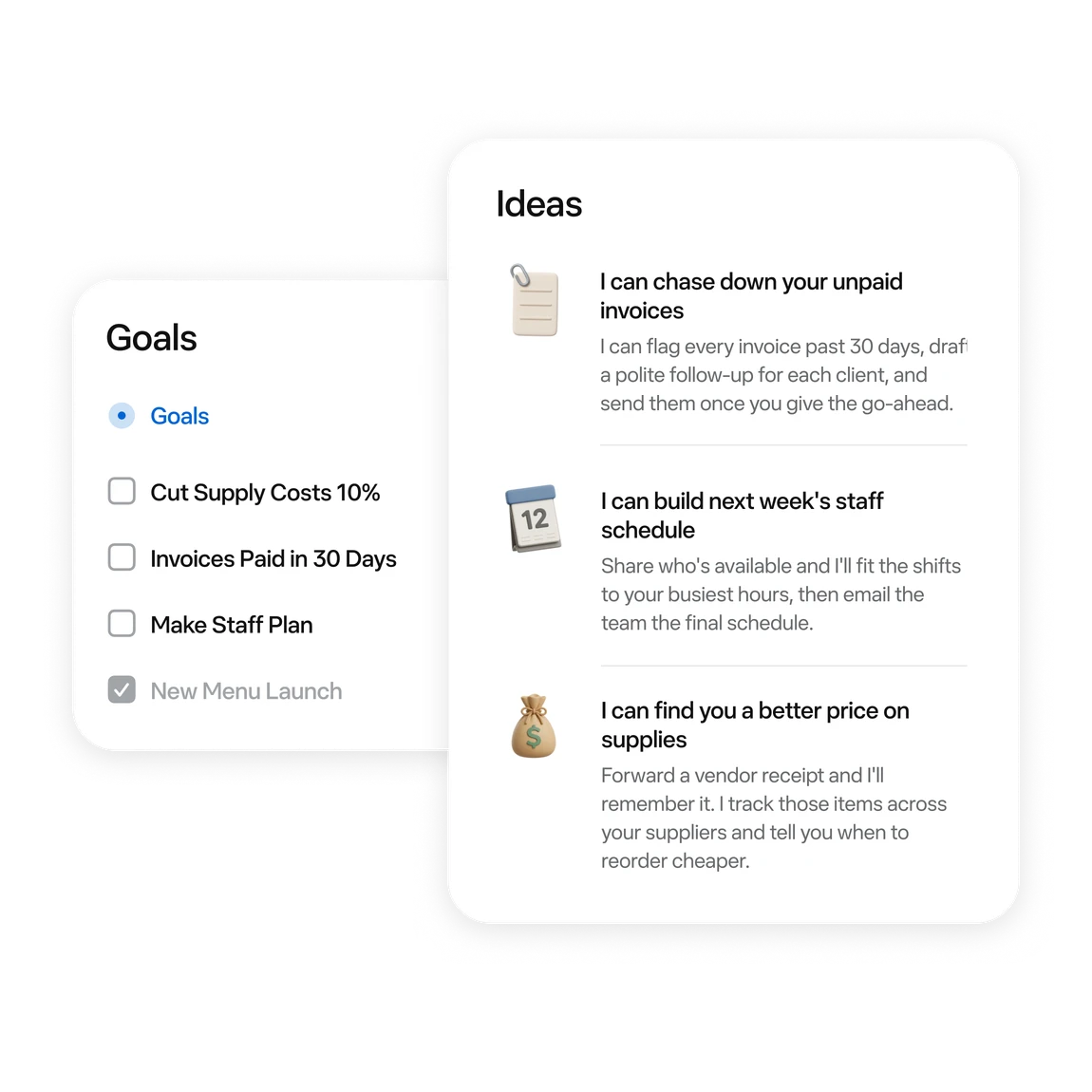
Official examples of business tasks and follow-up ideas. Image © Meta.
CE QUE VOUS POUVEZ FAIRE
Découvrez ses capacités. Trouvez votre propre façon de les utiliser.
Ask for messages needing a reply and conflicting events first. Then choose one item to handle.
Turn scattered material into a checklist or document. Review proposed moves or deletions first.
Follow work in activity and Goals. Use chat to add constraints or adjust a plan.
Try reservation reminders, a content schedule or an order review. Give it one defined task at a time.
Connect a work app when the task needs its data. Review the requested permissions.
Before sending, publishing or buying, review the recipient, content and amount in the approval card.
CONÇU POUR VOTRE FLUX DE TRAVAIL
“Outline tomorrow’s schedule. Separate departure times, meeting prep and unfinished items. Leave unknown details blank.”
“Turn these meeting notes into an action table with owners, deadlines and source passages. Flag anything unspecified.”
“Use these orders to draft next week’s tasks: stock, customer follow-up and content. Draft only; do not publish.”
“Compare three candidates within my budget. Include tax, shipping, specifications and returns. Research only; do not order.”
VOS PREMIERS PAS
Start at muse.ai and check your region and account eligibility.
Follow the email or phone sign-in prompts and keep free access.
Specify the goal, timing and output. Add “draft only; do not send” when relevant.
When a task needs mail or files, check connectors and permissions in settings.
Check activity. Review sources, numbers and recipients in the result. Wait for a reset if the free allowance runs out.
FAITES UN TOUR
Explorez la démo ou la vidéo de l'outil pour découvrir son interface et son flux de travail.
PLANIFIEZ LA SUITE
Free allowance; optional paid upgrades
FORFAIT
Start with a small task. Wait for a reset if you reach the limit.
$0
Usage limits apply
FORFAIT
Explore higher allowances if needed. The free-use guides do not require an upgrade.
See current official plans
Voir le forfait sur le siteLes prix, limites d'utilisation et conditions peuvent changer. Vérifiez les dernières informations sur le site officiel de l'outil avant de vous abonner.
To stay on the free tier, wait for the allowance to refresh. Check your account for its balance and reset time.
Sources vérifiées
QUELQUES INFORMATIONS SUPPLÉMENTAIRES
A free allowance is available. You can wait for a reset; upgrading is optional.
The current published regions are the US and Canada, for adults aged 18+. Interface language does not establish eligibility.
No. These are Meta’s official interface and example images, retained with source attribution.
Choose something easy to review: a one-page task list, one reply draft, or three products to compare.
No. Agent usage and purchase costs are separate. Say “research only; do not buy” when that is your goal.
The official guide shows activity under the avatar and longer-term tasks in Goals. You can also request an update in chat.
CONTINUEZ À EXPLORER
DE LA COMMUNAUTÉ
Connectez-vous pour partager votre expérience et aider les autres à trouver le bon outil.
VOTRE PROCHAINE DÉCOUVERTE

Créez facilement des itinéraires personnalisés avec une application de planification de voyages alimentée par l’IA.

Une application d’écriture d’e-mails par IA pour iPhone qui utilise Apple Mail pour rédiger facilement des messages prêts à envoyer.
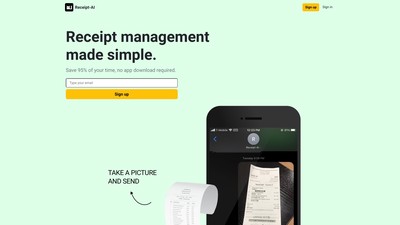
Receipt-AI est un outil de gestion des reçus par messages texte, avec export CSV et envoi vers votre logiciel comptable.
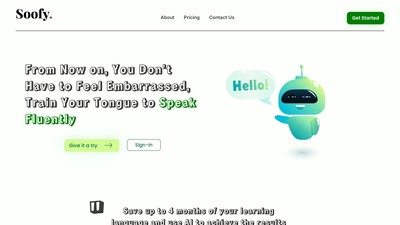
Soofy est une application d’apprentissage des langues basée sur l’IA, qui propose une approche innovante pour maîtriser une nouvelle langue grâce à la pratique et à des situations de la vie réelle.
PASSEZ À L'ACTION
Visitez le site officiel pour découvrir les dernières fonctionnalités et commencer.