
Prompt and image to video
Create video drafts from a written prompt or a starting image, then choose from the options shown by the selected video workflow.
TOOL-PROFIL TOOLAI
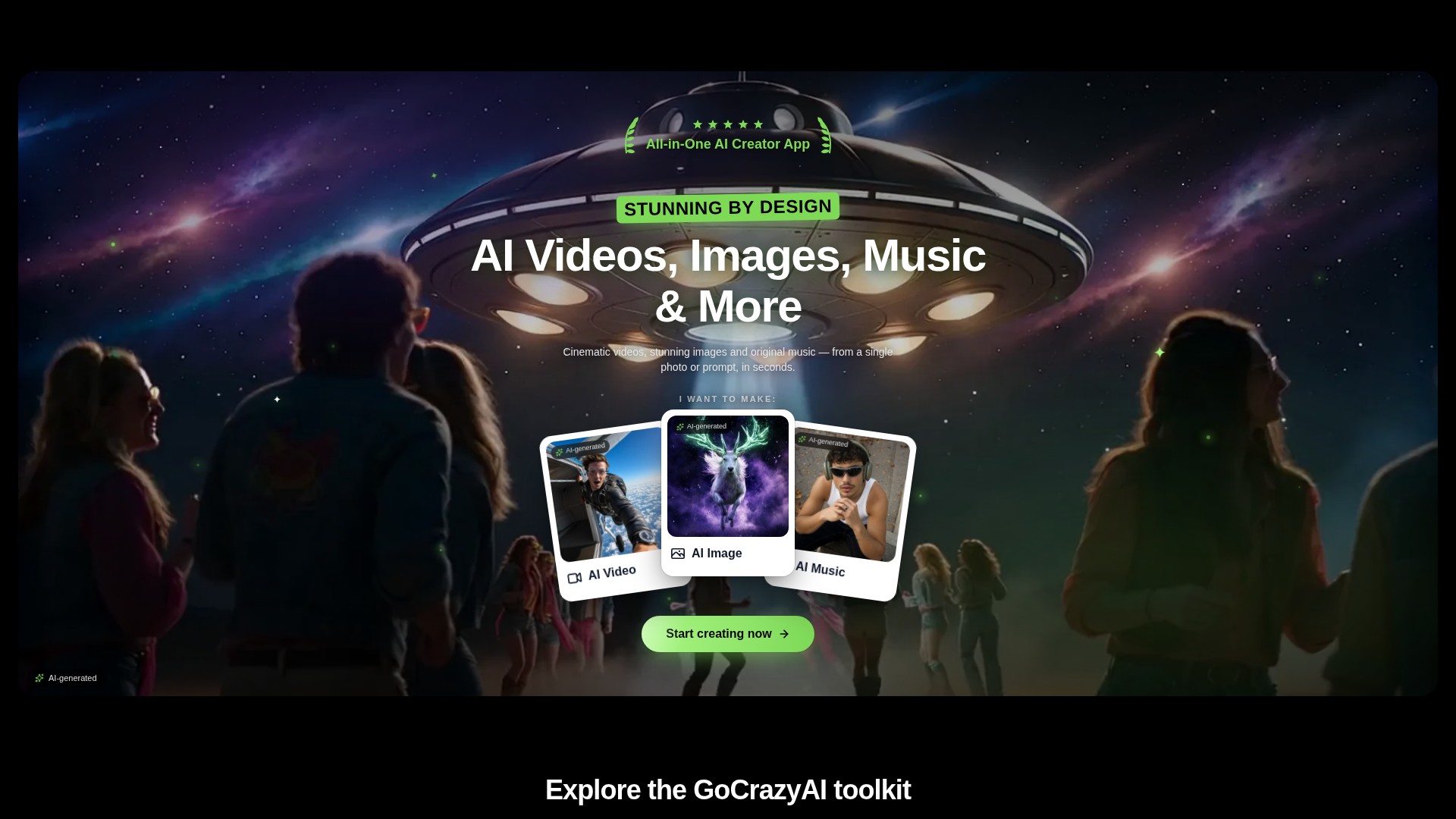
A browser-based creative studio for AI video, images, music, and voice.
 Gesamtes Bild anzeigen
DAS GROSSE BILD
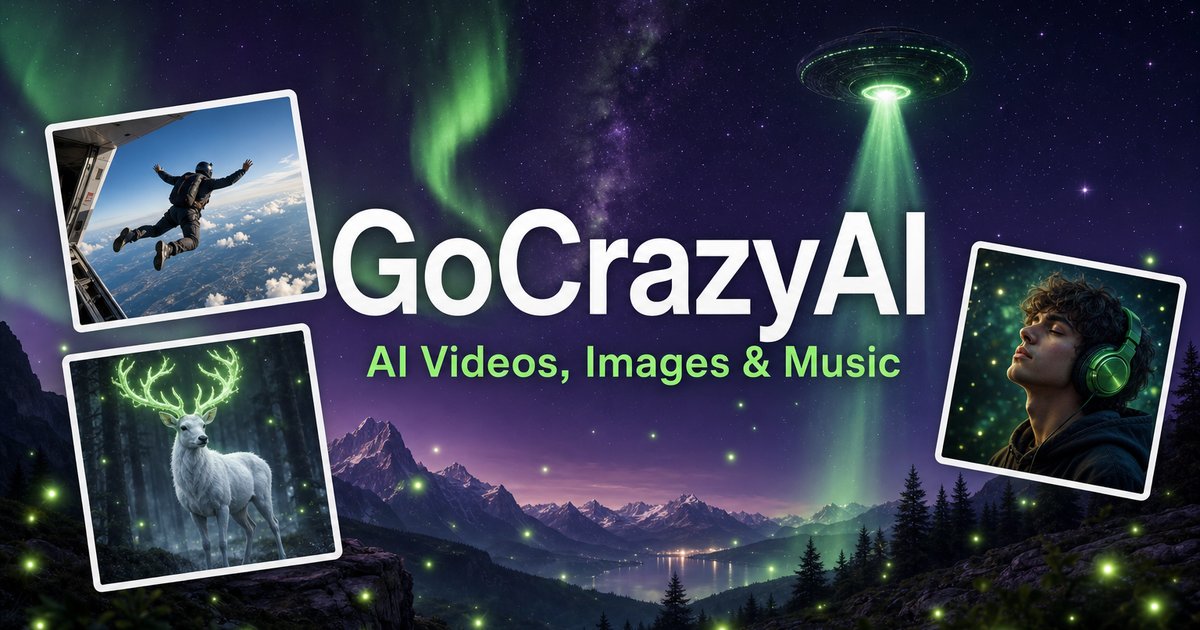
GoCrazyAI combines several generative media tools in one browser workspace. Its current site describes video generation from prompts or images alongside image creation and editing, music generation, voice tools, and video editing. The available models and controls depend on the selected tool.
Creators can use a text prompt or source media to develop a draft, inspect the result, and continue editing or export it. The provider describes the tools as credit-based and says monthly plans unlock its model catalogue through one account.
EIN GENAUERER BLICK
Erkunden Sie Produktansichten und veröffentlichte Beispiele. Öffnen Sie ein beliebiges Bild für eine genauere Ansicht.
WAS SIE TUN KÖNNEN
Lernen Sie die Möglichkeiten kennen. Finden Sie Ihren eigenen Weg, sie zu nutzen.
Create video drafts from a written prompt or a starting image, then choose from the options shown by the selected video workflow.
Generate images from text and use image workflows to edit, restyle, extend, or adjust source images.
Generate songs, instrumentals, or sound effects from a short idea and review the available versions before downloading.
The site includes voice, voice-isolation, and multi-voice podcast workflows for narration and audio production.
Bring media into the browser-based editor and arrange video, voice, music, sound effects, and text before rendering.
The provider says its subscription credits are used across its tools; the cost for a generation depends on the selected workflow and settings.
FÜR IHREN WORKFLOW GEMACHT
Turn a concise brief or product image into a first video concept, then review every product claim and visual before using it in an ad.
Generate or edit visual concepts for a campaign and compare variants before selecting a direction for further design work.
Draft a music bed, voice line, or multi-speaker segment to accompany a video or presentation.
Combine video, voice, music, effects, and text in the editor, then inspect the rendered file before sharing.
IHRE ERSTEN SCHRITTE
Open the video, image, music, voice, or editing workflow that matches the output you need.
Write a focused prompt and upload a reference image, clip, or audio file when the selected tool supports it.
Review the models, duration, aspect ratio, and credit estimate shown in that workflow before generating.
Check the result for visual, factual, and rights issues; make adjustments and export using the available settings.
SCHAUEN SIE SICH UM
Sehen Sie sich die Demo oder das Video des Tools an, um seine Benutzeroberfläche und den Workflow kennenzulernen.
PLANEN SIE IHREN NÄCHSTEN SCHRITT
Monthly credit plans listed by the provider start at $25/month; higher tiers provide larger monthly credit balances.
PLAN
Provider-listed entry monthly plan.
$25/month
Monthly subscription
PLAN
Provider-listed mid-tier monthly plan.
$60/month
Monthly subscription
PLAN
Provider-listed higher monthly plan.
$95/month
Monthly subscription
Preise, Nutzungslimits und Bedingungen können sich ändern. Prüfen Sie vor dem Abonnieren die aktuellen Angaben auf der offiziellen Website des Tools.
The provider's current homepage lists Creator at $25/month for 75 credits, Producer at $60/month for 250 credits, and Premium at $95/month for 500 credits. Prices and credit costs can change; check the official pricing page before subscribing.
Geprüfte Quellen
The current site lists AI video, image, music, and voice tools, along with an editor. Exact controls and outputs depend on the selected tool.
Yes. The video workflow includes image-to-video options, and image tools also support image generation and editing.
The provider lists monthly plans with credit balances. Each generation uses credits, and the amount varies with the model and settings; check the live pricing and generation estimate before use.
The provider presents GoCrazyAI as a browser-based service. Its homepage says users sign in before generating content.
The provider's terms say users must be at least 18 years old. Its safety guidance also asks users to use generated media responsibly and label it where required.
AUS DER COMMUNITY
Melden Sie sich an, um Ihre Erfahrungen zu teilen und anderen zu helfen, das richtige Tool zu finden.
IHRE NÄCHSTE ENTDECKUNG
Productful erstellt mit KI Website-Illustrationen, Social-Media-Inhalte, Logos, beeindruckende Präsentationen, Hintergründe und mehr.

Eine kostenlose KI-Stimmplattform für Musiker zum Erstellen und Trainieren von KI-Stimmen.
Viggle AI ist ein Onlinetool mit JST-1-Technologie, mit dem sich mithilfe von Text-Prompts einfach hochwertige, physikbasierte 3D-Charakteranimationen erstellen lassen.
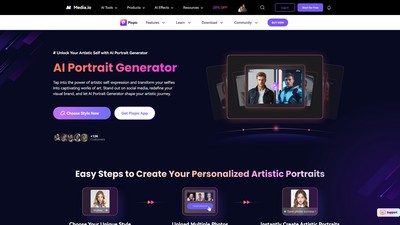
Pixpic ist ein KI-Porträtgenerator, der Selfies in personalisierte künstlerische Porträts verwandelt und zahlreiche Stile für einen auffälligen Auftritt in sozialen Medien bietet.
MACHEN SIE DEN NÄCHSTEN SCHRITT
Besuchen Sie die offizielle Website, um die neuesten Funktionen zu entdecken und loszulegen.