
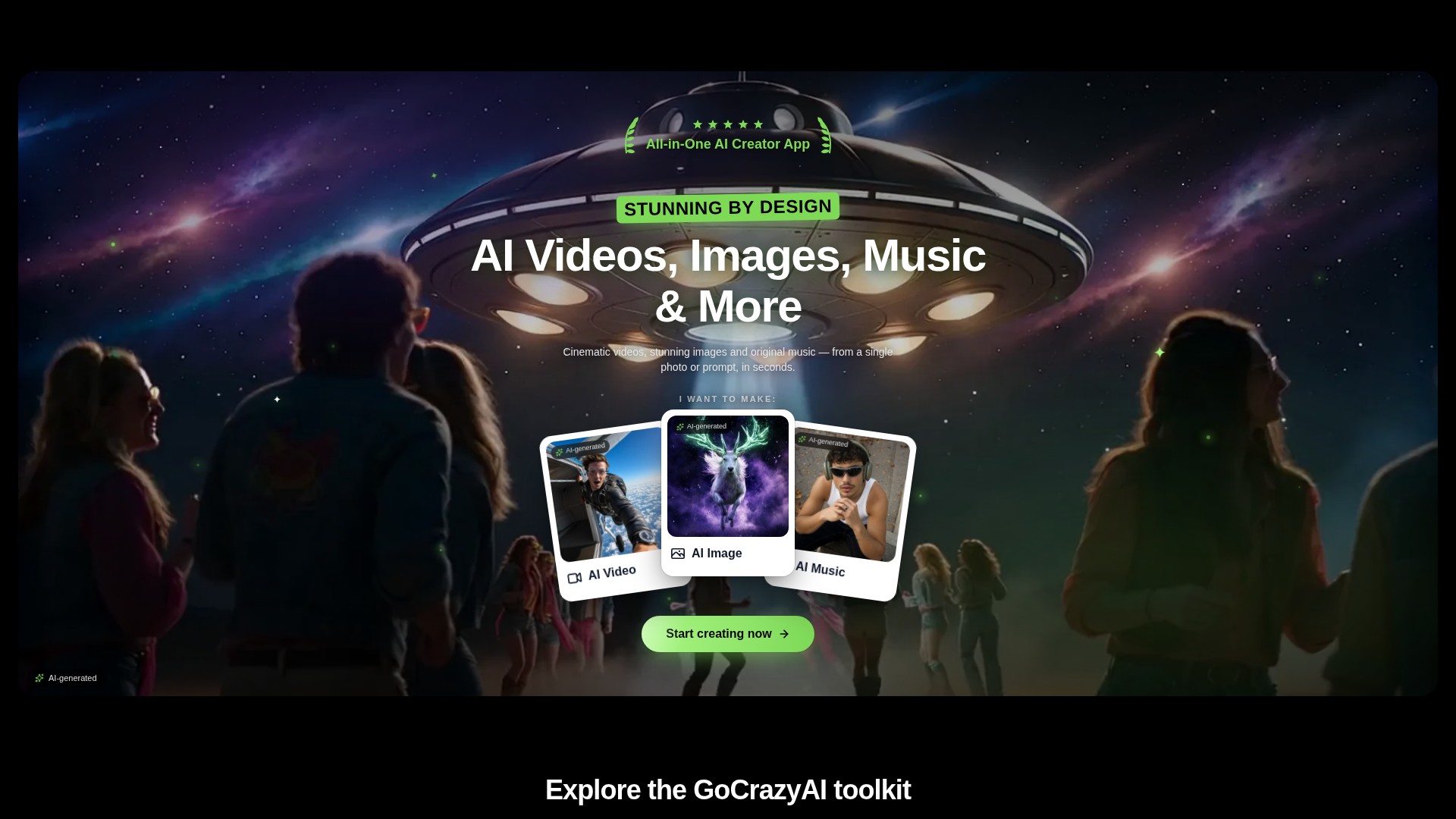
Prompt and image to video
Create video drafts from a written prompt or a starting image, then choose from the options shown by the selected video workflow.
PROFIL DE L’OUTIL TOOLAI
A browser-based creative studio for AI video, images, music, and voice.
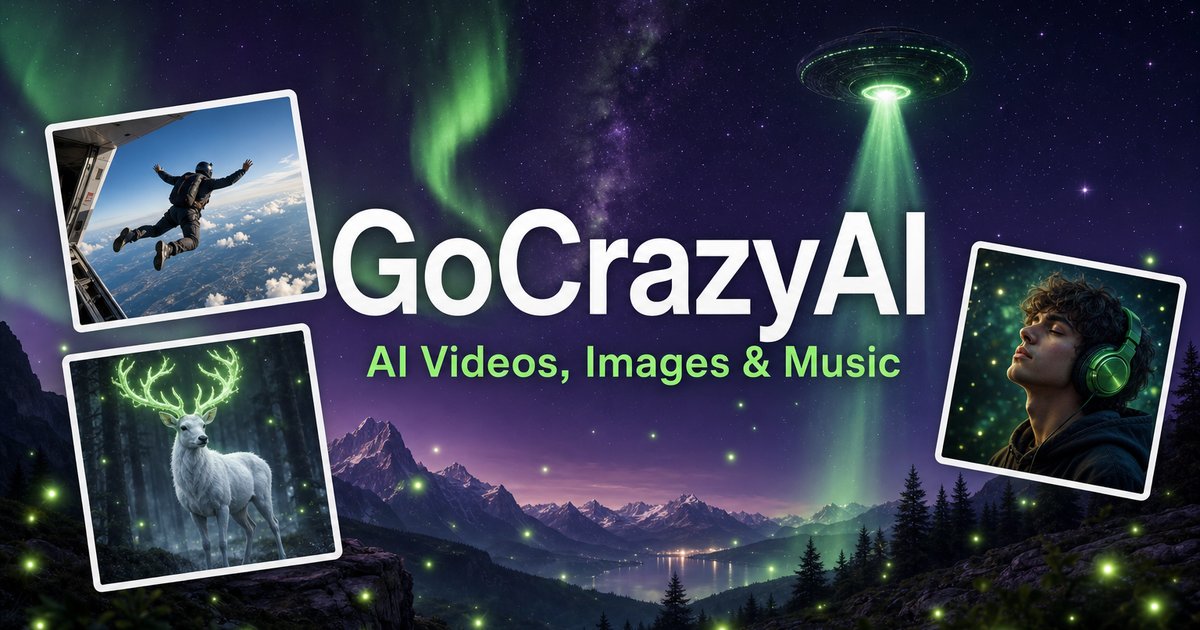 Voir l’image en taille réelle
VUE D’ENSEMBLE
GoCrazyAI combines several generative media tools in one browser workspace. Its current site describes video generation from prompts or images alongside image creation and editing, music generation, voice tools, and video editing. The available models and controls depend on the selected tool.
Creators can use a text prompt or source media to develop a draft, inspect the result, and continue editing or export it. The provider describes the tools as credit-based and says monthly plans unlock its model catalogue through one account.
EN DÉTAIL
Découvrez les écrans du produit et les exemples publiés. Ouvrez une image pour l’examiner de plus près.
CE QUE VOUS POUVEZ FAIRE
Découvrez ses capacités. Trouvez votre propre façon de les utiliser.
Create video drafts from a written prompt or a starting image, then choose from the options shown by the selected video workflow.
Generate images from text and use image workflows to edit, restyle, extend, or adjust source images.
Generate songs, instrumentals, or sound effects from a short idea and review the available versions before downloading.
The site includes voice, voice-isolation, and multi-voice podcast workflows for narration and audio production.
Bring media into the browser-based editor and arrange video, voice, music, sound effects, and text before rendering.
The provider says its subscription credits are used across its tools; the cost for a generation depends on the selected workflow and settings.
CONÇU POUR VOTRE FLUX DE TRAVAIL
Turn a concise brief or product image into a first video concept, then review every product claim and visual before using it in an ad.
Generate or edit visual concepts for a campaign and compare variants before selecting a direction for further design work.
Draft a music bed, voice line, or multi-speaker segment to accompany a video or presentation.
Combine video, voice, music, effects, and text in the editor, then inspect the rendered file before sharing.
VOS PREMIERS PAS
Open the video, image, music, voice, or editing workflow that matches the output you need.
Write a focused prompt and upload a reference image, clip, or audio file when the selected tool supports it.
Review the models, duration, aspect ratio, and credit estimate shown in that workflow before generating.
Check the result for visual, factual, and rights issues; make adjustments and export using the available settings.
FAITES UN TOUR
Explorez la démo ou la vidéo de l'outil pour découvrir son interface et son flux de travail.
PLANIFIEZ LA SUITE
Monthly credit plans listed by the provider start at $25/month; higher tiers provide larger monthly credit balances.
FORFAIT
Provider-listed entry monthly plan.
$25/month
Monthly subscription
FORFAIT
Provider-listed mid-tier monthly plan.
$60/month
Monthly subscription
FORFAIT
Provider-listed higher monthly plan.
$95/month
Monthly subscription
Les prix, limites d'utilisation et conditions peuvent changer. Vérifiez les dernières informations sur le site officiel de l'outil avant de vous abonner.
The provider's current homepage lists Creator at $25/month for 75 credits, Producer at $60/month for 250 credits, and Premium at $95/month for 500 credits. Prices and credit costs can change; check the official pricing page before subscribing.
Sources vérifiées
QUELQUES INFORMATIONS SUPPLÉMENTAIRES
The current site lists AI video, image, music, and voice tools, along with an editor. Exact controls and outputs depend on the selected tool.
Yes. The video workflow includes image-to-video options, and image tools also support image generation and editing.
The provider lists monthly plans with credit balances. Each generation uses credits, and the amount varies with the model and settings; check the live pricing and generation estimate before use.
The provider presents GoCrazyAI as a browser-based service. Its homepage says users sign in before generating content.
The provider's terms say users must be at least 18 years old. Its safety guidance also asks users to use generated media responsibly and label it where required.
DE LA COMMUNAUTÉ
Connectez-vous pour partager votre expérience et aider les autres à trouver le bon outil.
VOTRE PROCHAINE DÉCOUVERTE

Un outil pour monter des vidéos de chaussures au style cinématographique.

ChatGPT devient progressivement un outil puissant pour améliorer la productivité, et son utilisation efficace peut considérablement accroître notre efficacité au travail. OwnChat a été conçu pour permettre à davantage de personnes d’utiliser ChatGPT plus facilement.
Musiciens et podcasteurs : créez des vidéos, reels et images captivants par IA, adaptés à votre audio, à partir de préréglages d’animation ou de vos propres créations.

Assistant IA qui crée des profils de rencontre en ligne à partir de votre type de personnalité ou de votre signe du zodiaque.
PASSEZ À L'ACTION
Visitez le site officiel pour découvrir les dernières fonctionnalités et commencer.