
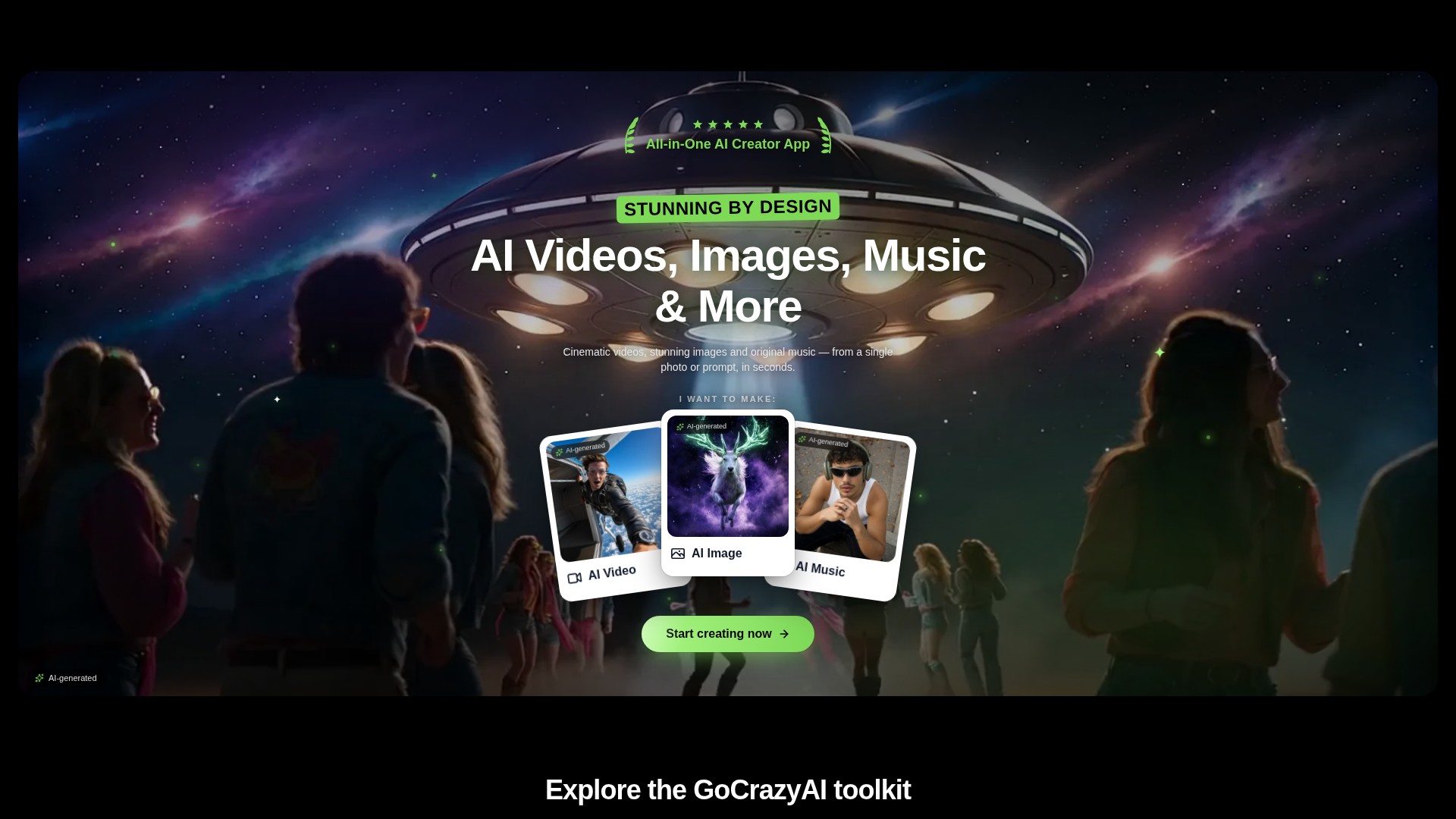
Prompt and image to video
Create video drafts from a written prompt or a starting image, then choose from the options shown by the selected video workflow.
ツールプロフィール TOOLAI
A browser-based creative studio for AI video, images, music, and voice.
 画像全体を表示
全体像
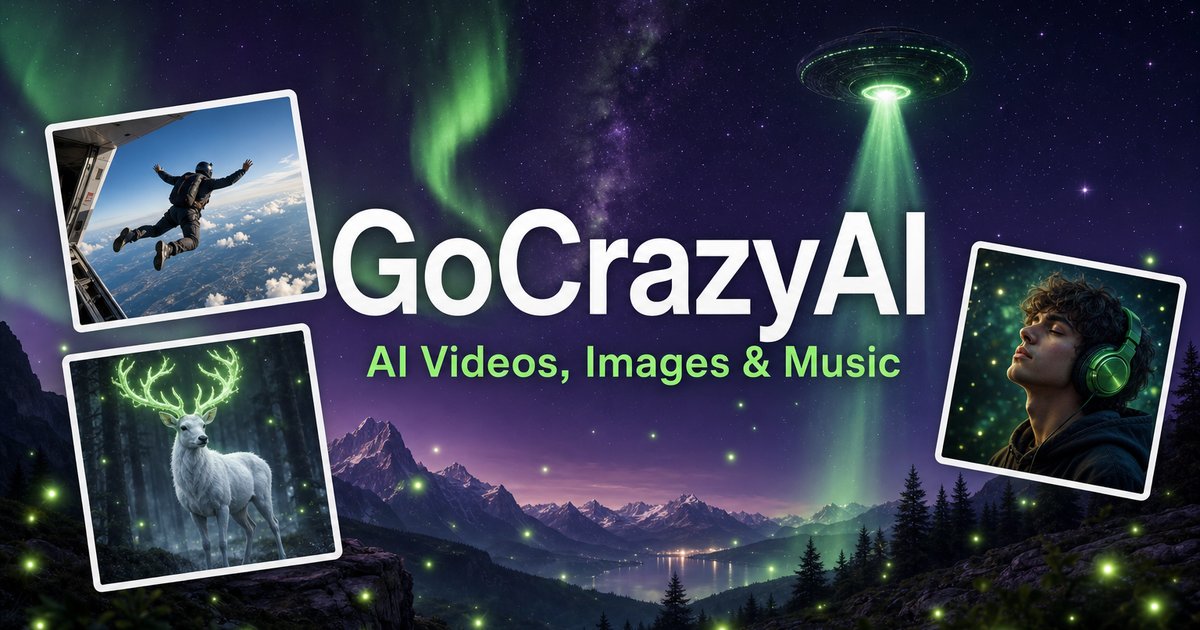
GoCrazyAI combines several generative media tools in one browser workspace. Its current site describes video generation from prompts or images alongside image creation and editing, music generation, voice tools, and video editing. The available models and controls depend on the selected tool.
Creators can use a text prompt or source media to develop a draft, inspect the result, and continue editing or export it. The provider describes the tools as credit-based and says monthly plans unlock its model catalogue through one account.
詳しく見る
製品画面や公開されている例をご覧ください。画像を開くと、より詳しく確認できます。
できること
機能を知り、自分なりの活用方法を見つけましょう。
Create video drafts from a written prompt or a starting image, then choose from the options shown by the selected video workflow.
Generate images from text and use image workflows to edit, restyle, extend, or adjust source images.
Generate songs, instrumentals, or sound effects from a short idea and review the available versions before downloading.
The site includes voice, voice-isolation, and multi-voice podcast workflows for narration and audio production.
Bring media into the browser-based editor and arrange video, voice, music, sound effects, and text before rendering.
The provider says its subscription credits are used across its tools; the cost for a generation depends on the selected workflow and settings.
あなたのワークフローのために
Turn a concise brief or product image into a first video concept, then review every product claim and visual before using it in an ad.
Generate or edit visual concepts for a campaign and compare variants before selecting a direction for further design work.
Draft a music bed, voice line, or multi-speaker segment to accompany a video or presentation.
Combine video, voice, music, effects, and text in the editor, then inspect the rendered file before sharing.
はじめの一歩
Open the video, image, music, voice, or editing workflow that matches the output you need.
Write a focused prompt and upload a reference image, clip, or audio file when the selected tool supports it.
Review the models, duration, aspect ratio, and credit estimate shown in that workflow before generating.
Check the result for visual, factual, and rights issues; make adjustments and export using the available settings.
まずは見てみる
ツールのデモや動画で、インターフェースとワークフローを確認しましょう。
次のステップを計画する
Monthly credit plans listed by the provider start at $25/month; higher tiers provide larger monthly credit balances.
プラン
Provider-listed entry monthly plan.
$25/month
Monthly subscription
プラン
Provider-listed mid-tier monthly plan.
$60/month
Monthly subscription
プラン
Provider-listed higher monthly plan.
$95/month
Monthly subscription
料金、利用上限、利用規約は変更される場合があります。申し込む前に、ツールの公式サイトで最新情報をご確認ください。
The provider's current homepage lists Creator at $25/month for 75 credits, Producer at $60/month for 250 credits, and Premium at $95/month for 500 credits. Prices and credit costs can change; check the official pricing page before subscribing.
確認済みの情報源
The current site lists AI video, image, music, and voice tools, along with an editor. Exact controls and outputs depend on the selected tool.
Yes. The video workflow includes image-to-video options, and image tools also support image generation and editing.
The provider lists monthly plans with credit balances. Each generation uses credits, and the amount varies with the model and settings; check the live pricing and generation estimate before use.
The provider presents GoCrazyAI as a browser-based service. Its homepage says users sign in before generating content.
The provider's terms say users must be at least 18 years old. Its safety guidance also asks users to use generated media responsibly and label it where required.
コミュニティから
ログインして体験を共有し、他の人が適切なツールを見つけられるようにしましょう。
次に見つけるもの

AiPriceは、HTTPクライアントを使う誰もが、OpenAI APIに送るプロンプトの費用と含まれるトークン数を計算できるサービスです。すべてのモデルとタイプに対応し、料金情報も最新です。
Zeenoなら、どのiPhoneアプリでもChatGPTを使えます。キーボード拡張機能により、あらゆるテキストボックスを直接ChatGPTに変え、生産性を高めたり、その場で文章を生成したり、新しいアイデアを得たりできます。

AI画像生成プロンプトの最適化に特化した無料のChromeプラグインです。プロンプト最適化、リアルタイムプレビュー、便利なプロンプト管理、ワンクリックの画像からテキストへの変換に対応しています。主要な制作プラットフォームと互換性があります。
Frame0は、手描き風ワイヤーフレームをすばやく作成できる洗練されたBalsamiq代替ツールです。AI Agentでワイヤーフレームからコードも生成できます。
次の一歩を踏み出す
公式サイトで最新機能を確認し、始めましょう。