
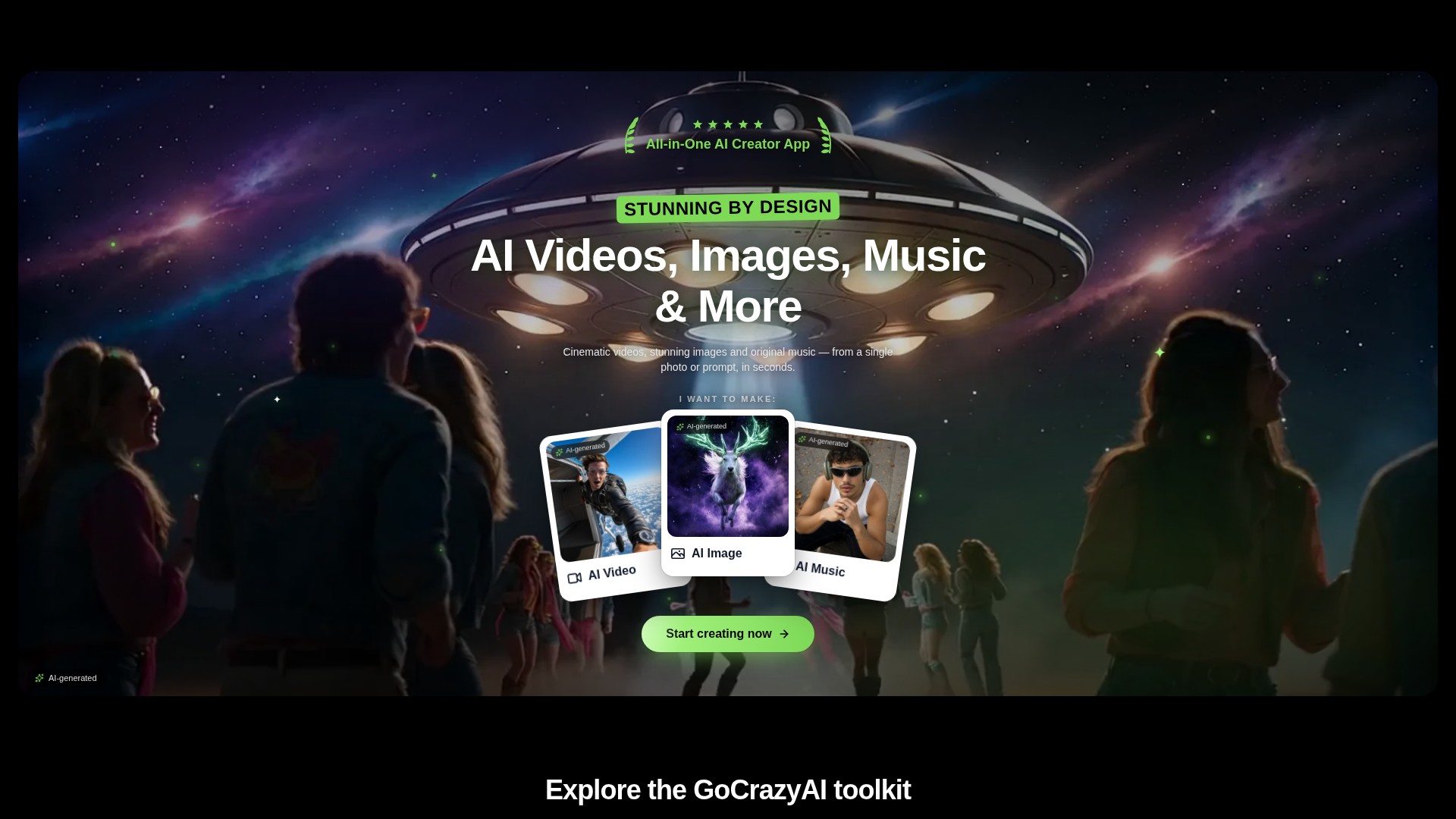
Prompt and image to video
Create video drafts from a written prompt or a starting image, then choose from the options shown by the selected video workflow.
HỒ SƠ CÔNG CỤ TOOLAI
A browser-based creative studio for AI video, images, music, and voice.
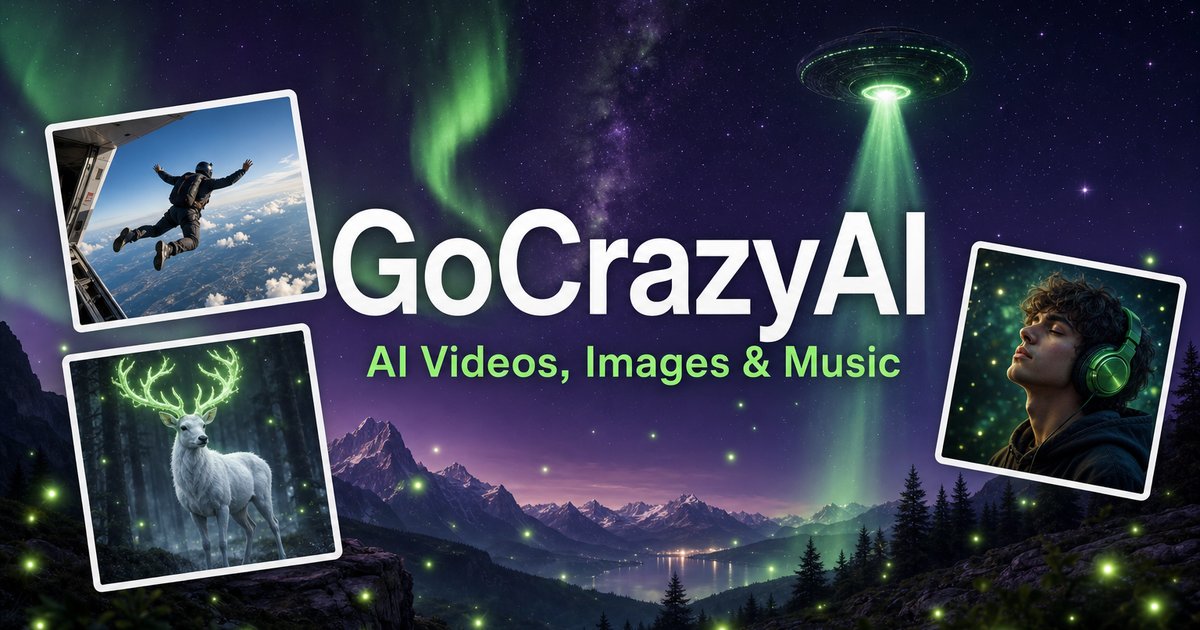 Xem ảnh đầy đủ
TỔNG QUAN
GoCrazyAI combines several generative media tools in one browser workspace. Its current site describes video generation from prompts or images alongside image creation and editing, music generation, voice tools, and video editing. The available models and controls depend on the selected tool.
Creators can use a text prompt or source media to develop a draft, inspect the result, and continue editing or export it. The provider describes the tools as credit-based and says monthly plans unlock its model catalogue through one account.
XEM CHI TIẾT
Khám phá màn hình sản phẩm và các ví dụ đã công bố. Mở bất kỳ hình ảnh nào để xem chi tiết hơn.
BẠN CÓ THỂ LÀM GÌ
Tìm hiểu các khả năng. Tìm cách sử dụng phù hợp với bạn.
Create video drafts from a written prompt or a starting image, then choose from the options shown by the selected video workflow.
Generate images from text and use image workflows to edit, restyle, extend, or adjust source images.
Generate songs, instrumentals, or sound effects from a short idea and review the available versions before downloading.
The site includes voice, voice-isolation, and multi-voice podcast workflows for narration and audio production.
Bring media into the browser-based editor and arrange video, voice, music, sound effects, and text before rendering.
The provider says its subscription credits are used across its tools; the cost for a generation depends on the selected workflow and settings.
DÀNH CHO QUY TRÌNH LÀM VIỆC CỦA BẠN
Turn a concise brief or product image into a first video concept, then review every product claim and visual before using it in an ad.
Generate or edit visual concepts for a campaign and compare variants before selecting a direction for further design work.
Draft a music bed, voice line, or multi-speaker segment to accompany a video or presentation.
Combine video, voice, music, effects, and text in the editor, then inspect the rendered file before sharing.
NHỮNG BƯỚC ĐẦU TIÊN
Open the video, image, music, voice, or editing workflow that matches the output you need.
Write a focused prompt and upload a reference image, clip, or audio file when the selected tool supports it.
Review the models, duration, aspect ratio, and credit estimate shown in that workflow before generating.
Check the result for visual, factual, and rights issues; make adjustments and export using the available settings.
KHÁM PHÁ XUNG QUANH
Khám phá bản demo hoặc video của công cụ để xem giao diện và quy trình làm việc.
LÊN KẾ HOẠCH CHO BƯỚC TIẾP THEO
Monthly credit plans listed by the provider start at $25/month; higher tiers provide larger monthly credit balances.
GÓI
Provider-listed entry monthly plan.
$25/month
Monthly subscription
GÓI
Provider-listed mid-tier monthly plan.
$60/month
Monthly subscription
GÓI
Provider-listed higher monthly plan.
$95/month
Monthly subscription
Giá, giới hạn sử dụng và điều khoản có thể thay đổi. Hãy xác nhận thông tin mới nhất trên trang web chính thức của công cụ trước khi đăng ký.
The provider's current homepage lists Creator at $25/month for 75 credits, Producer at $60/month for 250 credits, and Premium at $95/month for 500 credits. Prices and credit costs can change; check the official pricing page before subscribing.
Nguồn đã kiểm tra
The current site lists AI video, image, music, and voice tools, along with an editor. Exact controls and outputs depend on the selected tool.
Yes. The video workflow includes image-to-video options, and image tools also support image generation and editing.
The provider lists monthly plans with credit balances. Each generation uses credits, and the amount varies with the model and settings; check the live pricing and generation estimate before use.
The provider presents GoCrazyAI as a browser-based service. Its homepage says users sign in before generating content.
The provider's terms say users must be at least 18 years old. Its safety guidance also asks users to use generated media responsibly and label it where required.
TỪ CỘNG ĐỒNG
Đăng nhập để chia sẻ trải nghiệm và giúp người khác tìm được công cụ phù hợp.
KHÁM PHÁ TIẾP THEO
QuranGPT là công cụ AI giúp hướng dẫn bạn và giải đáp thắc mắc bằng các ayah cùng tafsir phù hợp. Công cụ sử dụng GPT4 của OpenAI để trả lời truy vấn với ít lỗi nhất có thể.
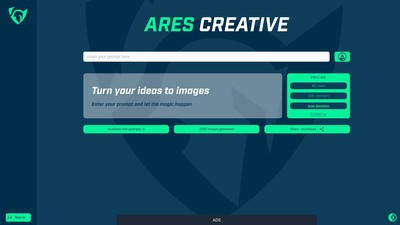
Ares creative là công cụ AI chuyển văn bản thành hình ảnh, sử dụng Stable Diffusion XL và các mô hình khác làm nền tảng. Giao diện đơn giản, trực quan giúp mọi người dễ tiếp cận trải nghiệm AI hơn, ngay cả khi không có kỹ năng công nghệ hoặc tài khoản Discord.

Trợ lý email ứng dụng AI có thể soạn và trả lời email, tóm tắt tin nhắn, cải thiện chính tả và ngữ pháp, đồng thời quét email để tìm thông tin liên hệ và việc cần làm.
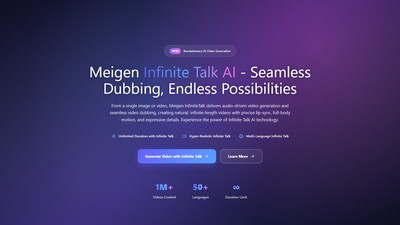
Meigen Infinite Talk AI tạo video dài không giới hạn từ một hình ảnh hoặc video kết hợp với âm thanh, với khẩu hình đồng bộ, chuyển động toàn thân và biểu cảm tự nhiên.
THỰC HIỆN BƯỚC TIẾP THEO
Truy cập trang web chính thức để khám phá các tính năng mới nhất và bắt đầu.