
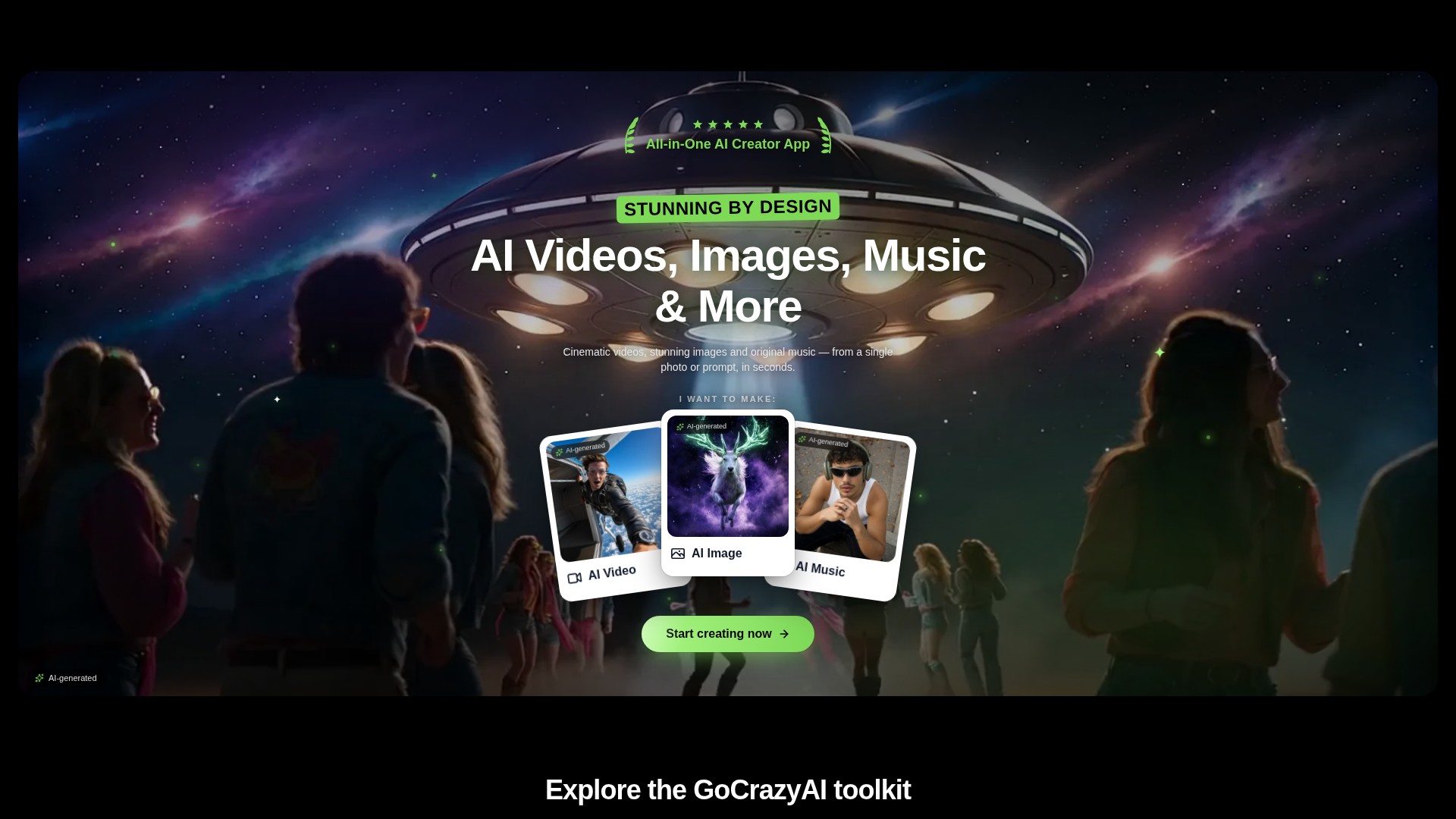
Prompt and image to video
Create video drafts from a written prompt or a starting image, then choose from the options shown by the selected video workflow.
도구 프로필 TOOLAI
A browser-based creative studio for AI video, images, music, and voice.
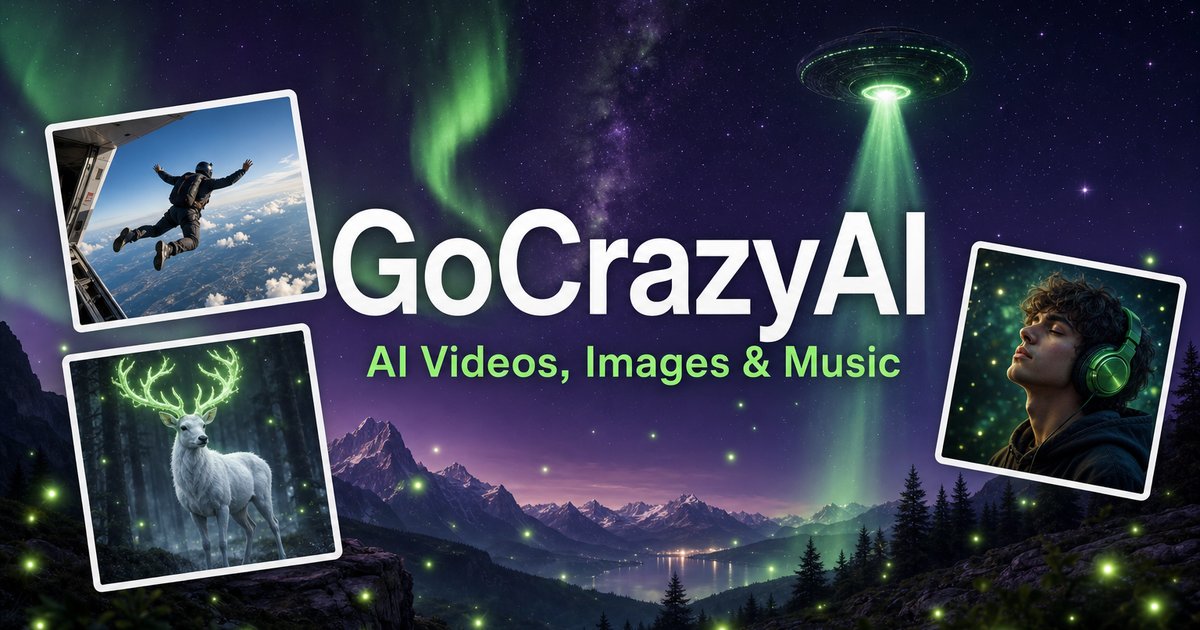 전체 이미지 보기
전체 개요
GoCrazyAI combines several generative media tools in one browser workspace. Its current site describes video generation from prompts or images alongside image creation and editing, music generation, voice tools, and video editing. The available models and controls depend on the selected tool.
Creators can use a text prompt or source media to develop a draft, inspect the result, and continue editing or export it. The provider describes the tools as credit-based and says monthly plans unlock its model catalogue through one account.
자세히 살펴보기
제품 화면과 게시된 예시를 살펴보세요. 이미지를 열어 자세히 확인할 수 있습니다.
할 수 있는 작업
기능을 알아보고 나만의 활용법을 찾아보세요.
Create video drafts from a written prompt or a starting image, then choose from the options shown by the selected video workflow.
Generate images from text and use image workflows to edit, restyle, extend, or adjust source images.
Generate songs, instrumentals, or sound effects from a short idea and review the available versions before downloading.
The site includes voice, voice-isolation, and multi-voice podcast workflows for narration and audio production.
Bring media into the browser-based editor and arrange video, voice, music, sound effects, and text before rendering.
The provider says its subscription credits are used across its tools; the cost for a generation depends on the selected workflow and settings.
업무 흐름에 맞게
Turn a concise brief or product image into a first video concept, then review every product claim and visual before using it in an ad.
Generate or edit visual concepts for a campaign and compare variants before selecting a direction for further design work.
Draft a music bed, voice line, or multi-speaker segment to accompany a video or presentation.
Combine video, voice, music, effects, and text in the editor, then inspect the rendered file before sharing.
첫걸음
Open the video, image, music, voice, or editing workflow that matches the output you need.
Write a focused prompt and upload a reference image, clip, or audio file when the selected tool supports it.
Review the models, duration, aspect ratio, and credit estimate shown in that workflow before generating.
Check the result for visual, factual, and rights issues; make adjustments and export using the available settings.
둘러보기
도구의 데모나 동영상을 확인하고 인터페이스와 작업 흐름을 살펴보세요.
다음 단계 계획하기
Monthly credit plans listed by the provider start at $25/month; higher tiers provide larger monthly credit balances.
요금제
Provider-listed entry monthly plan.
$25/month
Monthly subscription
요금제
Provider-listed mid-tier monthly plan.
$60/month
Monthly subscription
요금제
Provider-listed higher monthly plan.
$95/month
Monthly subscription
가격, 사용 한도 및 약관은 변경될 수 있습니다. 구독하기 전에 도구 공식 웹사이트에서 최신 세부 정보를 확인하세요.
The provider's current homepage lists Creator at $25/month for 75 credits, Producer at $60/month for 250 credits, and Premium at $95/month for 500 credits. Prices and credit costs can change; check the official pricing page before subscribing.
확인한 출처
The current site lists AI video, image, music, and voice tools, along with an editor. Exact controls and outputs depend on the selected tool.
Yes. The video workflow includes image-to-video options, and image tools also support image generation and editing.
The provider lists monthly plans with credit balances. Each generation uses credits, and the amount varies with the model and settings; check the live pricing and generation estimate before use.
The provider presents GoCrazyAI as a browser-based service. Its homepage says users sign in before generating content.
The provider's terms say users must be at least 18 years old. Its safety guidance also asks users to use generated media responsibly and label it where required.
커뮤니티에서
로그인하여 경험을 공유하고 다른 사람들이 적합한 도구를 찾도록 도와주세요.
다음 발견
2pods는 AI 기반 기술로 기존 팟캐스트 제작 과정을 혁신하고 제작을 자동화·간소화합니다. 대본 작성부터 게시까지 전체 제작 과정을 새롭게 구성합니다.
Arting.ai는 이미지·동영상 생성, 얼굴 바꾸기, 이미지 편집 도구를 제공하며 로그인과 워터마크 없이 사용할 수 있습니다.
Image AI는 AI 이미지 생성, 사진·영상 얼굴 교체, 이미지 편집을 하나의 직관적인 플랫폼에서 제공하는 전문 도구입니다.
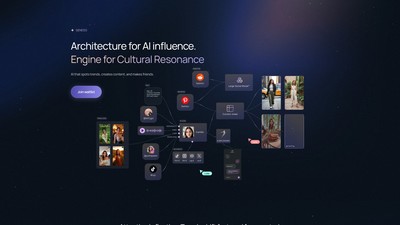
GEN은 문화적 공명을 위한 AI 영향력 아키텍처 플랫폼이자 엔진입니다. 트렌드를 찾고 콘텐츠를 만들며 소통하면서 차세대 디지털 존재를 설계하고 배포할 수 있습니다.
다음 단계로 나아가기
공식 웹사이트에서 최신 기능을 살펴보고 시작해 보세요.