
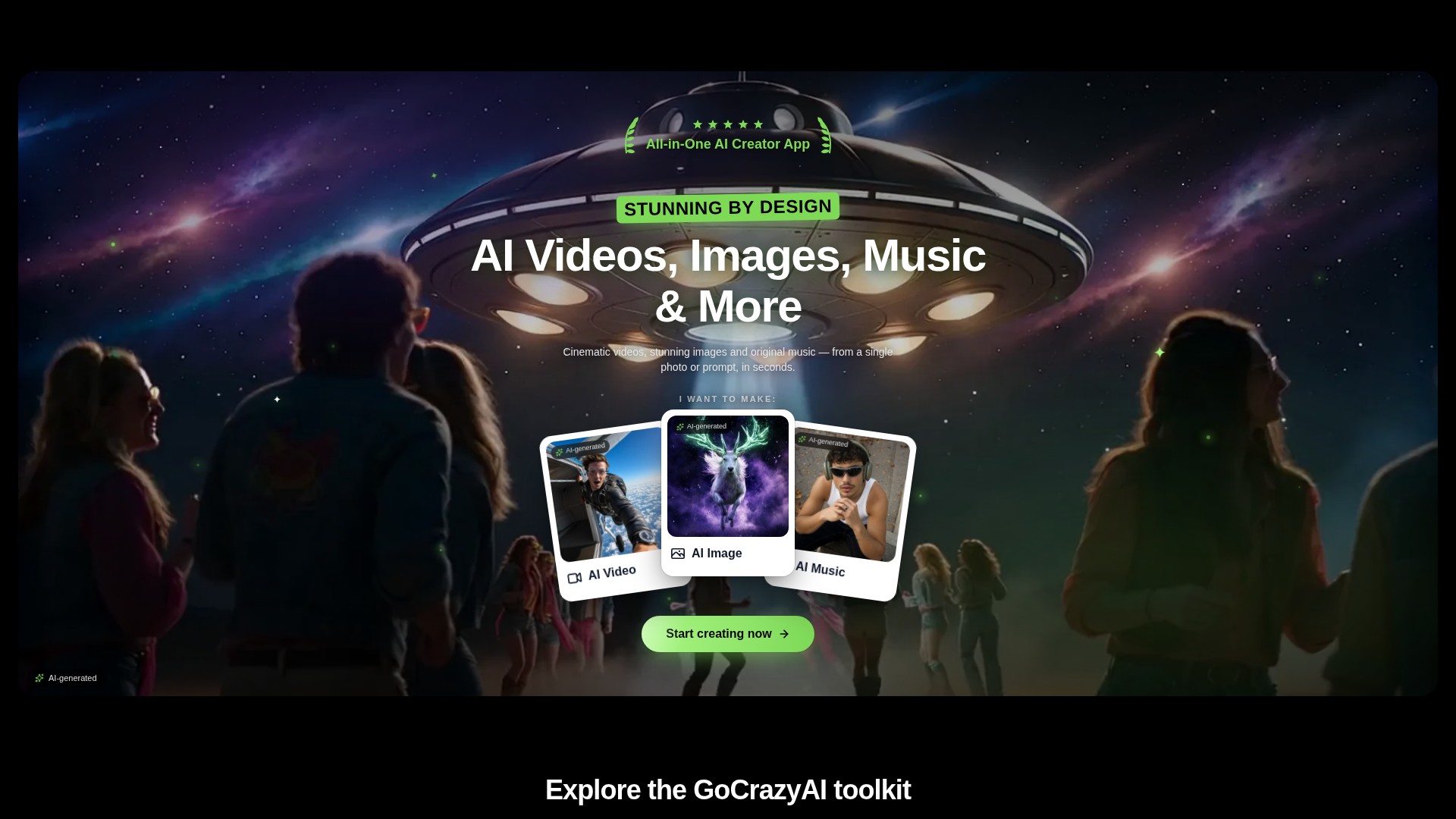
Prompt and image to video
Create video drafts from a written prompt or a starting image, then choose from the options shown by the selected video workflow.
PERFIL DA FERRAMENTA TOOLAI
A browser-based creative studio for AI video, images, music, and voice.
 Ver imagem completa
VISÃO GERAL
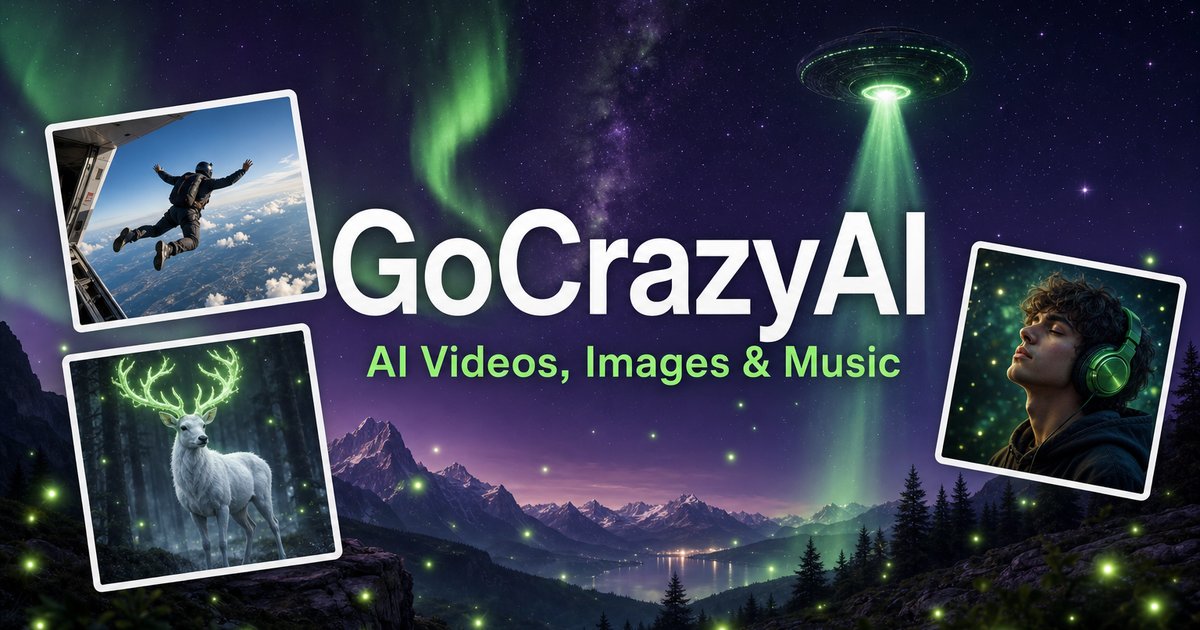
GoCrazyAI combines several generative media tools in one browser workspace. Its current site describes video generation from prompts or images alongside image creation and editing, music generation, voice tools, and video editing. The available models and controls depend on the selected tool.
Creators can use a text prompt or source media to develop a draft, inspect the result, and continue editing or export it. The provider describes the tools as credit-based and says monthly plans unlock its model catalogue through one account.
UM OLHAR MAIS DE PERTO
Explore as telas do produto e os exemplos publicados. Abra qualquer imagem para vê-la mais de perto.
O QUE VOCÊ PODE FAZER
Conheça os recursos. Encontre sua própria maneira de usá-los.
Create video drafts from a written prompt or a starting image, then choose from the options shown by the selected video workflow.
Generate images from text and use image workflows to edit, restyle, extend, or adjust source images.
Generate songs, instrumentals, or sound effects from a short idea and review the available versions before downloading.
The site includes voice, voice-isolation, and multi-voice podcast workflows for narration and audio production.
Bring media into the browser-based editor and arrange video, voice, music, sound effects, and text before rendering.
The provider says its subscription credits are used across its tools; the cost for a generation depends on the selected workflow and settings.
FEITO PARA O SEU FLUXO DE TRABALHO
Turn a concise brief or product image into a first video concept, then review every product claim and visual before using it in an ad.
Generate or edit visual concepts for a campaign and compare variants before selecting a direction for further design work.
Draft a music bed, voice line, or multi-speaker segment to accompany a video or presentation.
Combine video, voice, music, effects, and text in the editor, then inspect the rendered file before sharing.
SEUS PRIMEIROS PASSOS
Open the video, image, music, voice, or editing workflow that matches the output you need.
Write a focused prompt and upload a reference image, clip, or audio file when the selected tool supports it.
Review the models, duration, aspect ratio, and credit estimate shown in that workflow before generating.
Check the result for visual, factual, and rights issues; make adjustments and export using the available settings.
DÊ UMA OLHADA
Explore a demonstração ou o vídeo da ferramenta para conhecer sua interface e seu fluxo de trabalho.
PLANEJE SEU PRÓXIMO PASSO
Monthly credit plans listed by the provider start at $25/month; higher tiers provide larger monthly credit balances.
PLANO
Provider-listed entry monthly plan.
$25/month
Monthly subscription
PLANO
Provider-listed mid-tier monthly plan.
$60/month
Monthly subscription
PLANO
Provider-listed higher monthly plan.
$95/month
Monthly subscription
Os preços, limites de uso e termos podem mudar. Confirme os detalhes mais recentes no site oficial da ferramenta antes de assinar.
The provider's current homepage lists Creator at $25/month for 75 credits, Producer at $60/month for 250 credits, and Premium at $95/month for 500 credits. Prices and credit costs can change; check the official pricing page before subscribing.
Fontes consultadas
The current site lists AI video, image, music, and voice tools, along with an editor. Exact controls and outputs depend on the selected tool.
Yes. The video workflow includes image-to-video options, and image tools also support image generation and editing.
The provider lists monthly plans with credit balances. Each generation uses credits, and the amount varies with the model and settings; check the live pricing and generation estimate before use.
The provider presents GoCrazyAI as a browser-based service. Its homepage says users sign in before generating content.
The provider's terms say users must be at least 18 years old. Its safety guidance also asks users to use generated media responsibly and label it where required.
DA COMUNIDADE
Entre para compartilhar sua experiência e ajudar outras pessoas a encontrar a ferramenta certa.
SUA PRÓXIMA DESCOBERTA

Obtenha o resumo de qualquer artigo em apenas 2 cliques. Requer sua própria chave de API da OpenAI.

Transforme seu negócio com as automações aprimoradas por IA da Desku. Colabore facilmente com caixas de entrada compartilhadas e transforme visitantes ocasionais em clientes recorrentes com a integração do WhatsApp. Conheça o futuro do suporte e da experiência do cliente com a Desku.
Este aplicativo tem duas partes: Geração e Editor. Na parte de Geração, você pode criar artes e imagens usando prompts de texto. A parte Editor permite editar uma foto ou imagem carregada usando apenas prompts escritos no seu idioma nativo.
Um gerador profissional de tatuagens com IA que cria designs personalizados e de alta qualidade com base nas descrições e estilos escolhidos, para consulta com tatuadores profissionais.
DÊ O PRÓXIMO PASSO
Visite o site oficial para conhecer os recursos mais recentes e começar.