
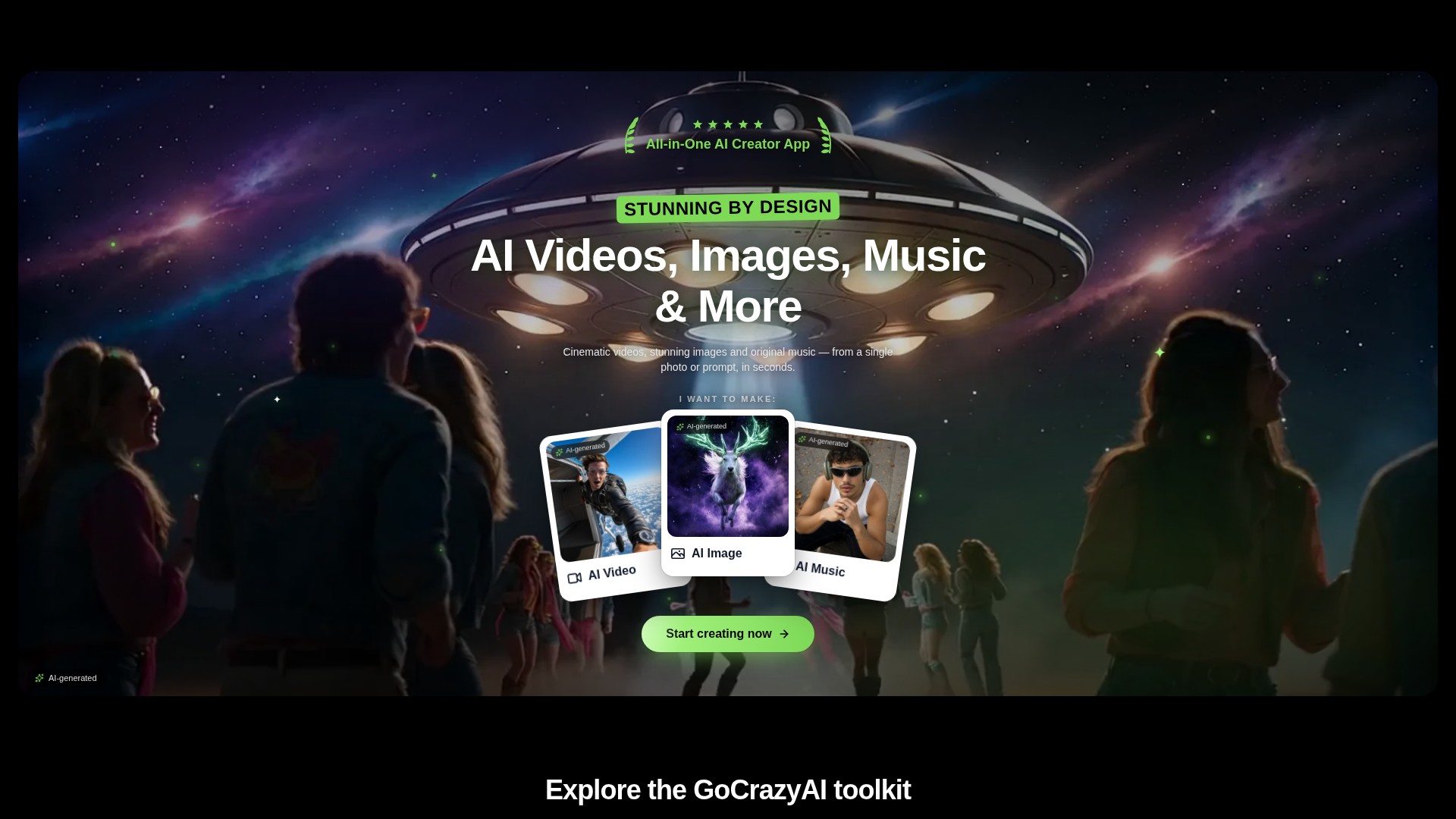
Prompt and image to video
Create video drafts from a written prompt or a starting image, then choose from the options shown by the selected video workflow.
ПРОФИЛЬ ИНСТРУМЕНТА TOOLAI
A browser-based creative studio for AI video, images, music, and voice.
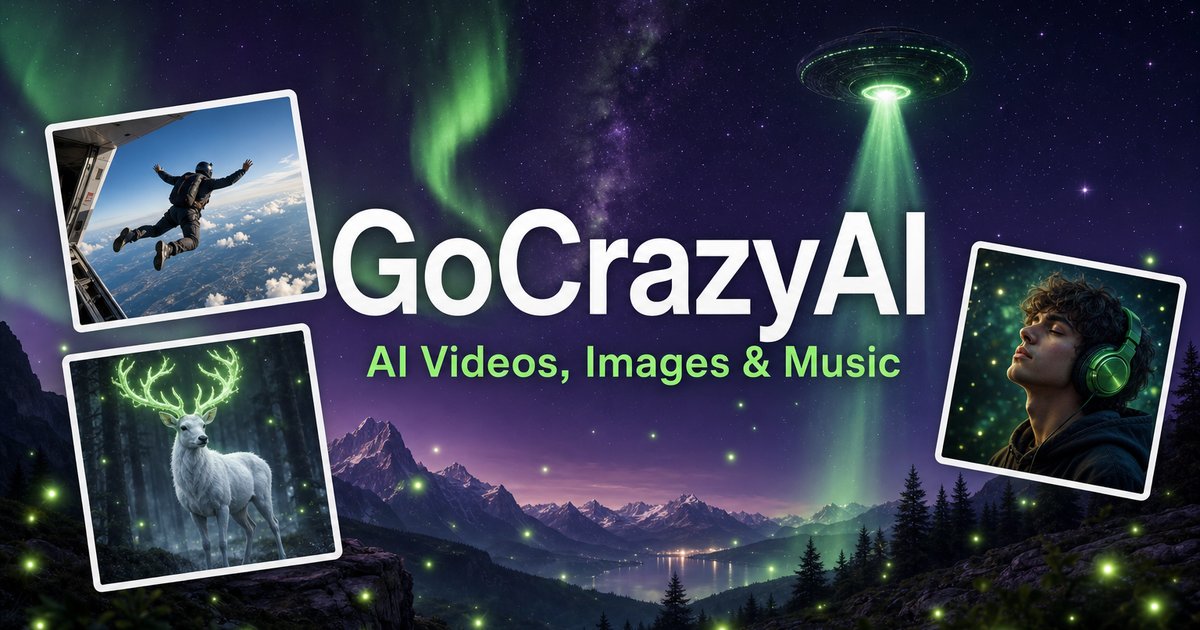 Просмотреть изображение полностью
ОБЩАЯ КАРТИНА
GoCrazyAI combines several generative media tools in one browser workspace. Its current site describes video generation from prompts or images alongside image creation and editing, music generation, voice tools, and video editing. The available models and controls depend on the selected tool.
Creators can use a text prompt or source media to develop a draft, inspect the result, and continue editing or export it. The provider describes the tools as credit-based and says monthly plans unlock its model catalogue through one account.
ПОДРОБНЫЙ ОБЗОР
Изучите экраны продукта и опубликованные примеры. Откройте любое изображение для подробного просмотра.
ЧТО ВЫ МОЖЕТЕ ДЕЛАТЬ
Узнайте о возможностях и найдите свой способ их использовать.
Create video drafts from a written prompt or a starting image, then choose from the options shown by the selected video workflow.
Generate images from text and use image workflows to edit, restyle, extend, or adjust source images.
Generate songs, instrumentals, or sound effects from a short idea and review the available versions before downloading.
The site includes voice, voice-isolation, and multi-voice podcast workflows for narration and audio production.
Bring media into the browser-based editor and arrange video, voice, music, sound effects, and text before rendering.
The provider says its subscription credits are used across its tools; the cost for a generation depends on the selected workflow and settings.
СОЗДАНО ДЛЯ ВАШЕГО РАБОЧЕГО ПРОЦЕССА
Turn a concise brief or product image into a first video concept, then review every product claim and visual before using it in an ad.
Generate or edit visual concepts for a campaign and compare variants before selecting a direction for further design work.
Draft a music bed, voice line, or multi-speaker segment to accompany a video or presentation.
Combine video, voice, music, effects, and text in the editor, then inspect the rendered file before sharing.
ВАШИ ПЕРВЫЕ ШАГИ
Open the video, image, music, voice, or editing workflow that matches the output you need.
Write a focused prompt and upload a reference image, clip, or audio file when the selected tool supports it.
Review the models, duration, aspect ratio, and credit estimate shown in that workflow before generating.
Check the result for visual, factual, and rights issues; make adjustments and export using the available settings.
ОСМОТРИТЕСЬ
Изучите демо или видео инструмента, чтобы увидеть его интерфейс и рабочий процесс.
ПЛАНИРУЙТЕ СЛЕДУЮЩИЙ ШАГ
Monthly credit plans listed by the provider start at $25/month; higher tiers provide larger monthly credit balances.
ТАРИФ
Provider-listed entry monthly plan.
$25/month
Monthly subscription
ТАРИФ
Provider-listed mid-tier monthly plan.
$60/month
Monthly subscription
ТАРИФ
Provider-listed higher monthly plan.
$95/month
Monthly subscription
Цены, лимиты использования и условия могут измениться. Перед оформлением подписки уточните актуальные сведения на официальном сайте инструмента.
The provider's current homepage lists Creator at $25/month for 75 credits, Producer at $60/month for 250 credits, and Premium at $95/month for 500 credits. Prices and credit costs can change; check the official pricing page before subscribing.
Проверенные источники
The current site lists AI video, image, music, and voice tools, along with an editor. Exact controls and outputs depend on the selected tool.
Yes. The video workflow includes image-to-video options, and image tools also support image generation and editing.
The provider lists monthly plans with credit balances. Each generation uses credits, and the amount varies with the model and settings; check the live pricing and generation estimate before use.
The provider presents GoCrazyAI as a browser-based service. Its homepage says users sign in before generating content.
The provider's terms say users must be at least 18 years old. Its safety guidance also asks users to use generated media responsibly and label it where required.
ОТ СООБЩЕСТВА
Войдите, чтобы поделиться опытом и помочь другим найти подходящий инструмент.
ВАШЕ СЛЕДУЮЩЕЕ ОТКРЫТИЕ

Booknotes создает с помощью ChatGPT краткие содержания, ключевые идеи, цитаты и практические выводы из книг.
Rannkly — это онлайн-инструмент на базе ИИ для управления репутацией и социальными сетями, который помогает компаниям отслеживать, анализировать и улучшать свою репутацию в интернете на разных каналах, включая сайты отзывов, социальные платформы и поисковые системы.
Ваша лучшая фотография — ваш лучший шанс на совпадение! Узнайте, какая фотография лучше всего представляет вас для знакомств, соцсетей и бизнеса. Загрузите фото бесплатно и сразу получите отзывы и советы по улучшению.

AmigoChat объединяет более 30 моделей ИИ, включая ChatGPT, Claude, Grok и DeepSeek, для создания текста, изображений, музыки и видео, а также помощи с кодом.
СДЕЛАЙТЕ СЛЕДУЮЩИЙ ШАГ
Посетите официальный сайт, чтобы узнать о последних функциях и начать работу.