
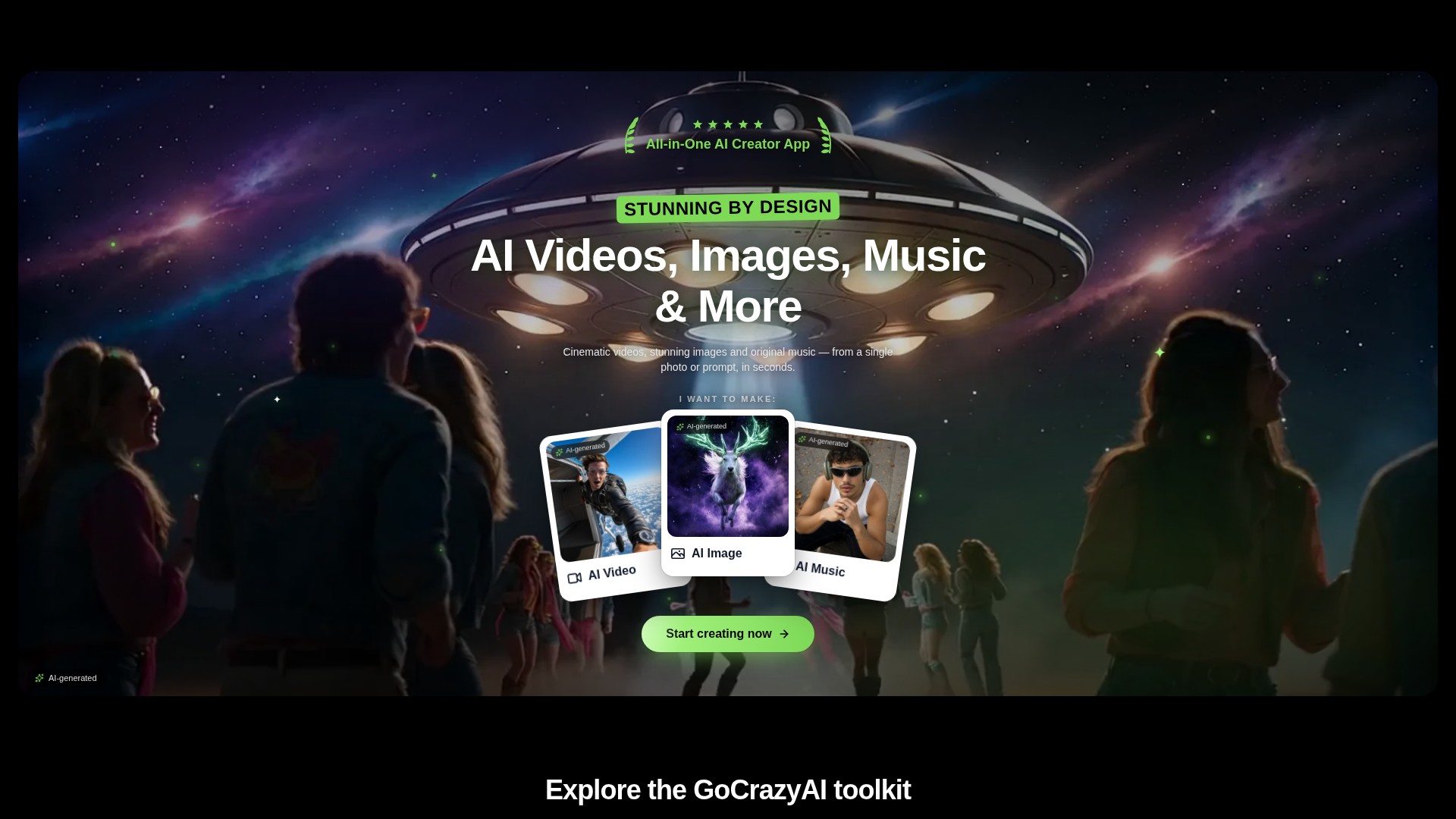
Prompt and image to video
Create video drafts from a written prompt or a starting image, then choose from the options shown by the selected video workflow.
TOOL PROFILE TOOLAI
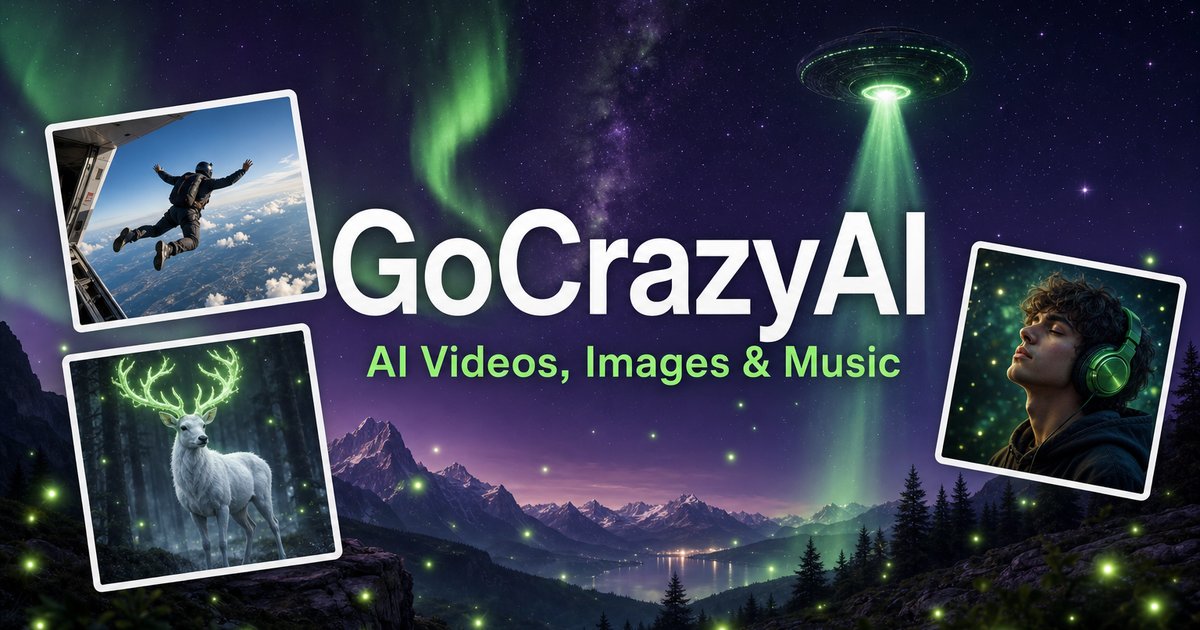
A browser-based creative studio for AI video, images, music, and voice.
 View full image
THE BIG PICTURE
GoCrazyAI combines several generative media tools in one browser workspace. Its current site describes video generation from prompts or images alongside image creation and editing, music generation, voice tools, and video editing. The available models and controls depend on the selected tool.
Creators can use a text prompt or source media to develop a draft, inspect the result, and continue editing or export it. The provider describes the tools as credit-based and says monthly plans unlock its model catalogue through one account.
A CLOSER LOOK
Explore product screens and published examples. Open any image for a closer look.
WHAT YOU CAN DO
Get to know the capabilities. Find your own way to use them.
Create video drafts from a written prompt or a starting image, then choose from the options shown by the selected video workflow.
Generate images from text and use image workflows to edit, restyle, extend, or adjust source images.
Generate songs, instrumentals, or sound effects from a short idea and review the available versions before downloading.
The site includes voice, voice-isolation, and multi-voice podcast workflows for narration and audio production.
Bring media into the browser-based editor and arrange video, voice, music, sound effects, and text before rendering.
The provider says its subscription credits are used across its tools; the cost for a generation depends on the selected workflow and settings.
MADE FOR YOUR WORKFLOW
Turn a concise brief or product image into a first video concept, then review every product claim and visual before using it in an ad.
Generate or edit visual concepts for a campaign and compare variants before selecting a direction for further design work.
Draft a music bed, voice line, or multi-speaker segment to accompany a video or presentation.
Combine video, voice, music, effects, and text in the editor, then inspect the rendered file before sharing.
YOUR FIRST STEPS
Open the video, image, music, voice, or editing workflow that matches the output you need.
Write a focused prompt and upload a reference image, clip, or audio file when the selected tool supports it.
Review the models, duration, aspect ratio, and credit estimate shown in that workflow before generating.
Check the result for visual, factual, and rights issues; make adjustments and export using the available settings.
TAKE A LOOK AROUND
Explore the tool's demo or video to see its interface and workflow.
PLAN YOUR NEXT STEP
Monthly credit plans listed by the provider start at $25/month; higher tiers provide larger monthly credit balances.
PLAN
Provider-listed entry monthly plan.
$25/month
Monthly subscription
PLAN
Provider-listed mid-tier monthly plan.
$60/month
Monthly subscription
PLAN
Provider-listed higher monthly plan.
$95/month
Monthly subscription
Prices, usage limits and terms can change. Confirm the latest details on the tool's official website before subscribing.
The provider's current homepage lists Creator at $25/month for 75 credits, Producer at $60/month for 250 credits, and Premium at $95/month for 500 credits. Prices and credit costs can change; check the official pricing page before subscribing.
Sources checked
The current site lists AI video, image, music, and voice tools, along with an editor. Exact controls and outputs depend on the selected tool.
Yes. The video workflow includes image-to-video options, and image tools also support image generation and editing.
The provider lists monthly plans with credit balances. Each generation uses credits, and the amount varies with the model and settings; check the live pricing and generation estimate before use.
The provider presents GoCrazyAI as a browser-based service. Its homepage says users sign in before generating content.
The provider's terms say users must be at least 18 years old. Its safety guidance also asks users to use generated media responsibly and label it where required.
FROM THE COMMUNITY
Sign in to share your experience and help others find the right tool.
YOUR NEXT DISCOVERY
We recently combined ChatGPT with the Synthace platform to design protocols for biological experiments and automate lab work. Helping scientists achieve much more in the lab, so research progresses faster. Still a working POC, but being developed further.

Kapi is a comprehensive offline Nepali language-learning app that uses machine learning to help users learn how to write in Nepali. The app provides a game-like user-friendly interface that guides learners through various writing exercises.

SaleWhale is a service that enables businesses to create their own sales rep chatbot that can be embedded on their website. This allows businesses to increase sales and engagement on their website, generate leads, and automate sales.

Generate winning video ads with AI, using only the Store URL. Yes, that’s literally all you have to do. It's the first multimodal AI, combining models for text, image, voice, video, and more. Need Shopify example? kyliecosmetics.com. Results are mindblowing.
MAKE YOUR NEXT MOVE
Visit the official website to explore the latest features and get started.