
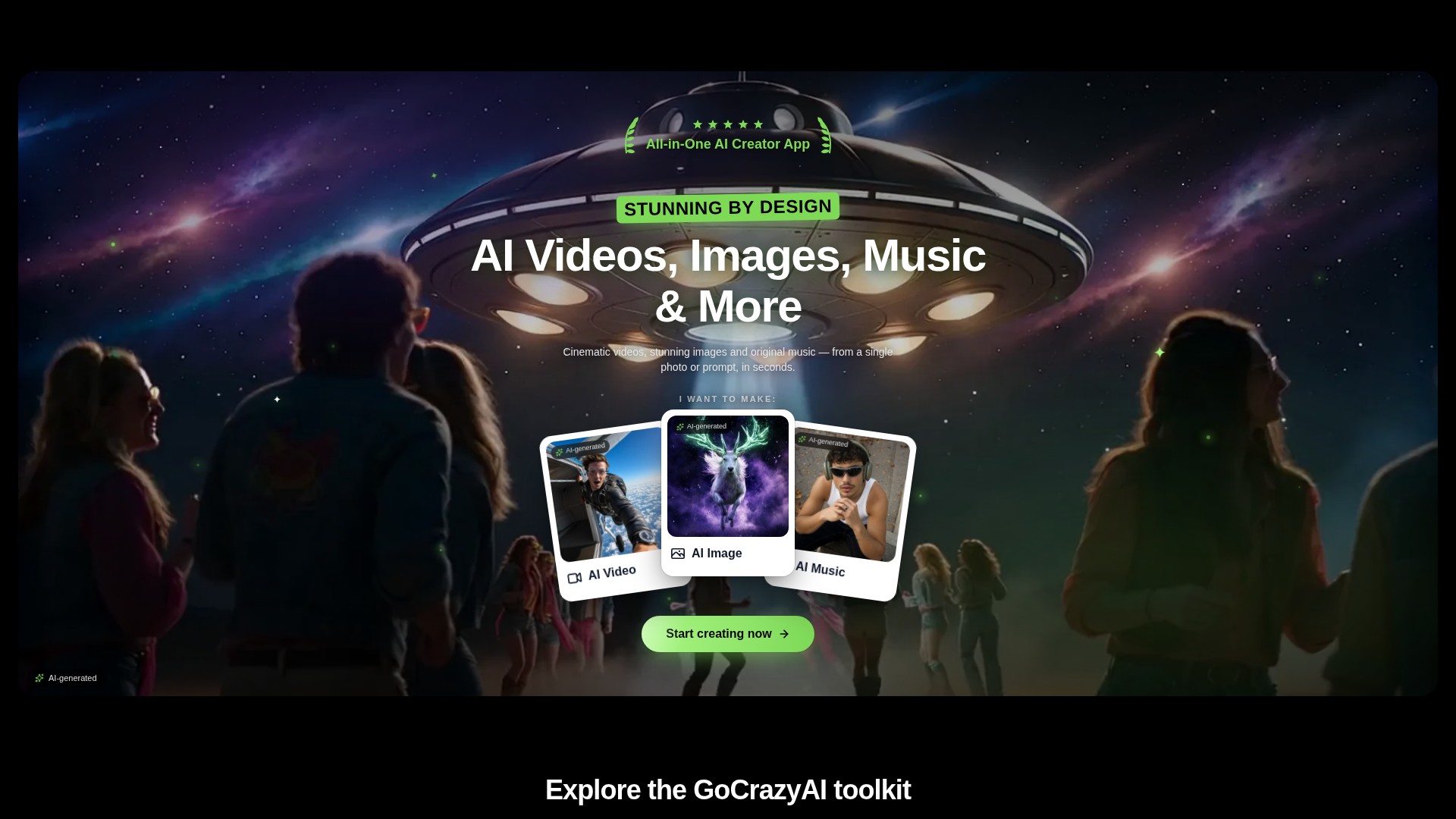
Prompt and image to video
Create video drafts from a written prompt or a starting image, then choose from the options shown by the selected video workflow.
PROFILO DELLO STRUMENTO TOOLAI
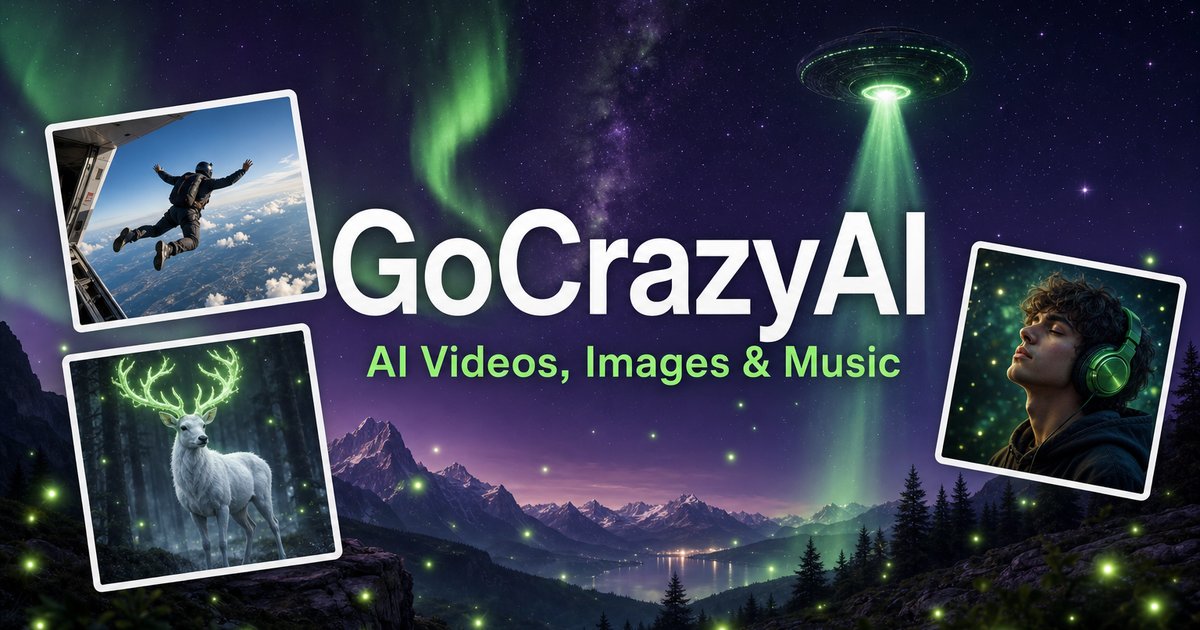
A browser-based creative studio for AI video, images, music, and voice.
 Visualizza immagine intera
IL QUADRO GENERALE
GoCrazyAI combines several generative media tools in one browser workspace. Its current site describes video generation from prompts or images alongside image creation and editing, music generation, voice tools, and video editing. The available models and controls depend on the selected tool.
Creators can use a text prompt or source media to develop a draft, inspect the result, and continue editing or export it. The provider describes the tools as credit-based and says monthly plans unlock its model catalogue through one account.
UNO SGUARDO PIÙ DA VICINO
Esplora le schermate del prodotto e gli esempi pubblicati. Apri un’immagine per osservarla più da vicino.
COSA PUOI FARE
Scopri le funzionalità. Trova il tuo modo di usarle.
Create video drafts from a written prompt or a starting image, then choose from the options shown by the selected video workflow.
Generate images from text and use image workflows to edit, restyle, extend, or adjust source images.
Generate songs, instrumentals, or sound effects from a short idea and review the available versions before downloading.
The site includes voice, voice-isolation, and multi-voice podcast workflows for narration and audio production.
Bring media into the browser-based editor and arrange video, voice, music, sound effects, and text before rendering.
The provider says its subscription credits are used across its tools; the cost for a generation depends on the selected workflow and settings.
PENSATO PER IL TUO FLUSSO DI LAVORO
Turn a concise brief or product image into a first video concept, then review every product claim and visual before using it in an ad.
Generate or edit visual concepts for a campaign and compare variants before selecting a direction for further design work.
Draft a music bed, voice line, or multi-speaker segment to accompany a video or presentation.
Combine video, voice, music, effects, and text in the editor, then inspect the rendered file before sharing.
I TUOI PRIMI PASSI
Open the video, image, music, voice, or editing workflow that matches the output you need.
Write a focused prompt and upload a reference image, clip, or audio file when the selected tool supports it.
Review the models, duration, aspect ratio, and credit estimate shown in that workflow before generating.
Check the result for visual, factual, and rights issues; make adjustments and export using the available settings.
DAI UN'OCCHIATA
Esplora la demo o il video dello strumento per vedere la sua interfaccia e il suo flusso di lavoro.
PIANIFICA IL TUO PROSSIMO PASSO
Monthly credit plans listed by the provider start at $25/month; higher tiers provide larger monthly credit balances.
PIANO
Provider-listed entry monthly plan.
$25/month
Monthly subscription
PIANO
Provider-listed mid-tier monthly plan.
$60/month
Monthly subscription
PIANO
Provider-listed higher monthly plan.
$95/month
Monthly subscription
Prezzi, limiti di utilizzo e condizioni possono cambiare. Verifica gli ultimi dettagli sul sito ufficiale dello strumento prima di abbonarti.
The provider's current homepage lists Creator at $25/month for 75 credits, Producer at $60/month for 250 credits, and Premium at $95/month for 500 credits. Prices and credit costs can change; check the official pricing page before subscribing.
Fonti verificate
The current site lists AI video, image, music, and voice tools, along with an editor. Exact controls and outputs depend on the selected tool.
Yes. The video workflow includes image-to-video options, and image tools also support image generation and editing.
The provider lists monthly plans with credit balances. Each generation uses credits, and the amount varies with the model and settings; check the live pricing and generation estimate before use.
The provider presents GoCrazyAI as a browser-based service. Its homepage says users sign in before generating content.
The provider's terms say users must be at least 18 years old. Its safety guidance also asks users to use generated media responsibly and label it where required.
DALLA COMMUNITY
Accedi per condividere la tua esperienza e aiutare gli altri a trovare lo strumento giusto.
LA TUA PROSSIMA SCOPERTA

Script Fury è uno strumento di IA che genera segmenti di testo, dialoghi e sequenze d’azione su misura per la tua storia, offrendoti un ottimo punto di partenza per la sceneggiatura.
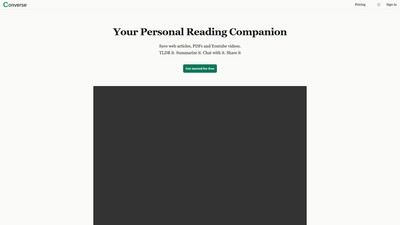
Converse è un assistente di lettura con IA per salvare, riassumere, consultare e condividere articoli web, PDF e video YouTube.

Describe Image trasforma immagini e brevi video in descrizioni, testo alternativo, OCR, didascalie, testi SEO, descrizioni di prodotti e riepiloghi riutilizzabili.

Landscape Design AI is an online landscape visualization tool that transforms yard, garden, or patio photos into realistic redesigns, with 30+ styles, custom prompts, high-resolution watermark-free downloads, and free usage allowances.
FAI LA TUA PROSSIMA MOSSA
Visita il sito ufficiale per scoprire le funzionalità più recenti e iniziare.