
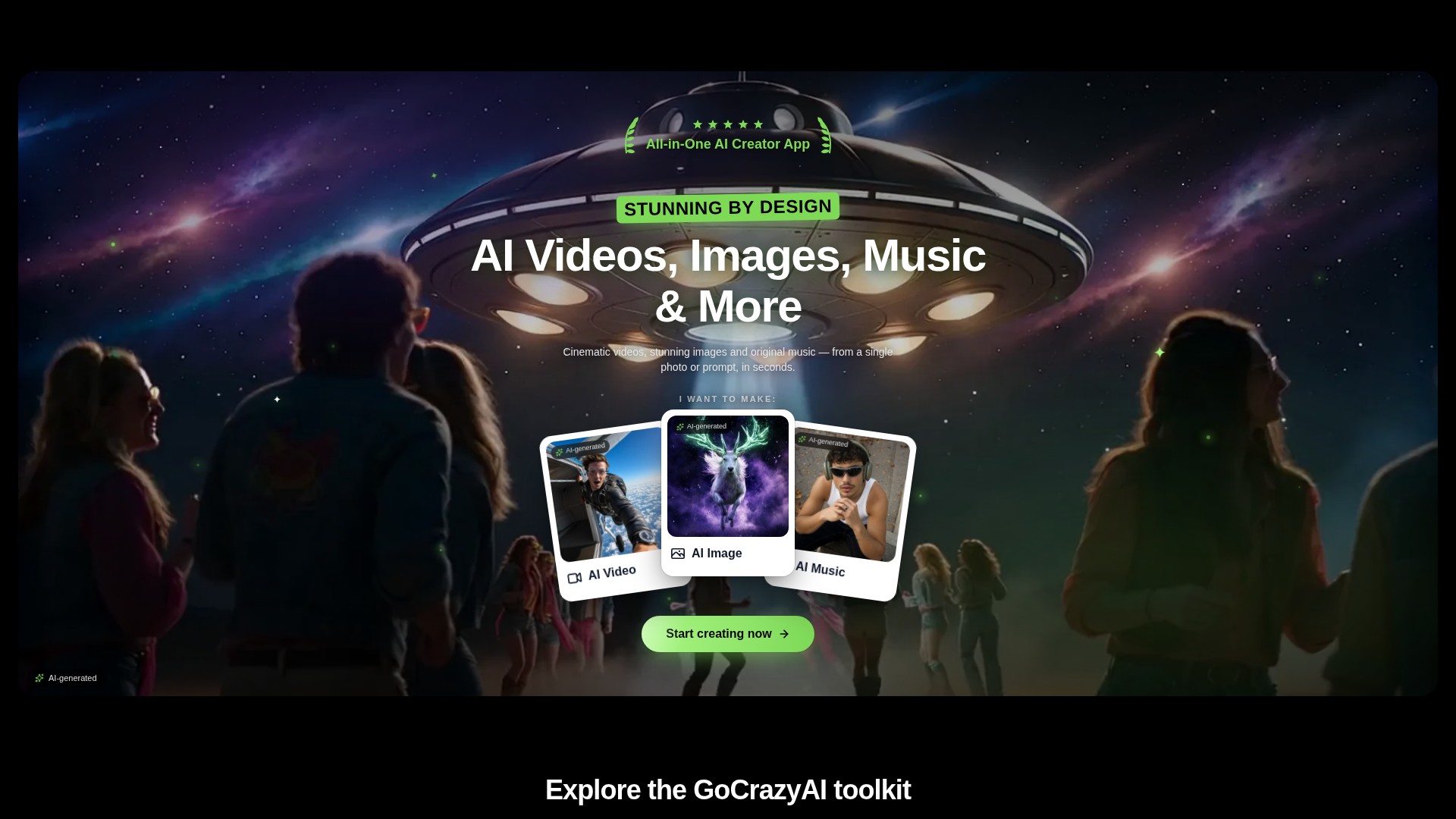
Prompt and image to video
Create video drafts from a written prompt or a starting image, then choose from the options shown by the selected video workflow.
ٹول پروفائل TOOLAI
A browser-based creative studio for AI video, images, music, and voice.
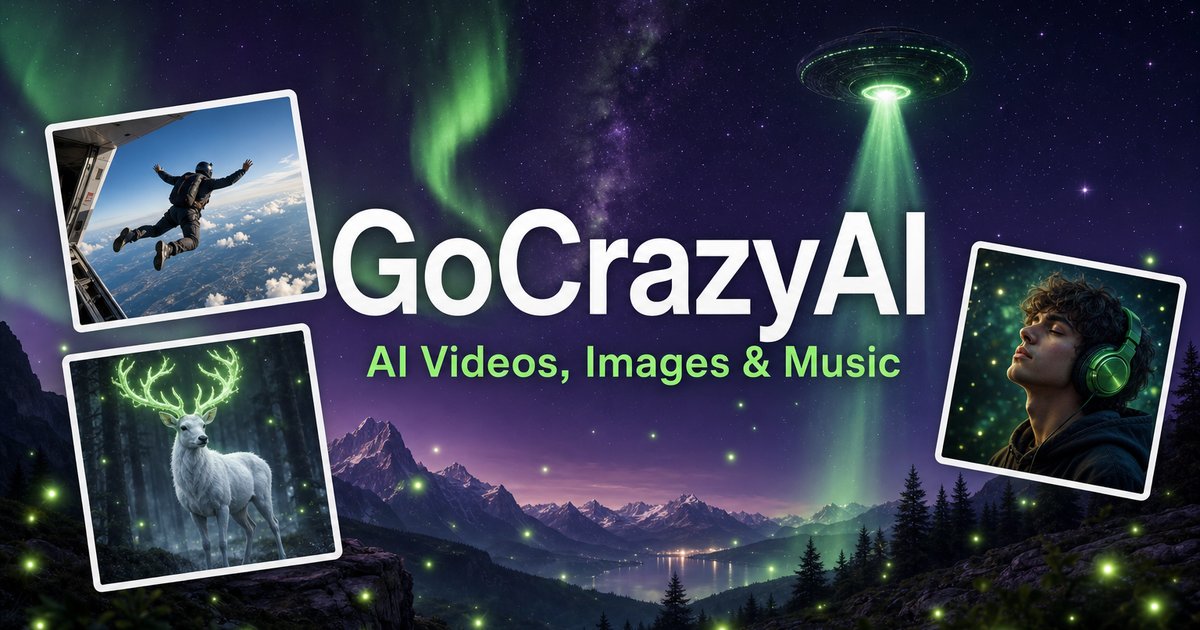 مکمل تصویر دیکھیں
مجموعی جائزہ
GoCrazyAI combines several generative media tools in one browser workspace. Its current site describes video generation from prompts or images alongside image creation and editing, music generation, voice tools, and video editing. The available models and controls depend on the selected tool.
Creators can use a text prompt or source media to develop a draft, inspect the result, and continue editing or export it. The provider describes the tools as credit-based and says monthly plans unlock its model catalogue through one account.
قریب سے جائزہ
پروڈکٹ کی اسکرینز اور شائع شدہ مثالیں دیکھیں۔ کسی بھی تصویر کو قریب سے دیکھنے کے لیے کھولیں۔
آپ کیا کر سکتے ہیں
صلاحیتوں سے واقف ہوں۔ انہیں استعمال کرنے کا اپنا طریقہ تلاش کریں۔
Create video drafts from a written prompt or a starting image, then choose from the options shown by the selected video workflow.
Generate images from text and use image workflows to edit, restyle, extend, or adjust source images.
Generate songs, instrumentals, or sound effects from a short idea and review the available versions before downloading.
The site includes voice, voice-isolation, and multi-voice podcast workflows for narration and audio production.
Bring media into the browser-based editor and arrange video, voice, music, sound effects, and text before rendering.
The provider says its subscription credits are used across its tools; the cost for a generation depends on the selected workflow and settings.
آپ کے ورک فلو کے لیے بنایا گیا
Turn a concise brief or product image into a first video concept, then review every product claim and visual before using it in an ad.
Generate or edit visual concepts for a campaign and compare variants before selecting a direction for further design work.
Draft a music bed, voice line, or multi-speaker segment to accompany a video or presentation.
Combine video, voice, music, effects, and text in the editor, then inspect the rendered file before sharing.
آپ کے ابتدائی اقدامات
Open the video, image, music, voice, or editing workflow that matches the output you need.
Write a focused prompt and upload a reference image, clip, or audio file when the selected tool supports it.
Review the models, duration, aspect ratio, and credit estimate shown in that workflow before generating.
Check the result for visual, factual, and rights issues; make adjustments and export using the available settings.
ایک نظر ڈالیں
اس کے انٹرفیس اور ورک فلو کو دیکھنے کے لیے ٹول کا ڈیمو یا ویڈیو ملاحظہ کریں۔
اپنا اگلا قدم طے کریں
Monthly credit plans listed by the provider start at $25/month; higher tiers provide larger monthly credit balances.
منصوبہ
Provider-listed entry monthly plan.
$25/month
Monthly subscription
منصوبہ
Provider-listed mid-tier monthly plan.
$60/month
Monthly subscription
منصوبہ
Provider-listed higher monthly plan.
$95/month
Monthly subscription
قیمتیں، استعمال کی حدود اور شرائط تبدیل ہو سکتی ہیں۔ سبسکرائب کرنے سے پہلے ٹول کی سرکاری ویب سائٹ پر تازہ ترین تفصیلات کی تصدیق کریں۔
The provider's current homepage lists Creator at $25/month for 75 credits, Producer at $60/month for 250 credits, and Premium at $95/month for 500 credits. Prices and credit costs can change; check the official pricing page before subscribing.
ماخذ کی جانچ کی گئی
The current site lists AI video, image, music, and voice tools, along with an editor. Exact controls and outputs depend on the selected tool.
Yes. The video workflow includes image-to-video options, and image tools also support image generation and editing.
The provider lists monthly plans with credit balances. Each generation uses credits, and the amount varies with the model and settings; check the live pricing and generation estimate before use.
The provider presents GoCrazyAI as a browser-based service. Its homepage says users sign in before generating content.
The provider's terms say users must be at least 18 years old. Its safety guidance also asks users to use generated media responsibly and label it where required.
کمیونٹی کی جانب سے
اپنا تجربہ شیئر کرنے اور دوسروں کو درست ٹول تلاش کرنے میں مدد دینے کے لیے سائن اِن کریں۔
آپ کی اگلی دریافت

اپنے موجودہ نالج بیس کو استعمال کرتے ہوئے مقبول ایپلی کیشنز میں ChatGPT جیسے بوٹس بنانے کا ٹول۔
Setlist Predictor آپ کے منتخب کردہ فنکار کے لیے اے آئی سے تیار کردہ سیٹ لسٹ کی پیش گوئی فراہم کر کے آپ کو اپنے اگلے کنسرٹ کی تیاری میں مدد دیتا ہے۔
ScholarTurbo آپ کو PDF فائلوں کے لیے ChatGPT کی صلاحیتیں استعمال کرنے کی سہولت دیتا ہے۔ کوئی بھی PDF اپ لوڈ کریں اور اس کے بارے میں سوالات پوچھنا شروع کریں۔
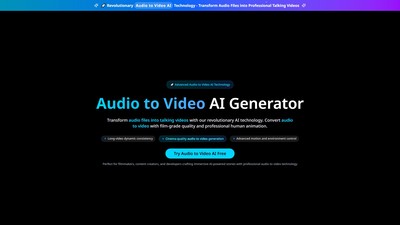
AudioToVideo.pro ایک AI جنریٹر ہے جو آڈیو فائلوں کو سنیما معیار کی انسانی اینیمیشن اور جدید موشن کنٹرول کے ساتھ پیشہ ورانہ ٹاکنگ ویڈیوز میں تبدیل کرتا ہے۔
اپنا اگلا قدم اٹھائیں
تازہ ترین خصوصیات دریافت کرنے اور آغاز کرنے کے لیے سرکاری ویب سائٹ ملاحظہ کریں۔