Chỉnh sửa video

Wondershare Filmora

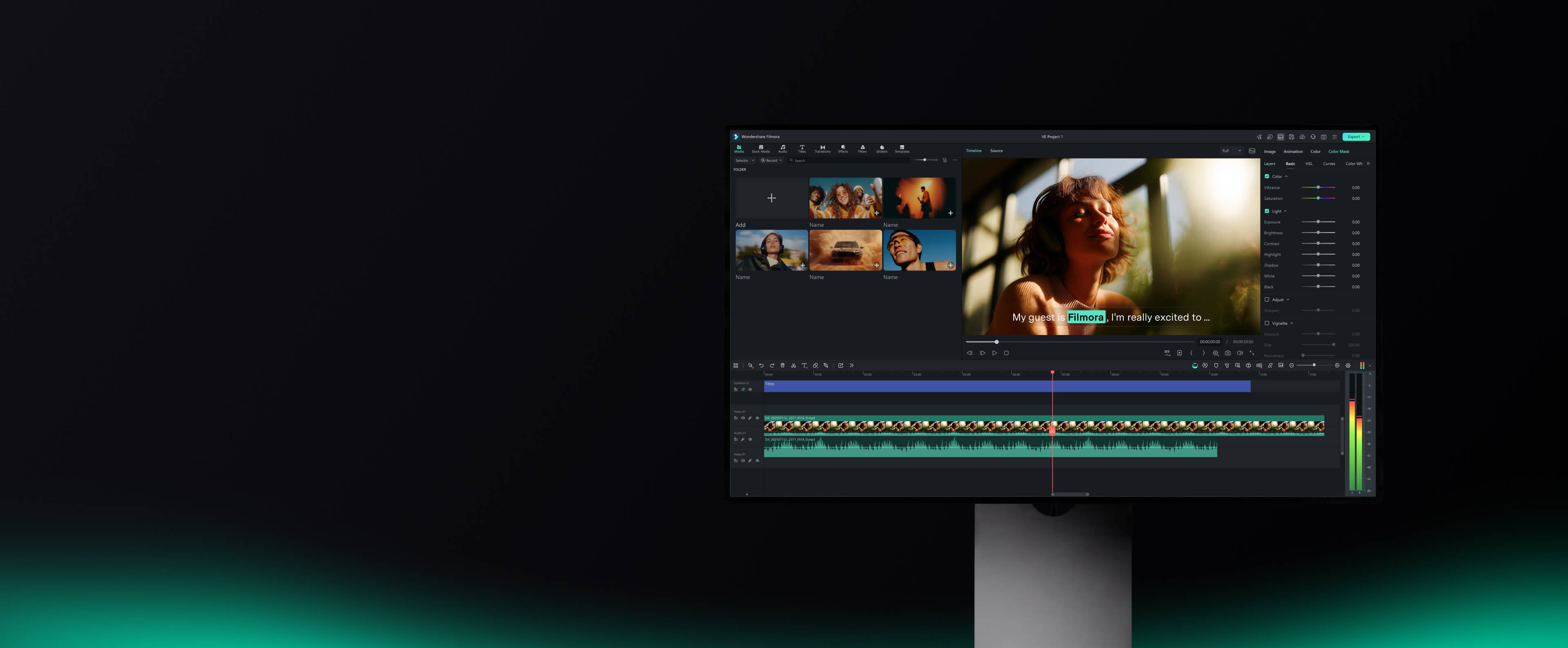
Filmora is a video editing tool with a heavy dose of AI built in. It's built for content creators, YouTubers, marketers, and solo editors who need to produce polished video content fast — without spending hours on edits or learning complex software. The AI features go way beyond filters and templates. You can write a script with ChatGPT, turn it into a video with Veo 3 (Filmora’s AI video generator), and layer on voiceovers, music, subtitles, and effects — all without touching a timeline. If you’ve got raw footage, Filmora can clean it up, color correct it, trim it down into short clips, and even generate dynamic captions automatically. It also handles image-to-video, audio-to-video, and idea-to-video workflows — ideal for social media, promo videos, and faceless content creation. This is a tool for people who want results fast, not fiddling around with keyframes.

Lượt xem -
Lượt truy cập hàng tháng --
Xếp hạng toàn cầu --
Lượt bình chọn 1

Giới thiệu về công cụ này

Core Features & Characteristics

AI-Powered Content Generation:

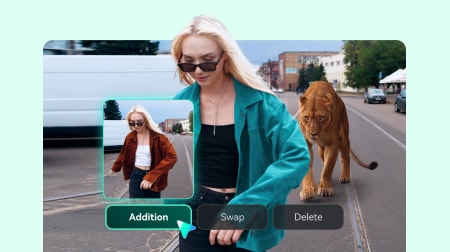
  • Video/Image: AI Text to Video (Veo 3.1), AI Image to Video (Veo 3.1), AI Image Generator, AI Video Extender, Smart Short Clips, Social Content Planner, AI Portrait Cutout, AI Video Object Remover.
  • Audio: AI Audio to Video, AI Sound Effect Generator, AI Text to Speech, AI Music Generator, AI Audio Enhancer, AI Audio Denoise, AI Audio Stretch, AI Vocal Remover.
  • Texts: AI Video Translation, AI Copywriting, Auto Caption (Dynamic Captions), AI Mate Editing, Music Beats Text Animation, AI Speech To Text, AI Text Based Editing.

Professional Editing Tools:

  • Pen Tool: Draw motion paths, shape every curve with speed control, and create smooth transitions.
  • Animated Charts: Drop data into animated charts to turn numbers into clear visuals for marketing videos.
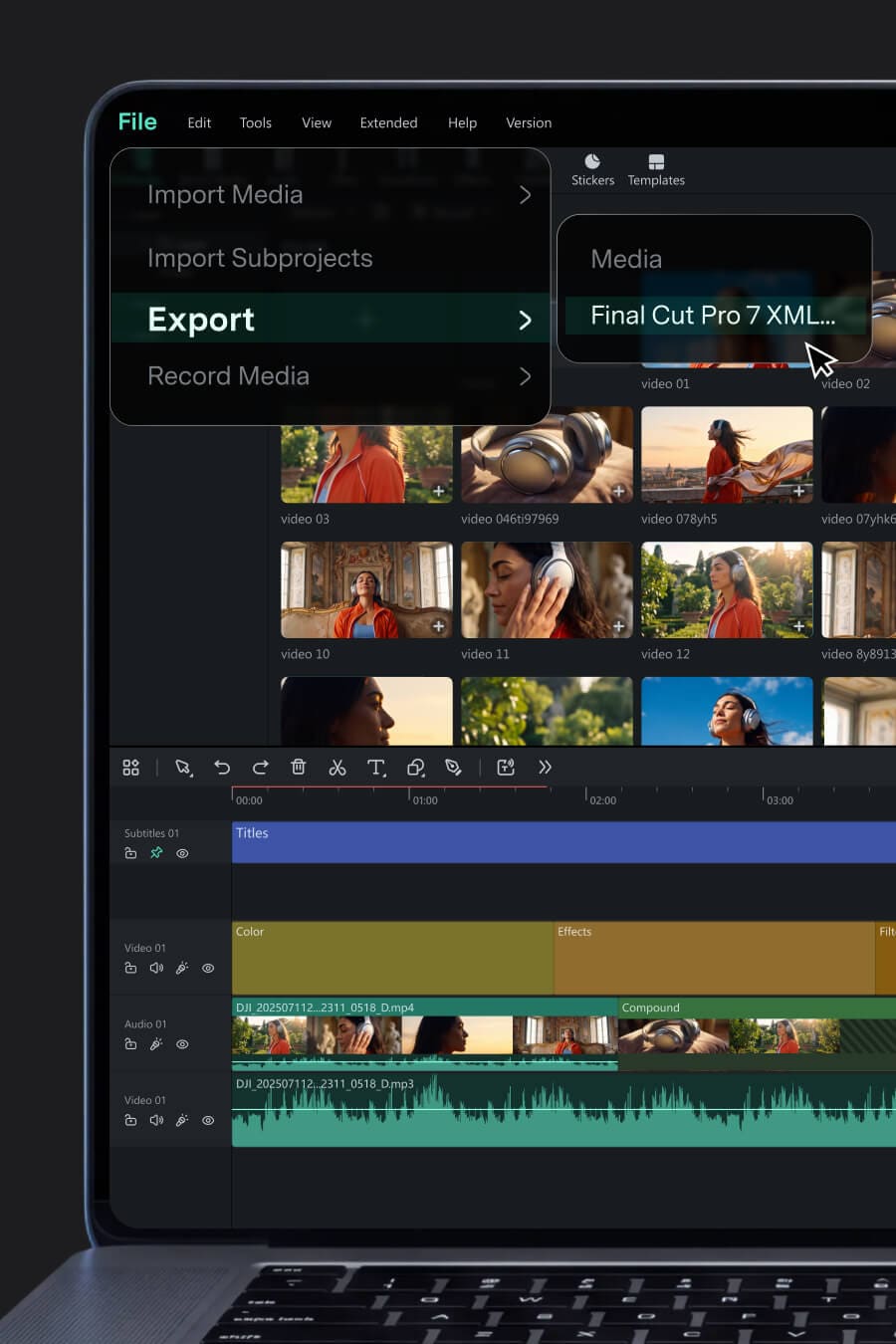
  • Dual-Timeline Editing: Edit across dual timelines, preview source and sequence together to compare, cut, and sync with precision.
  • Anchor & Keyframes: Set anchors and keyframes to control every movement on screen and adjust timing.
  • Import Subprojects: Import subprojects, match colors with AI, and mix shots from different cameras.
  • Flicker Removal, Motion Blur, Silence Detection, Auto Beat Sync, Audio Ducking.

Creative Assets: Access over 2.9 million royalty-free assets, including video templates, stock media, effects, music & sounds, plugins, filters & LUTs, stickers, titles, and transitions.

Cross-Platform Support: Available on Windows and macOS desktops, iOS and Android mobile devices, and iPad, enabling seamless creation anytime, anywhere.

Target Users

Content creators, UI/UX designers, communications advisors, YouTubers, marketers, and beginners who want professional results without a steep learning curve.

Core Advantages

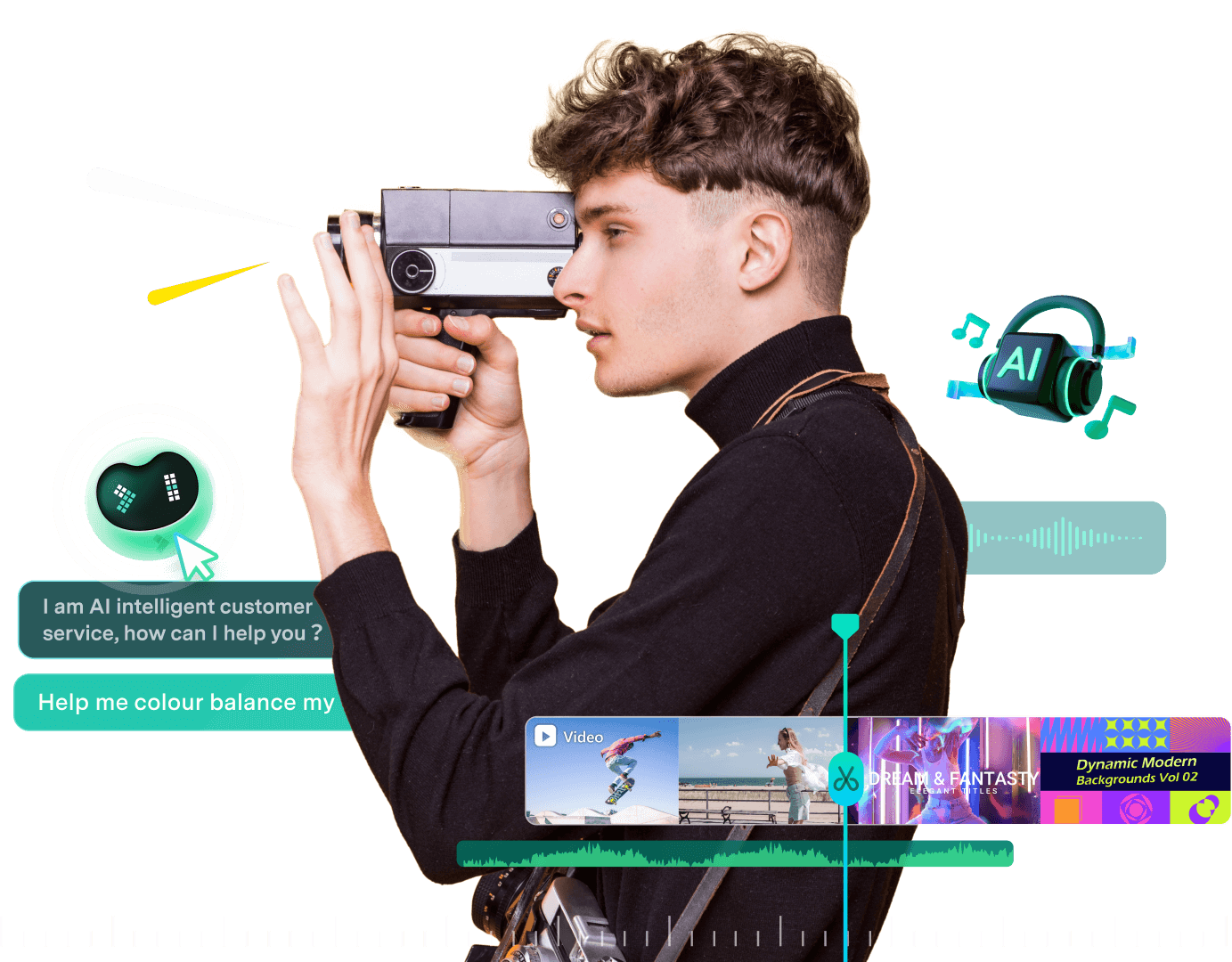
  1. AI-Powered Workflow: Covers the entire video production process from generation (Text-to-Video, Image-to-Video, AI Music) to post-production (AI denoising, object removal, translation, and captioning).
  2. Professional yet Easy to Use: Intuitive drag-and-drop interface suitable for beginners, combined with professional-level timeline, keyframe, and masking tools.
  3. Massive Built-in Library: Over 2.9 million royalty-free creative assets save time on sourcing materials.
  4. Cross-Platform Connectivity: Seamlessly connect desktop, mobile, and tablet devices for on-the-go editing.
  5. Hardware Acceleration: Supports GPU acceleration and Mac Metal rendering for smoother playback and faster rendering.
  6. Direct Export & Scheduling: Export directly to YouTube, Vimeo, and TikTok, and use the Social Video Planner to schedule posts in advance.

Export Formats

Supports a variety of formats including MP4, MOV, AVI, MKV, MPEG, and formats optimized for social media platforms like YouTube, Vimeo, and TikTok.

Pricing Model

Offers a free trial version; premium features and watermark removal require a paid subscription. Business plans are available for teams and enterprises. For AI-generated resources, AI Music labeled "Commercially available" is suitable for commercial use, while AI images, stickers, text-to-video, and AI sound effects are for non-commercial use due to uncertainties in training materials. Non-AI resources labeled "commercially available" (music, sound effects, transitions, effects, filters, stickers) are permissible for commercial purposes.

FAQ

  • Commercial Use of Resources: AI Music labeled "Commercially available" can be used commercially. AI image, stickers, text-to-video, and AI sound effects are for non-commercial use; Non-AI resources labeled "commercially available" can be used commercially.
  • Metal Rendering Support: Filmora for Mac supports Metal rendering, leveraging Apple's graphics technology for high-efficiency GPU access, smoother playback, and faster rendering for 4K and visual effects.
  • Direct Export to YouTube: Yes, with an integrated "YouTube Upload" mode that compresses videos according to YouTube's recommended settings, plus a Social Video Planner for scheduling.
  • Google/Apple Store Purchases: Users must log in with their Google or Apple account. Refunds are managed by Google Play or Apple Store customer service.
  • GPU Acceleration: Yes, supported for faster rendering and editing.

Phân tích lưu lượng truy cập

Các chỉ số về lưu lượng truy cập, thứ hạng và mức độ tương tác của công cụ này.

Chưa có dữ liệu phân tích

Bản xem trước giao diện

Đánh giá của người dùng