

AI 미디어 분석
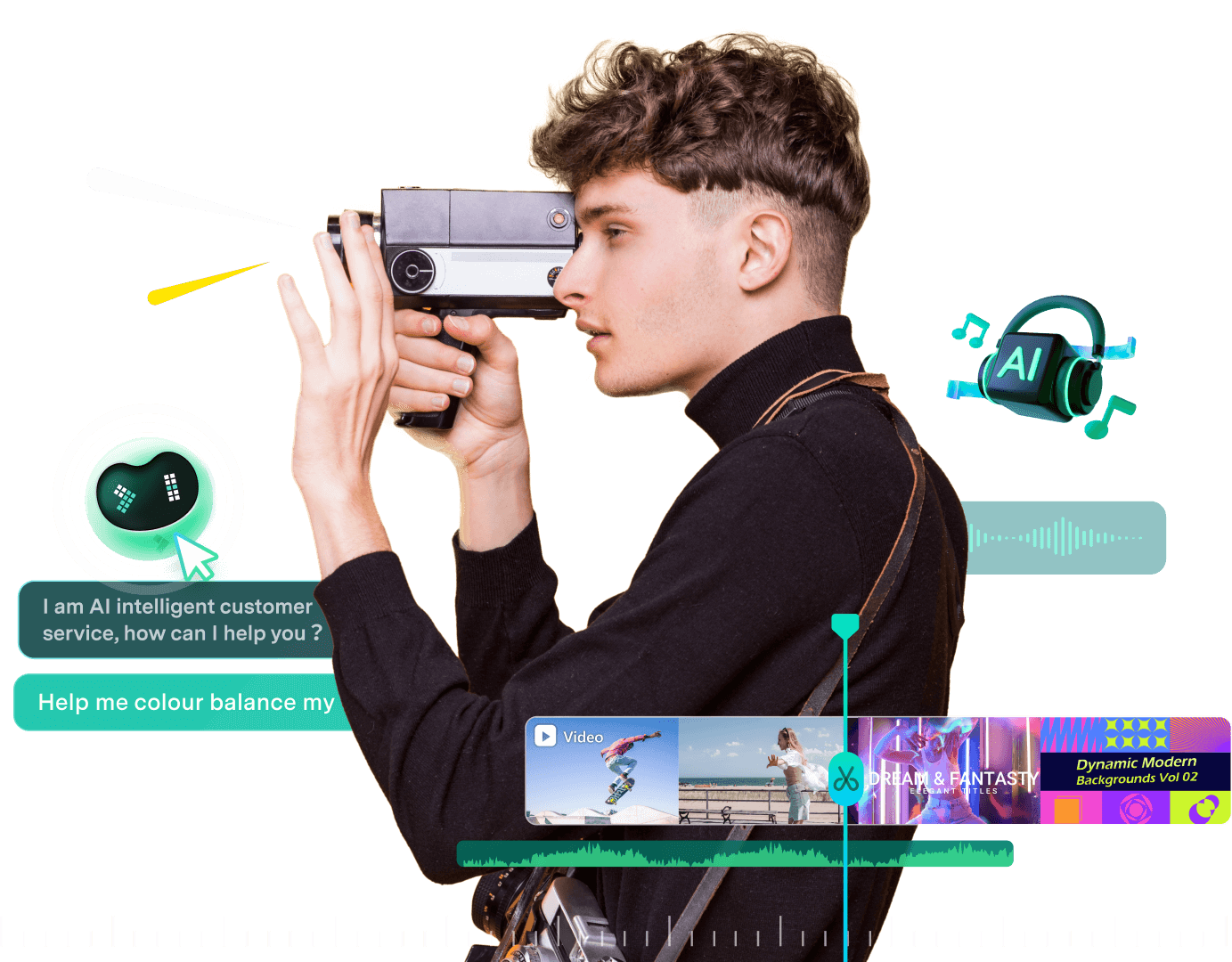
동영상 및 이미지 자산에서 인물, 장면, 위치, 동작 및 핵심 정보를 분석한 뒤 태그, 설명 및 편집 제안 타임스탬프를 생성합니다. 또한 Smart Media Bin으로 영상을 정리해 편집을 시작하기 전에 유용한 미디어를 좁히고 클립을 더 빠르게 찾을 수 있습니다.
도구 프로필 TOOLAI
Windows, macOS, iOS, iPadOS 및 Android용 AI 기반 동영상 편집 소프트웨어
 전체 이미지 보기
전체 개요
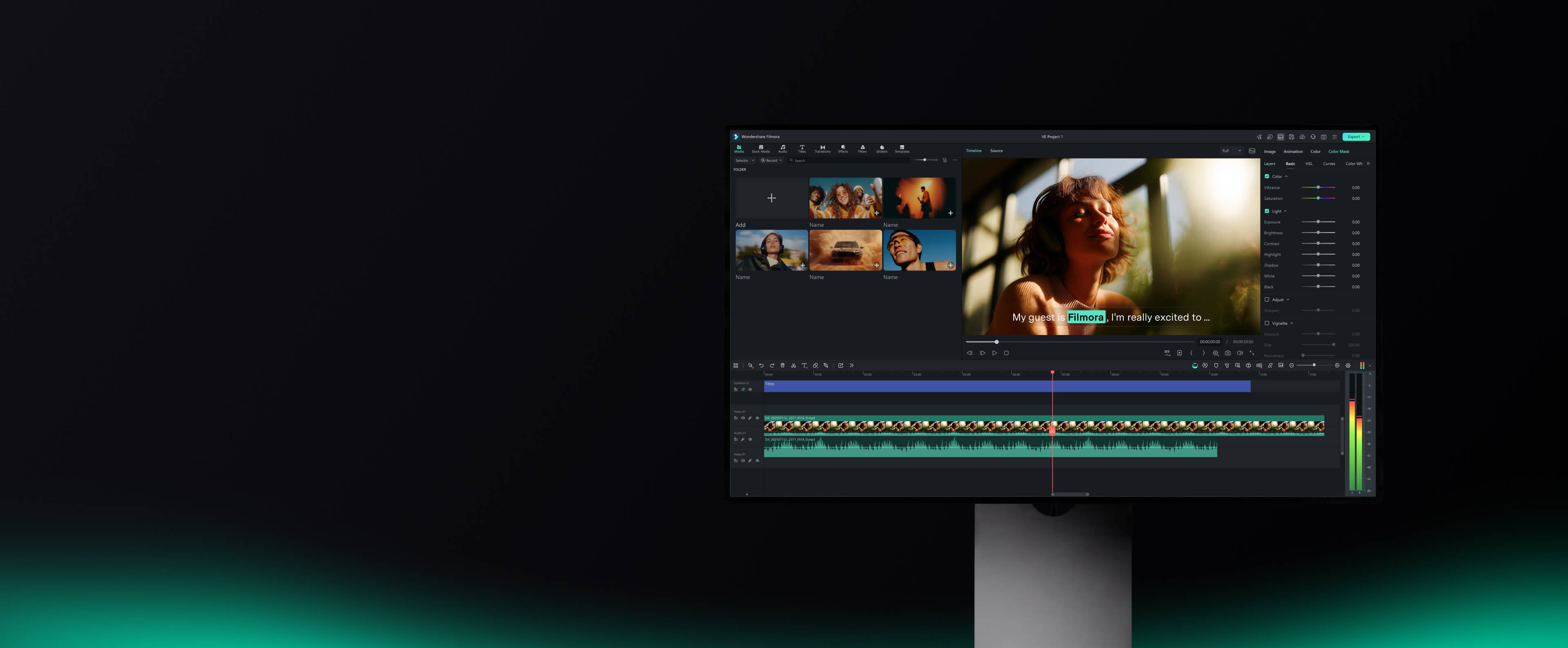
Filmora는 Wondershare의 동영상 편집 애플리케이션으로, 영상을 조립하고 스토리를 구성하며 게시용 동영상을 준비하는 데 사용됩니다. 데스크톱 버전은 멀티트랙 타임라인과 색상, 사운드, 캡션 및 녹화 도구를 결합합니다. Filmora 16은 또한 미디어 정리, 영상 조정, 가져온 클립과 함께 편집할 수 있는 소재 생성에 AI 지원을 추가합니다. 템플릿과 안내식 컨트롤은 초보자에게 시작점을 제공하며, 키프레임과 기타 타임라인 컨트롤은 더 세밀한 편집을 지원합니다.
일반적인 프로젝트는 클립 가져오기 및 선택에서 시작해 자르기, 화면과 오디오 다듬기, 제목이나 효과 추가, 내보내기로 이어집니다. AI 기능은 전사, 유용한 영상 찾기, 사운드 정리 등 반복적인 단계를 도울 수 있습니다. 사용자는 최종 동영상을 만들기 전에 동일한 편집 작업 공간에서 그 결과를 검토하고 수정할 수 있습니다.
데스크톱 에디션은 Windows와 macOS에서 사용할 수 있으며, iOS, iPadOS 및 Android용 동반 앱도 있습니다. Filmora는 자사의 크로스 플랫폼 구독을 통해 한 사람이 지원되는 기기에서 동일한 계정을 사용할 수 있다고 밝힙니다. 무료 에디션을 다운로드해 편집기를 사용해 볼 수 있지만, 내보내기에는 워터마크가 표시됩니다. 해당 워터마크를 제거하려면 유료 플랜이 필요하며, 개별 AI 기능이나 창작 자산에 대한 접근에는 별도의 플랜 요건이 있을 수 있습니다.
자세히 살펴보기
제품 화면과 게시된 예시를 살펴보세요. 이미지를 열어 자세히 확인할 수 있습니다.
할 수 있는 작업
기능을 알아보고 나만의 활용법을 찾아보세요.
동영상 및 이미지 자산에서 인물, 장면, 위치, 동작 및 핵심 정보를 분석한 뒤 태그, 설명 및 편집 제안 타임스탬프를 생성합니다. 또한 Smart Media Bin으로 영상을 정리해 편집을 시작하기 전에 유용한 미디어를 좁히고 클립을 더 빠르게 찾을 수 있습니다.
동영상, 오디오, 자막 및 효과를 정밀하게 편집하는 멀티트랙 타임라인. 일시정지 제거, 텍스트에서 편집, 클립 트리밍 같은 러프컷 도구와 키프레임, 곡선, 이중 타임라인, 펜 도구를 사용한 사용자 지정 모션 경로 등 고급 컨트롤을 지원합니다.
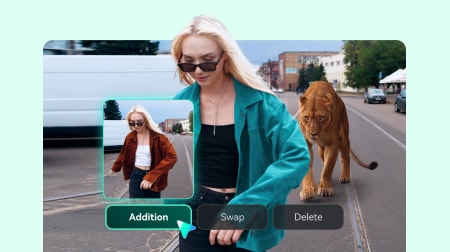
텍스트, 이미지 또는 오디오로 동영상을 생성하고, AI Extend로 기존 클립을 확장하면서 모션, 배경 음악 및 주변 오디오를 동기화 상태로 유지합니다. 생성된 결과는 타임라인에서 다듬을 수 있습니다. 페이지는 또한 AI 동영상 제작을 위한 Veo 3.1 및 Seedance 2 같은 타사 모델을 언급합니다.
같은 세션에서 화면, 카메라, 마이크 및 시스템 오디오를 녹화하며, 지원되는 각 소스는 Filmora에서 개별적으로 편집 가능하게 유지됩니다. 페이지는 이를 튜토리얼, 데모 및 게임플레이에 적합하다고 설명하고, 지원되는 120 fps 워크플로를 포함한 Windows의 고프레임 게임 녹화를 언급합니다.
Auto Color 같은 빠른 색상 보정으로 시작한 뒤 3D LUT, AI Color Palette(참조 이미지 또는 동영상에서 색상 일치) 및 수동 컨트롤로 다듬을 수 있습니다. Color Mask는 모양, 펜 또는 AI 마스크를 사용해 필요한 곳에만 조정을 적용하며, HSL, 곡선 및 컬러 휠을 지원합니다.
텍스트에서 음성 해설 생성, 음성 명료도 향상, 배경 소음 감소 및 믹스 밸런싱을 포함합니다. 추가 오디오 기능으로 Silence Detection, Audio Ducking, Auto Synchronization, Auto Beat Sync, AI Audio Denoise, AI Vocal Remover, AI Voice Enhancer 및 AI Audio Stretch가 있습니다.
음성-텍스트 변환으로 대화를 편집 가능한 자막으로 전사하며, 제안 수정 사항과 캡션 정리를 위한 전용 Subtitle Track을 제공합니다. 동적 캡션 스타일을 적용할 수 있고, Smart Text Correction은 지원되는 음성-텍스트 변환 오류를 식별하고 수정하는 데 도움을 줍니다.
동영상 템플릿, 효과, 제목, 전환, 필터, 스티커, 음악 및 스톡 미디어를 포함한 대규모 창작 자산 라이브러리에 대한 접근을 제공합니다. 공식 페이지는 2.9M+ 창작 자산, 1.1백만 개 이상의 로열티 프리 스톡 미디어 자산, 10,000개 이상의 사용자 지정 가능한 동영상 템플릿을 언급합니다.
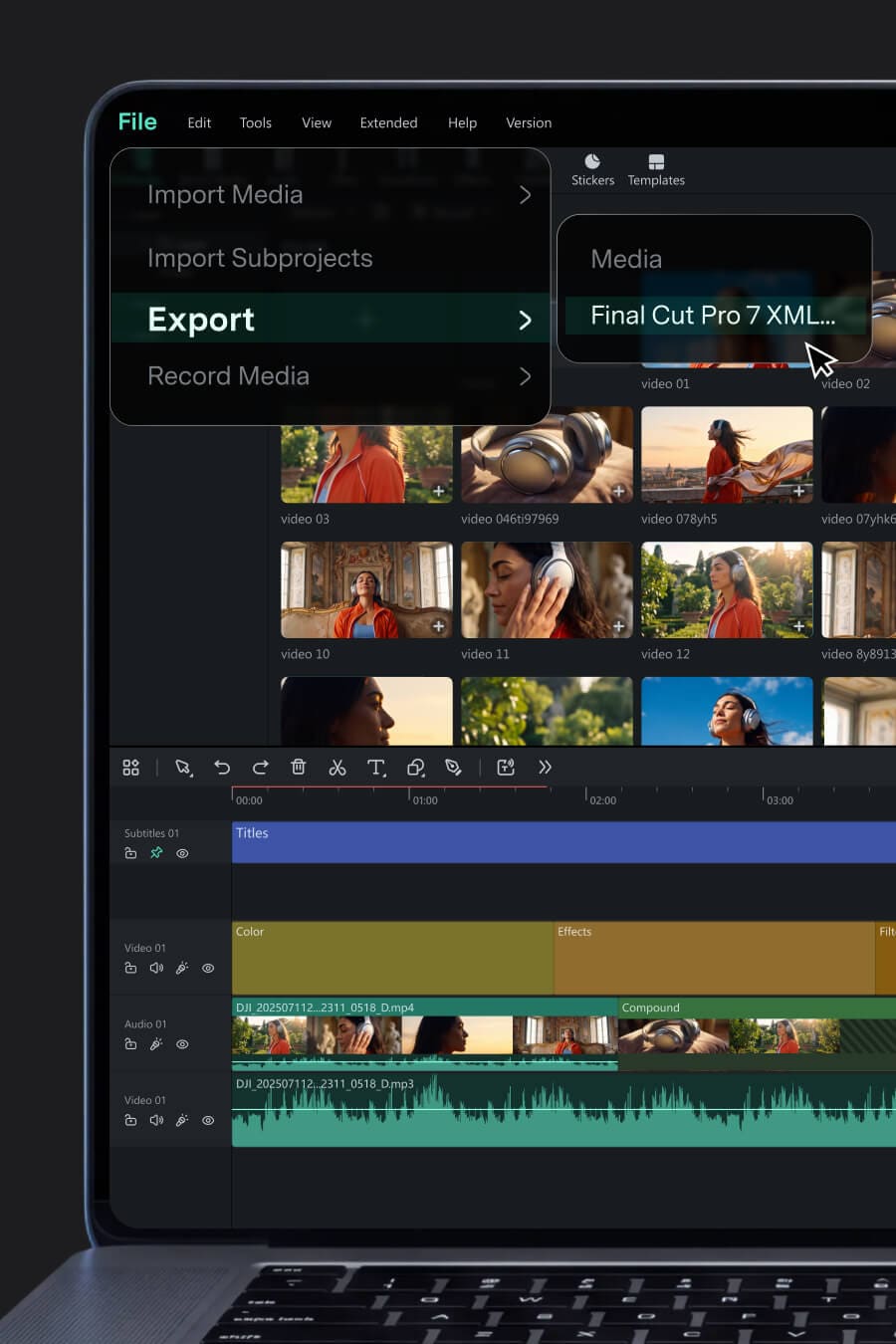
다양한 화면 비율에 맞춘 리프레이밍, 새로운 시청자를 위한 번역, 같은 프로젝트에서 여러 버전을 여러 대상으로 내보내기를 지원합니다. 지원되는 XML 타임라인을 가져오고 타임라인을 Final Cut Pro 7 XML로 내보내 다른 편집기에서 작업을 이어갈 수 있으며, 여러 동영상 버전을 대기열에 넣는 Batch Export를 제공합니다.
업무 흐름에 맞게
긴 녹화물을 집중된 동영상으로 구성하고, 음성을 개선하고, 캡션과 B-roll을 추가하며, 반복되는 채널 편집을 계속 진행합니다. 공식 페이지는 이 워크플로에 관련된 도구로 Silence Detection, Speech to Text 및 Smart Short Clips를 나열합니다.
수업, 소프트웨어 시연 및 강좌 콘텐츠를 내레이션, 캡션, 콜아웃 및 세련된 호흡으로 명확한 동영상으로 만듭니다. 이 용도로 Screen Recording, Keyframing 및 Speech to Text가 언급됩니다.
게임플레이, 해설, 리뷰 및 워크스루를 하이라이트와 공유할 준비가 된 세련된 동영상으로 만들며, Game Recording, Speed Ramping 및 Dynamic Captions를 사용합니다.
제품 데모, 설명 영상, 광고, 교육 동영상, 브랜드 콘텐츠 및 클라이언트 결과물을 하나의 데스크톱 워크플로에서 제작하며, Color Grading, Animated Charts 및 Batch Export를 사용합니다.
일상 영상, 여행 클립 및 긴 녹화물을 세련된 스토리와 다양한 플랫폼용 숏폼 버전으로 만들며, Smart Short Clips, Auto Reframe 및 Video Templates를 사용합니다.
첫걸음
동영상 편집 소프트웨어를 실행하고 새 프로젝트를 시작합니다. 컴퓨터, 카메라, 휴대폰 또는 기타 소스에서 미디어 파일을 가져오거나 내장 리소스를 사용해 편집을 시작합니다.
클립을 자르고 크롭하고 트리밍한 뒤 요소, 텍스트, 오디오, 효과, 스티커 및 AI 캡션을 타임라인에 끌어다 놓아 스토리를 구성합니다.
색상 보정 및 그레이딩, 디노이즈와 더킹 같은 오디오 도구, 향상 기능을 사용해 편집을 정리하고 다듬습니다.
제목과 화면 텍스트를 추가하고, 음성-텍스트 변환으로 음성에서 캡션을 생성하고, 제안된 수정 사항을 검토하고, 전용 자막 트랙에서 자막을 관리합니다.
동영상을 미리 보고 변경 사항을 마무리한 뒤 완성된 파일을 내보내거나, 여러 버전을 일괄 내보내거나, YouTube 같은 소셜 미디어에 직접 공유합니다.
다음 단계 계획하기
Filmora는 워터마크가 포함된 내보내기를 지원하는 무료 다운로드를 제공합니다. 유료 요금제에서는 워터마크가 제거되며, 크로스 플랫폼 및 팀 또는 비즈니스 옵션도 제공됩니다.
가격, 사용 한도 및 약관은 변경될 수 있습니다. 구독하기 전에 도구 공식 웹사이트에서 최신 세부 정보를 확인하세요.
현재 가격, 결제 기간 및 포함된 기능은 Filmora 공식 가격 페이지에서 확인하세요.
확인한 출처
Filmora는 녹화되거나 생성된 소재를 완성된 동영상으로 만드는 Wondershare의 동영상 편집기입니다. 데스크톱 앱에는 타임라인, 오디오 및 색상 도구, 캡션, 녹화 및 창작 자산이 포함됩니다. 버전 16은 또한 영상 검토, 미디어 생성 또는 개선 같은 작업을 AI로 지원합니다.
Filmora를 다운로드해 편집 워크플로를 무료로 사용해 볼 수 있습니다. 무료 에디션에서 내보낸 동영상에는 워터마크가 표시되며, 이를 제거하려면 유료 플랜이 필요합니다. 사용하려는 AI 기능이나 자산 컬렉션의 접근 조건이 다를 수 있으므로 플랜 세부 정보를 확인하세요.
Filmora에는 Windows 및 macOS 데스크톱 에디션과 Android, iPhone 및 iPad용 앱이 있습니다. 공식 PC 페이지는 64비트 Windows 7, 8.1, 10 및 11을 나열합니다. 설치 전에 사용 중인 기기와 운영 체제 버전에 대한 Filmora의 현재 기술 사양을 확인하세요.
예. AI 지원은 영상 검토, 텍스트를 통한 음성 콘텐츠 편집, 캡션 생성, 화면 또는 음성 개선, 클립 생성 또는 확장 등 프로젝트의 여러 단계를 포괄합니다. 이러한 도구는 타임라인과 함께 작동하며, 여기서 결과를 검토하고 편집을 계속할 수 있습니다.
공식 PC 페이지는 지원되는 동영상 형식으로 MP4, MOV, WebM, MKV, WMV 및 AVI를 나열합니다. Filmora는 또한 일반적인 게시 플랫폼을 위한 내보내기 선택지를 제공합니다. 전달 워크플로를 계획하기 전에 코덱 및 운영 체제 제한에 대한 지원 형식 목록을 확인하세요.
예. Filmora에는 YouTube 업로드 옵션이 있으며 해당 플랫폼을 위한 설정으로 동영상을 준비할 수 있습니다. 공식 FAQ는 또한 게시 일정을 예약하는 Social Video Planner를 설명합니다. 계정을 연결할 때 현재 버전의 지원 게시 옵션을 확인하세요.
각 리소스의 라이선스를 확인하세요. Filmora는 상업적 사용 라벨이 있는 자산, 즉 조건을 충족하는 AI Music의 상업적 사용을 허용합니다. 현재 FAQ는 훈련 자료 권리의 불확실성 때문에 AI 이미지, 스티커, 텍스트-투-비디오 출력 및 AI 사운드 효과를 비상업적 범주에 둡니다. 일반 자산에도 적절한 상업적 사용 지정이 필요합니다. 이는 Filmora가 밝힌 정책이며, 프로젝트에 대한 현재 자산 라이선스를 확인하세요.
예. Windows 에디션은 웹캠, 마이크 및 시스템 사운드와 함께 화면 녹화를 지원합니다. Filmora의 Multi-Source Recording은 지원되는 녹음을 개별적으로 편집 가능하게 유지하므로 프로젝트를 자를 때 독립적으로 조정할 수 있습니다.
커뮤니티에서
로그인하여 경험을 공유하고 다른 사람들이 적합한 도구를 찾도록 도와주세요.
다음 발견
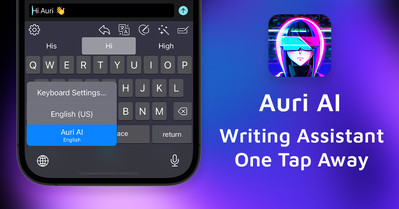
더 빠르고 스마트하게 글을 쓰도록 돕는 AI 글쓰기 도우미
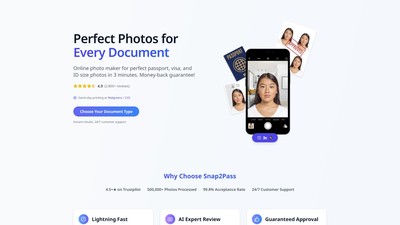
AI 기술로 인물 사진을 규격에 맞는 비자 또는 여권 사진으로 변환하세요. 머신러닝 모델이 얼굴을 정확히 감지하고 배경을 제거한 뒤, 서류 요건에 맞게 이미지 크기를 조정합니다.
영상 변환, 이미지 애니메이션, 캐릭터 애니메이션, 말하는 아바타, 립싱크와 업스케일링을 제공하는 AI 도구입니다.
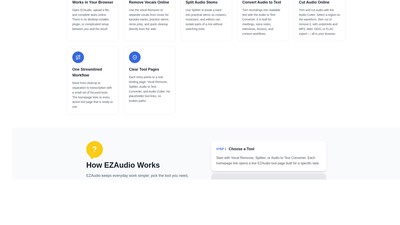
EZAudio는 보컬 제거, 스템 분리, 음성을 텍스트로 변환, 오디오 자르기를 제공하는 브라우저 기반 온라인 오디오 도구 모음으로, 소프트웨어 설치 없이 브라우저에서 일상적인 오디오 작업을 처리할 수 있습니다.
다음 단계로 나아가기
공식 웹사이트에서 최신 기능을 살펴보고 시작해 보세요.