

Natural-language spreadsheet work
Ask for data cleanup, formatting, categorization, summaries, calculations, or analysis without memorizing Excel formulas.
TOOL PROFILE TOOLAI
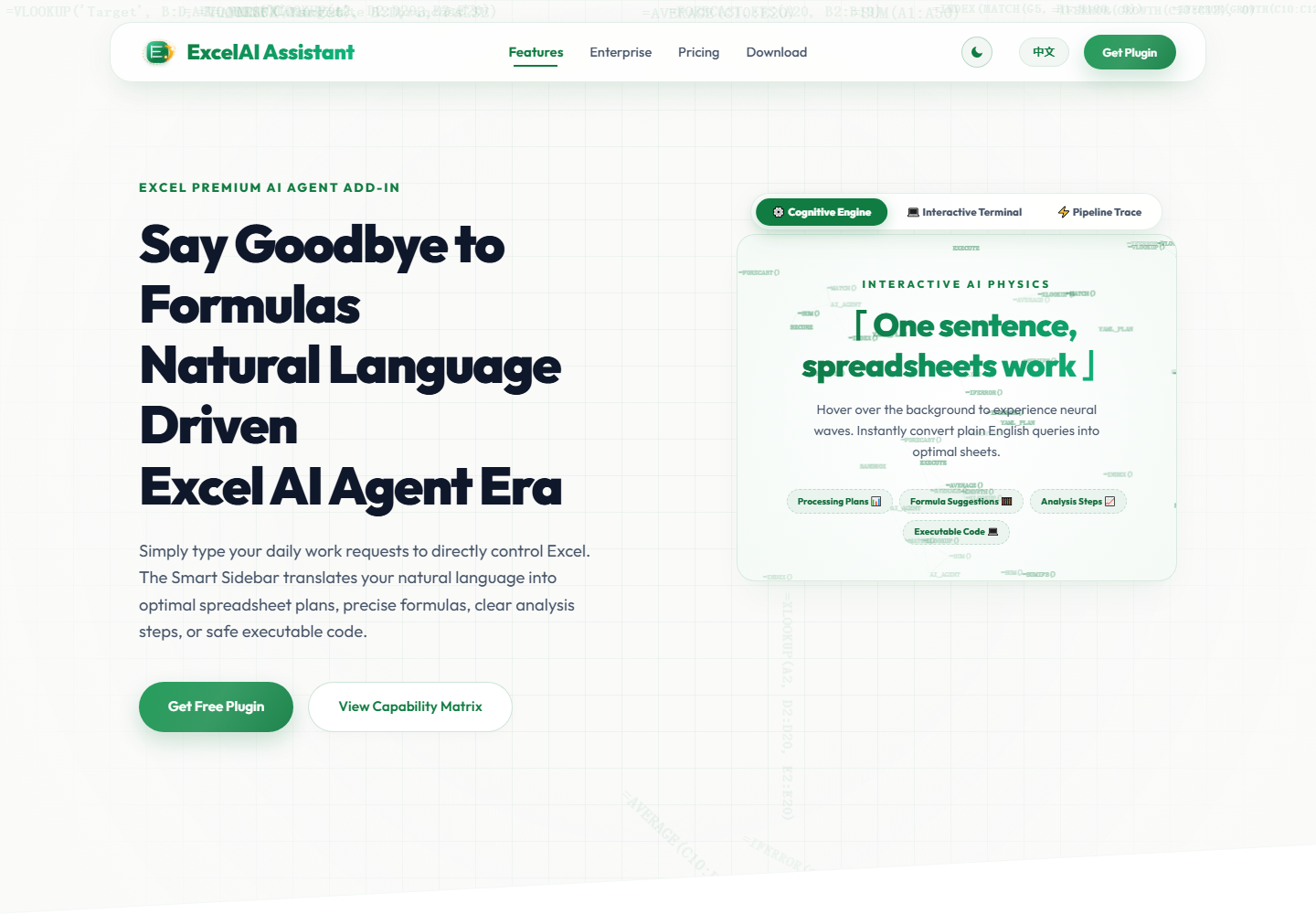
Excel add-in that turns natural-language requests into spreadsheet plans, formula suggestions, analysis steps, and executable actions, with flexible execution modes and local history.
 View full image
THE BIG PICTURE
Excel365 AI 万能助手 is an AI productivity add-in for Microsoft Excel. It lets you describe a spreadsheet task in natural language and turns your request into a practical processing plan, formula recommendations, clear analysis steps, or executable code.
The plugin is available for free download and use with a freemium model. Pro upgrades remove preview limitations, and enterprise customization is available for teams with specialized requirements.
A CLOSER LOOK
Explore product screens and published examples. Open any image for a closer look.
WHAT YOU CAN DO
Get to know the capabilities. Find your own way to use them.
Ask for data cleanup, formatting, categorization, summaries, calculations, or analysis without memorizing Excel formulas.
The AI sidebar breaks a request into understandable steps and helps you review the intended result before execution.
Choose Speed Mode for high-volume routine work, Reasoning Mode for complex logic and anomaly analysis, or Comprehensive Mode for a balance of speed and reliability.
Detect and help correct common spreadsheet issues, such as formula errors after row changes, and support safe value completion and recalculation.
Organize conversation and operation records by date so you can copy, insert, resend, archive, or delete previous tasks when needed.
Keep frequent interactions and operation records in a locally isolated database for more controlled reuse and auditing.
FROM THE COMMUNITY
Sign in to share your experience and help others find the right tool.
YOUR NEXT DISCOVERY

A tool for integrating GPT with a library of prompts.

Whether you're drafting an email, social media post, article or doing online research, ChatGPT2Help can provide suggestions and corrections in real-time, helping you to write more effectively.
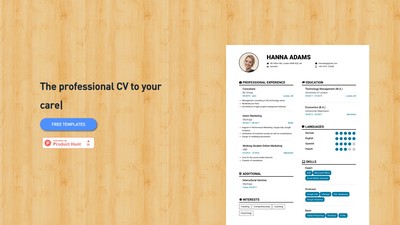
Create your CV effortlessly with our resume builder. It's free! Save time with modern templates, customize with design options, and download high-quality PDFs. No watermarks or hidden fees. Additionally, you can get your CV checked for as low as 29€.
MAKE YOUR NEXT MOVE
Visit the official website to explore the latest features and get started.