
Codex subscription to API
Connect your own supported Codex account and use it through Chat Completions or Responses.
ٹول پروفائل TOOLAI
Use your Codex subscription through an AI API in your apps, tools and agents.
 مکمل تصویر دیکھیں
مجموعی جائزہ
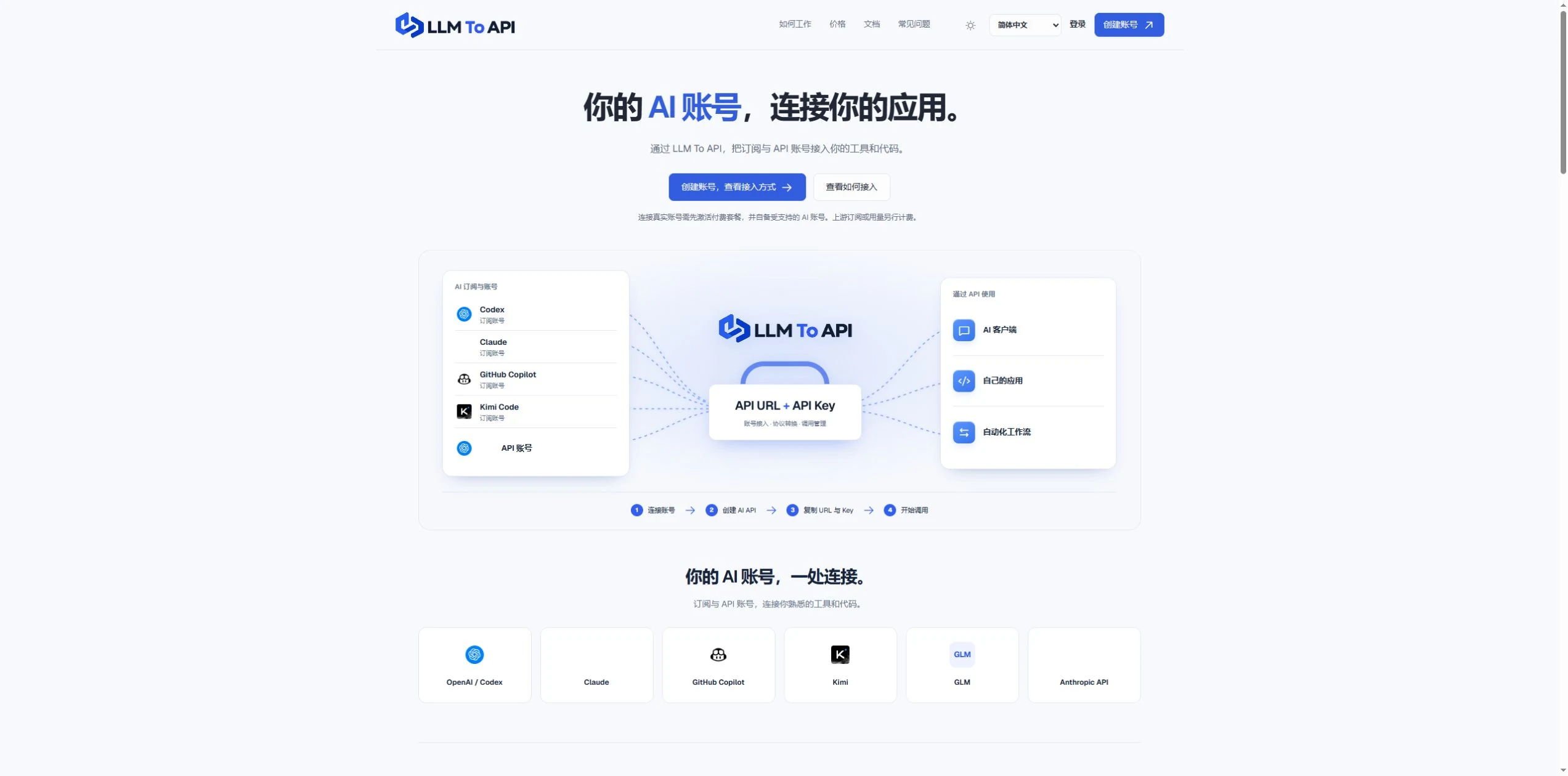
LLM To API provides a hosted connection between your supported AI accounts and the applications you use or build. Connect an account, create an API key, and copy the URL, key and model into a compatible client or your own code.
You do not need to deploy a gateway server or leave your computer running to forward requests. Separate application keys and request logs help you manage access and investigate errors in one place.
قریب سے جائزہ
پروڈکٹ کی اسکرینز اور شائع شدہ مثالیں دیکھیں۔ کسی بھی تصویر کو قریب سے دیکھنے کے لیے کھولیں۔
آپ کیا کر سکتے ہیں
صلاحیتوں سے واقف ہوں۔ انہیں استعمال کرنے کا اپنا طریقہ تلاش کریں۔
Connect your own supported Codex account and use it through Chat Completions or Responses.
Use a hosted endpoint without operating your own forwarding server.
Create keys for different apps, select models and set expiry when needed.
Inspect request status, models, timing and errors from the dashboard.
Use the provided configuration and code examples with a compatible API client or SDK.
آپ کے ورک فلو کے لیے بنایا گیا
Enter your API URL, key and model into a client that supports custom endpoints.
Add AI requests to your own website, application or agent workflow.
Give each application its own key and use request history to trace problems.
آپ کے ابتدائی اقدامات
Register, verify your email and activate a platform plan.
Authorize a supported account or provide a supported provider API key.
Choose the source, models and optional expiry, then generate an application key.
Copy the connection settings into your tool and inspect the result in request logs.
اپنا اگلا قدم طے کریں
Starter $9.90/month; Pro $19.90/month. Provider subscriptions and API usage are separate.
قیمتیں، استعمال کی حدود اور شرائط تبدیل ہو سکتی ہیں۔ سبسکرائب کرنے سے پہلے ٹول کی سرکاری ویب سائٹ پر تازہ ترین تفصیلات کی تصدیق کریں۔
ماخذ کی جانچ کی گئی
Yes. Connect your own supported Codex account and use the available models through the API configuration shown in your dashboard.
No. The forwarding endpoint is hosted. Your client still needs internet access when making requests.
Not for clients that accept a custom API URL, key and model. Building your own application requires integration code.
No. You bring your provider account. Its model access, allowance and rate limits still apply.
Email support@llmtoapi.com.
کمیونٹی کی جانب سے
اپنا تجربہ شیئر کرنے اور دوسروں کو درست ٹول تلاش کرنے میں مدد دینے کے لیے سائن اِن کریں۔
آپ کی اگلی دریافت
ملازمت کے مطابق ذاتی نوعیت کے کور لیٹر بنانے کا ایک ٹول۔
Sana کا AI سے تقویت یافتہ لرننگ پلیٹ فارم پیش رو کمپنیوں کو علم بانٹنے، تیزی سے سیکھنے، انتظامی کام خودکار بنانے اور 10 گنا تیزی سے کام کرنے میں مدد دیتا ہے۔
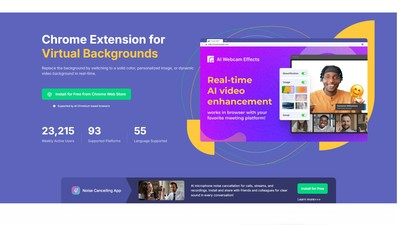
ویڈیو کالز کو پہلے سے کہیں بہتر بنائیں! ہماری ایکسٹینشن ورچوئل بیک گراؤنڈز، بلر، خوب صورتی میں بہتری، خودکار فریمنگ، رنگوں کی درستگی، لوئر تھرڈز، ایموجیز اور مزید سہولیات فراہم کرتی ہے۔ بہت سے مواصلاتی پلیٹ فارمز کے لیے بہترین۔
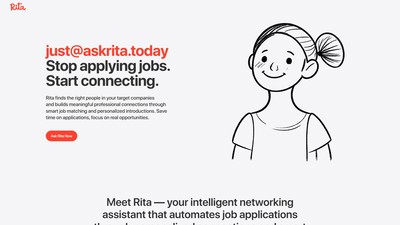
Rita ملازمتوں کی میچنگ اور پیشہ ورانہ نیٹ ورکنگ کی ایک ذہین معاون ہے، جو ذاتی رابطوں اور اسمارٹ میچنگ ٹیکنالوجی کے ذریعے ملازمت کی درخواستوں کو خودکار بناتی ہے، تاکہ صارف وقت بچا کر حقیقی مواقع پر توجہ دے سکیں۔
اپنا اگلا قدم اٹھائیں
تازہ ترین خصوصیات دریافت کرنے اور آغاز کرنے کے لیے سرکاری ویب سائٹ ملاحظہ کریں۔