
Codex subscription to API
Connect your own supported Codex account and use it through Chat Completions or Responses.
PROFIL DE L’OUTIL TOOLAI
Use your Codex subscription through an AI API in your apps, tools and agents.
 Voir l’image en taille réelle
VUE D’ENSEMBLE
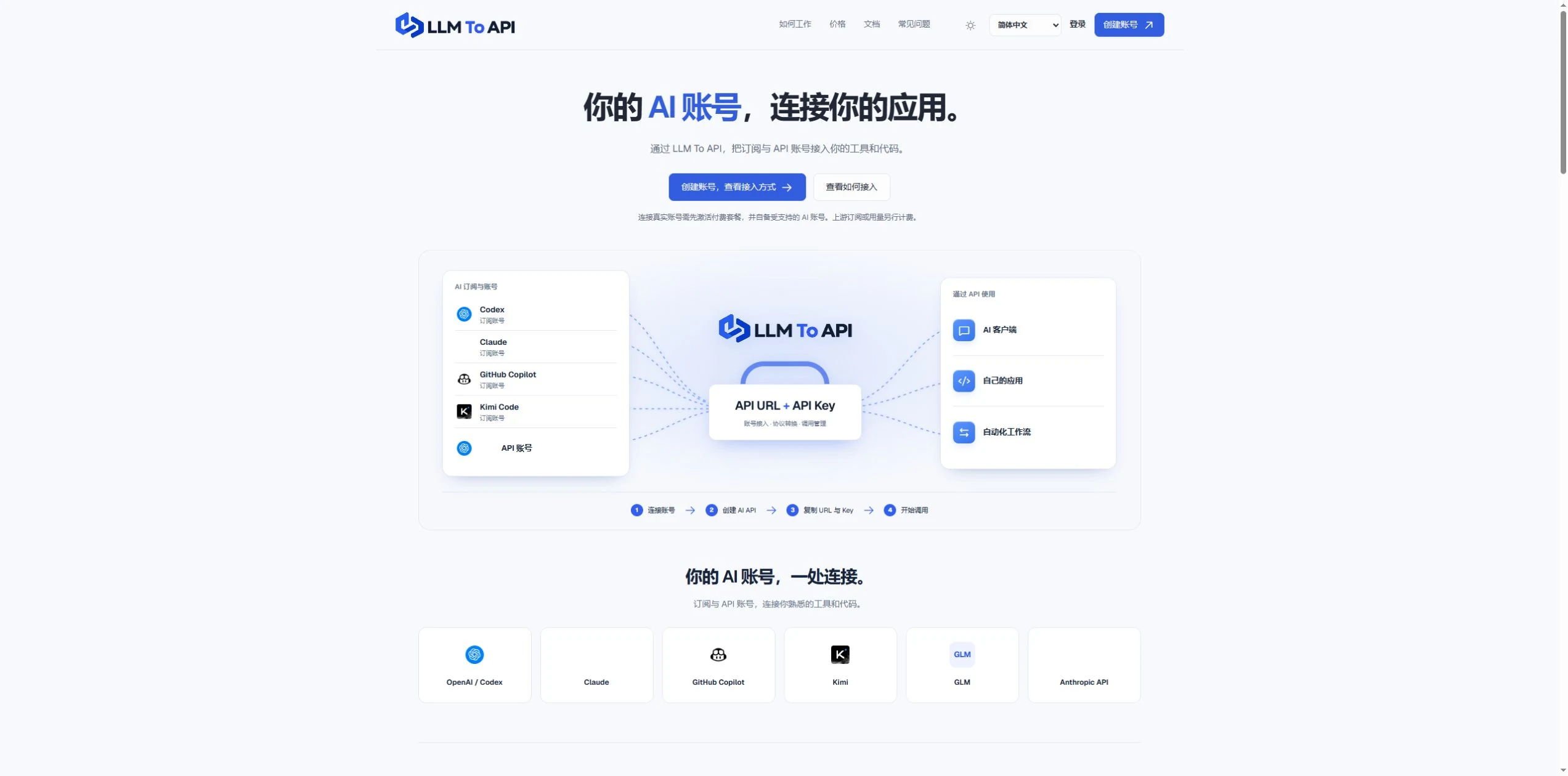
LLM To API provides a hosted connection between your supported AI accounts and the applications you use or build. Connect an account, create an API key, and copy the URL, key and model into a compatible client or your own code.
You do not need to deploy a gateway server or leave your computer running to forward requests. Separate application keys and request logs help you manage access and investigate errors in one place.
EN DÉTAIL
Découvrez les écrans du produit et les exemples publiés. Ouvrez une image pour l’examiner de plus près.
CE QUE VOUS POUVEZ FAIRE
Découvrez ses capacités. Trouvez votre propre façon de les utiliser.
Connect your own supported Codex account and use it through Chat Completions or Responses.
Use a hosted endpoint without operating your own forwarding server.
Create keys for different apps, select models and set expiry when needed.
Inspect request status, models, timing and errors from the dashboard.
Use the provided configuration and code examples with a compatible API client or SDK.
CONÇU POUR VOTRE FLUX DE TRAVAIL
Enter your API URL, key and model into a client that supports custom endpoints.
Add AI requests to your own website, application or agent workflow.
Give each application its own key and use request history to trace problems.
VOS PREMIERS PAS
Register, verify your email and activate a platform plan.
Authorize a supported account or provide a supported provider API key.
Choose the source, models and optional expiry, then generate an application key.
Copy the connection settings into your tool and inspect the result in request logs.
PLANIFIEZ LA SUITE
Starter $9.90/month; Pro $19.90/month. Provider subscriptions and API usage are separate.
Les prix, limites d'utilisation et conditions peuvent changer. Vérifiez les dernières informations sur le site officiel de l'outil avant de vous abonner.
Sources vérifiées
QUELQUES INFORMATIONS SUPPLÉMENTAIRES
Yes. Connect your own supported Codex account and use the available models through the API configuration shown in your dashboard.
No. The forwarding endpoint is hosted. Your client still needs internet access when making requests.
Not for clients that accept a custom API URL, key and model. Building your own application requires integration code.
No. You bring your provider account. Its model access, allowance and rate limits still apply.
Email support@llmtoapi.com.
DE LA COMMUNAUTÉ
Connectez-vous pour partager votre expérience et aider les autres à trouver le bon outil.
VOTRE PROCHAINE DÉCOUVERTE
Une plateforme pour préparer les entretiens d’embauche et optimiser les CV.
Mindgrasp crée instantanément des notes précises et répond aux questions à partir de documents, PDF, vidéos YouTube, réunions Zoom, enregistrements de webinaires, podcasts et bien plus encore.
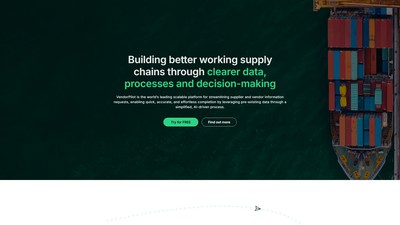
VendorPilot de Bendi est une plateforme pilotée par l’IA qui simplifie et automatise les demandes d’informations fournisseurs, leur conformité et leur intégration.
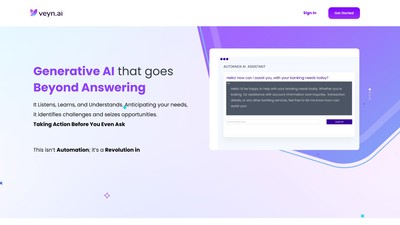
Veyn.ai transforme l’expérience client grâce à l’IA générative, avec des solutions d’analyse vocale, d’assistant IA, de copilote email et d’assistant vocal pour les centres de contact d’entreprise.
PASSEZ À L'ACTION
Visitez le site officiel pour découvrir les dernières fonctionnalités et commencer.