
Codex subscription to API
Connect your own supported Codex account and use it through Chat Completions or Responses.
टूल प्रोफ़ाइल TOOLAI
Use your Codex subscription through an AI API in your apps, tools and agents.
 पूरा चित्र देखें
समग्र चित्र
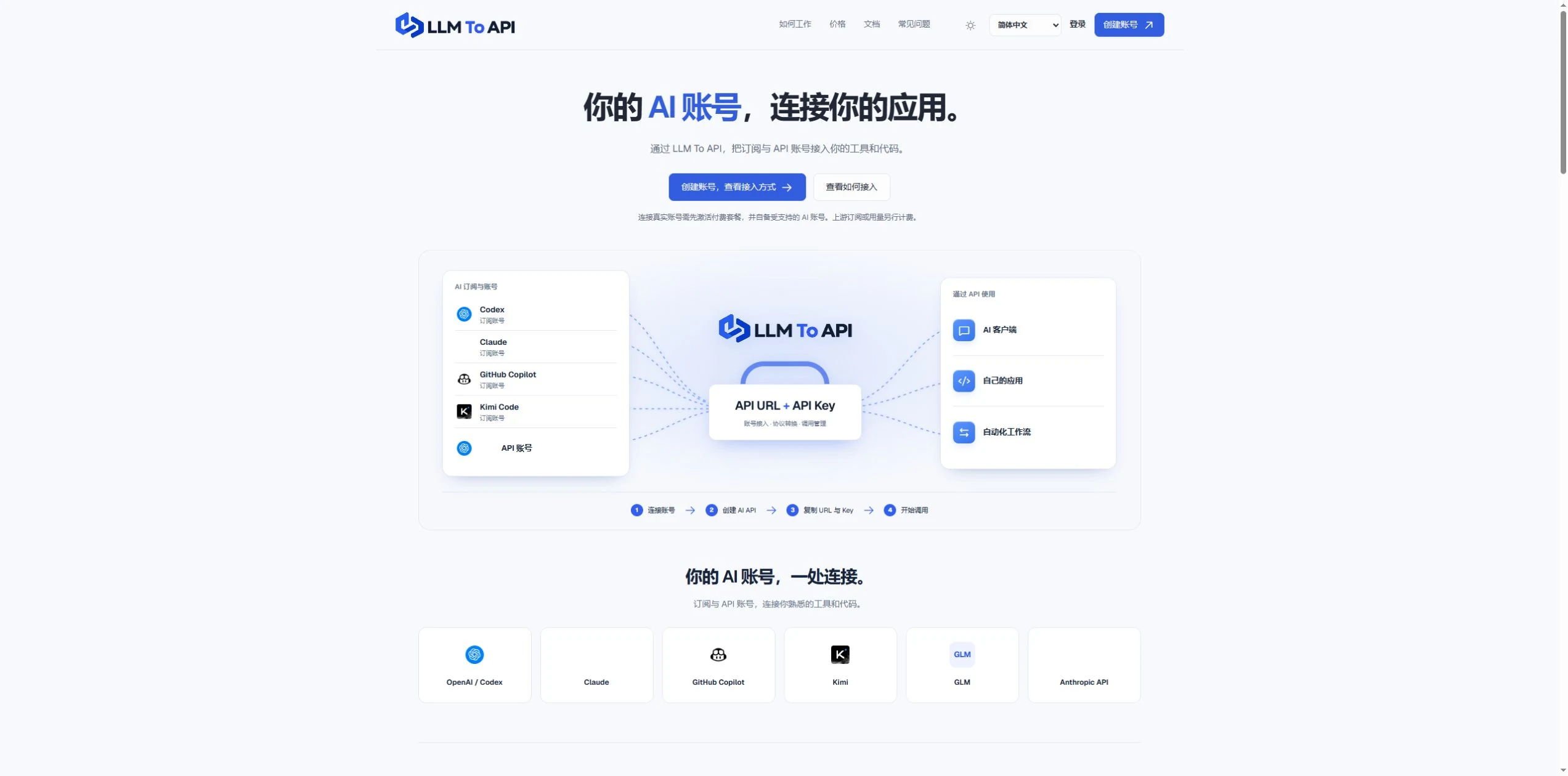
LLM To API provides a hosted connection between your supported AI accounts and the applications you use or build. Connect an account, create an API key, and copy the URL, key and model into a compatible client or your own code.
You do not need to deploy a gateway server or leave your computer running to forward requests. Separate application keys and request logs help you manage access and investigate errors in one place.
करीब से देखें
उत्पाद की स्क्रीन और प्रकाशित उदाहरण देखें। किसी भी चित्र को करीब से देखने के लिए खोलें।
आप क्या कर सकते हैं
क्षमताओं को जानें। उनका उपयोग करने का अपना तरीका खोजें।
Connect your own supported Codex account and use it through Chat Completions or Responses.
Use a hosted endpoint without operating your own forwarding server.
Create keys for different apps, select models and set expiry when needed.
Inspect request status, models, timing and errors from the dashboard.
Use the provided configuration and code examples with a compatible API client or SDK.
आपके कार्यप्रवाह के लिए बनाया गया
Enter your API URL, key and model into a client that supports custom endpoints.
Add AI requests to your own website, application or agent workflow.
Give each application its own key and use request history to trace problems.
आपके शुरुआती कदम
Register, verify your email and activate a platform plan.
Authorize a supported account or provide a supported provider API key.
Choose the source, models and optional expiry, then generate an application key.
Copy the connection settings into your tool and inspect the result in request logs.
अपने अगले कदम की योजना बनाएँ
Starter $9.90/month; Pro $19.90/month. Provider subscriptions and API usage are separate.
कीमतें, उपयोग सीमाएँ और शर्तें बदल सकती हैं। सदस्यता लेने से पहले टूल की आधिकारिक वेबसाइट पर नवीनतम विवरण की पुष्टि करें।
जाँचे गए स्रोत
Yes. Connect your own supported Codex account and use the available models through the API configuration shown in your dashboard.
No. The forwarding endpoint is hosted. Your client still needs internet access when making requests.
Not for clients that accept a custom API URL, key and model. Building your own application requires integration code.
No. You bring your provider account. Its model access, allowance and rate limits still apply.
Email support@llmtoapi.com.
समुदाय की ओर से
अपना अनुभव साझा करने और दूसरों को सही टूल खोजने में मदद करने के लिए साइन इन करें।
आपकी अगली खोज
Quickeee एक AI-संचालित ईमेल प्लेटफ़ॉर्म है, जो आपके ईमेल कार्यप्रवाह को बेहतर बनाता है। इसमें AI ईमेल री-राइटिंग, त्वरित उत्तर सुझाव, व्याकरण और टोन समायोजन, ईमेल सारांश और एकीकृत ईमेल कार्यक्षमता शामिल है।
Text2Cron प्राकृतिक भाषा से Unix Cron एक्सप्रेशन बनाने वाला टूल है। रोज़मर्रा की भाषा में शेड्यूल लिखकर आसानी से Cron एक्सप्रेशन बनाएँ।
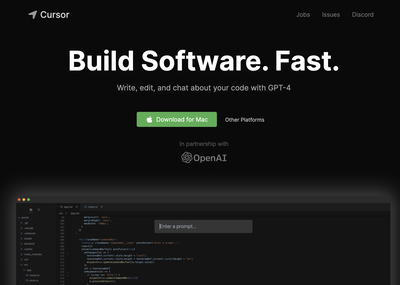
Cursor एक AI कोड एडिटर है, जो डेवलपर्स को कोडबेस समझने, कोड लिखने और संपादित करने तथा कोडिंग कार्य एजेंटों को सौंपने में मदद करता है।
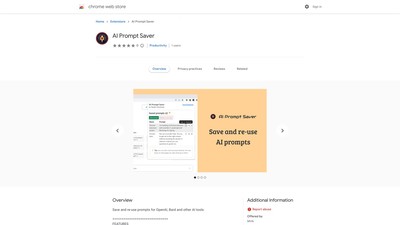
प्रॉम्प्ट सहेजें और दोबारा इस्तेमाल करें, उन्हें वेब पेज से चुनकर या एक्सटेंशन टूलबार से जोड़ें, और ब्राउज़र में ही सुरक्षित रखें।
अपना अगला कदम उठाएँ
नवीनतम सुविधाएँ देखने और शुरुआत करने के लिए आधिकारिक वेबसाइट पर जाएँ।