
Codex subscription to API
Connect your own supported Codex account and use it through Chat Completions or Responses.
TOOL PROFILE TOOLAI
Use your Codex subscription through an AI API in your apps, tools and agents.
 View full image
THE BIG PICTURE
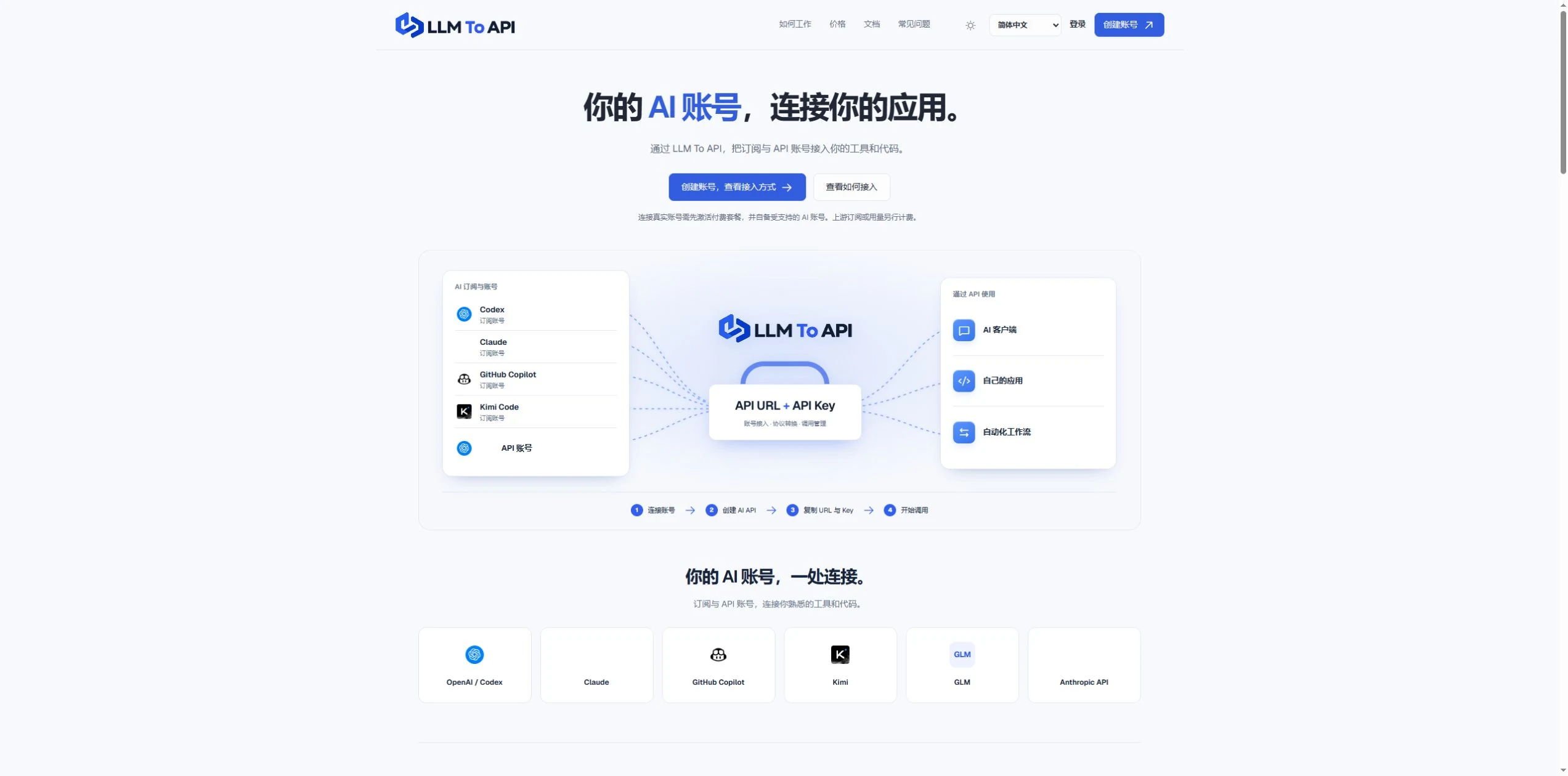
LLM To API provides a hosted connection between your supported AI accounts and the applications you use or build. Connect an account, create an API key, and copy the URL, key and model into a compatible client or your own code.
You do not need to deploy a gateway server or leave your computer running to forward requests. Separate application keys and request logs help you manage access and investigate errors in one place.
A CLOSER LOOK
Explore product screens and published examples. Open any image for a closer look.
WHAT YOU CAN DO
Get to know the capabilities. Find your own way to use them.
Connect your own supported Codex account and use it through Chat Completions or Responses.
Use a hosted endpoint without operating your own forwarding server.
Create keys for different apps, select models and set expiry when needed.
Inspect request status, models, timing and errors from the dashboard.
Use the provided configuration and code examples with a compatible API client or SDK.
MADE FOR YOUR WORKFLOW
Enter your API URL, key and model into a client that supports custom endpoints.
Add AI requests to your own website, application or agent workflow.
Give each application its own key and use request history to trace problems.
YOUR FIRST STEPS
Register, verify your email and activate a platform plan.
Authorize a supported account or provide a supported provider API key.
Choose the source, models and optional expiry, then generate an application key.
Copy the connection settings into your tool and inspect the result in request logs.
PLAN YOUR NEXT STEP
Starter $9.90/month; Pro $19.90/month. Provider subscriptions and API usage are separate.
Prices, usage limits and terms can change. Confirm the latest details on the tool's official website before subscribing.
Sources checked
Yes. Connect your own supported Codex account and use the available models through the API configuration shown in your dashboard.
No. The forwarding endpoint is hosted. Your client still needs internet access when making requests.
Not for clients that accept a custom API URL, key and model. Building your own application requires integration code.
No. You bring your provider account. Its model access, allowance and rate limits still apply.
Email support@llmtoapi.com.
FROM THE COMMUNITY
Sign in to share your experience and help others find the right tool.
YOUR NEXT DISCOVERY

A mac app to access chatgpt with one shortcut key.

QR Blend is the first AI QR code generator in the world. You can add any link and it converts it into an astonishing QR code.
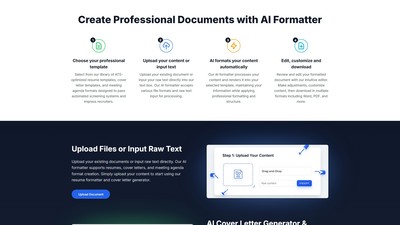
AI Formatter is a cutting-edge AI-powered document formatting platform that revolutionizes how professionals, job seekers, and businesses create polished documents. Transform raw text and uploaded files into professionally formatted documents instantly with AI-powered formatting technology and access to over 100+ premium templates.

Study language model training with a small model, from pretraining and SFT to tool use.
MAKE YOUR NEXT MOVE
Visit the official website to explore the latest features and get started.