
Codex subscription to API
Connect your own supported Codex account and use it through Chat Completions or Responses.
PERFIL DE LA HERRAMIENTA TOOLAI
Use your Codex subscription through an AI API in your apps, tools and agents.
 Ver imagen completa
VISIÓN GENERAL
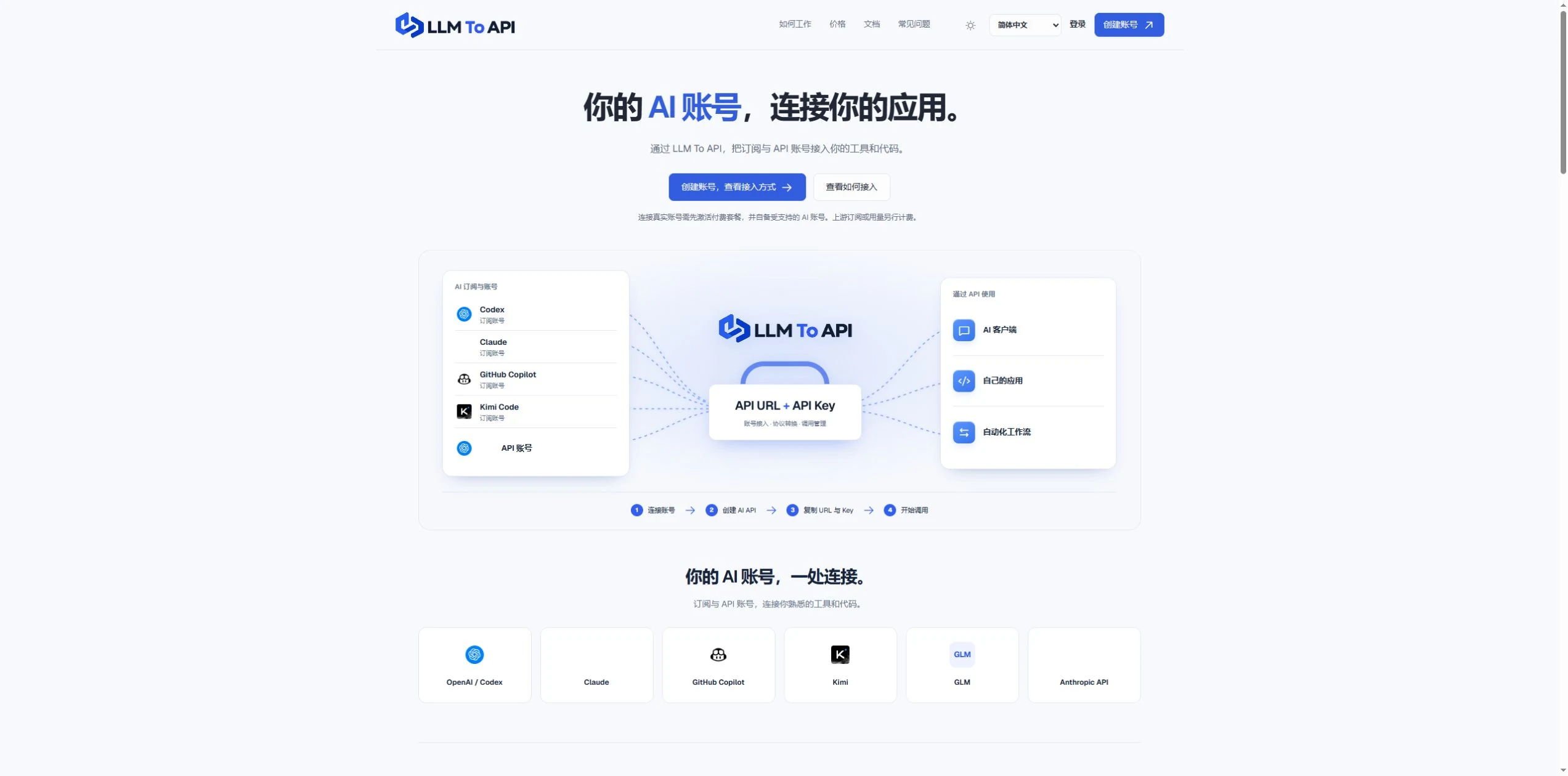
LLM To API provides a hosted connection between your supported AI accounts and the applications you use or build. Connect an account, create an API key, and copy the URL, key and model into a compatible client or your own code.
You do not need to deploy a gateway server or leave your computer running to forward requests. Separate application keys and request logs help you manage access and investigate errors in one place.
UNA MIRADA MÁS DETALLADA
Explora las pantallas del producto y los ejemplos publicados. Abre cualquier imagen para verla más de cerca.
LO QUE PUEDES HACER
Conoce sus capacidades. Encuentra tu propia forma de usarlas.
Connect your own supported Codex account and use it through Chat Completions or Responses.
Use a hosted endpoint without operating your own forwarding server.
Create keys for different apps, select models and set expiry when needed.
Inspect request status, models, timing and errors from the dashboard.
Use the provided configuration and code examples with a compatible API client or SDK.
DISEÑADO PARA TU FLUJO DE TRABAJO
Enter your API URL, key and model into a client that supports custom endpoints.
Add AI requests to your own website, application or agent workflow.
Give each application its own key and use request history to trace problems.
TUS PRIMEROS PASOS
Register, verify your email and activate a platform plan.
Authorize a supported account or provide a supported provider API key.
Choose the source, models and optional expiry, then generate an application key.
Copy the connection settings into your tool and inspect the result in request logs.
PLANIFICA TU SIGUIENTE PASO
Starter $9.90/month; Pro $19.90/month. Provider subscriptions and API usage are separate.
Los precios, límites de uso y términos pueden cambiar. Confirma la información más reciente en el sitio web oficial de la herramienta antes de suscribirte.
Fuentes consultadas
Yes. Connect your own supported Codex account and use the available models through the API configuration shown in your dashboard.
No. The forwarding endpoint is hosted. Your client still needs internet access when making requests.
Not for clients that accept a custom API URL, key and model. Building your own application requires integration code.
No. You bring your provider account. Its model access, allowance and rate limits still apply.
Email support@llmtoapi.com.
DE LA COMUNIDAD
Inicia sesión para compartir tu experiencia y ayudar a otros a encontrar la herramienta adecuada.
TU PRÓXIMO DESCUBRIMIENTO

Potente herramienta que genera automáticamente documentación completa y precisa a partir de archivos de código fuente.
i18n impulsada por IA, porque gestionar traducciones es complicado. Translation Strings admite casi cualquier idioma, registros formales e informales, historial de versiones de cada cadena e integración mediante API. También es gratis (v0.1; todavía no es muy atractivo, lo sé).
Penna.app revoluciona la forma de crear propuestas. Con textos generados por IA, una presentación moderna con estilo de sitio web y una experiencia de marca, Penna.app te ayuda a ganar clientes sin perder tiempo. Crea propuestas de alta conversión hasta 10 veces más rápido.
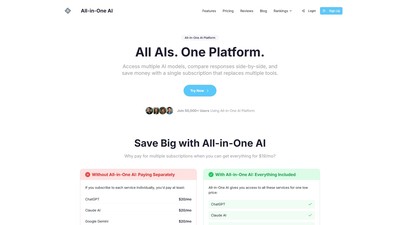
Una plataforma que integra varios modelos de IA y permite acceder a grandes modelos como ChatGPT y Claude con una sola suscripción. Admite la comparación de respuestas en paralelo y el cambio fluido entre modelos para mejorar la eficiencia y reducir costes.
DA TU SIGUIENTE PASO
Visita el sitio web oficial para explorar las funciones más recientes y comenzar.