Finance
inBuild
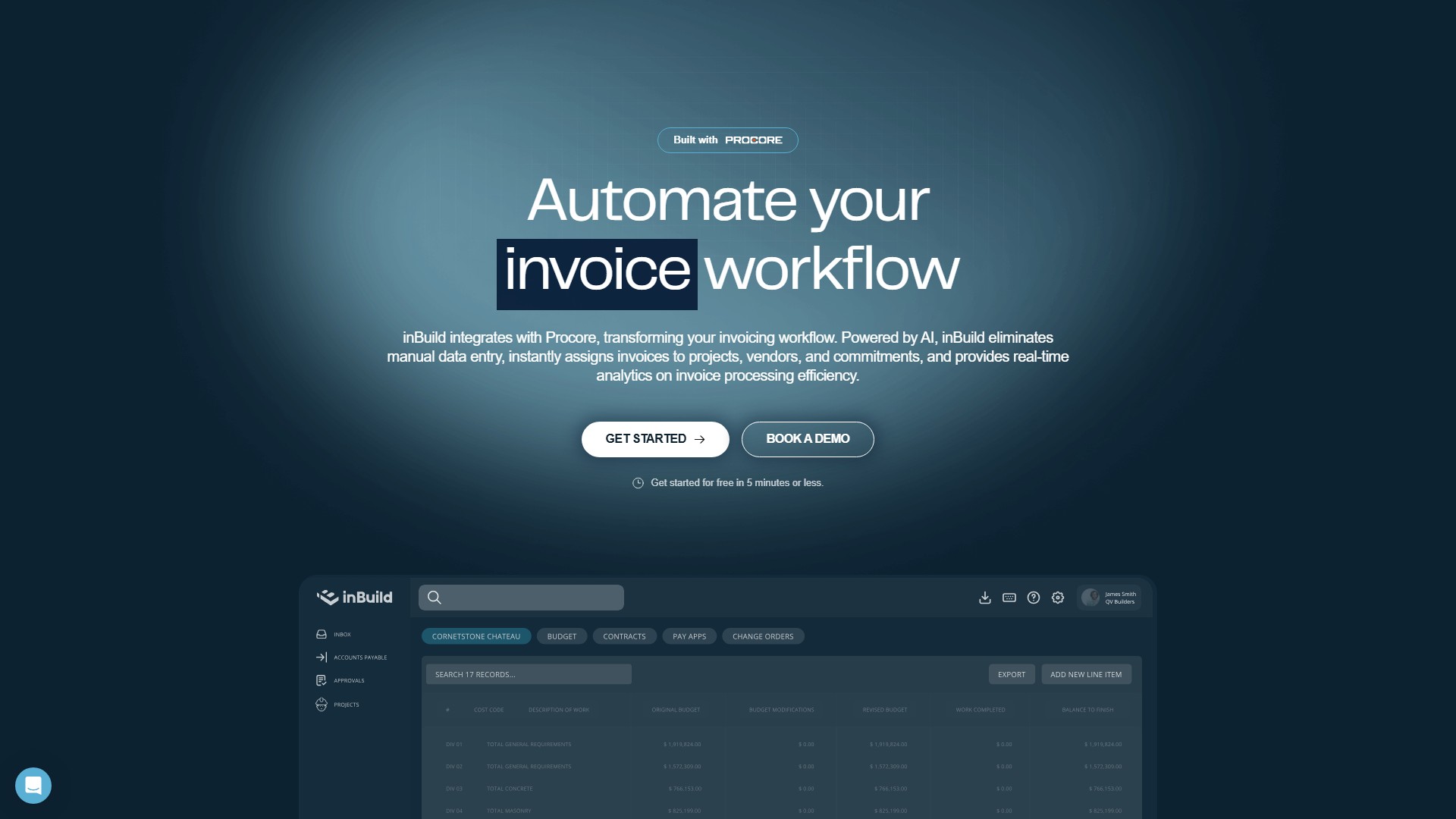
inBuild uniquely employs AI to identify all documents from incoming emails, extract key data, route for approval, process payments, and reconcile expenses with project budgets. To gain real-time system-wide visibility into the financial health of your company.
Views
19.7K
Monthly visits
19.7K
Global rank
--
Votes
0
About this tool
Main Features:
- Automated Invoice Workflow: Uses AI to eliminate manual data entry, instantly assigning invoices to projects, vendors, and commitments.
- Centralize and Simplify: Automatically centralize invoices from emails and the field into a unified, intelligent inbox. Effortlessly assign invoices across multiple projects and commitments.
- Real-time Collaboration: Keep the team informed and efficient with instant alerts, comments, and collaborative invoice review directly within the platform.
- Data Syncing: Securely syncs Procore data—projects, vendors, budgets, and commitments—and leverages advanced AI to automatically match incoming invoices. Approved invoices immediately sync back to Procore, updating budgets and project finances in real-time.
- Accounting System Integration: With the QuickBooks Online integration, approved invoices can be exported directly to the accounting system, keeping job costs and books in perfect sync without double entry.
Key Characteristics:
- Specifically designed for Procore users to automate invoicing, reduce administrative overhead, and provide clear, accurate financial tracking.
- Applies invoices against commitments, provides real-time budget updates, seamless creation of invoices in Procore, and automated syncing of direct costs.
- Mobile app support and financial insights provided.
Target Users: The world's best construction teams, ranging from local businesses to established enterprises.
Core Advantages:
- Time Saving: Saves 48 hours per billing cycle.
- Scale and Trust: $14B invoiced last year with 853 worry-free builders.
- Excellent Customer Service: Users report top-notch customer service that responds and gets issues sorted within minutes.
- User-Friendly: The system is extremely user-friendly and straightforward, streamlining the invoicing process from invoice receipt to accounts payable in QuickBooks.
Usage Instructions & Workflow:
- Connect Procore and QuickBooks accounts.
- Forward invoices via email or upload from the field into the inBuild intelligent inbox.
- AI automatically scans, extracts data, and matches invoices to the corresponding projects, vendors, and commitments.
- The team collaborates, reviews, and approves invoices within the system.
- Approved invoices sync back to Procore in real-time to update budgets and can be directly exported to QuickBooks.
Pricing Information: Offers a free option to get started, which can be set up in 5 minutes or less, utilizing a freemium model.
Traffic analysis
Traffic, ranking, and engagement signals for this tool.
No analytics data yet
Interface preview