Give a good photograph a sense of time
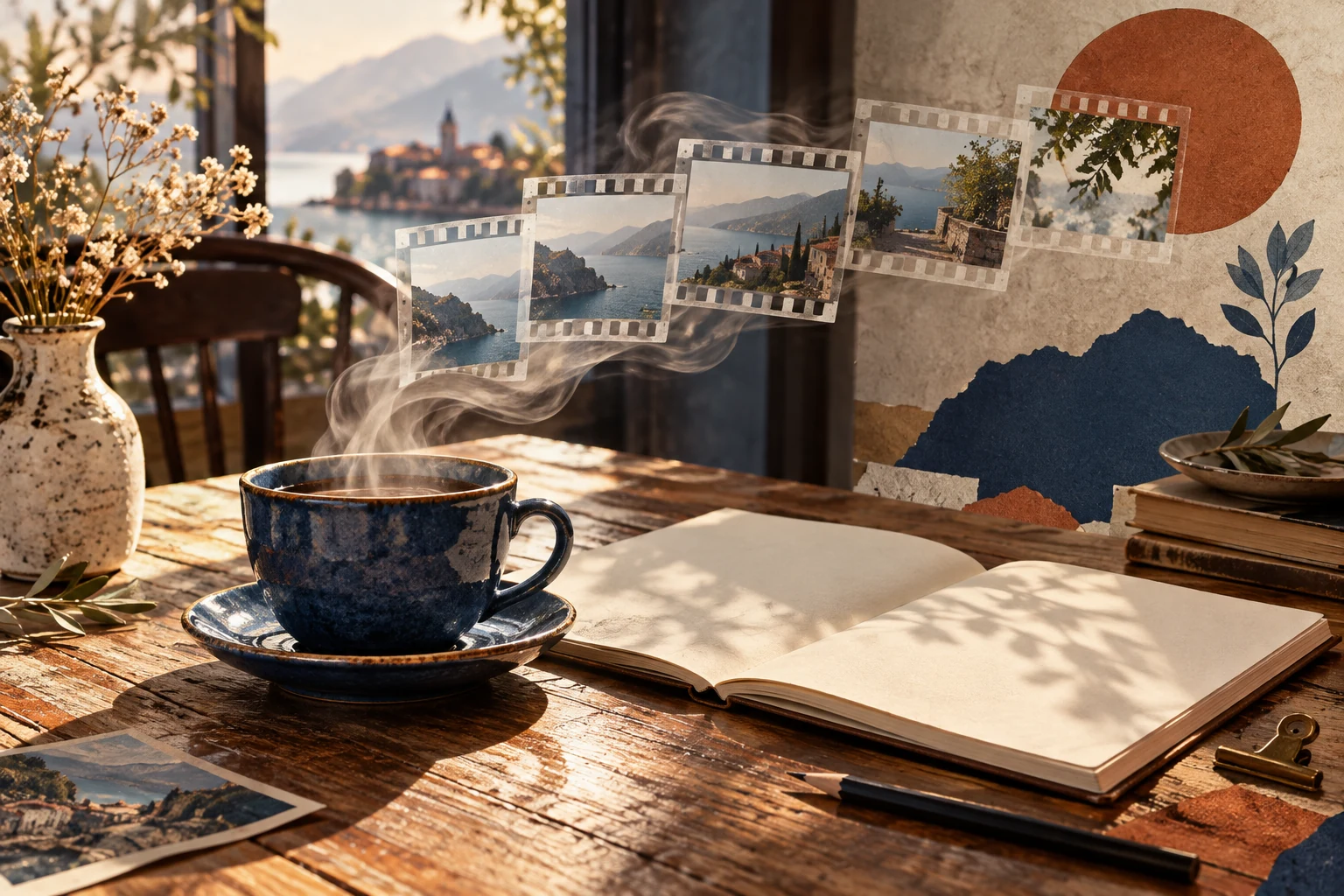
A cup of tea beside a window already tells a small story. Add a slow curl of steam and a gentle move towards the table, and the photograph acquires a rhythm. JoyFun AI is worth exploring when you want to extend a still image into a short piece of visual storytelling. A finished photograph can become the starting point for motion; a written scene can become the starting point for a new image sequence.
That makes it an interesting option for travel photographs, illustrations and small still-life projects. Choose a picture worth spending time with, then decide what should move. A clear visual idea gives the finished clip somewhere to go. You can also save the JoyFun AI tool profile on ToolAI as a convenient starting point.
Start with an image, or start with a scene
JoyFun's image-to-video feature combines an uploaded image with a description of movement. Its text-to-video feature begins with a written scene. Choose according to what you already have: a composition you want to develop, or an idea you still want to visualize.
| Your starting material | A useful starting point | What to describe first |
|---|---|---|
| A photograph of your favourite cup | Image to video | Rising steam and a small camera movement |
| A finished landscape illustration | Image to video | A little movement in the clouds or leaves |
| An unfilmed story moment | Text to video | The setting, subject and one main action |
For a first attempt, give the subject one action and the camera one direction. A manageable brief makes it easier to choose between versions without losing sight of the original idea.
Build a reading-club opening around a cup of tea
Imagine a short invitation to a reading club. There is a cup beside an open book, afternoon light crosses the table, and the composition leaves room for a title. Photograph that arrangement first. Keep the cup rim, book pages and window edges clearly visible, then describe the movement you would like to introduce.
Keep the original arrangement of the ceramic cup, open book and window.
Steam rises slowly from the tea. The camera moves gently towards the table,
with a subtle change in the tree shadows outside. Quiet afternoon mood,
natural warm light, restrained movement, one continuous shot.
The interesting part is the feeling of a room waiting for people to arrive. Add the reading-club name during editing: let the image establish itself first, then bring in the words. A short instrumental phrase can carry the same unhurried mood. The picture, title and sound now belong to one invitation.
This is also a useful way to plan a series. Photograph three arrangements on the same table, keep the light and colours consistent, and give each one a different small movement. You have a repeatable visual idea for future meetings.
Write movement you can picture
“Make it cinematic” leaves many decisions open. “Move slowly along the tabletop and stop near the cup rim” gives the scene a beginning and a destination. If you want to change the atmosphere, try changing just the light or weather while keeping the rest of the description steady.
For a scene that starts with words, the same idea could become:
A quiet independent bookshop. A deep blue ceramic teacup and an open book
sit on a wooden table. Afternoon sunlight passes through window blinds,
leaving soft bands of light across the wood. The camera slowly approaches
the cup from a medium shot. Steam rises gently; the shelves stay still.
Detailed ceramic and paper textures, warm restrained colours, one shot.
When choosing a result, look first at the objects that carry the story. Does the cup retain the shape you wanted? Does the book remain a convincing part of the scene? Then consider the movement. If the camera dominates the picture, simplify the instruction and let the steam do more of the storytelling. Keep the source image and prompt together so the next variation has a clear starting point.
Give the clip a place in your project
A short sequence can open an article, sit behind an event invitation or appear beside the original photograph in a portfolio. For a phone-first composition, plan the title area before you animate. A horizontal layout can show more of the room and give viewers time to notice the surrounding details.
For budgeting, JoyFun's pricing page describes one-time credit purchases for generation and lists face-swap subscriptions separately. Look at the usage shown for the feature you select, finish one useful shot, then plan further versions around the project you actually want to publish.
If you still need a starting image or a short narration, explore the AIFreeForever everyday creative toolkit. If you already have footage and want to make a playful character scene with willing participants, the VideoSwapFace guide develops that different kind of project.
Common questions
Should everything in the photograph move?
Start with one visual focus: steam, cloud shadows or a small patch of water. Let the surrounding objects support it. The scene is easier to read when every element is working towards the same mood.
Should I write the story before choosing an image?
With a photograph you already love, build a small action around its composition. With a story idea, divide it into individual shots and begin with the one you can describe most clearly.
What is the first step towards a complete event video?
Write the one thing you want viewers to remember. Choose an image that expresses it, make a short shot, then connect it to the title, sound and event details. Start with JoyFun image to video or return to its ToolAI tool profile.
Take your idea to the tool
Explore JoyFun AI on ToolAI