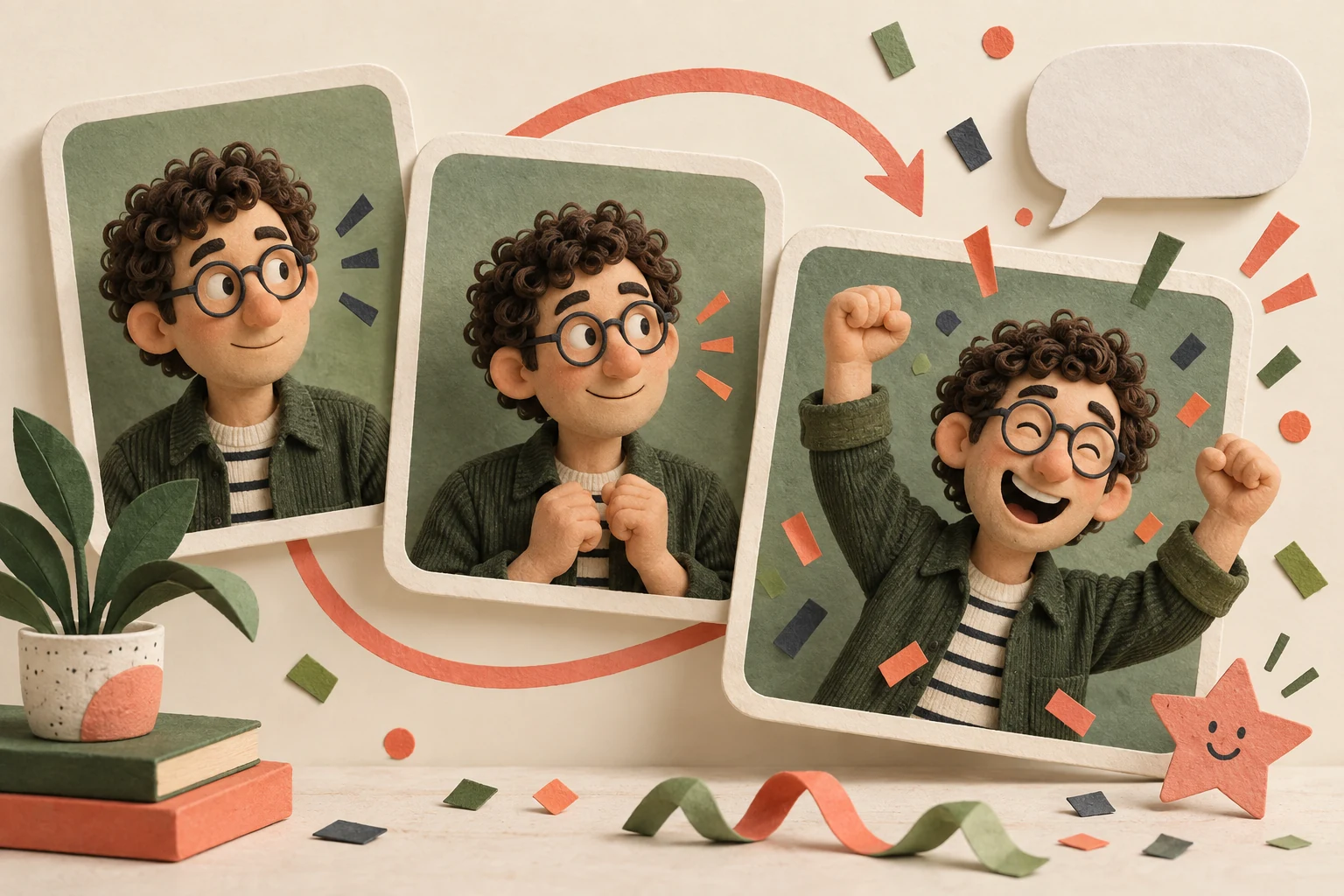
Turn a familiar gesture into a personal reaction GIF
“We finally finished it” becomes a better group-chat moment when a familiar face throws both hands into the air. A reaction GIF gives that small celebration a shape people can reuse. GIF Face Swap is worth exploring when you want a personalised animated response for a team chat, a birthday message or a community event.
The creative appeal is the small canvas. You have one gesture, one expression and a few seconds to make the idea readable. That encourages a useful question before you begin: when would someone actually send this? A nod can mean “received”; a wave can welcome a new member; an exaggerated celebration can mark a project milestone. Work with your own footage and adults who are happy to take part, then give each animation a clear job.
Prepare the two pieces of source material
The official GIF Face Swap editor accepts a GIF under 20MB and a JPG, PNG, WEBP or HEIC face photo under 20MB. It has Single and Multiple modes, a free generation option and a maximum output duration of ten seconds. Open the GIF Face Swap editor.
For a chat reaction, try an even smaller creative target: two to four seconds containing one complete gesture. That gives the action room to register while keeping the loop easy to follow. Choose a face large enough to read when the animation appears inside a message bubble. A gesture that depends on a tiny background detail may lose its meaning at that size.
Make a three-GIF set for the team chat
Ask an adult teammate who wants to participate to perform three actions: slowly looking up, raising both hands and giving a deliberate nod. The captions could be “One more change?”, “Approved!” and “On it.” With permission to use the footage and portraits, those three actions can become different team members' personal versions.
Keep the typography, caption placement and background treatment consistent across the set. Each GIF then feels like part of the same collection, even when the face changes. A short caption should be readable in a single glance. If the movement is theatrical, a calm line of text can provide the joke; if the movement is subtle, a more expressive caption can carry the meaning.
You can use the same approach for a birthday group. Plan a wave, a celebration and a thank-you gesture, then add the person's name to the version that needs it. The other two can stay useful after the party. Designing a few reusable reactions gives the project a life beyond its first message.
The loop deserves its own editing pass
Prepare the source action in your editing app before uploading it. Look for a beginning and ending with similar body positions. A person nodding and returning to their starting pose gives you a natural place to join the loop. Leave enough time for the gesture to finish before trimming the clip and converting it to GIF.
Upload the animation, add the replacement portrait and choose the relevant faces. Once you have a result, watch it repeat several times. Then view it at roughly the size it will have in the chat. Check whether the expression still reads, whether the text covers the mouth and whether the jump back to the first frame interrupts the action.
Keep a clean version without captions alongside the finished one. That makes it easier to reuse the gesture with another message. Give the files practical names such as “celebration-clean” and “celebration-approved” so the right version is easy to find when someone asks for it later.
Multiple mode is an interesting option for two people high-fiving or hosts waving together. Plan the relationship between their actions before filming. On a small canvas, each person needs a clear role in the joke.
Plan spending around the finished collection
The official pricing page lists an entry credit package of $9.99 for 800 credits. See GIF Face Swap pricing. Finish one representative GIF before expanding the set. Once the movement, caption and size work together, check the charge for each generation and decide how many character variations you actually want.
For an idea that needs dialogue, music or several connected shots, read the VideoSwapFace video guide. A GIF suits a repeatable reaction; a video gives an event introduction room to develop. Save the GIF Face Swap listing on ToolAI for a convenient route back to the tool.
Frequently asked questions
What makes a useful source GIF?
Start with a readable action and a person who occupies enough of the frame. Nodding, waving and celebrating each have an obvious conversational use, making them good candidates for a first collection.
How many team reaction GIFs should I make first?
Three is a manageable starting point: an acknowledgement, a thank-you and a celebration. Try them in real conversations, then use the most popular reaction to guide the next variations.
Should I adjust the file after generating it?
Preview it in the intended messaging app to check playback, dimensions and text. If you need a smaller file, consider trimming empty time or reducing excessive image dimensions, then compare readability and file size.
Take your idea to the tool
Explore GIF Face Swap on ToolAI