

Prompt Playground
Create chat prompts, add system instructions, test multi-turn conversations, and adjust responses interactively before moving a working prompt into application code.
TOOL PROFILE TOOLAI
Prototype Gemini applications with prompts, generated code, and full-stack runtimes.
 View full image
THE BIG PICTURE
Google AI Studio is a browser-based workspace for trying Gemini models, experimenting with prompts, adjusting model and safety settings, and converting successful prompts into application code. Its Playground supports chat prompts, realtime streaming, video generation, structured output, function calling, code execution, and grounding.
Build mode extends the product from prompt experimentation into application development. Natural-language instructions can generate full-stack web applications with a React frontend and Node.js server runtime, or native Android projects using Kotlin and Jetpack Compose. Projects can be refined in AI Studio, synchronized with GitHub, downloaded as ZIP files, shared, or deployed to Cloud Run.
A CLOSER LOOK
Explore product screens and published examples. Open any image for a closer look.
WHAT YOU CAN DO
Get to know the capabilities. Find your own way to use them.
Create chat prompts, add system instructions, test multi-turn conversations, and adjust responses interactively before moving a working prompt into application code.
Use the Run settings panel to adjust model parameters and safety settings, while enabling structured output, function calling, code execution, or grounding.
Describe an application in Build mode and receive generated files, source code, and a live preview for a web or native Android project.
Generated web apps combine a React frontend with a Node.js server runtime for secure API calls, database connections, and npm package usage.
Web applications can store Gemini API keys and other secrets in the server-side environment, keeping credentials out of client-side code.
The agent can provision Firebase services including Firestore and Google sign-in authentication, and Android projects can use Firebase AI Logic and App Check.
Import repositories, create or link a repository, push AI-generated changes, pull external edits, and review conflicting files through a side-by-side diff viewer.
Share projects, deploy applications to Cloud Run, or download generated code as a ZIP for development and hosting in another environment.
MADE FOR YOUR WORKFLOW
Define tone, scope, and response constraints in system instructions, test representative conversations, then use Get code to begin implementing the assistant with the Gemini API.
Describe the interface and behavior in Build mode, iterate through chat or annotation mode, and connect server-side logic, packages, secrets, or Firebase services.
Ask AI Studio to generate a Kotlin and Jetpack Compose application, inspect it in the browser-based emulator, and install it on a physical device for testing.
YOUR FIRST STEPS
Start a new chat prompt in Google AI Studio and enter a representative user request.
Add system instructions, then review Run settings for model parameters, safety settings, and available tools.
Run several inputs, inspect the responses, revise instructions or settings, and account for conversation growth toward token limits.
Describe the application you want, choose web or Android in the platform picker, and inspect generated files in the live preview.
Continue editing in AI Studio, synchronize with GitHub, download a ZIP, share the project, or deploy it to Cloud Run.
TAKE A LOOK AROUND
Explore the tool's demo or video to see its interface and workflow.
PLAN YOUR NEXT STEP
Google AI Studio provides free prototyping access. Paid model calls and Cloud Run deployment can incur separate usage charges.
PLAN
Prototype applications and test prompts, with paid model usage and deployment billed separately.
Prices, usage limits and terms can change. Confirm the latest details on the tool's official website before subscribing.
Sources checked
Build mode can generate full-stack web applications with a React frontend and Node.js runtime, or native Android applications using Kotlin and Jetpack Compose.
For web apps using the Gemini API, the key is configured as a server-side secret rather than placed in client-side code. Android projects use Firebase AI Logic and App Check instead of embedding a raw key.
Yes. Projects can be synchronized two ways with GitHub or downloaded as ZIP files. External hosting requires configuring GEMINI_API_KEY in the hosting environment.
No. Direct real-time collaborative editing is not supported. Teams can collaborate through a shared GitHub repository and pull changes into AI Studio.
Apps are private by default, but they can be shared with others. Shared users can see the code and fork it; edit permission can also be granted.
AI Studio deploys the application as a scalable Cloud Run service with a public URL. Cloud Run usage pricing may apply, and the deployed app uses the configured API key for Gemini calls.
KEEP EXPLORING
FROM THE COMMUNITY
Sign in to share your experience and help others find the right tool.
YOUR NEXT DISCOVERY

Butternut.ai helps you build a fully-functional website in under 20 seconds without writing any code. Think Wix or Webflow, but with generative AI. Enter your business name and keywords, and get a stunning website with images and copy in seconds.

Chat2Code is a MacOS desktop app that leverages AI for autonomous coding & data analysis. Chat with the app to write code, run SQL queries, visualize data, and more. It manages dependencies and fixes broken code automatically. Coding has never been easier.
Taiga, your AI coding mentor, integrates Coyotiv School of Software Engineering's expertise into your Slack workspace. Providing instant feedback and guidance, Taiga enriches your engineering journey interactively and fosters collaborative team dialogues.
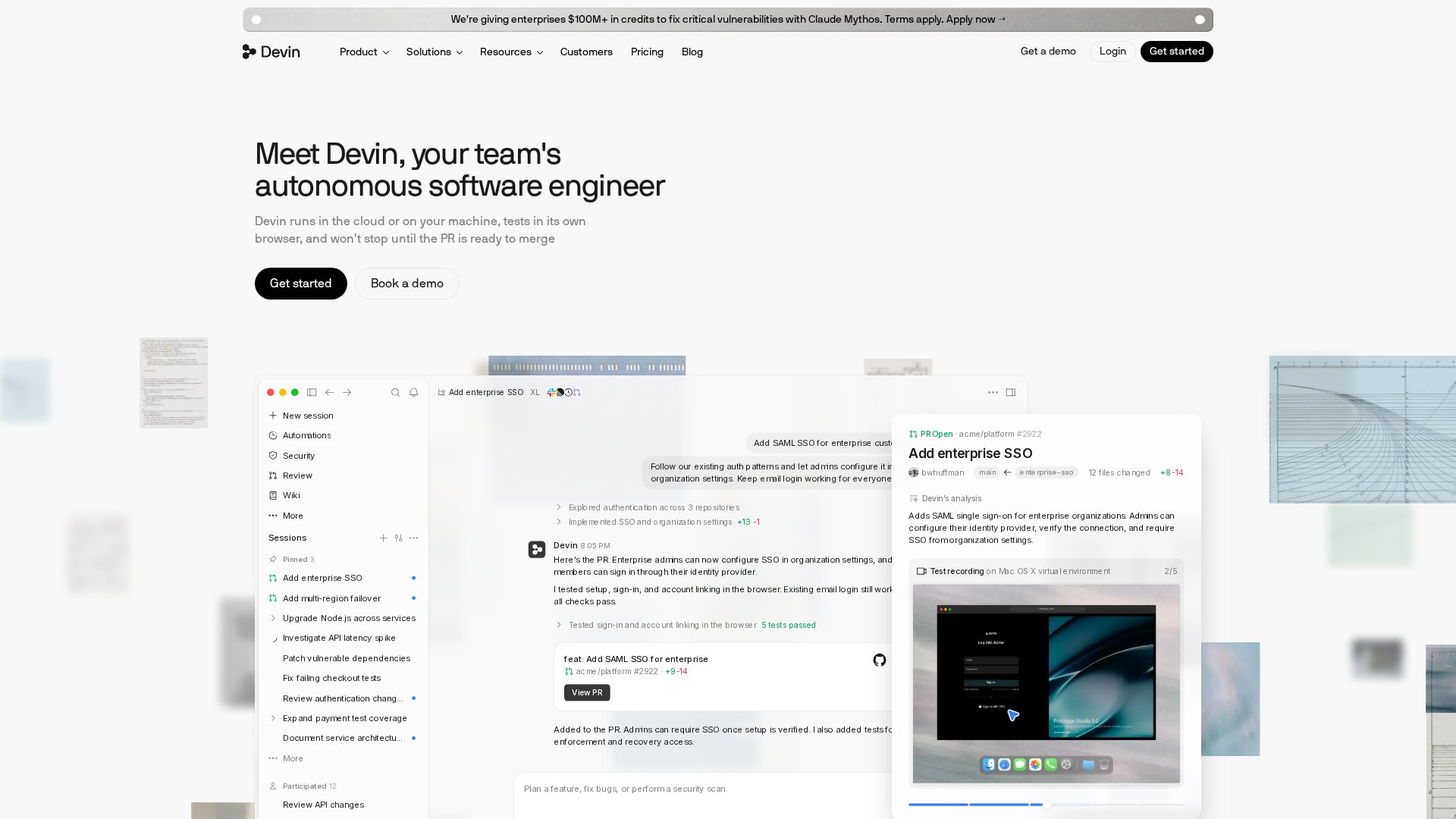
Cognition’s AI software engineer that builds, tests and opens pull requests.
MAKE YOUR NEXT MOVE
Visit the official website to explore the latest features and get started.