芸術
ComfyUI
Stable Diffusion向けのモジュール式・最適化GUI。
閲覧数
416.3M
月間訪問数
416.3M
世界ランキング
##76
票数
0
このツールについて
主な機能
- ノード、グラフ、フローチャート形式のインターフェースで、コードを書かずに複雑なStable Diffusionワークフローを試作・作成できます。
- 画像モデル:SD1.x、SD2.x、SDXL、SDXL Turbo、Stable Cascade、SD3、SD3.5、Pixart Alpha/Sigma、AuraFlow、HunyuanDiT、Flux、Lumina Image 2.0、HiDream、Qwen Image、Hunyuan Image 2.1。
- 画像編集モデル:Omnigen 2、Flux Kontext、HiDream E1.1、Qwen Image Edit。
- 動画モデル:Stable Video Diffusion、Mochi、LTX-Video、Hunyuan Video、Wan 2.1、Wan 2.2。
- 音声モデル:Stable Audio、ACE Step。
- 3Dモデル:Hunyuan3D 2.0。
- 非同期キューシステム。
- ckptとsafetensorsを読み込めます。オールインワンチェックポイント、単体の拡散モデル、VAE、CLIPモデルに対応し、ckpt、pt、pthなどのファイルを安全に読み込みます。
- Embedding、Textual Inversion、Lora(通常、locon、loha)、Hypernetworkに対応。
- 生成したPNG、WebP、FLACファイルからseedを含む完全なワークフローを読み込み、JSONファイルとして保存・読み込みできます。
- 領域分割、通常モデルとinpaintingモデルによるインペイント、ControlNetとT2I-Adapter、アップスケールモデル(ESRGANなど)、GLIGEN、モデルマージ、LCMモデルとLora、TAESDによる潜在プレビューに対応。
- 完全オフラインで動作します。必要としない限り、コアが何かをダウンロードすることはありません。
- オンラインのComfy APIを介して外部プロバイダーの有料モデルを利用できる、オプションのAPIノード。
- 非同期ノード関数と非同期実行に対応。
主な特徴
- 多くの最適化を搭載し、実行間で変更されたワークフローの部分だけを再実行します。
- スマートなメモリ管理により、オフロードを活用してVRAMが1GB程度しかないGPUでも大規模モデルを自動実行できます。
--cpuを使えばGPUなしでも動作しますが、速度は低下します。- 別のUIとComfyUIでモデルの検索パスを共有できる設定ファイル。
- コマンドライン引数による自己署名証明書を使ったTLS/SSLに対応。
導入とワークフロー
- Windowsポータブル版:ダウンロードして展開し、チェックポイントを
ComfyUI\models\checkpointsに置いて実行します。NvidiaおよびAMD GPU向けのポータブルビルドがあります。 - 手動インストール(Windows、Linux):Gitでクローンし、モデルを配置して、PyTorchと依存関係を
pip install -r requirements.txtでインストールし、python main.pyを実行します。 - Apple Mac silicon:PyTorchのnightly版と依存関係をインストールし、
python main.pyを実行します。 - その他のハードウェア:AMD GPU(ROCm)、Intel GPU(IPEX/XPU)、Ascend NPU、Cambricon MLU、Iluvatar Corexに対応していますが、それぞれ固有のPyTorch拡張の導入が必要です。
- フロントエンド開発:新しいフロントエンドがデフォルトです。
--front-end-version引数で最新の日次版または特定のバージョンを指定でき、従来のフロントエンドにもアクセスできます。
主なメリット
ComfyUIは高いモジュール性を備え、画像、動画、音声、3Dの幅広いモデルに対応します。スマートなメモリ管理、依存関係を考慮したキャッシュ最適化、完全なオープンソース・オフライン動作、NVIDIA、AMD、Intel、Apple Silicon、Ascendなど多様なハードウェアへのクロスプラットフォーム対応が特徴です。
対象ユーザー
AIによる画像・動画・音声生成の開発者、Stable Diffusionの上級ユーザー、複雑なワークフローを必要とするデザイナー、VRAMの少ない環境で大規模モデルを実行したいユーザー。
料金
ComfyUIのコアソフトウェアは、GPL-3.0ライセンスで提供される完全無料のオープンソースです。オプションのAPIノードを使うと、オンラインのComfy API経由で外部プロバイダーの有料モデルを利用できますが、料金は外部プロバイダーから発生します。
トラフィック分析
このツールのトラフィック、ランキング、エンゲージメントの指標。
世界ランキング
##76
国別ランキング
#113
月間訪問数
416.3M
訪問数の推移
トレンドデータなし
エンゲージメント
- 直帰率--
- 1回の訪問あたりのページ数--
- 平均滞在時間--
トラフィックソース
ソースデータなし
上位の国
国別データなし
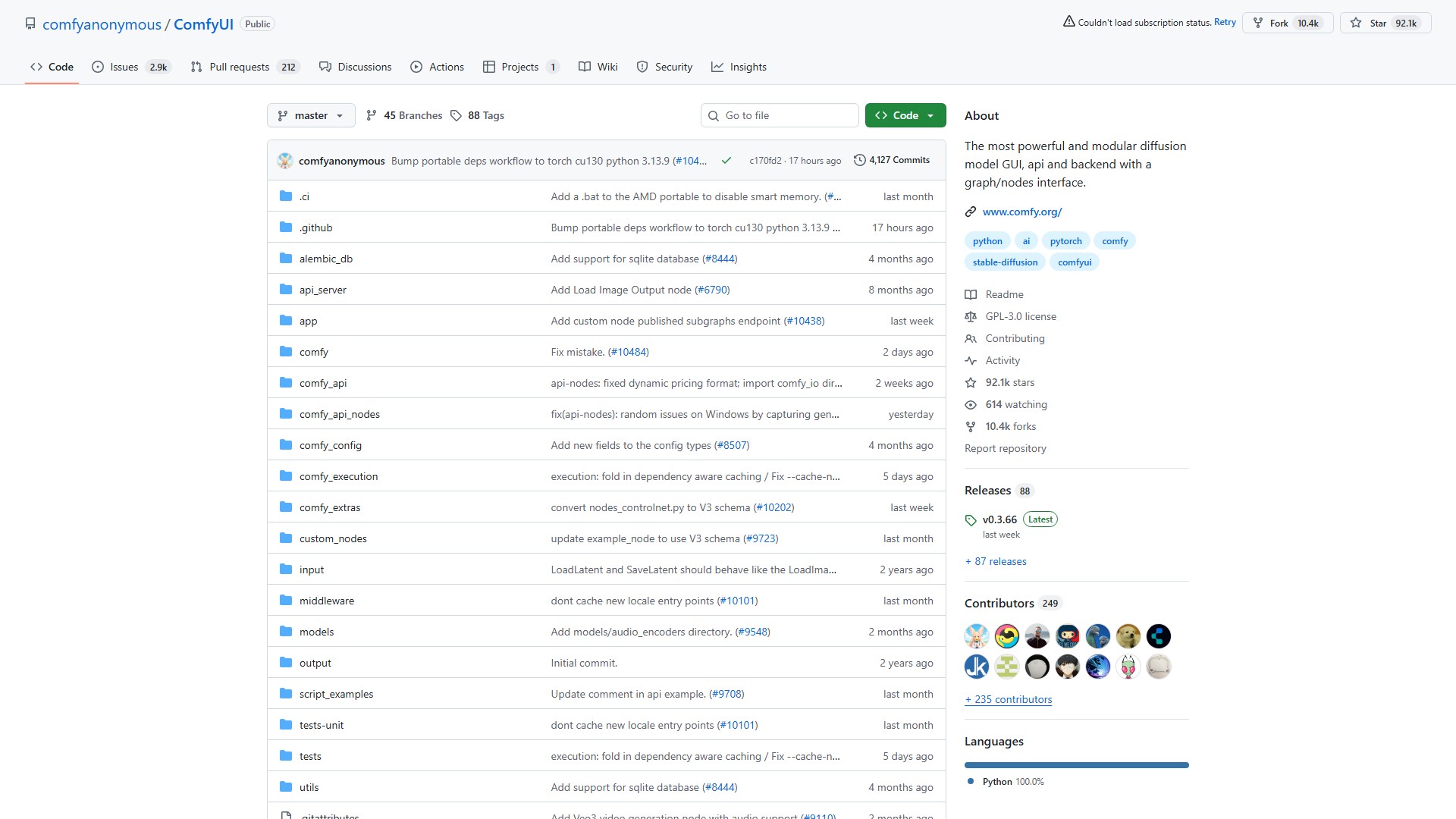
インターフェースプレビュー