

Text-to-video generation
Describe a scene’s subject, action, environment, lighting, and style in the prompt box, then select video preferences and generate a clip.
TOOL PROFILE TOOLAI
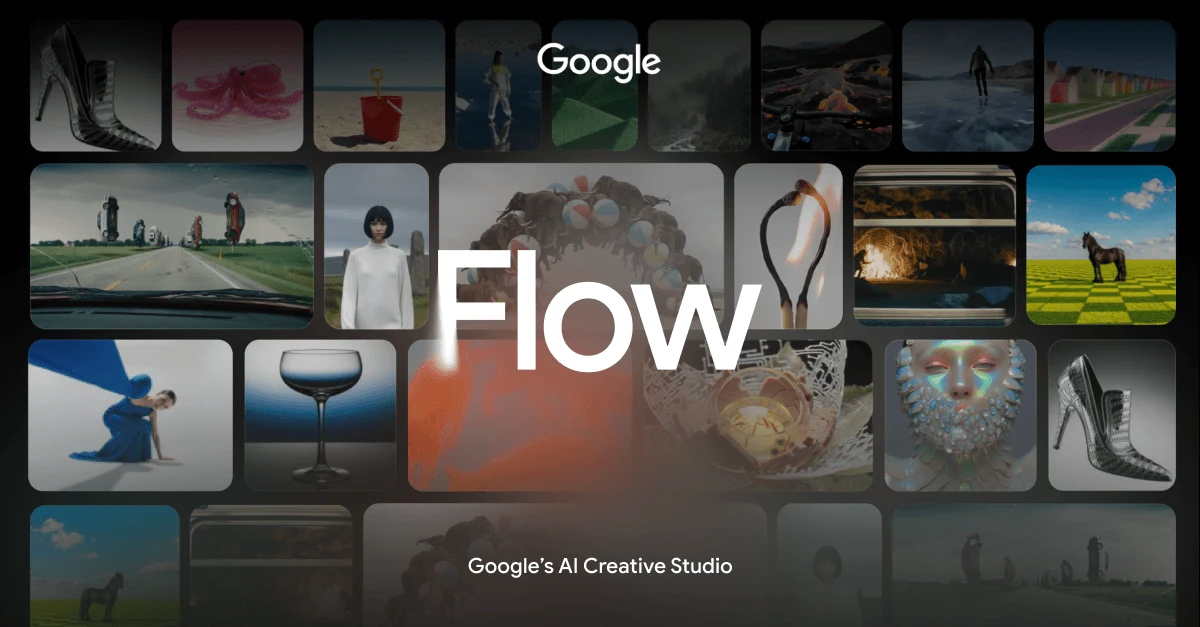
AI creative studio for generating and shaping video scenes
 View full image
THE BIG PICTURE
The tool is designed for visual experimentation and continuity. Creators can describe subjects, action, environment, lighting, and style; reuse characters and objects across clips; animate still images; create transitions; and add voice references or custom voices in supported video generations.
A CLOSER LOOK
Explore product screens and published examples. Open any image for a closer look.
WHAT YOU CAN DO
Get to know the capabilities. Find your own way to use them.
Describe a scene’s subject, action, environment, lighting, and style in the prompt box, then select video preferences and generate a clip.
Turn on Agent, describe the desired scene, and ask Google Flow to create multiple variations, such as versions with different lighting.
Supply beginning and ending images with a transition prompt to create a scene that moves between specific visual states.
Add uploaded images, videos, or project assets as references for characters, products, locations, and objects used within a generated clip.
Create or reference characters by name, including an avatar through @me, then reuse those references across prompts and video clips.
Choose a voice and reference it with @Voice in ingredient-based video prompts to help maintain a specific character voice across clips.
Build a custom voice from a preset base voice by naming it and describing performance qualities such as a raspy tone or accent.
Select uploaded assets from an existing project by name, or drag files from a device into the prompt to reuse creative references.
MADE FOR YOUR WORKFLOW
Turn written scene concepts into short visual clips, then compare Agent-generated variations to explore framing, lighting, atmosphere, and movement before producing a larger project.
Provide clean reference images for a product or character and use ingredients across prompts to develop several clips with a more consistent visual identity.
Use start and end frames to prototype a transformation, reveal, or movement between two designed images while describing the intended transition in text.
YOUR FIRST STEPS
Open Google Flow on your device and click an existing project or start a new one.
Describe the subject, action, environment, lighting, and style with specific language.
Drag images or videos into the prompt, select project assets, or add start and end frames when continuity matters.
Select the video model, aspect ratio, number of outputs, and generation length before clicking Generate.
Review the result, refine conflicting instructions, improve reference images, or use Agent to request multiple variations.
TAKE A LOOK AROUND
Explore the tool's demo or video to see its interface and workflow.
PLAN YOUR NEXT STEP
Free and paid access options use AI credits for generation. The selected model and generation settings affect credit consumption.
PLAN
Use available AI credits to create and refine visual content.
View plan on websitePrices, usage limits and terms can change. Confirm the latest details on the tool's official website before subscribing.
Sources checked
It can create video clips from text prompts, images, ingredients, frames, and other videos. It can also animate images and create transitions between supplied frames.
Yes. You can drag media from your device into the prompt or select uploaded assets from a project as ingredients or visual references.
Add an image as a start frame, an image as an end frame, and describe the action or transition that should occur between them.
You can create or reference characters by name and use character or object images as ingredients across clips. Clean, consistent reference images are recommended.
Voice references can be added to ingredient-based video generations. You can choose a voice or create a custom voice from a preset base voice and performance description.
Voice references are limited to video generations that use ingredients. For other generation types, Google Flow may return an error.
FROM THE COMMUNITY
Sign in to share your experience and help others find the right tool.
YOUR NEXT DISCOVERY

AiCanvas is a tool that allows you to create images and videos using AI technology. Then you can modify them with tools on the AiCanvas platform, such as adding text, graphics, and animations.

Create AI videos by simply typing in text. Easy to use, cheap and scalable. Make engaging videos with human presenters — directly from your browser. Free demo.

Google Veo 3.1 is an AI video generator that creates longer, sharper, and more consistent videos. Built on Google's Veo technology, it supports 1080p output, 30-second duration, multi-shot sequences, and native audio synchronization.
MiniMax’s AI studio for video, images and audio, now on the H3 models.
MAKE YOUR NEXT MOVE
Visit the official website to explore the latest features and get started.