
Video prompt extraction
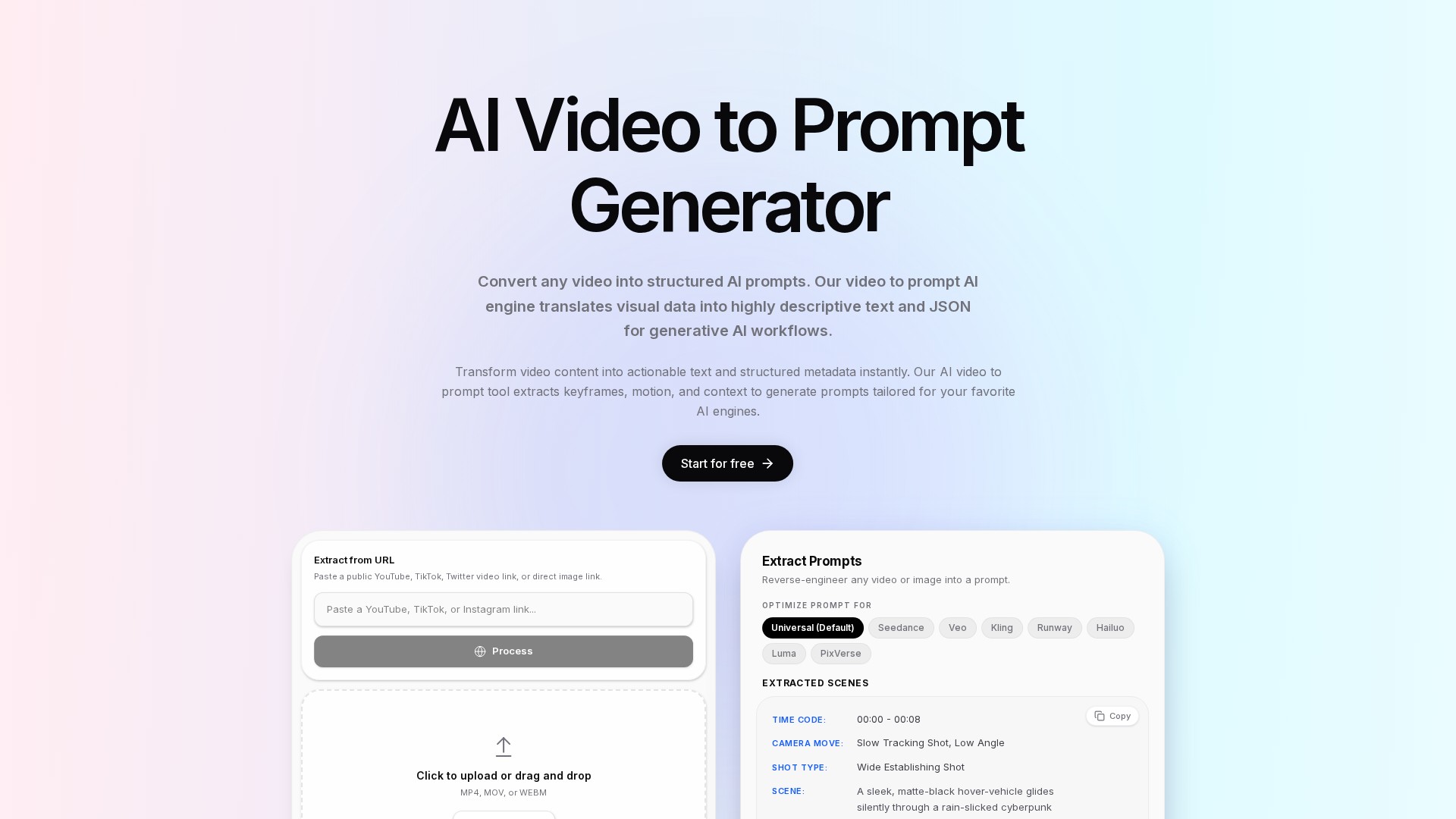
analyzes subjects, actions, environments, lighting, camera angles, and camera movement to create detailed prompts from reference footage.
PROFIL DE L’OUTIL TOOLAI
VideoInPrompt is an online tool that converts videos or images into descriptive AI prompts and structured JSON, analyzing subjects, motion, lighting, and cinematography with model-specific prompt optimization and API workflow integration.
 Voir l’image en taille réelle
VUE D’ENSEMBLE
VideoInPrompt centers on Video to Prompt AI, translating video visuals into natural-language prompts, structured text, and JSON metadata for generative AI creation, content repurposing, and automation. The platform also offers image-to-prompt, image-to-video, text-to-video, and text-to-image tools.
EN DÉTAIL
Découvrez les écrans du produit et les exemples publiés. Ouvrez une image pour l’examiner de plus près.
CE QUE VOUS POUVEZ FAIRE
Découvrez ses capacités. Trouvez votre propre façon de les utiliser.
analyzes subjects, actions, environments, lighting, camera angles, and camera movement to create detailed prompts from reference footage.
reverse-engineers prompts from existing images and accepts direct image links.
includes time codes, camera moves, shot types, and scene descriptions. The demonstration shows a 00:00–00:08 segment with a slow, low-angle tracking shot and a wide establishing shot.
supports natural language, structured text, JSON schemas, and timestamped JSON timelines for programmatic processing.
offers Universal, Seedance, Veo, Kling, Runway, Hailuo, Luma, and PixVerse options.
supports public YouTube, TikTok, Twitter, and Vimeo video links, plus S3 links and local uploads.
accepts MP4, MOV, and WEBM through file selection or drag and drop.
a REST API enables SaaS integration, automated tagging, categorization, and downstream generative AI tasks. The FAQ specifically assigns full REST API access to the Enterprise tier.
CONÇU POUR VOTRE FLUX DE TRAVAIL
analyze YouTube, TikTok, and Instagram videos to support new scripts, social posts, and summaries.
extract visual elements and pacing from competitor creatives to guide new generated assets.
turn product demonstrations into SEO-oriented product descriptions and structured metadata.
describe futuristic skylines, neon lighting, aerial motion, volumetric lighting, and atmosphere.
capture vertical handheld footage, natural daylight, fast jump cuts, and shallow depth of field.
identify macro close-ups, push-ins, lifestyle scenes, and premium lighting in wireless-earbud showcases.
extract exterior drone shots, stabilized interior tracking shots, slow pans, and natur
DE LA COMMUNAUTÉ
Connectez-vous pour partager votre expérience et aider les autres à trouver le bon outil.
VOTRE PROCHAINE DÉCOUVERTE
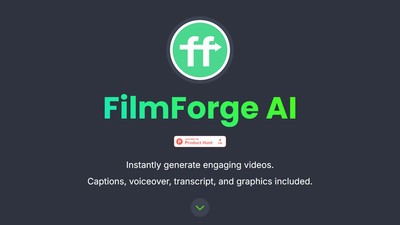
La création de contenu vidéo prend une éternité. Laissez l’IA s’en charger ! FilmForge utilise Stable Diffusion et GPT-3 d’OpenAI pour créer des vidéos verticales sur le sujet de votre choix, de Twitter à la déforestation. Les vidéos incluent une voix off, des sous-titres, des graphiques et plus encore.

Une plateforme pour les workflows de développement IA, l’exploration du code, la revue de code et la collaboration.
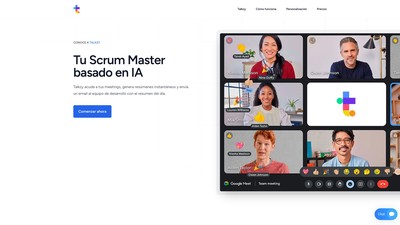
Talkzy aide les équipes de développement à rendre leurs daily meetings plus productives. Il envoie automatiquement les updates et tient toute l’équipe informée grâce à des résumés automatiques des réunions. Il fonctionne en espagnol. Réservez votre place dès aujourd’hui sur talkzy.app.
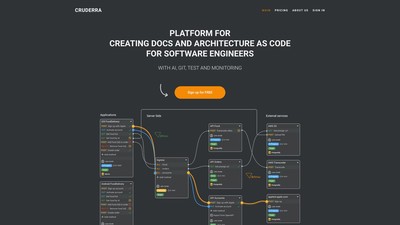
Cruderra est la solution complète pour les ingénieurs logiciels et les architectes systèmes. Cette plateforme basée sur l’IA simplifie la conception d’architectures sous forme de code et génère automatiquement la documentation, pour un développement logiciel plus rapide et efficace.
PASSEZ À L'ACTION
Visitez le site officiel pour découvrir les dernières fonctionnalités et commencer.