Produtividade
ChatGPT para WhatsApp
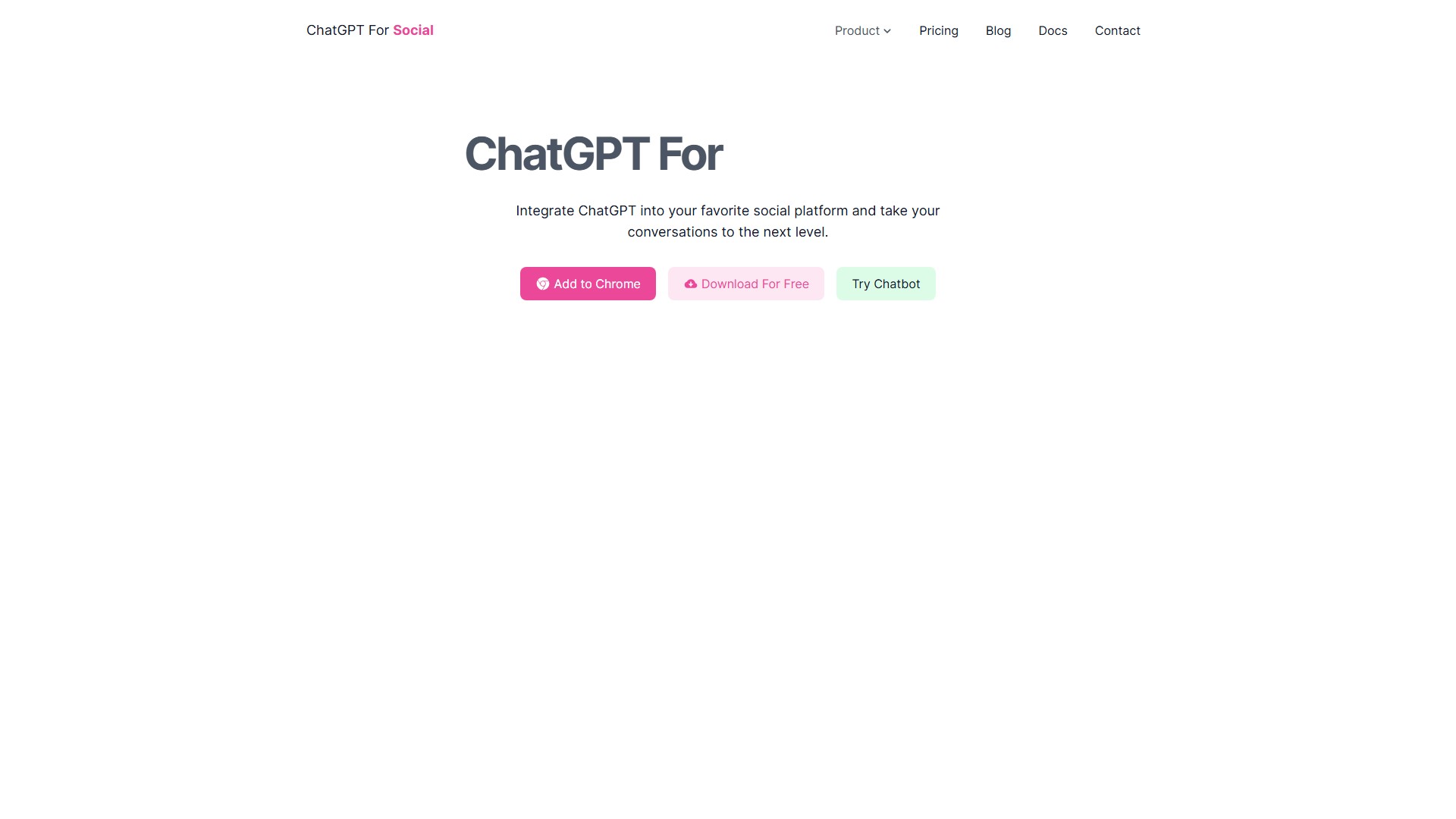
Integre o ChatGPT ao WhatsApp com facilidade, sem conhecimentos de programação, e comece a conversar. Tenha respostas rápidas e precisas, com suporte a ChatGPT, Bing Chat e Google Bard.
Visualizações
38,9K
Visitas mensais
38,9K
Classificação global
##3,169,280
Votos
0
Sobre esta ferramenta
Principais recursos
- Integração fácil: não é necessário saber programar para integrar o ChatGPT à sua plataforma social favorita.
- Respostas rápidas: receba respostas ágeis e precisas para melhorar a comunicação e a produtividade.
- Personalização: personalize as respostas às suas mensagens de acordo com suas necessidades e preferências.
- Múltiplas fontes de IA: escolha entre ChatGPT Web, ChatGPT API, Bing Chat e Google Bard.
Como usar no WhatsApp
- Instale a extensão: instale-a no navegador de sua preferência: Chrome, Firefox ou Edge.
- Escolha a fonte de IA e faça login: selecione a fonte de IA e entre no site correspondente. Por exemplo, acesse
https://chat.openai.comse escolher o ChatGPT Web. - Comece a conversar: em conversas privadas no WhatsApp Web, digite
'@gpt'seguido da sua pergunta, como'@gpt conte uma piada'. Em grupos, use'@botname olá'para que a IA gere uma resposta automaticamente.
Modelo de preços
- Há uma versão gratuita e download gratuito, mas a versão gratuita tem limitações de serviço. A atualização para um plano profissional pode melhorar o tempo de resposta.
FAQ
- Não recebo resposta: verifique se a mensagem tem pelo menos duas palavras e se você está conectado ao WhatsApp Web e à sua conta do ChatGPT. Se o problema persistir, reinstale o plugin ou entre em contato com o suporte.
- Respostas lentas: podem ser causadas por alta carga do servidor, problemas de rede ou limitações da versão gratuita. Atualize o navegador ou saia e entre novamente. O plano profissional pode melhorar o tempo de resposta.
- Erros: os erros são retornados pela OpenAI. Consulte a tabela de códigos de erro no blog para investigar a causa. Se não conseguir resolver, entre em contato com a equipe.
Análise de tráfego
Sinais de tráfego, classificação e engajamento desta ferramenta.
Classificação global
##3,169,280
Classificação por país
#- -
Visitas mensais
38,9K
Tendência de visitas
Não há dados de tendência
Engajamento
- Taxa de rejeição--
- Páginas por visita--
- Duração média--
Fontes de tráfego
Não há dados de origem
Principais países
Não há dados por país
Prévia da interface