
Tool spotlight · Audio Converter AI
A recording preserves a conversation, but finding one useful sentence can still mean scrubbing through an hour of audio. A transcript gives that recording a second life: something you can search, annotate, check against the source and turn into useful notes.
Audio Converter AI brings audio files, video recordings and online links into a browser-based transcription workspace. Its published feature set includes editable transcripts, speaker labels, timestamps and AI summaries. Here is how those pieces fit into an everyday workflow.
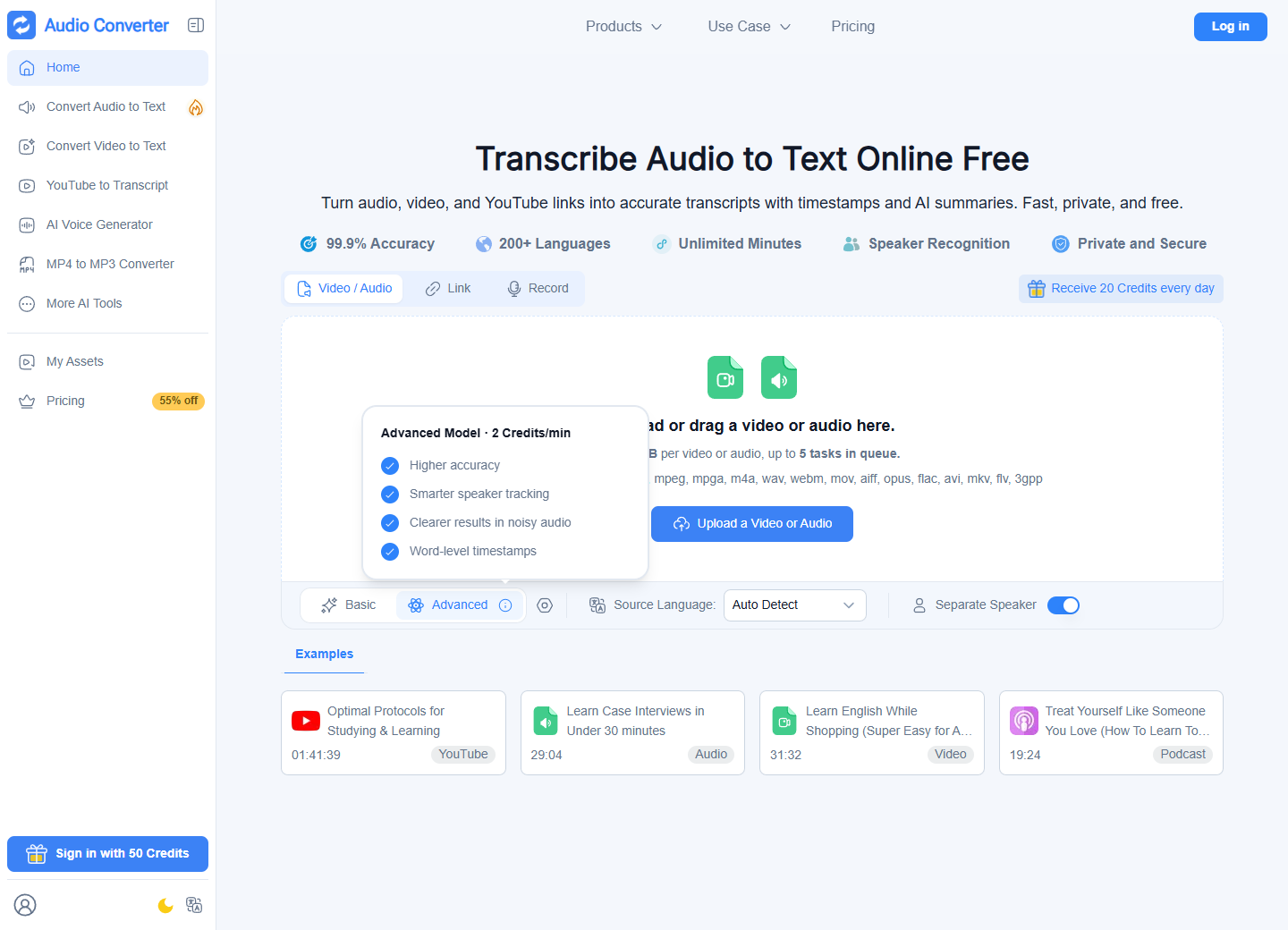
Start with the recording you already have
The audio-to-text page describes support for familiar formats including MP3, WAV, M4A and FLAC. Rather than installing a desktop editor, you upload a recording, choose the transcription settings, then review the generated text. The documentation describes TXT and SRT downloads, which serve different needs: a readable document for editing, or timed subtitles for a video workflow.
For a first trial, choose a short passage whose content you know well. Include a name, a number and a change of speaker. That makes the result easier to evaluate than an unfamiliar hour-long recording: you can immediately see which details need correction.
Speaker labels and timestamps make conversations easier to revisit
The homepage describes automatic speaker separation and timestamps, alongside AI summaries and editable transcripts. These features are particularly useful when you need to move between a written passage and its original context. The service also advertises support for more than 200 languages; check your own language and recording conditions with a sample.
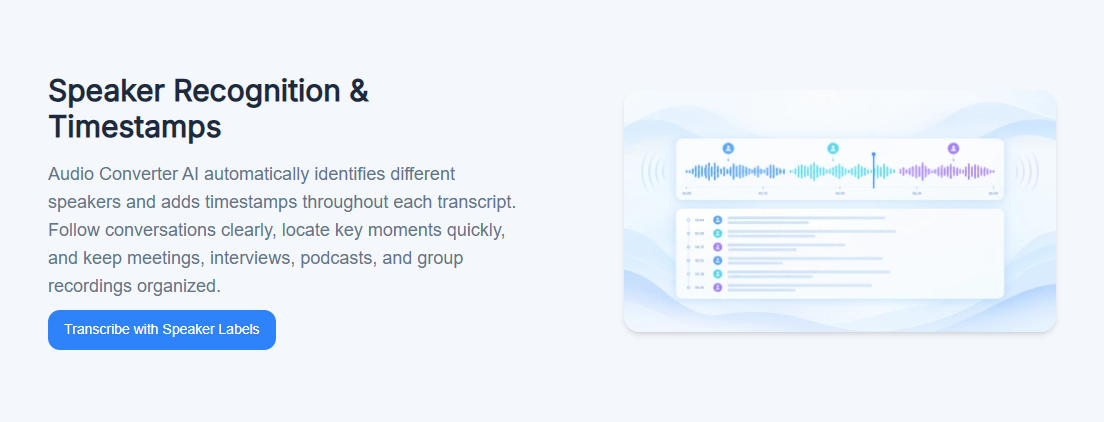
Consider a two-person interview. After transcription, replace generic speaker labels with confirmed names, check quotations against the recording and mark the passages worth using. For a meeting, build a separate action list with an owner and deadline for each item. A summary is a useful starting point, but the final record should preserve who agreed to do what.
A separate route for YouTube material
The YouTube transcript generator offers a link-based entry point. Its public interface asks for an accessible link, and the provider says its transcription can work even when a video has no existing subtitles. This makes it a potential route for reviewing a published talk or your own channel's videos without first preparing a local audio file.
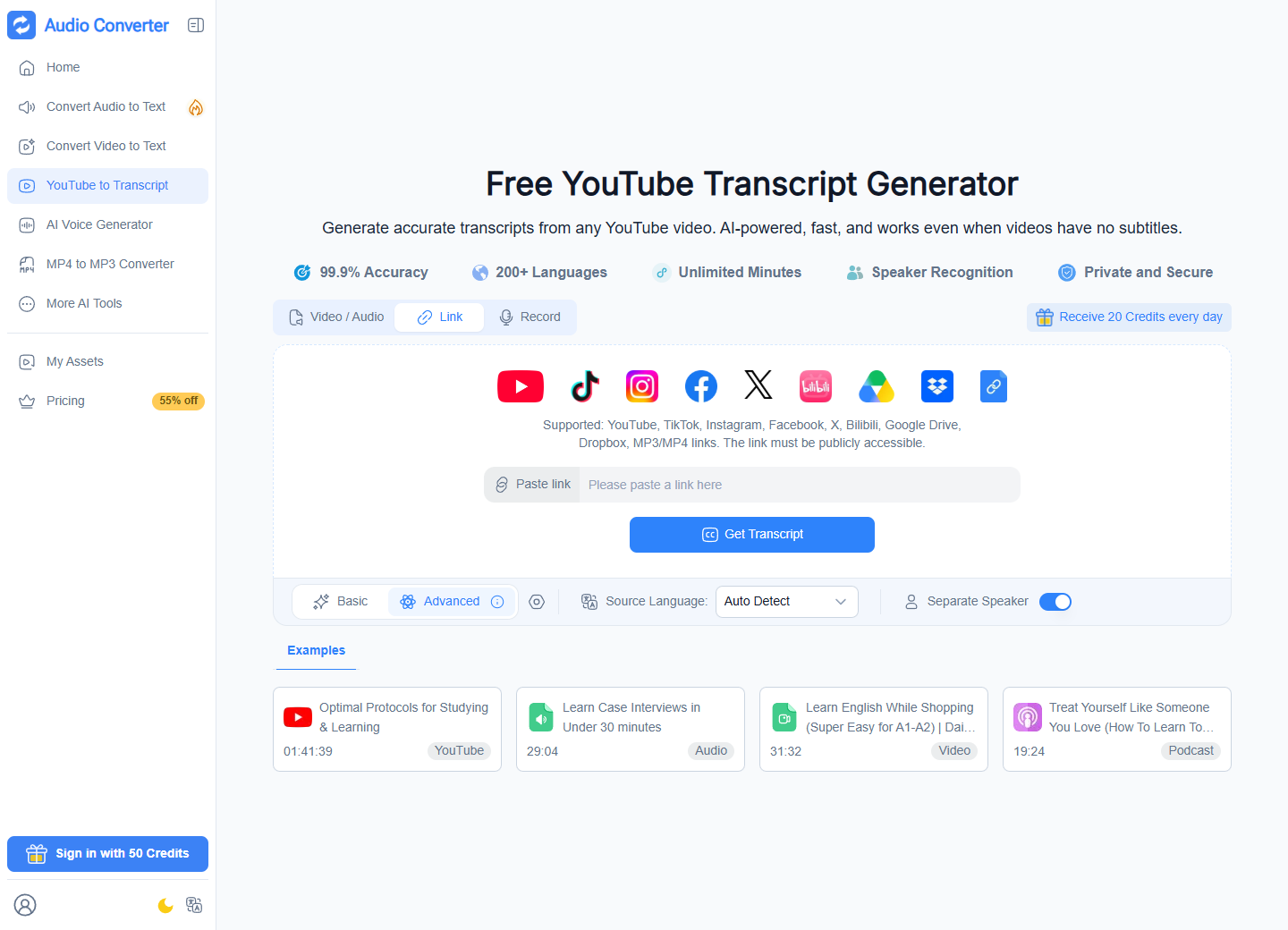
A useful creator workflow is to keep the original video URL beside the transcript, collect a few verified excerpts and write an outline in your own words. This preserves the connection to the source while making the text easier to reuse for show notes or an accompanying article.
A practical first-session checklist
- Choose an input: open the upload workspace for a local recording, or the YouTube page for an accessible video link.
- Check the settings: review source-language detection, speaker separation and the selected Basic or Advanced mode before submitting.
- Confirm the allowance: check the account's credits and the limit for the selected operation.
- Read while listening: correct names, figures, technical terms and speaker assignments against the original.
- Prepare the output: use the reviewed text for notes, or the documented subtitle export for a caption workflow; check timing before publishing.
Understand the free plan before sending a large file
The pricing page, checked on September 18, 2026, lists 20 daily credits for the free plan and describes an allowance of 40 minutes of basic transcription. It also lists a 500 MB audio/video limit, 24-hour file retention and a 30-minute limit for YouTube videos without captions. Credits cover different operations, so the listed transcription, summary and voice allowances should not be assumed to be separate balances.
Paid tiers increase allowances and change storage or processing options. Read the selected billing period and current credit policy before choosing one. In particular, the homepage's generic upload message and its “Unlimited Minutes” badge should not be treated as the free-plan specification.
Keep a short review step in the workflow
The site's accuracy figures are promotional claims, not results from a benchmark performed for this article. Overlapping speech, accents, background noise and specialist vocabulary are good reasons to check a representative sample. For your own evaluation, count the corrections needed in that sample and consider how much editing time remains.
The privacy policy explains that uploaded content is stored and processed to provide transcription and related services, with trusted providers involved in delivery. Before uploading a confidential conversation, check permission to process it and the relevant retention and sharing settings. Export finished work when needed rather than assuming it will remain available indefinitely.
Where to explore Audio Converter AI
For people turning interviews, lectures or videos into written material, the most useful evaluation is straightforward: take one real recording through upload, correction and export. That reveals whether the resulting transcript fits the way you actually work.
Visit Audio Converter AI →
View the tool's profile on ToolAI →
Editorial note: This product overview is based on the official pages and public interface checked on September 18, 2026. Screenshots show the provider's website. No recording was submitted for a transcription benchmark.