
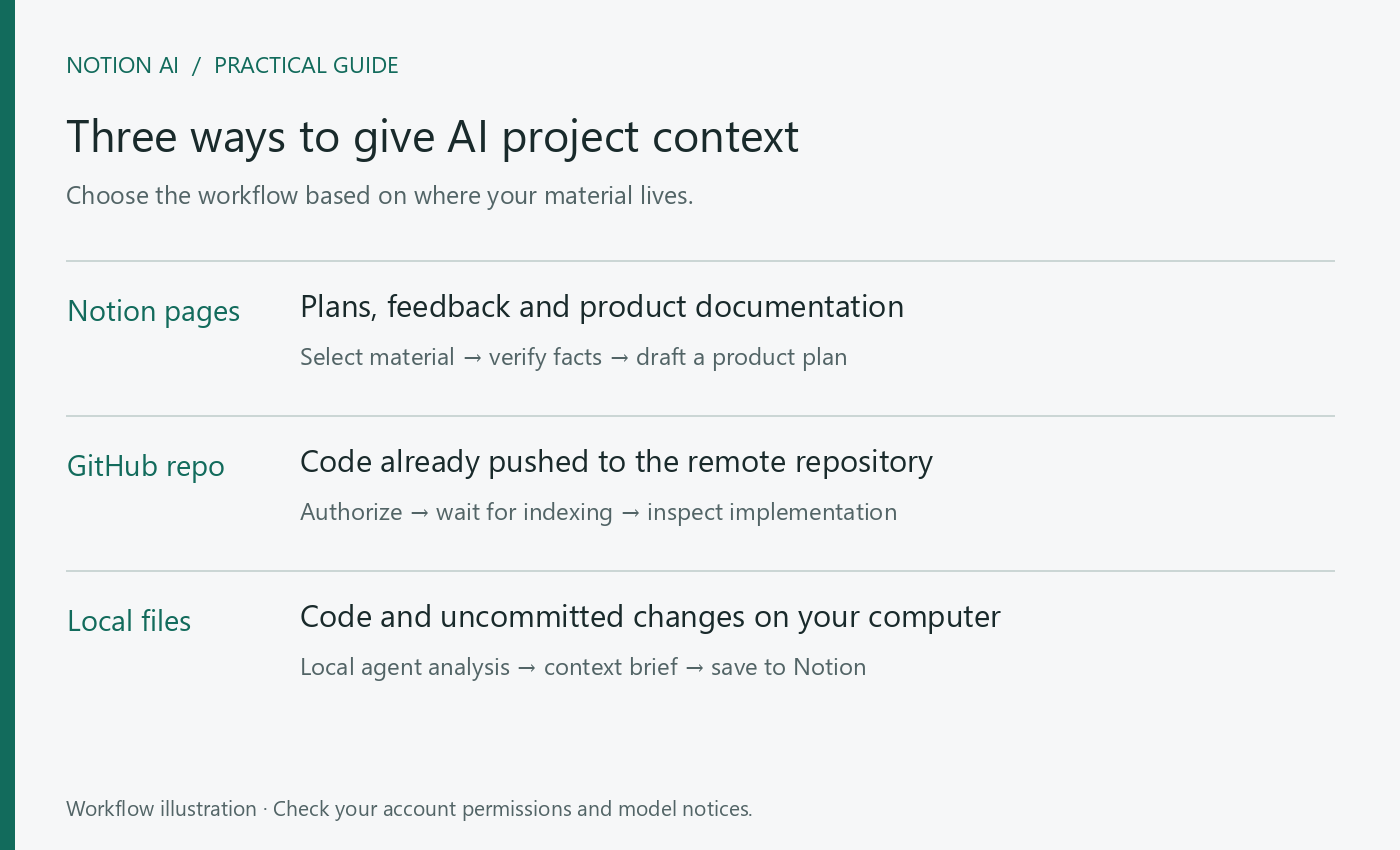
Useful product planning with Opus 5.5 starts with reliable project context. A request to “write a product plan” rarely captures the constraints of an existing system. The location of your documents, code and user feedback determines how you should bring that material into Notion AI.
For Notion documents, begin with a project brief
Maintain a project page with four kinds of material: target users and business goals, live workflows, real user feedback, and budget or technical constraints. Date the material. Specify the relevant pages in chat and ask the model to establish the current facts before discussing proposals. Some model modes have limited workspace access; explicitly provide shareable material if it cannot read the pages.
Use the project material I have specified to draft a product plan for review.
1. Separate implemented features, known problems and unverified assumptions.
2. Choose one user problem to prioritize and explain the evidence.
3. Describe the main flow, empty states, failure handling and permission boundaries.
4. Define the first release, deferred work and acceptance criteria.
5. Cite the material supporting each important conclusion; mark unsupported points as open questions.
For GitHub code, connect the remote repository
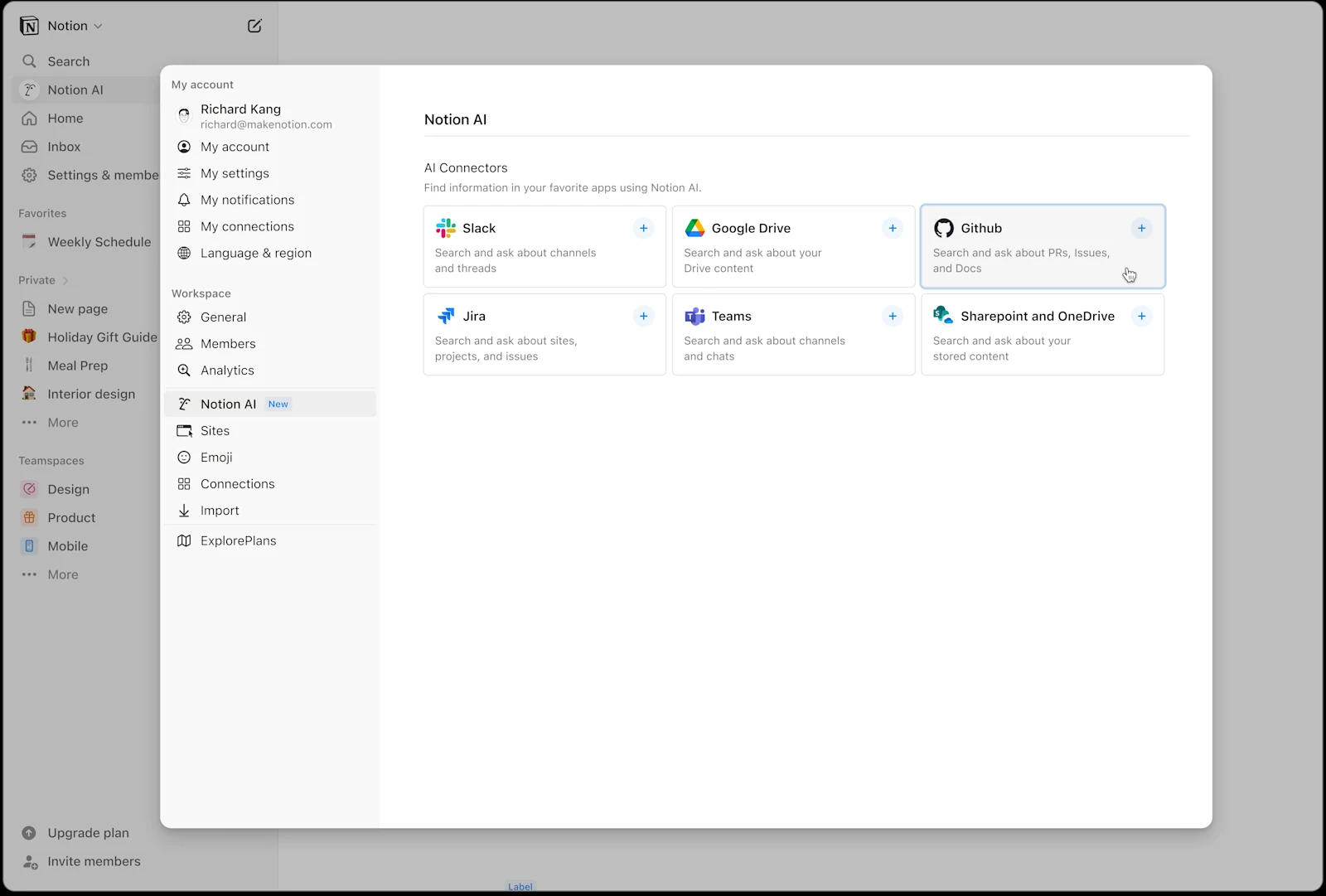
The GitHub AI Connector can index code, READMEs, pull requests and issues. Current documentation requires Business or Enterprise, a workspace with more than one member, and setup by the Notion workspace owner and GitHub organization owner. It also instructs users to move a personal repository into an organization first. Check these requirements carefully if you work alone.
- Find GitHub under Settings → Notion AI.
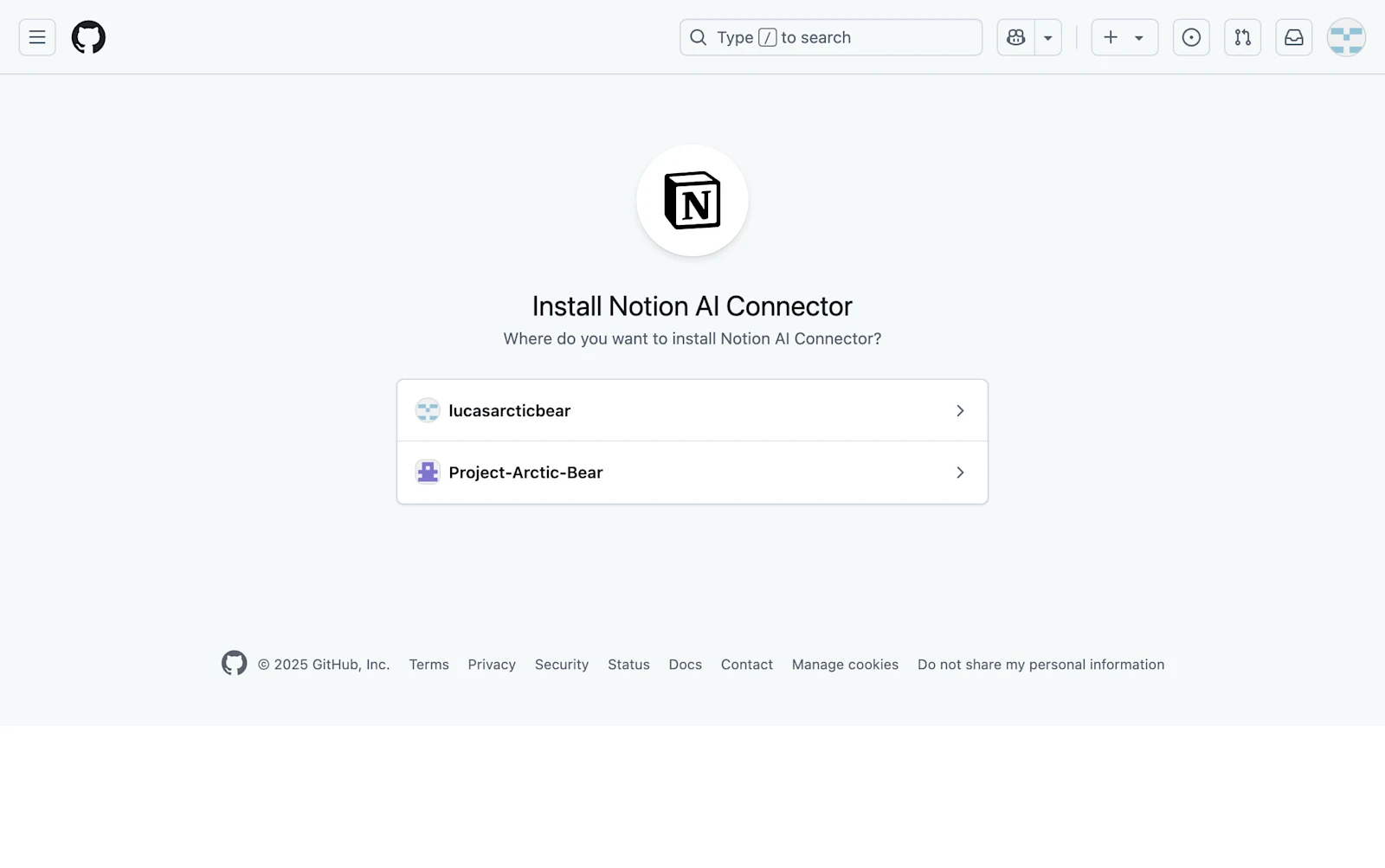
- Authorize the connection in GitHub and choose the organization and repositories.
- Allow the initial indexing to finish; the documented setup time can be up to 72 hours.
- Each private-repository user authenticates separately to confirm their access.
- Select GitHub as a chat source and first ask about a file or feature you know exists.
This workflow reads content pushed to GitHub and indexed by Notion. Uncommitted edits on your computer do not appear automatically, and new remote content can take time to index. Ask for file paths or pull-request references and check their versions before making product decisions.
For local code, prepare a grounded project summary
Notion does not currently document a standard workflow that opens a local project folder in the same way as a local coding agent. A practical approach is to use a tool with access to your repository to summarize modules, page entry points, permissions and business flows. Save that summary in Notion, then select Opus 5.5 and develop a product plan alongside user feedback.
Include the branch, commit and key file paths in the summary. Separate findings confirmed in code from guesses based on naming. For example, a statement that a payment callback updates order status should point to its handler. If subscription-expiry behavior cannot be established, mark it as a gap. This gives the planning model evidence it can use and you can check.
Check which way the MCP connection works
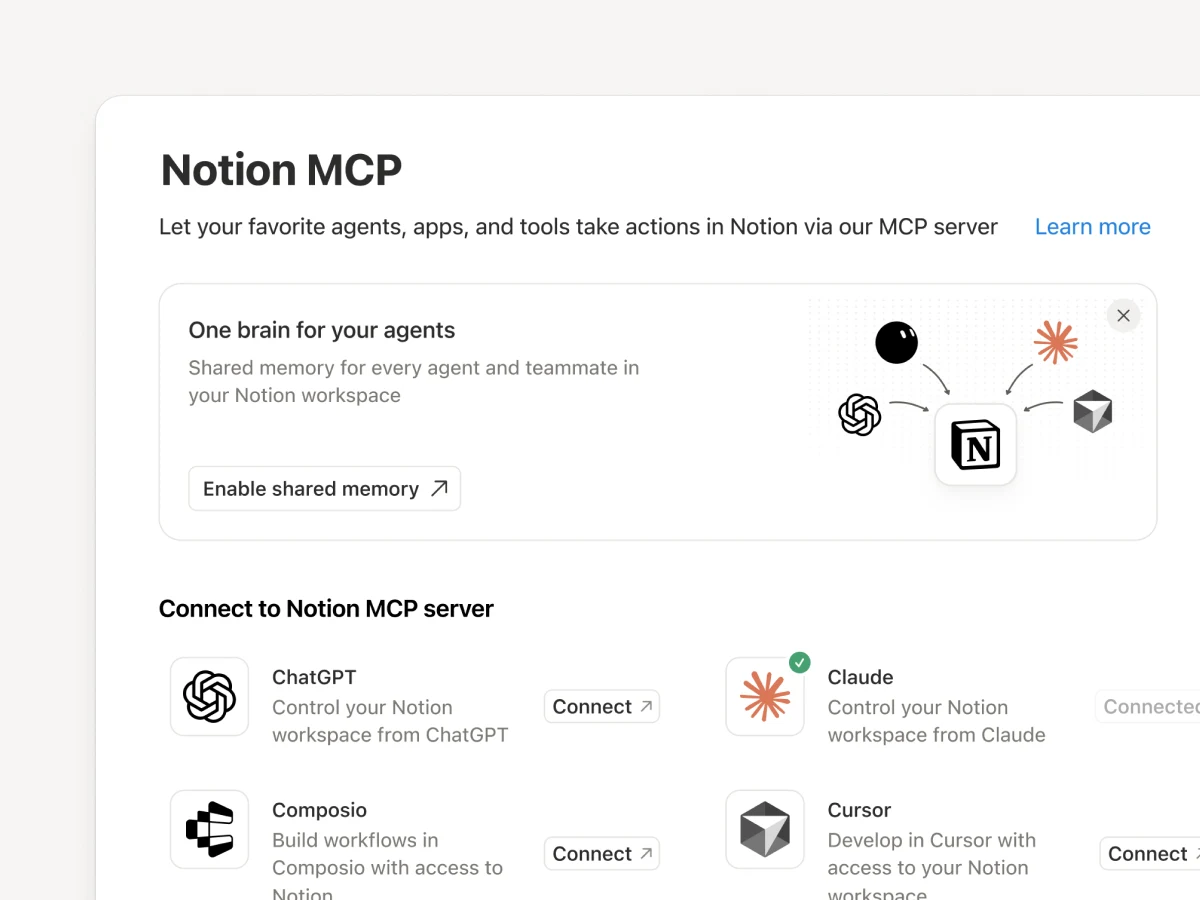
Notion MCP lets external AI tools read and write Notion pages, so a local analysis can be saved into project documentation. Separately, Notion Agent can connect to other MCP servers to query information or use actions they expose. Both require specific tools and permissions. Connecting MCP alone does not grant access to every file on your computer.
Before treating a plan as ready for development, walk through one real workflow. Check the entry point, permissions, failure messages and whether the acceptance criteria can establish completion. Feed the results back into the project material so the next discussion starts from updated facts.
Read next: How to Select Opus 5.5 in Notion AI and Start Your First Task · Notion AI Pricing Explained: Seats, Allowances and Premium Model Credits