
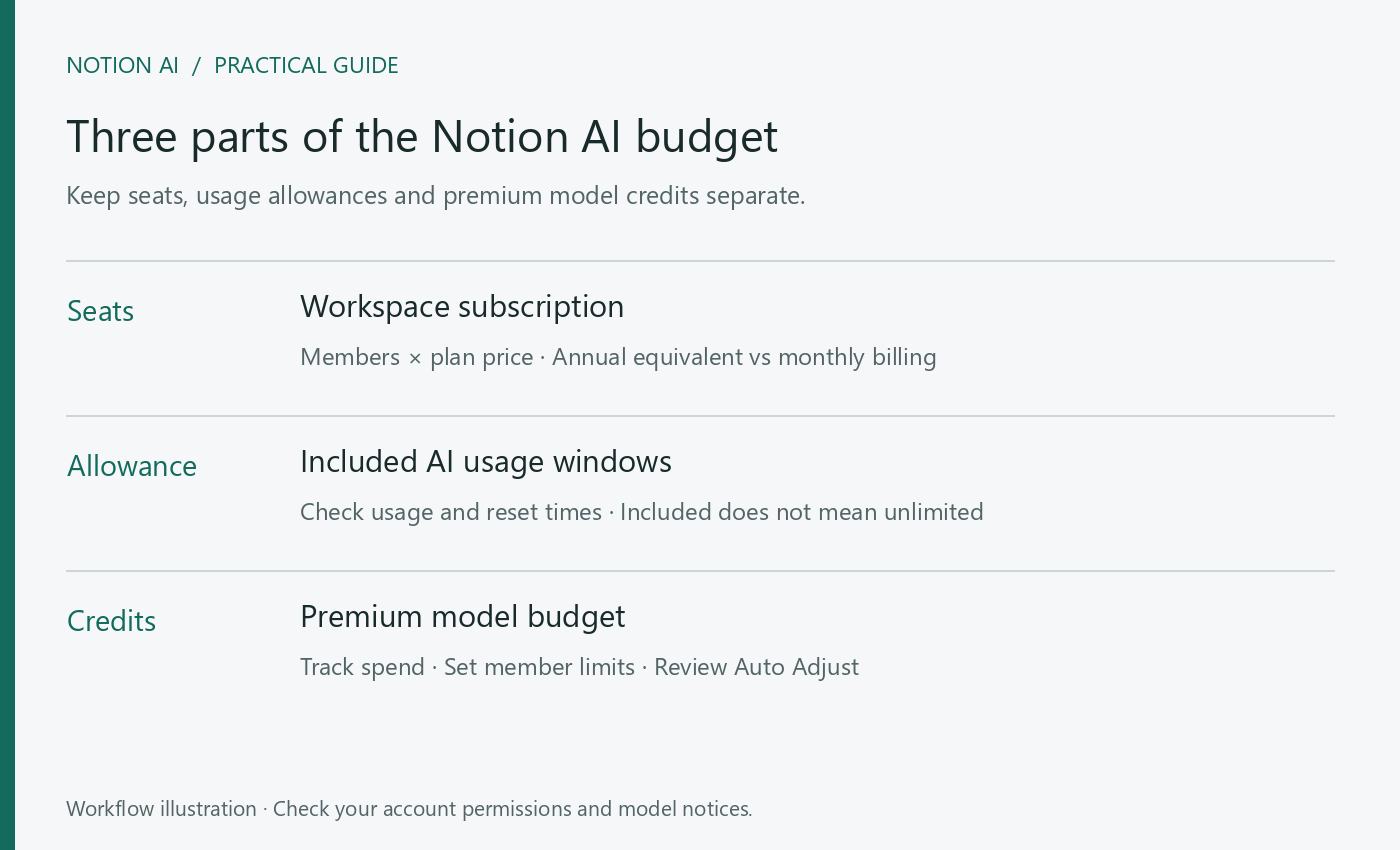
A workspace subscription does not automatically mean unlimited use of every AI model. When budgeting for Opus 5.5 in Notion, separate the subscription, the included AI usage allowance and premium model credits. Begin with a small task whose cost and result you can inspect.
Distinguish annual equivalents from monthly billing
Notion’s pricing page displays Business at a $20 per-seat monthly equivalent when billed annually. Its startup page also identifies annual billing. This does not mean the service charges only $20 each month. Check the billing interval, seat count, currency and checkout total. Enterprise uses custom pricing.
At the $20 annual monthly-equivalent rate, one seat works out to $240 per year and two seats to $480 per year. That is a calculation of the base seat subscription only; check taxes and additional model usage separately. Before inviting another person, also confirm whether they will be a paid member or a guest.
What the allowance and credits each cover
The usage-allowance guide describes six-hour and monthly windows for certain included AI features. Premium models use Notion Credits. A plan that includes AI still requires you to check the selected model’s billing notice; “AI included” should not be read as unlimited Opus usage.
Before enabling a premium model, inspect its model card and have an administrator set member credit limits. Notion currently says it charges premium-model tokens at provider-published rates without a markup, while rates and methodology may change. Use the account’s actual consumption to plan your budget rather than assigning a fixed price to each response.
Set up a controlled trial budget
- Choose one task, such as reviewing a feature proposal, instead of starting an open-ended work session.
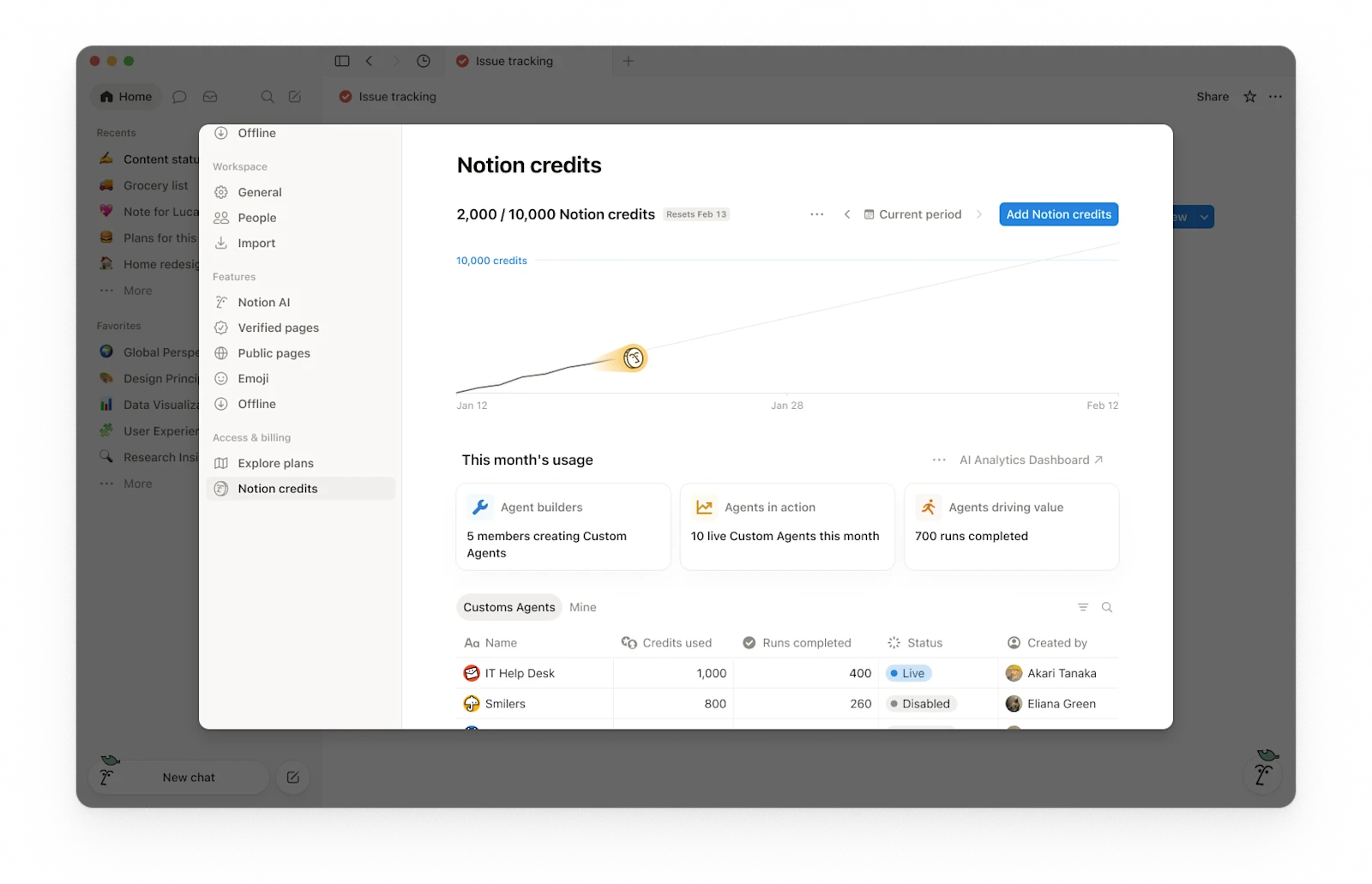
- Have an administrator open Settings → Access & billing → Notion credits and inspect the balance and Add Notion credits option.
- Review the purchase amount, recurring billing and Auto Adjust settings, then set member spending limits.
- After the task, record the credits used, whether the answer was useful and how many revisions it needed before deciding on further spending.
The credit-purchase guide explains purchases through the dashboard. Subscriptions managed through a mobile app store cannot buy credits directly inside Notion; follow the documented subscription-channel process. If you subscribed on a phone, check this before assuming that a missing model is simply an interface-refresh problem.
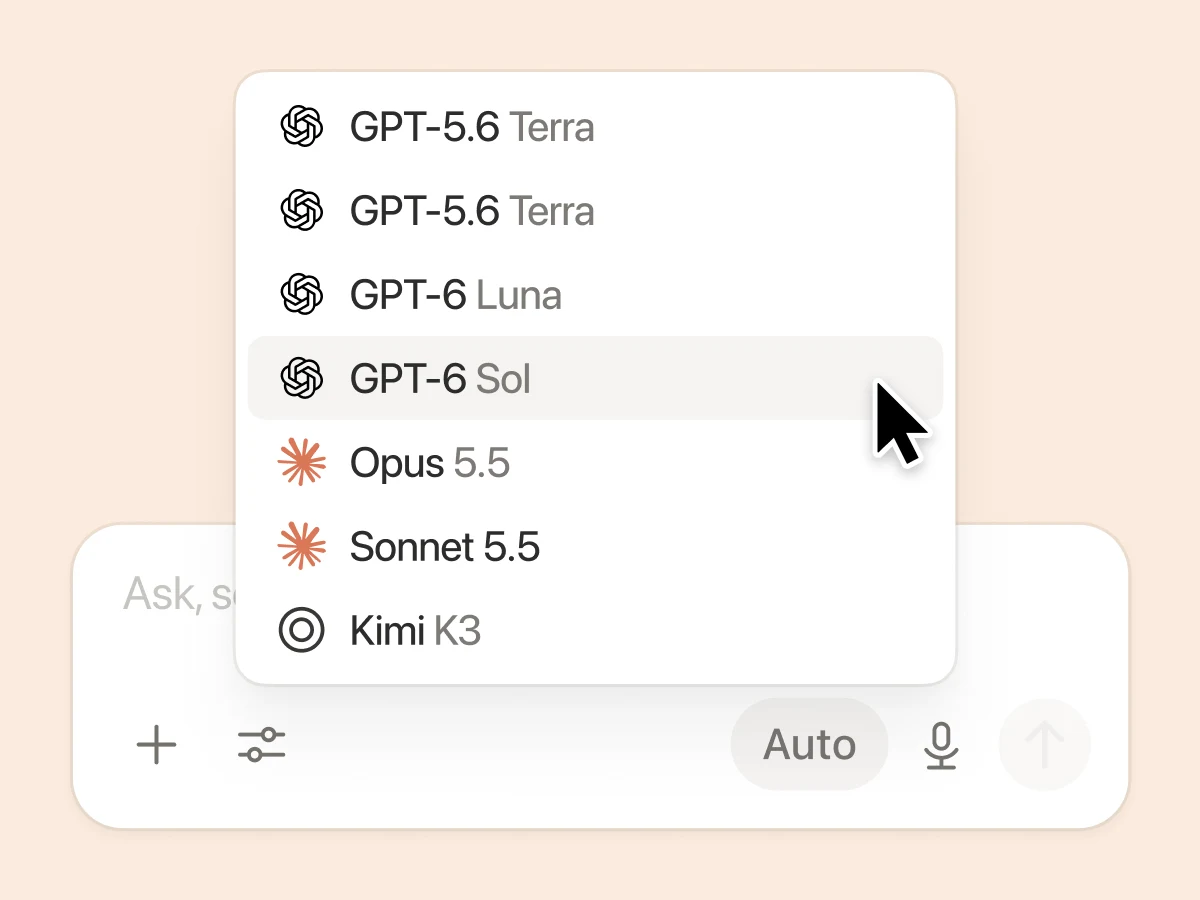
Why a model may still be unavailable
Check the current workspace, the administrator’s model switch, your personal spending limit and the workspace’s available credits, in that order. Workspace credit availability does not mean every member can spend without limits. After an upgrade, confirm the change applies to the workspace you are actually using.
Judge value through the work you need done. Give the same requirements to an included model and to Opus, then compare whether each finds important omissions, cites supporting material and proposes actions you can carry out. This is a comparison you can run for your own workload, not a published performance or value ranking.
Read next: How to Select Opus 5.5 in Notion AI and Start Your First Task · Write a Product Plan with Notion AI: From Code Context to Acceptance Criteria