
Photo-to-video creation
Use photos as the starting input for AI-generated videos.
PROFILO DELLO STRUMENTO TOOLAI
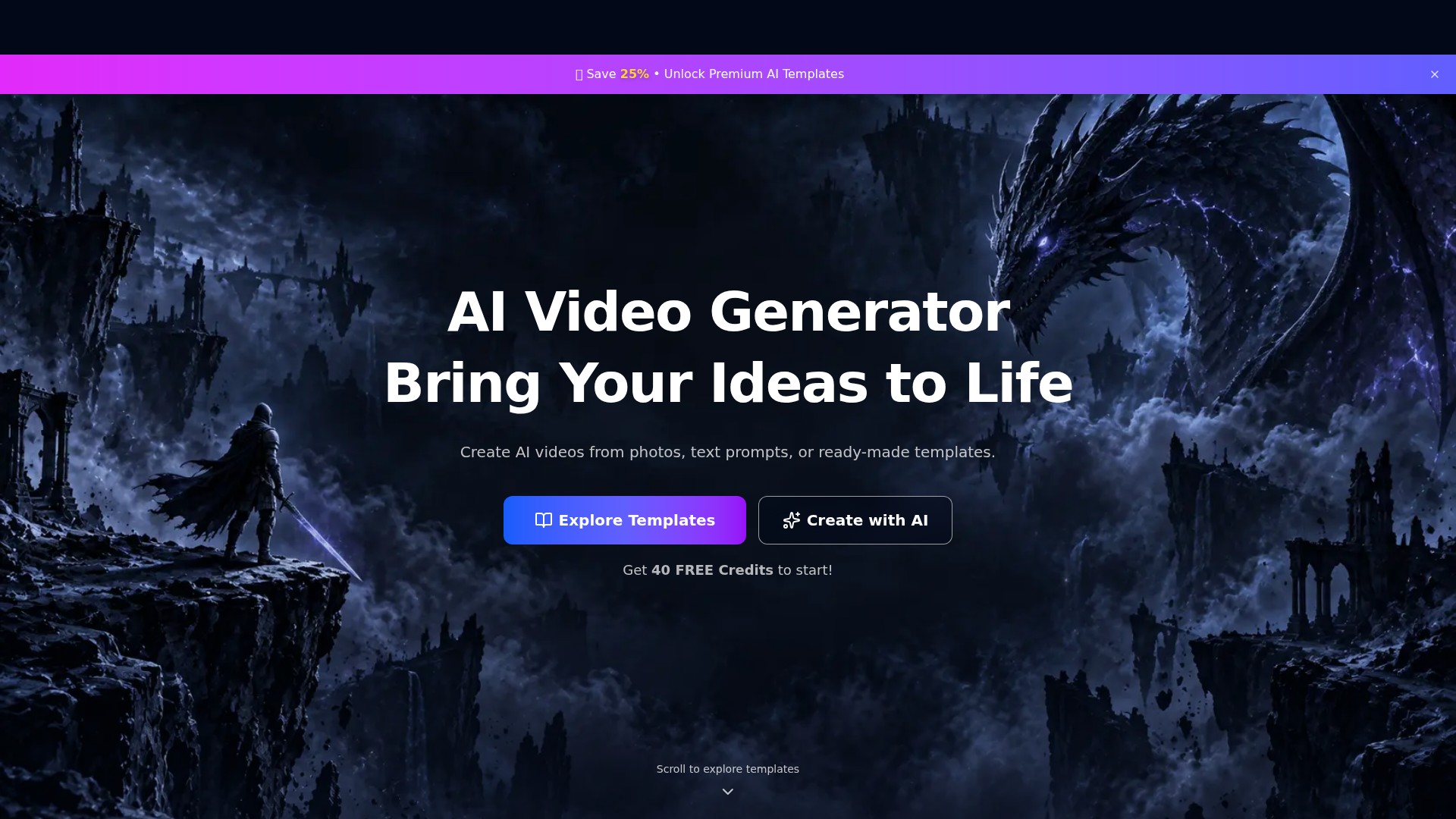
PixVideo is an AI video generation website that creates videos from photos, text prompts, or ready-made templates. It offers portrait, fashion, anime, and science-fiction styles, with 40 free credits to get started.
Visualizza immagine intera
IL QUADRO GENERALE
PixVideo presents itself as an “AI Video Generator” designed to “Bring Your Ideas to Life.” It creates AI videos from photos, text prompts, or ready-made templates.
| Nome dello strumento | PixVideo |
|---|---|
| Categoria | Generatore di video , Testo in video , Video personalizzati |
| Data di inserimento | 2026-11-05 |
| Principali alternative | GPTChat , DANchat , OOO. AI Trip Generator |
UNO SGUARDO PIÙ DA VICINO
Esplora le schermate del prodotto e gli esempi pubblicati. Apri un’immagine per osservarla più da vicino.
COSA PUOI FARE
Scopri le funzionalità. Trova il tuo modo di usarle.
Use photos as the starting input for AI-generated videos.
Describe an idea with a text prompt and create a video with AI.
Choose a ready-made AI video template, pick a style, and make it your own.
Explore templates covering character looks, manga portraits, mechanical armor, fashion, natural atmospheres, and fantasy settings.
photos, text prompts, and templates.
DALLA COMMUNITY
Accedi per condividere la tua esperienza e aiutare gli altri a trovare lo strumento giusto.
FEATURED BADGE

LA TUA PROSSIMA SCOPERTA

GPTChat è l’app Android che si collega a ChatGPT e ne consente l’utilizzo sul dispositivo. È un assistente personale chatbot basato sull’IA che ti aiuta nelle attività quotidiane e risponde alle tue domande. Puoi condividere le risposte e le conversazioni su WhatsApp, via email e altro.

Crea persona IA personalizzate per applicazioni specifiche, fai brainstorming, sviluppa strategie e discuti questioni personali.

Out Of Office è un’app social per i viaggi che aiuta a trovare i migliori consigli e suggerimenti da fonti affidabili. AI Trip Generator è un prodotto in fase di test che utilizza i luoghi con le recensioni migliori dell’app per creare itinerari personalizzati.

Wan2.2 S2V AI è un generatore da voce a video con tecnologia S2VAI da 14 miliardi di parametri, che trasforma audio e parlato in video professionali di qualità cinematografica.
FAI LA TUA PROSSIMA MOSSA
Visita il sito ufficiale per scoprire le funzionalità più recenti e iniziare.