
If you want to build a 3D scene with Kimi, do not treat its promotional video as a promise of a finished project from one prompt. In its official guide, updated November 11, 2026, Kimi describes both code-based modeling and calls to external generators such as Tripo. Choosing the right task and interface matters more than repeatedly asking for a prettier result.
Start in the browser; move local for complex projects
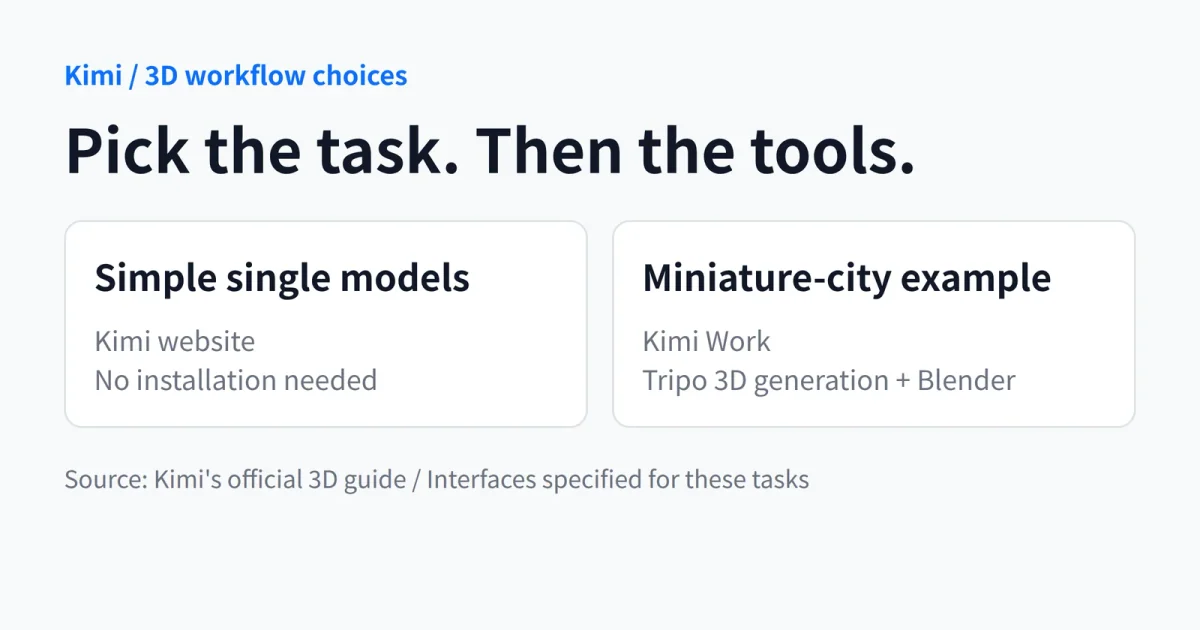
Kimi recommends its website for 3D web pages and simple individual models, without installing software. Projects that require modeling applications, game engines and repeated changes to local files belong in Kimi Work or Kimi Code. The guide also describes 3D Make in the website and Kimi Work, with specialist generation skills and workflows.
The object matters, too. Furniture, buildings and mechanical parts that can be specified through dimensions and structure suit parametric modeling driven by code. Characters, animals and intricate props may instead be routed to specialist mesh generators. Kimi acknowledges that K3.1 Pro remains less capable at that work than diffusion models such as Tripo.
Approve the layout before polishing materials
The guide specifies Kimi Work for its miniature-city example, with the Tripo 3D generation and Blender plugins. It divides the job: Blender scripts construct terrain, streets and steps; Tripo supplies fountains and statues; Blender brings scale, lighting and cameras together. Tripo's documentation independently describes APIs that generate 3D models from text or images. If an individual asset is all you need, using a specialist service directly is a useful comparison.
Our recommendation is to make spatial layout the first acceptance check. Ask for a scene built from simple shapes, inspect positions and proportions, and only then add detailed models. Kimi's guide also recommends overhead and street-level views, plus keeping project files and modeling scripts. An attractive preview is not a substitute for an editable project.
Do not guess the bill. This tutorial does not provide a complete schedule of 3D Make prices and allowances or explain the charging arrangements for every external call. It therefore cannot establish that the workflow is free or fully covered by a subscription. Before starting a complex job, check the available features and payment notices in the current product interface. Build one small scene, confirm that you can export it and continue editing, then expand the scope.