

Codebase-aware development
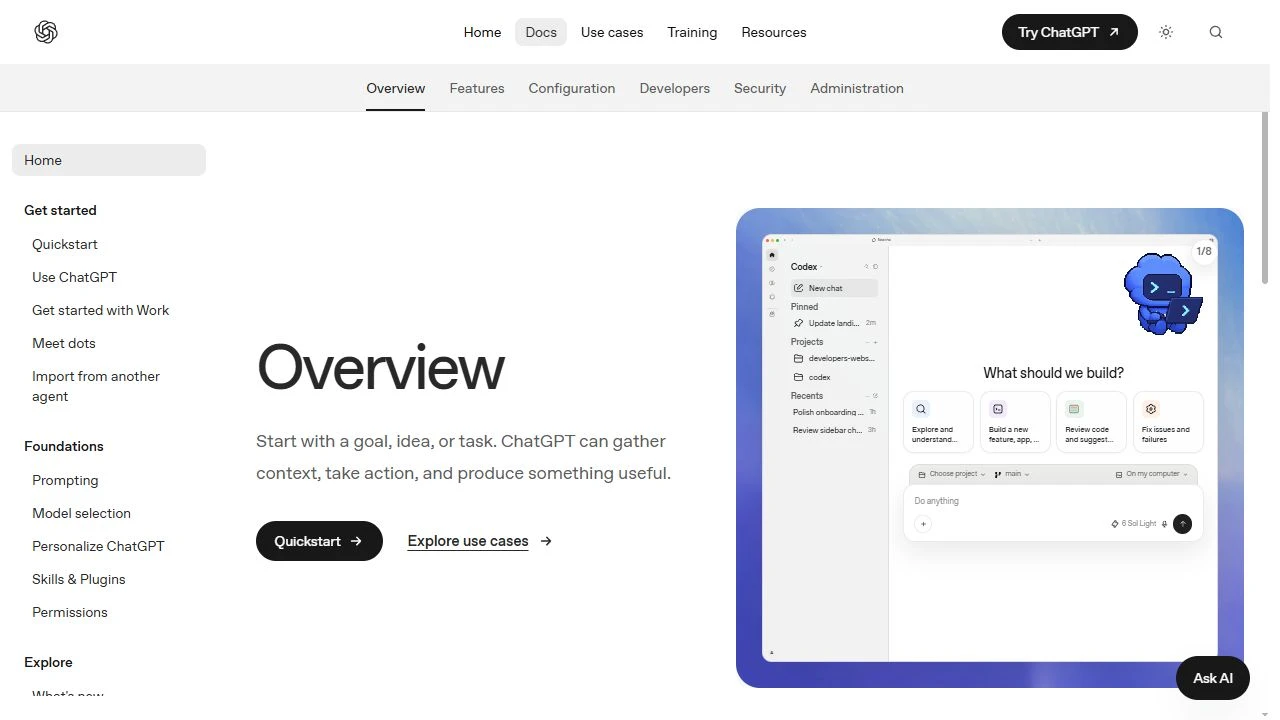
Select a project or folder so Codex can work with the relevant codebase context while helping build features, investigate issues, and modify files.
TOOL PROFILE TOOLAI
AI-assisted software development across desktop, web, terminal, editors, and cloud environments
 View full image
THE BIG PICTURE
Codex is available through ChatGPT surfaces and can also use an API key. Developers can start with a goal, task, files, or additional context, then choose local work or a reusable Codex Cloud environment for remote coding tasks. The product relationship is direct: ChatGPT provides the broader conversational workspace, while Codex is the development-focused mode.
A CLOSER LOOK
Explore product screens and published examples. Open any image for a closer look.
WHAT YOU CAN DO
Get to know the capabilities. Find your own way to use them.
Select a project or folder so Codex can work with the relevant codebase context while helping build features, investigate issues, and modify files.
Use the Codex mode in ChatGPT for software development tasks such as building new functionality, debugging problems, and working through failures.
Ask Codex to review code and suggest changes, making it useful for examining proposed implementations before they are accepted or shipped.
The desktop app can read and modify files in a folder you choose, supporting development work directly against local projects and files.
Create a reusable Codex Cloud environment from the web or desktop app; Codex inspects repositories and helps prepare and test the setup.
Developers can use Codex through ChatGPT, Codex CLI in a terminal, the Codex IDE extension, or Codex Cloud for remote work.
After publishing a cloud environment, users can start and continue cloud tasks on the web, mobile, or desktop app.
The desktop setup supports signing in with a ChatGPT account and may also allow Codex use with an API key.
MADE FOR YOUR WORKFLOW
Select a project, describe the desired behavior, provide relevant context, and use Codex to explore the codebase and propose or make the required changes.
Give Codex the affected project and explain the failure, then use its development context to inspect relevant files and work toward a fix.
Ask Codex to examine an implementation and suggest changes, then manually validate the recommendations with tests, code review, and security checks.
YOUR FIRST STEPS
Open ChatGPT on the web or install the desktop app; developers can alternatively use Codex CLI, the IDE extension, or Codex Cloud.
Sign in with a ChatGPT account, or use an API key where supported by the selected setup.
Start a Codex chat, choose a project or folder, or create a cloud environment for a repository-based remote task.
State the goal clearly and add the files, codebase context, or other information Codex needs to work effectively.
Inspect suggested or completed changes, run appropriate tests, and confirm the implementation meets your technical and security requirements.
TAKE A LOOK AROUND
Explore the tool's demo or video to see its interface and workflow.
PLAN YOUR NEXT STEP
Sign in with an eligible ChatGPT account or connect an API key. Subscription allowances and API usage billing are separate access methods.
PLAN
Use Codex from the ChatGPT web or desktop experience with a ChatGPT account.
PLAN
Use Codex from a terminal or supported code editor.
PLAN
Create a reusable cloud environment for remote coding work and continue tasks across supported ChatGPT surfaces.
Prices, usage limits and terms can change. Confirm the latest details on the tool's official website before subscribing.
Sources checked
Codex is ChatGPT’s software-development mode for building, debugging, reviewing, and shipping code with codebase context and developer tools.
ChatGPT is the broader workspace, while Codex is the development-focused option in the ChatGPT selector.
Yes. In the desktop app, select a folder and ChatGPT can read and modify files within that chosen folder.
Yes. Codex Cloud provides reusable cloud environments for remote coding work, with tasks continuing on web, mobile, or desktop.
Yes. Use Codex CLI for terminal use and the Codex IDE extension for code-editor workflows.
The desktop quickstart describes signing in with a ChatGPT account and also says Codex may be used with an API key; some features may not be available with an API key.
FROM THE COMMUNITY
Sign in to share your experience and help others find the right tool.
YOUR NEXT DISCOVERY
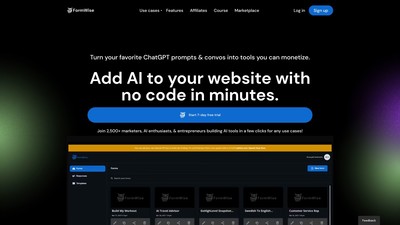
We've got every use case covered. Design AI-powered forms. Build content generators for your end users. FormWise is a new type of form builder that is powered by AI. It takes the form responses and injects them as variables in your own custom OpenAI prompts.
Razzle.ai: Unlock the full potential of organizational apps with Generative AI. Join our waitlist and demo now! #generativeAI #productivity
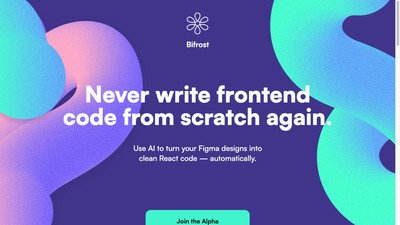
Bifrost is a tool that can help turn Figma designs into React code automatically. With this tool, designers can create and update screens in Figma without the need for manual handoffs, and engineers can focus on features that drive the business forward instead of having to create screens and components. Bifrost works by converting the Figma design into clean code that can be dropped into Visual Studio Code, and any design updates can be shipped without engineering hours.
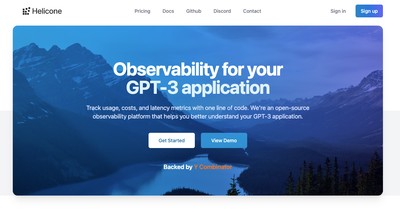
Simplify GPT-3 monitoring with one line of code. To use, replace the base url with the SDK. Add your OpenAI key to Valyr and view requests in the dashboard.
MAKE YOUR NEXT MOVE
Visit the official website to explore the latest features and get started.