
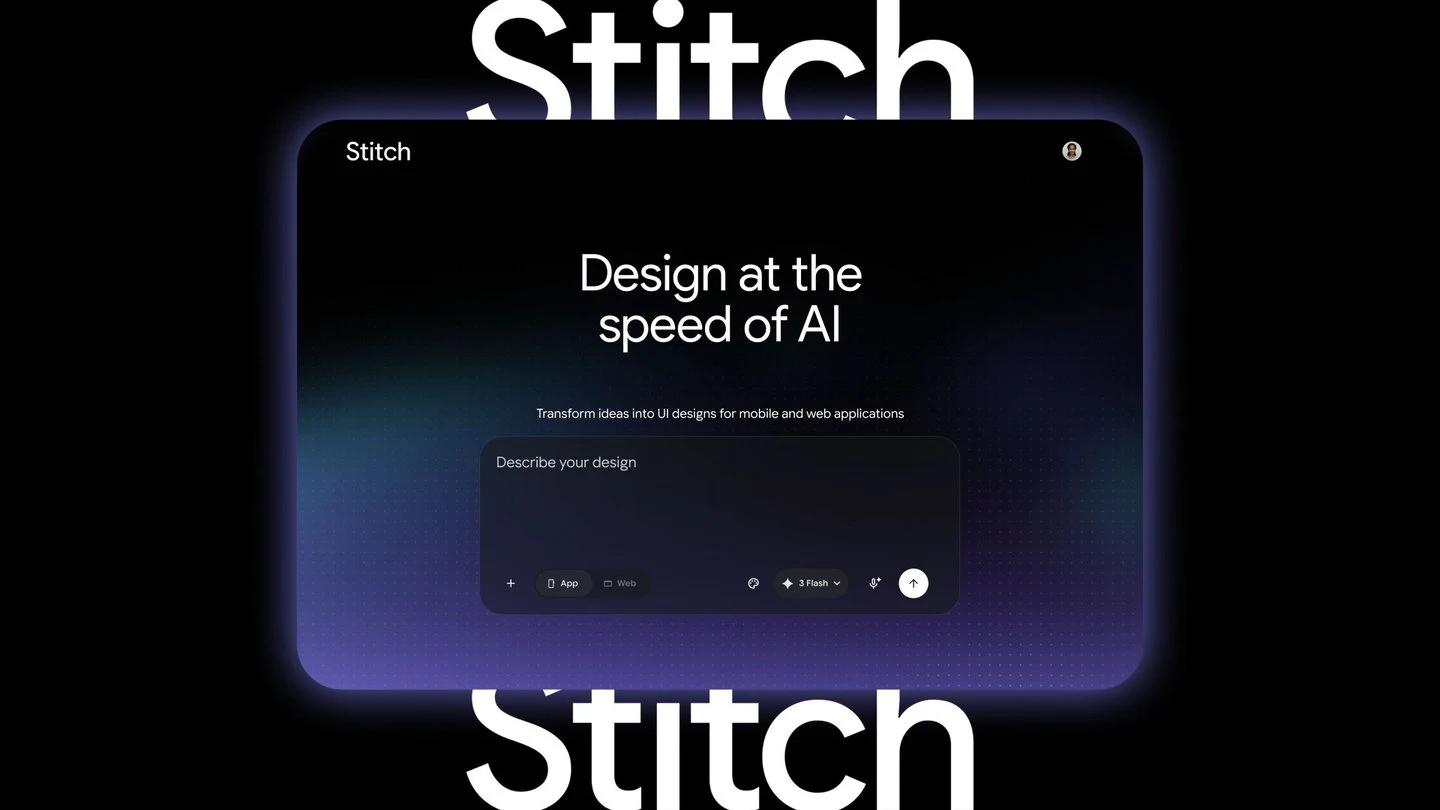
Natural-language UI generation
Describe a product objective, user feeling, or visual direction in natural language, and Stitch turns the intent into high-fidelity interface concepts.
TOOL PROFILE TOOLAI
An AI-native canvas for creating and iterating high-fidelity user interfaces.
 View full image
THE BIG PICTURE
Google Stitch is an AI-powered software design canvas for turning natural-language ideas into high-fidelity user interface designs. It supports exploration from early concepts through interactive prototypes, bringing text, images, code, and design context into one workspace.
Stitch combines a design agent with an infinite canvas, voice interaction, design-system tools, and export paths into developer workflows. Its relationship with Google AI Studio, Google Antigravity, Netlify, the Stitch MCP server, SDK, and skills is primarily workflow-oriented: Stitch handles design and prototyping, while those connected tools support sharing, implementation, or publication.
A CLOSER LOOK
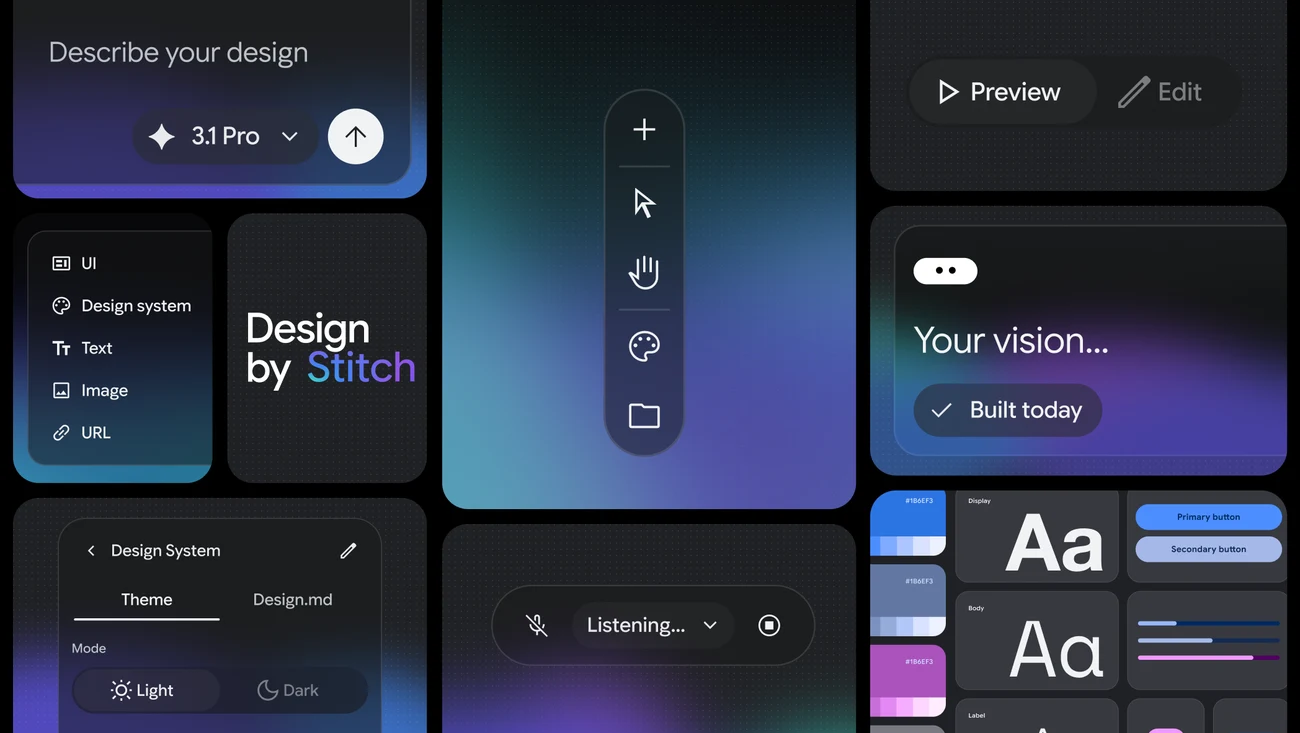
Explore product screens and published examples. Open any image for a closer look.
WHAT YOU CAN DO
Get to know the capabilities. Find your own way to use them.
Describe a product objective, user feeling, or visual direction in natural language, and Stitch turns the intent into high-fidelity interface concepts.
The redesigned canvas provides room to develop ideas from early exploration to working prototypes, while keeping text, images, and code as project context.
A design agent reasons across the project’s evolution, helping users explore directions, refine screens, and maintain continuity as the design develops.
The Agent manager tracks progress across multiple ideas in parallel, giving exploratory work a more organized structure inside the canvas.
Speak directly to the canvas to request critiques, alternative menus, new landing pages, or color variations while the agent updates designs in real time.
Extract a design system from a URL or use DESIGN.md to import and export design rules between Stitch projects and other design or coding tools.
Connect screens into clickable prototypes, preview the user journey with Play, and generate logical next screens based on interactions.
Move designs toward implementation through Google AI Studio, Google Antigravity, the Stitch MCP server, SDK, skills, or direct web publication with Netlify.
MADE FOR YOUR WORKFLOW
Start with a business objective and user experience goals, then generate several interface directions before selecting a promising flow for refinement.
Bring existing screens or code to the canvas, connect them into an interactive prototype, and use voice or text prompts to test alternative layouts.
Establish reusable design rules with DESIGN.md, refine screens with the design agent, and export the resulting work into a connected developer workflow.
YOUR FIRST STEPS
Visit the Stitch web application and begin a new design canvas.
Add a natural-language brief, images, code, design files, a URL, or DESIGN.md rules to establish the project direction.
Describe the interface, business objective, or user experience you want Stitch to explore.
Use text or voice instructions to revise screens, request variations, and connect screens into a playable prototype.
When the design is ready, use the available sharing or connected export path, such as Google AI Studio, Google Antigravity, or Netlify.
TAKE A LOOK AROUND
Explore the tool's demo or video to see its interface and workflow.
PLAN YOUR NEXT STEP
Google Labs design experiment with access through a Google account.
PLAN
Open Stitch with a Google account to explore interface design and prototypes.
Prices, usage limits and terms can change. Confirm the latest details on the tool's official website before subscribing.
Google Stitch is an AI-native software design canvas for creating, iterating, and collaborating on high-fidelity user interfaces from natural-language ideas and other project context.
Yes. Stitch can connect screens, provide a Play preview, and automatically generate logical next screens based on clicks to help map user journeys.
Stitch supports voice interactions for requesting critiques, creating pages, exploring options, and making real-time design updates.
DESIGN.md is an agent-friendly Markdown file for exporting or importing design rules between Stitch projects and other design or coding tools.
Stitch is a design and prototyping tool, with exports and connected workflows for moving work toward development.
Connected workflows include Google AI Studio, Google Antigravity, the Stitch MCP server, SDK, skills, developer tools, and Netlify as connected workflow destinations.
FROM THE COMMUNITY
Sign in to share your experience and help others find the right tool.
FEATURED BADGE

YOUR NEXT DISCOVERY

Build websites including copy & images in 30 seconds. Fill in the form and have an AI generate website built and ready at your disposal complete with text, images and styling.

Unlimited Content Creation. Request graphic design, copywriting, motion design, 2d animation, and a.i design.
PhotoGPT is an AI-powered image creation and editing platform designed for ecommerce sellers, brands, and marketers. It helps businesses turn ordinary product photos into professional commercial visuals, including product photography, advertising creatives, marketplace images, and branded marketing content. With AI Product Photography, PhotoGPT can generate realistic studio-quality product images with custom backgrounds, lighting styles, and lifestyle scenes. Users can create multiple variations from a single product photo, making it easier to test campaigns, improve product listings, and scale visual content production. PhotoGPT also provides AI-powered creative tools such as ad generation, product detail page visuals, virtual try-on experiences, and batch editing workflows, helping ecommerce teams create engaging content faster without traditional photography or design resources. Whether you sell on Shopify, Amazon, Etsy, or social commerce platforms, PhotoGPT enables you to create professional ecommerce images and marketing assets in minutes.
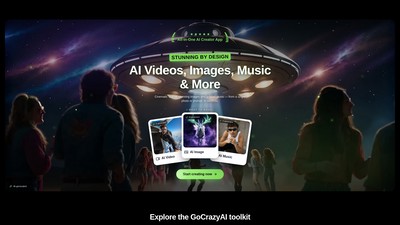
GoCrazyAI is an all-in-one web-based AI creative studio combining Veo 3.1, Sora 2, Seedance 2, Kling 2.6 and WAN 2.7 for video, image, anime avatar, music and voice generation, with editing, podcast and photo-to-3D tools. Plans start at $25/month.
MAKE YOUR NEXT MOVE
Visit the official website to explore the latest features and get started.