

Product scene creation
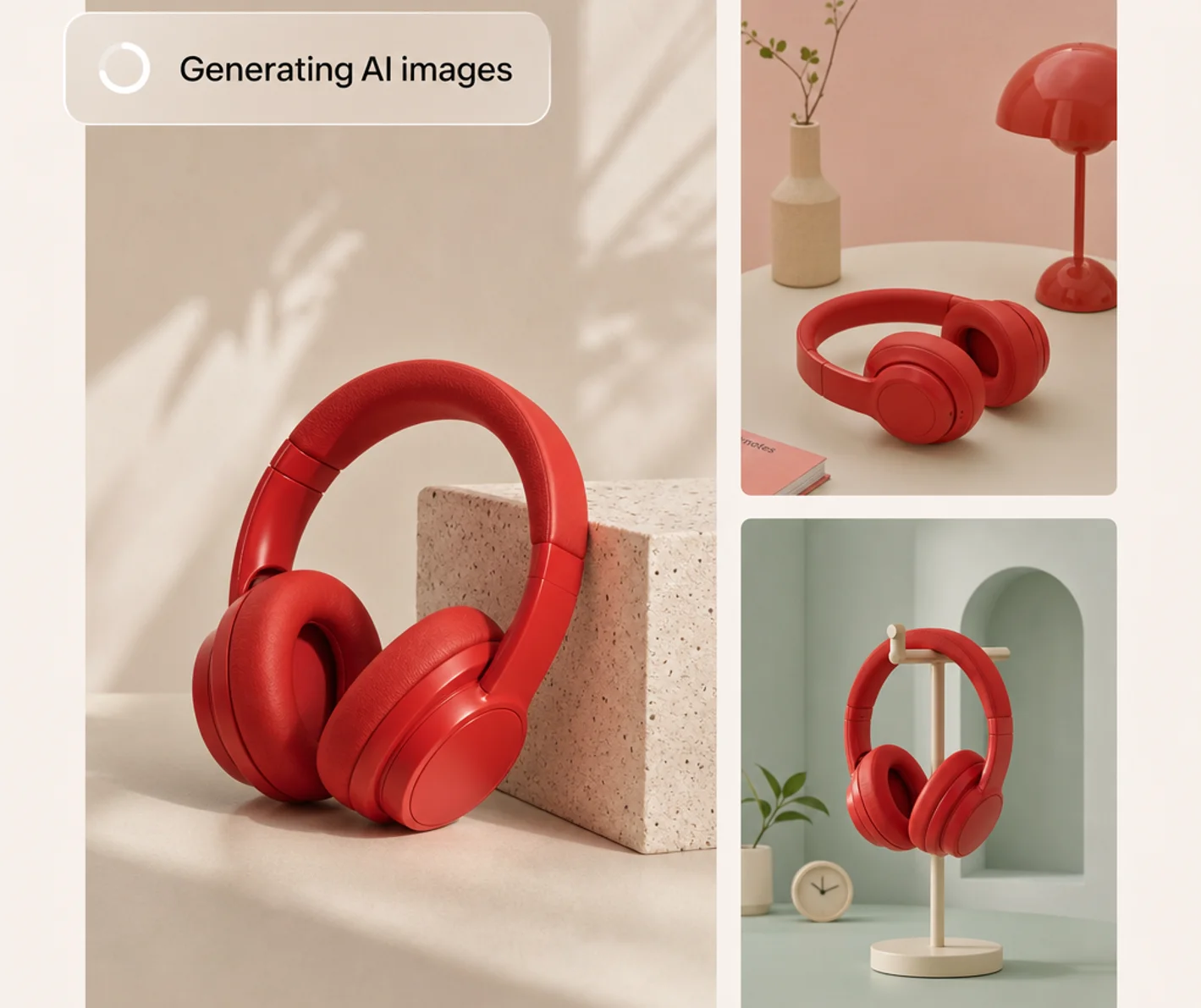
Place a product photo into a styled setting and explore lighting, background, and composition choices.
TOOL PROFILE TOOLAI
Build product imagery, listing visuals, and creative variations from your photos.
View full image
THE BIG PICTURE
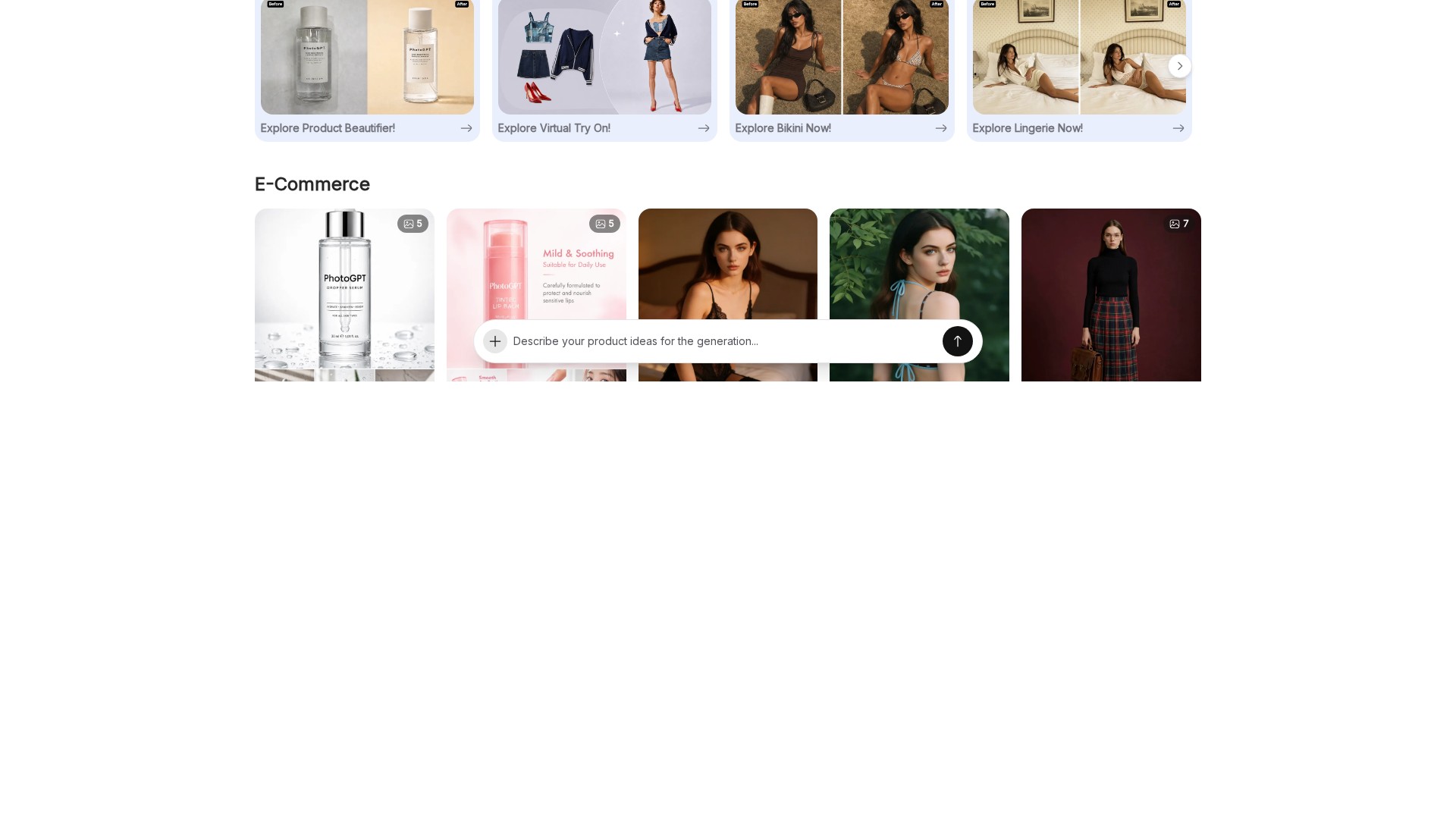
PhotoGPT is a web workspace for ecommerce image creation and editing. Its product-photography tool places an item into new visual settings, while dedicated workflows cover product-detail images, virtual try-on, and batch editing. The site also offers related advertising and video tools.
A practical starting point is a small set of products with clear source photographs. Decide whether you need a listing image, a lifestyle concept, or an advertising visual, then choose the corresponding workflow. Keep an unchanged reference photo available so you can verify the product after each edit.
A CLOSER LOOK
Explore product screens and published examples. Open any image for a closer look.
Official examples showing headphones in different visual settings.
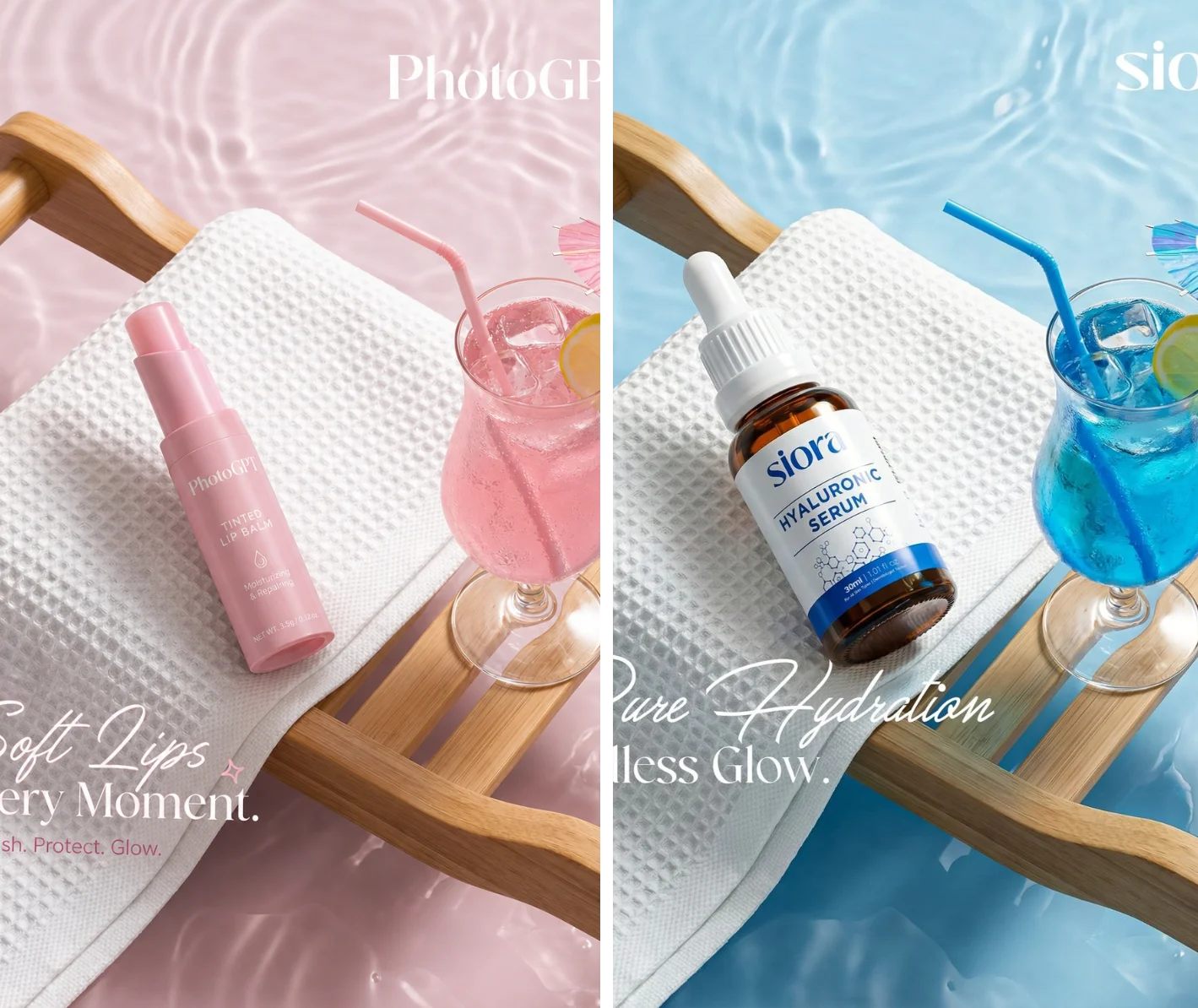
Official illustration of the advertising-creative workflow.
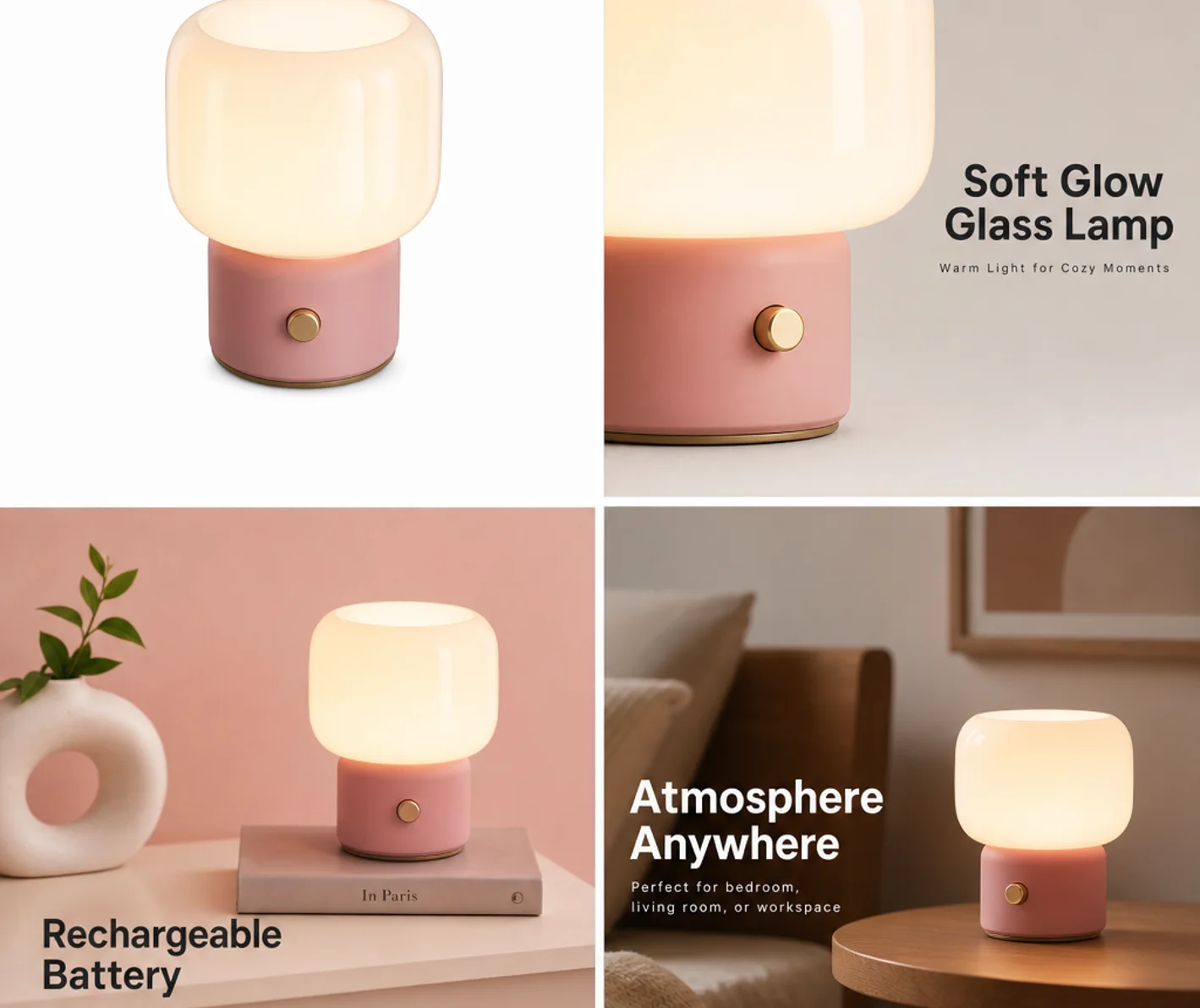
Official product-detail-page demonstration.
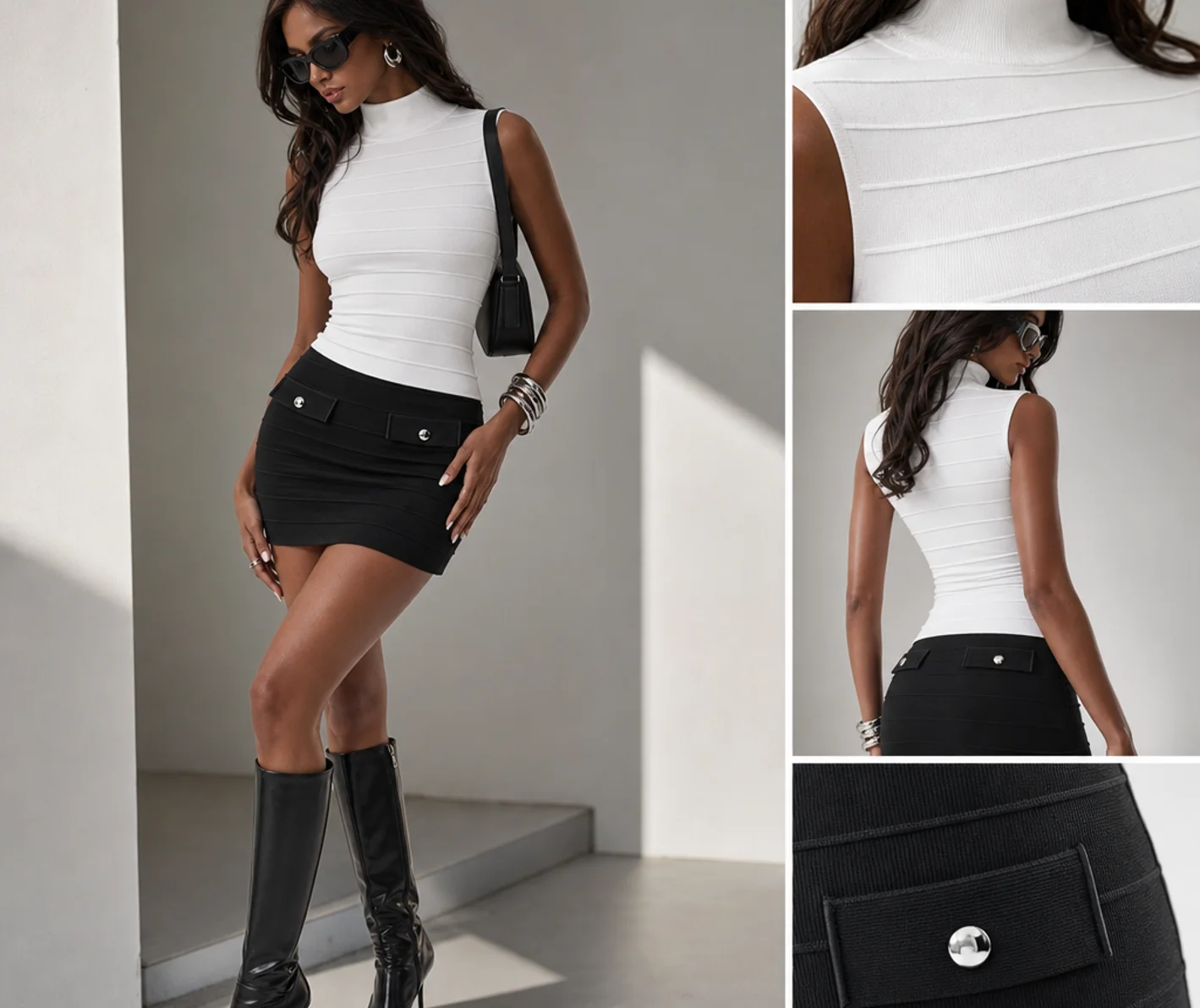
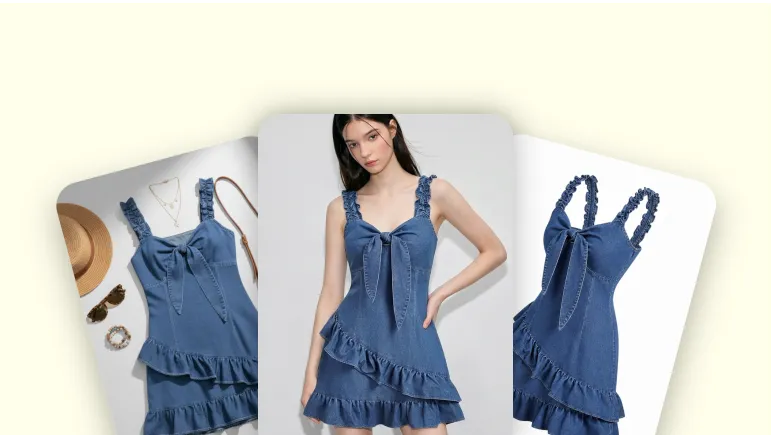
Provider-published visual illustration of the try-on workflow.
Official examples used to introduce the batch-editing workflow.
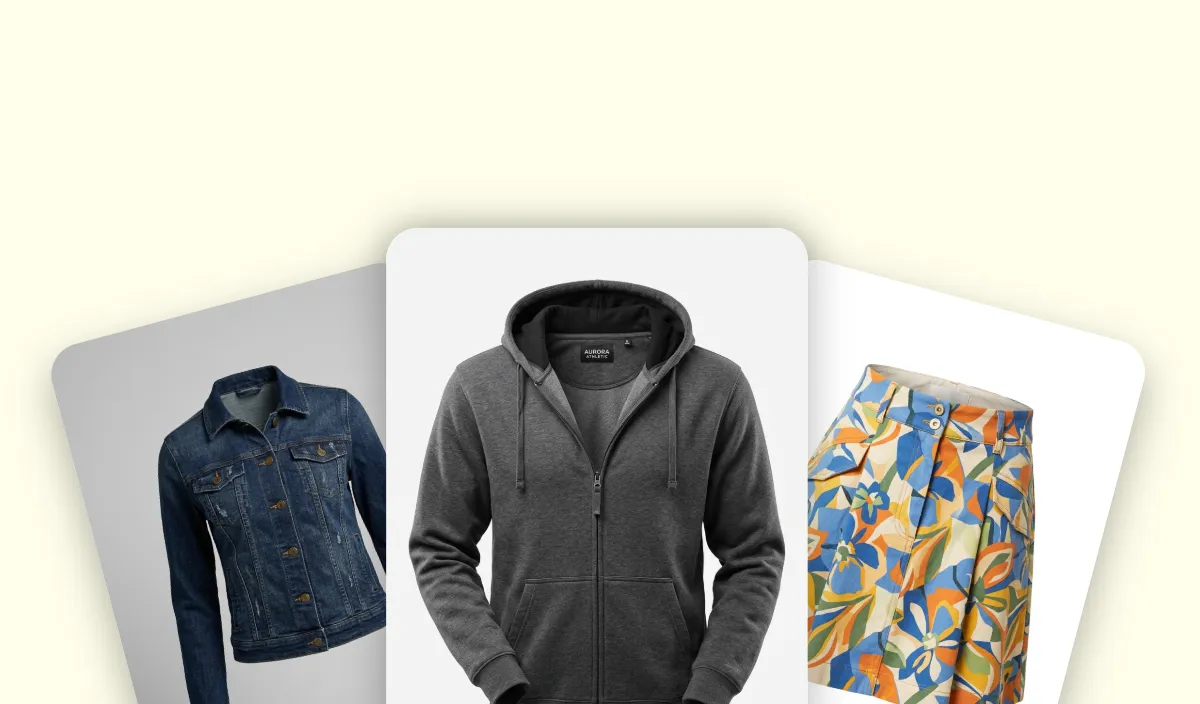
Official demonstration of the ghost-mannequin workflow.
WHAT YOU CAN DO
Get to know the capabilities. Find your own way to use them.
Place a product photo into a styled setting and explore lighting, background, and composition choices.
The product-detail tool builds a set of hero and supporting images from product references.
Use the dedicated try-on workflow to explore how fashion or accessories may appear in a styled visual.
The site provides a batch editor for repeat image tasks. Check the current batch and export allowances for your plan.
Related creative tools support alternative promotional compositions from product material and reference designs.
The ghost-mannequin workflow provides another way to present apparel alongside other fashion-focused tools.
MADE FOR YOUR WORKFLOW
Prepare a clear hero image plus supporting views. Compare every output with the original item before adding it to your store.
Keep the actual product consistent while testing a new visual setting or color palette. Review decorative additions for misleading product associations.
Use a try-on or garment workflow to explore a visual direction. Keep real sizing, fit, and fabric information separate from the generated illustration.
Pilot an editing treatment on a few representative items before applying it more widely. Include reflective, transparent, and detailed packaging in the review set.
YOUR FIRST STEPS
Choose product photography, detail-page images, try-on, or another tool that matches the visual you need.
Use a well-lit product photo with visible edges and important details. The detail-page workflow accepts common image formats including JPG, PNG, and WebP.
Set the scene or other available options and create the result on PhotoGPT. Keep the source photo close for comparison.
Inspect the product and text at a useful size. Confirm export quality and current plan allowances before downloading the approved images.
TAKE A LOOK AROUND
Explore the tool's demo or video to see its interface and workflow.
PLAN YOUR NEXT STEP
Free access is advertised alongside subscriptions and credit packs. Paid tiers are named Starter, Pro, and Ultra.
PLAN
Entry subscription with a monthly credit and batch-export allowance.
Monthly or yearly options
PLAN
A subscription with higher listed credit and export allowances.
Monthly or yearly options
PLAN
A larger-capacity subscription for more frequent creation.
Monthly or yearly options
Prices, usage limits and terms can change. Confirm the latest details on the tool's official website before subscribing.
Checked on 26 September 2026. Monthly and yearly billing, promotions, and credit packs may have different totals. Confirm current fees, credits, export allowances, and licence terms on the official pricing page.
Sources checked
No. The reviewed site includes product photography, listing-image sets, try-on, batch editing, and related creative tools. Choose a workflow around the output you actually need.
Start with a clear, well-lit photo that shows the item's shape and important details. Avoid using a tiny image as the only reference for a visually complex product.
The product-detail workflow is designed for hero and supporting images. Review each one individually; consistency across a set matters as much as an attractive first image.
Treat them as visual previews. Verify sizing, construction, material appearance, and product claims using real product information rather than relying on an AI-generated illustration.
The pricing page lists commercial licensing for paid tiers. Review the terms for your selected plan and ensure you have rights to the input material before publication.
Use the official pricing page. It lists subscriptions and credit packs, with separate credits and batch-export allowances. Confirm the selected period and total before paying.
FROM THE COMMUNITY
Sign in to share your experience and help others find the right tool.
YOUR NEXT DISCOVERY
LogoAI will help you create UNLIMITED amazing artwork from text easily. Take AI image Generator From Text to turn your ideas into unique paintings, drawings in seconds. LogoAI is the ultimate app to unleash your creativity and bring your ideas to life.

FaceMagic is an AI face swap app, you can swap your face or your friends’ face in any video, photo, or GIF you want in just a second. Beside the in-app materials, you can upload your own videos/GIFs/Photos to do custom face swaps.
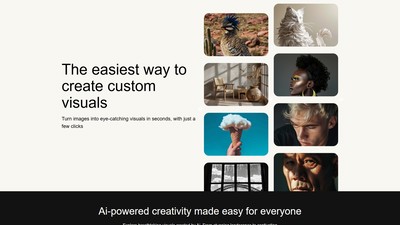
AUX MACHINA is an AI-powered image generation and editing tool that allows users to easily transform images into eye-catching visuals and offers various AI-assisted editing features.

ChatUp AI is the premier destination for unfiltered NSFW AI chat and adult content creation. It offers an uninhibited experience where users can engage in intense AI sex chat with a diverse library of AI girlfriends and roleplay characters. Beyond intimate dialogue, ChatUp AI stands out with its powerful generative suite. Users can instantly create spicy NSFW AI images and, most notably, generate realistic NSFW AI videos to bring their wildest fantasies to life. It is the ultimate all-in-one platform for adult digital companionship and visual entertainment.
MAKE YOUR NEXT MOVE
Visit the official website to explore the latest features and get started.