
AI Outfit Generator and Text to Sketch
Generate outfit ideas from text prompts and convert written concepts into sketch-style visuals as an early design step.
TOOL PROFILE TOOLAI
AI fashion design, photoshoot, model generation, and video tools in one browser-based platform
 View full image
THE BIG PICTURE
Fashion Diffusion is an AI fashion design platform aimed at fashion brands, designers, and e-commerce teams. According to its homepage, it bundles four areas of work in one place: AI fashion design, AI photoshoot, AI model generation, and AI fashion video. The stated goal is to help teams reduce production costs and launch collections faster by turning concepts into finished visuals at each stage of the design process.
The design side covers generating outfit ideas from text, converting sketches into photorealistic renders, and testing fabrics and colorways without reworking source files. The photoshoot side generates fashion photography directly from a garment upload, either on a model, as a flat lay, or against a chosen background, with the site claiming consistent quality across a catalog. Model generation places products on AI fashion models without casting or a studio, and the video tools turn existing product photos into short-form fashion video for social channels and brand sites.
The platform is presented as an online, browser-based service with companion iOS and Android apps linked from the site. It also exposes a developer API on paid plans. The site markets time and cost savings (for example, saving hours per design and reducing sample costs) and states that generated images can be used commercially. Those figures are vendor claims rather than independently verified results.
| Tool Name | Fashion Diffusion AI |
|---|---|
| Category | Fashion , Design assistant , Image generator |
| Pricing Model | Subscription plans billed monthly or yearly: Starter $12.00/month (100 credits), Creator $29.00/month (320 credits), Pro $59.00/month (760 credits), Studio $199.00/month (2,800 credits). Yearly billing is advertised as two months free. |
| Platform & Capabilities | Browser-based web platform; iOS and Android apps are linked from the site. |
| Listed Date | 2026-07-30 |
| Top Alternatives | Transpic , ai2page.com , MagicAI for Magic |
A CLOSER LOOK
Explore product screens and published examples. Open any image for a closer look.
Illustration published on the official product website; see the source page for its context.
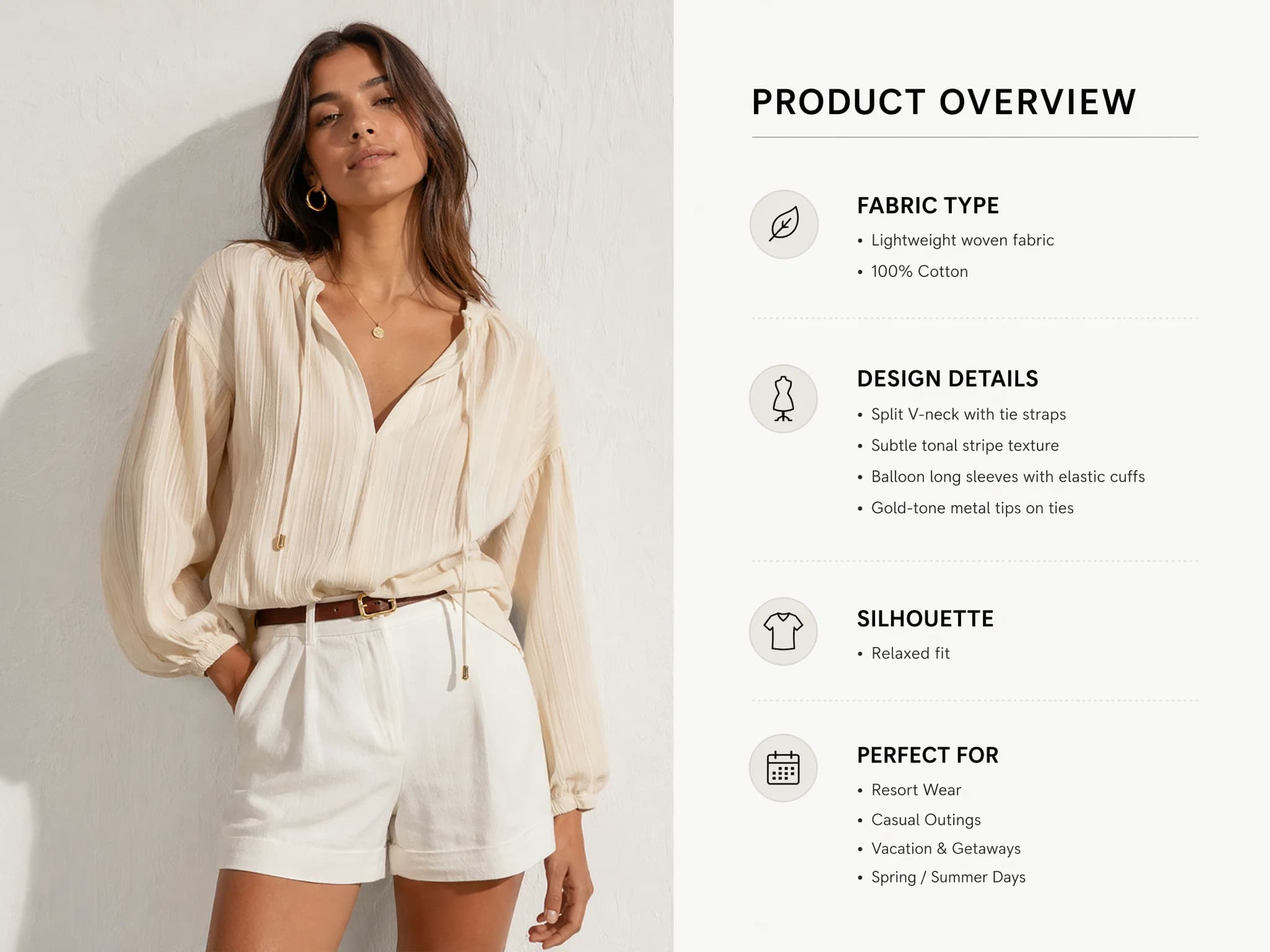
Illustration published on the official product website; see the source page for its context.
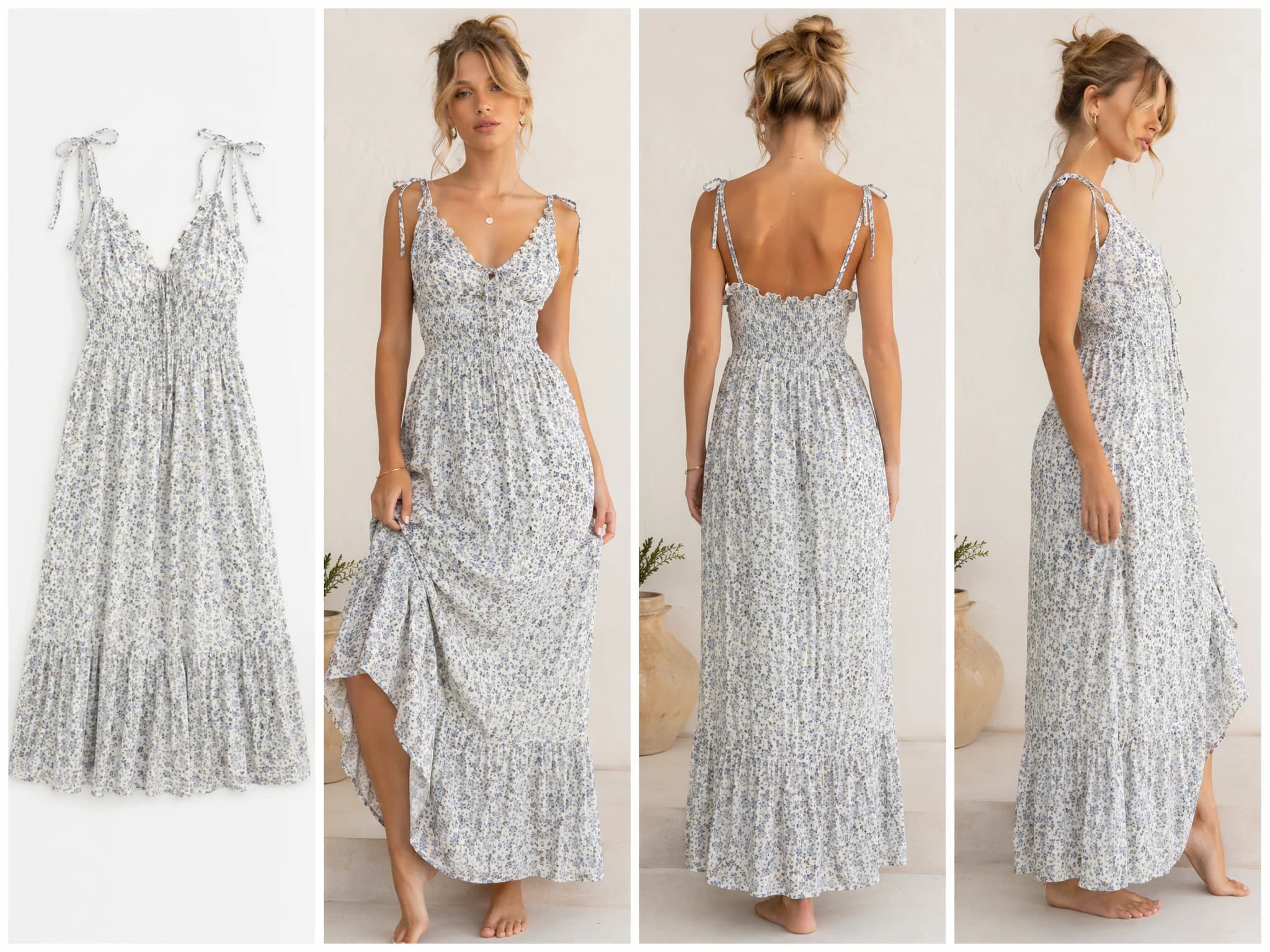
Illustration published on the official product website; see the source page for its context.
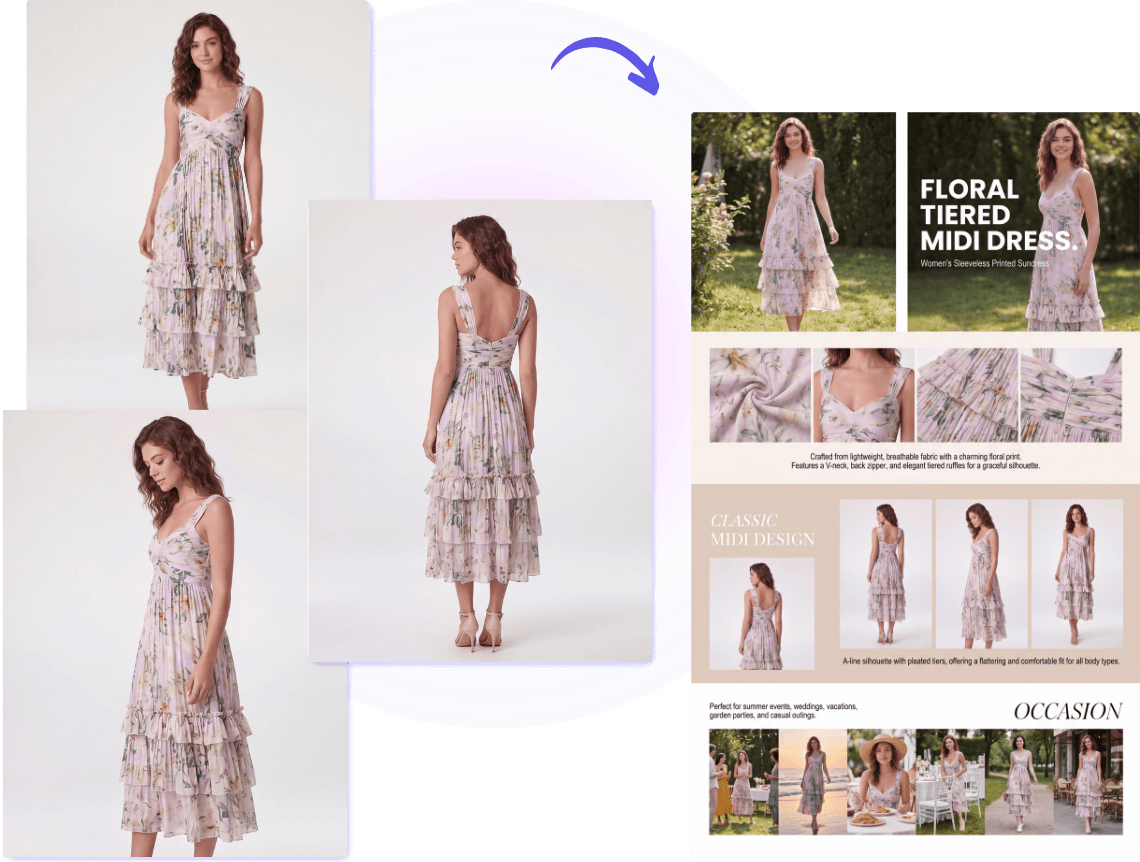
Illustration published on the official product website; see the source page for its context.

WHAT YOU CAN DO
Get to know the capabilities. Find your own way to use them.
Generate outfit ideas from text prompts and convert written concepts into sketch-style visuals as an early design step.
Convert sketches into photorealistic renders, or turn an existing image back into a sketch for iteration and reference.
Test fabrics and colorways on a design without reworking source files, and edit specific areas of an image to fix details or replace elements.
Create seamless patterns and extract pattern information from existing visuals for reuse in design work.
Generate clothing photos from a garment upload as virtual try-on, mix and match, lookbook, plus-size preview, flat lay, ghost mannequin, product detail shots, background changes, and upscaling.
Place products on AI fashion models without casting or a studio, generate regional model variants, and swap faces for consistent catalog imagery.
Turn existing product photos into short-form AI fashion video for Instagram, TikTok, and brand sites without a video crew or editing software.
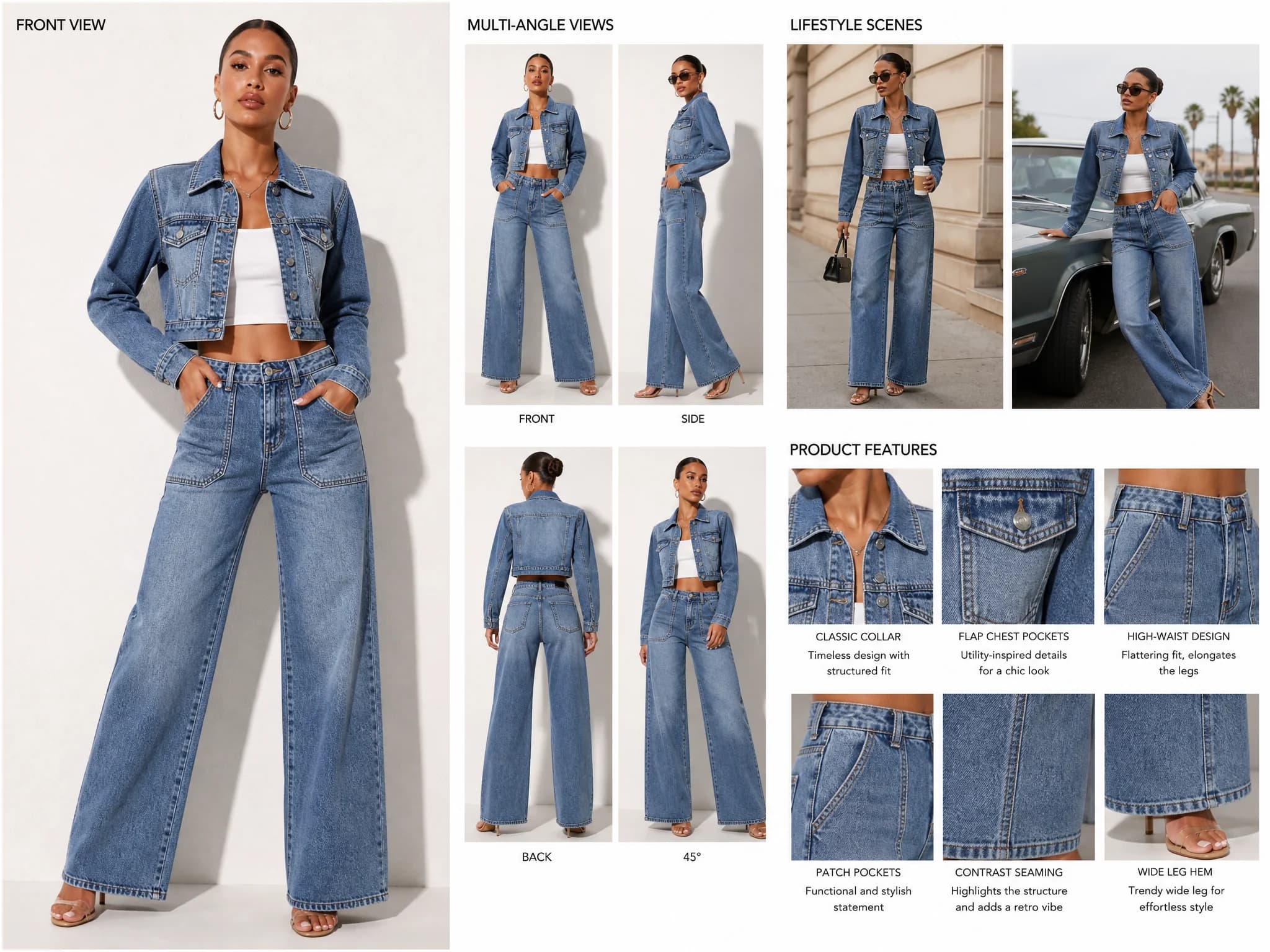
Upload up to five product photos, add selling points, choose an output type and template, and generate a listing image set including hero shot, lifestyle scenes, feature callouts, size chart, and secondary images.
Upload any image to improve resolution, sharpen detail, correct blur, and restore clarity; works on product photos, portraits, design visuals, and older or scanned images.
MADE FOR YOUR WORKFLOW
Upload product photos and selling points to generate a complete listing image set, so a product can go live the same day it is ready to sell.
Add angles, lifestyle context, and feature callouts to existing product photos to give shoppers more visual information.
Upload samples, sketches, or early product photos to preview how a product would appear in a real marketplace listing for buyers and wholesale partners.
Use existing AI fashion photography to produce short-form video content for Instagram, TikTok, and brand sites.
Use the upscaler on archive photos, scanned images, or low-resolution shots to recover detail without reshooting.
YOUR FIRST STEPS
For the product detail page generator, upload up to five images (flat-lays, model shots, close-up details, or a combination) in PNG, JPG, or WebP. The first image becomes the primary image by default and can be dragged to reorder.
Describe what makes the garment worth buying, or use the AI Analysis feature to extract selling points such as fabric type, design details, silhouette, and target occasion from the uploaded images.
Select an output type (Listing Detail Image, Size Chart Image, or Secondary Image) and a template from Featured Templates, saved My Templates, or a custom reference image.
Generate the complete product detail image set, including hero shot, lifestyle scenes, feature callouts, and layout-ready visuals, from the same product photos without re-uploading.
For the image enhancer, upload any photo and generate an enhanced, higher-resolution result in two steps: upload the image, then generate the enhanced image.
PLAN YOUR NEXT STEP
Subscription plans billed monthly or yearly: Starter $12.00/month (100 credits), Creator $29.00/month (320 credits), Pro $59.00/month (760 credits), Studio $199.00/month (2,800 credits). Yearly billing is advertised as two months free.
PLAN
Create up to 100 images (about $0.12 per image) with 100 credits per month; credit bank max 300 credits; extra credits purchasable; all AI fashion tools, 4K generation and upscaling, AI model library, 1080p AI videos, and developer API access.
12.00
monthly
PLAN
Create up to 320 images (about $0.09 per image) with 320 credits per month; credit bank max 960 credits; extra credits purchasable; all AI fashion tools, 4K generation and upscaling, AI model library, 1080p AI videos, and developer API access.
29.00
monthly
PLAN
Create up to 760 images (about $0.08 per image) with 760 credits per month; credit bank max 2,280 credits; extra credits purchasable; all AI fashion tools, 4K generation and upscaling, AI model library, 1080p AI videos, and developer API access.
59.00
monthly
PLAN
Create up to 2,800 images (about $0.07 per image) with 2,800 credits per month; credit bank max 8,400 credits; extra credits purchasable; all AI fashion tools, 4K generation and upscaling, AI model library, 1080p AI videos, and developer API access.
199.00
monthly
Prices, usage limits and terms can change. Confirm the latest details on the tool's official website before subscribing.
The listed prices are monthly amounts from the official pricing page. Annual billing is advertised with a two-months-free discount. Check the current site for credit-pack and extra-credit prices.
According to the site, AI fashion design uses machine learning models to help create clothing designs, patterns, and visual concepts from text, images, or sketches, letting designers experiment with ideas, materials, and styles more efficiently than manual drawing or sampling alone.
The FAQ states the tools suit fashion designers, brands, e-commerce teams, content creators, and beginners with no design background who want to create or visualize fashion ideas online.
The product detail page and upscaler pages state that generated and enhanced images can be used for e-commerce listings, marketplace uploads, social media, marketing materials, and professional presentations. This is the vendor's own statement.
The site says output is sized and composed for Amazon, Shopify, ASOS, Zalando, TikTok Shop, Etsy, and more, with three output types covering the image slots most marketplace listings require.
Up to five images per generation in PNG, JPG, and WebP, including flat-lays, on-model photos, detail close-ups, or any combination. A built-in sample image library is also available.
The upscaler page states Fashion Diffusion offers a free plan that includes access to the AI image enhancer and upscaler online, with premium plans available for higher volume processing and advanced output options.
The FAQ says AI fashion design is not meant to replace human creativity; it acts as a creative assistant that helps designers explore more ideas and iterate faster while AI handles visualization and generation tasks.
FROM THE COMMUNITY
Sign in to share your experience and help others find the right tool.
FEATURED BADGE

YOUR NEXT DISCOVERY

A tool to customize the effects of images transfer guide.

🤖💻 ai2page.com: Quickly generate unique one-page websites using AI. 💬🔴 Chat with your website for updates like bigger text. 🔄🖼️ Regenerate multiple versions, edit site, and publish. 🌐🚀 Short domain: name.ai2.page or your own custom domains.

Introducing MagicAI – a new assistant for your Mac that can turn the most simple sketches into works of art. MagicAI runs locally on your computer and is powered by Stable Diffusion. It comes bundled with Magic's 3.0 release, available now on the App Store.
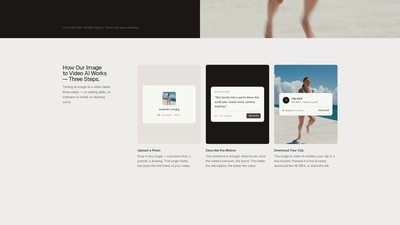
Stivio is an online image to video AI generator that animates product shots, portraits and old photos into HD clips. Users upload a photo, describe the motion in plain English, and the AI renders an HD MP4 video in minutes.
MAKE YOUR NEXT MOVE
Visit the official website to explore the latest features and get started.