
Spreadsheets
numerous
Numerous can reformat and categorize your cells, generate formulas, and let you access ChatGPT directly inside your sheets.
Views
160.0K
Monthly visits
160.0K
Global rank
##851,411
Votes
0
About this tool
Main Features & Use Cases:
- Research & Organize Digital Marketing Campaigns: Generate AdWords keywords, ad copy, Facebook campaign structures, ad titles, SEO content, and more to reduce the grunt work of digital marketing campaigns.
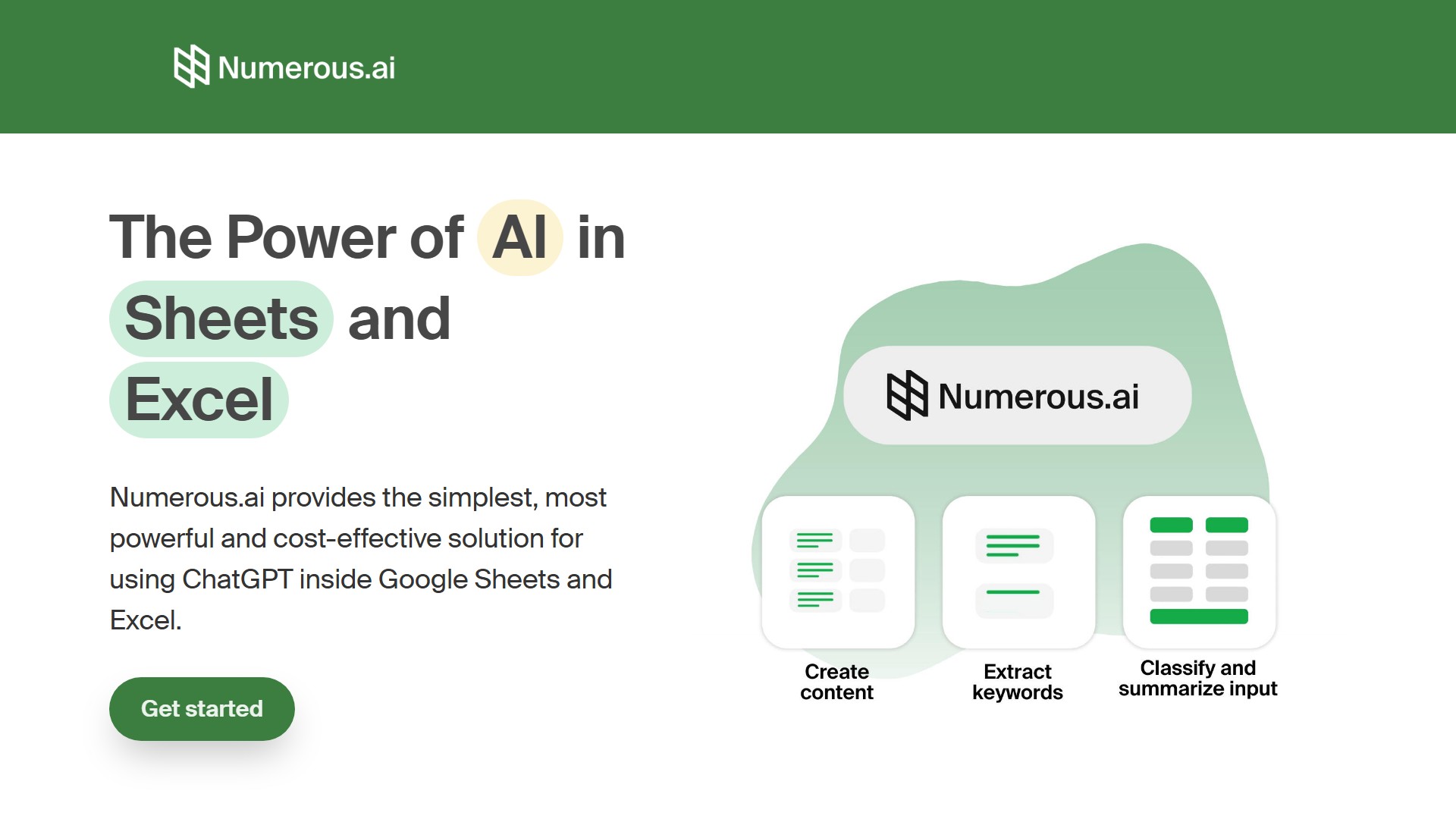
- Summarize, Categorize, Classify & Cleanse: Great at summarizing, rewriting, and extracting content from large bodies of open-ended text like articles, user surveys, or social media content. It can classify content into categories and clean/normalize messy user input.
- Test & Collaborate on AI Prototypes: Ideal for exploring how ChatGPT can help work and sharing results with teams. Combines the structured nature of spreadsheets, long-term results caching, and the power of AI for prototyping various prompts.
- Ideate & Create Content: Generate possible topics and then generate content based on those topics, all from a single prompt.
Core Features:
- No API keys: Simply set up the add-on and begin.
- Easy to use: Use it in any cell with the simple =AI function.
- Fast & Cost-efficient: Leverage partnerships with AI providers for top-tier performance; avoids duplicate queries, making it the most cost-effective way to use AI.
- Built for teams: Collaborate on AI initiatives across the entire organization; everyone on the team can use the same plan.
- Get help: Choice of email options or priority support.
- US-based: Team is based in San Francisco.
Target Users:
- Content creators: Generate topic ideas, create social media schedules, and produce variants of posts addressing diverse audiences from a single prompt.
- Digital marketers: Efficiently organize and create Facebook ads, AdWords copy, SEO keywords, and other digital marketing material.
- Students & researchers: Clean, summarize, and categorize data in Google Sheets and Excel.
- Product engineers & managers: Experiment with various prompt structures, prototype AI features, and collaborate on GPT input and outputs.
Pricing Information:
- Personal: $8/mo billed yearly, includes 1 million characters of ChatGPT inputs and outputs, use in both Google Sheets and Excel, limited to a single user. First 7 days free.
- Pro: $24/mo billed yearly, includes 5 million characters of ChatGPT inputs and outputs, use in both Google Sheets and Excel, share with up to 3 people on your team, email support. First 7 days free.
- Enterprise: $8/mo/user billed yearly (5 users for $40/mo), 1 million characters of ChatGPT inputs and outputs per person, use in both Google Sheets and Excel, priority email support, video call onboarding if requested. First 7 days free.
- Cancel anytime, and keep remaining tokens forever. Contact for custom plans if more is needed.
Traffic analysis
Traffic, ranking, and engagement signals for this tool.
Global rank
##851,411
Country rank
#910,900
Monthly visits
160.0K
Visit trend
No trend data
Engagement
- Bounce rate--
- Pages per visit--
- Average duration--
Traffic sources
No source data
Top countries
No country data
Interface preview
Embed "Featured on ToolAI.io" Badge
Copy the HTML snippet below to display your ToolAI featured badge on your website or docs.
