Trợ lý tài liệu
ChestnutTable
Công cụ ứng dụng AI để trích xuất dữ liệu bảng từ Word sang Excel qua quy trình tự động gồm hai bước.
Giới thiệu về công cụ này
Chức năng chính
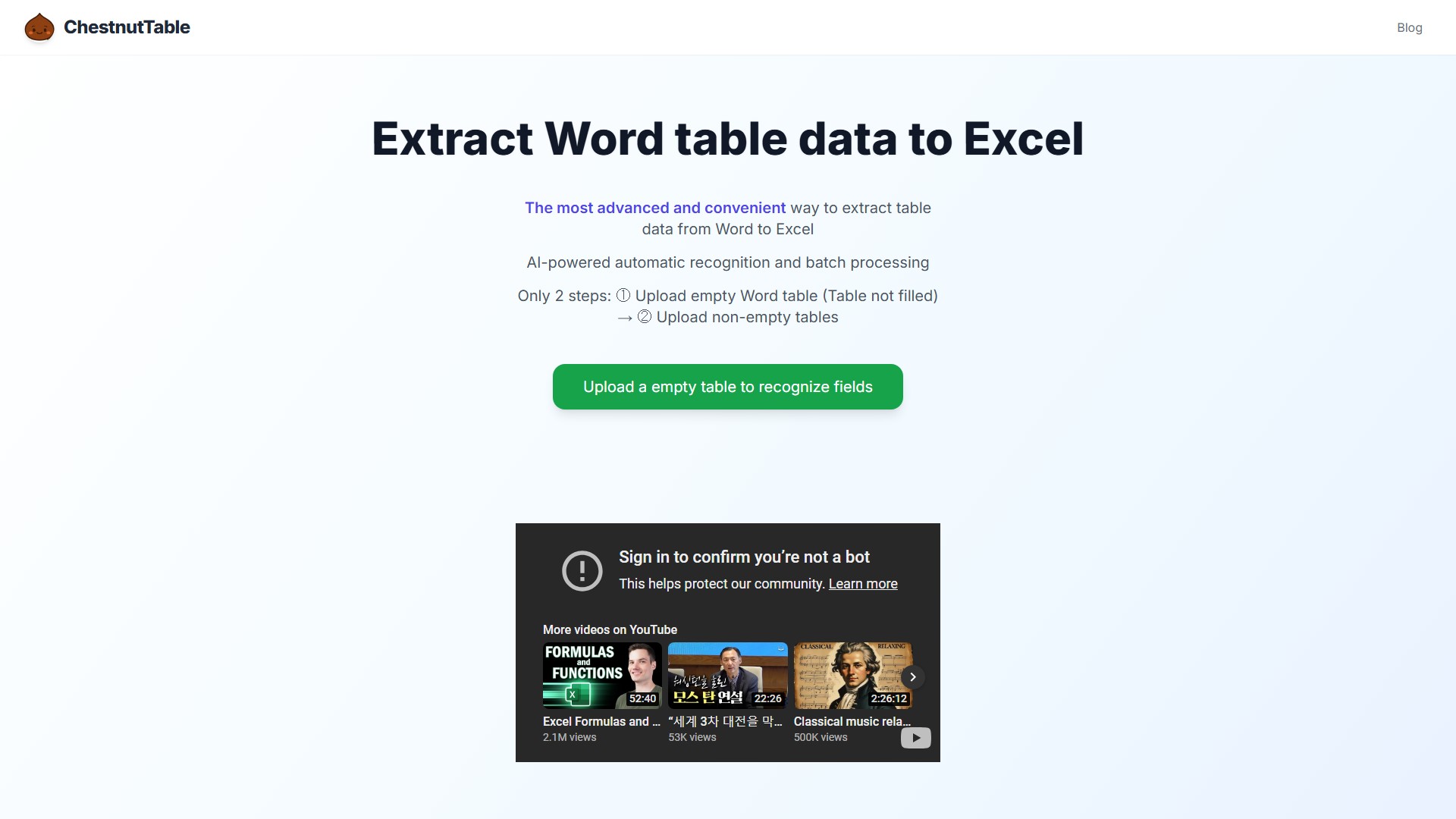
ChestnutTable là công cụ nâng cao để trích xuất dữ liệu từ bảng Word sang Excel, sử dụng tính năng nhận dạng tự động bằng AI cho việc xử lý hàng loạt.
Tính năng nổi bật
- Nhận dạng bằng AI: Tự động trích xuất và nhận dạng các trường từ bảng Word.
- Quy trình hai bước: 1) Tải lên bảng Word trống để nhận dạng các trường, sau đó 2) tải lên các bảng đã điền dữ liệu để trích xuất dữ liệu.
- Ánh xạ trường chính xác: Hỗ trợ các tình huống dữ liệu phức tạp từ 1:1 đến 1:n, đồng thời cho phép chọn và tùy chỉnh các trường cần thiết.
- Xử lý hàng loạt hiệu quả: Có thể xử lý hàng trăm bảng Word chỉ trong vài giây, giúp tăng đáng kể năng suất.
Cách sử dụng
- Tải lên bảng trống: Trước tiên, tải lên một bảng Word trống, không có dữ liệu. Hệ thống dùng AI để phân tích cấu trúc và xác định tất cả các trường.
- Tải lên bảng đã điền: Tiếp theo, tải lên các bảng Word có chứa dữ liệu. Dựa trên các trường được xác định ở bước đầu tiên, hệ thống sẽ trích xuất chính xác dữ liệu và xuất sang Excel.
Ưu điểm cốt lõi
ChestnutTable được mô tả là “công cụ xử lý Word sang Excel tiên tiến nhất hiện nay”. Ưu điểm cốt lõi là đơn giản hóa công việc sao chép và dán tẻ nhạt, đồng thời thực hiện di chuyển dữ liệu hiệu quả và chính xác nhờ tự động hóa và trí tuệ.
Đối tượng sử dụng
Bất kỳ ai cần trích xuất hàng loạt dữ liệu bảng từ tài liệu Word sang Excel để phân tích, sắp xếp hoặc lưu trữ.
Thông tin giá
Trang này không cung cấp thông tin về giá hoặc mô hình thanh toán.
Phân tích lưu lượng truy cập
Các chỉ số về lưu lượng truy cập, thứ hạng và mức độ tương tác của công cụ này.
Chưa có dữ liệu phân tích
Bản xem trước giao diện