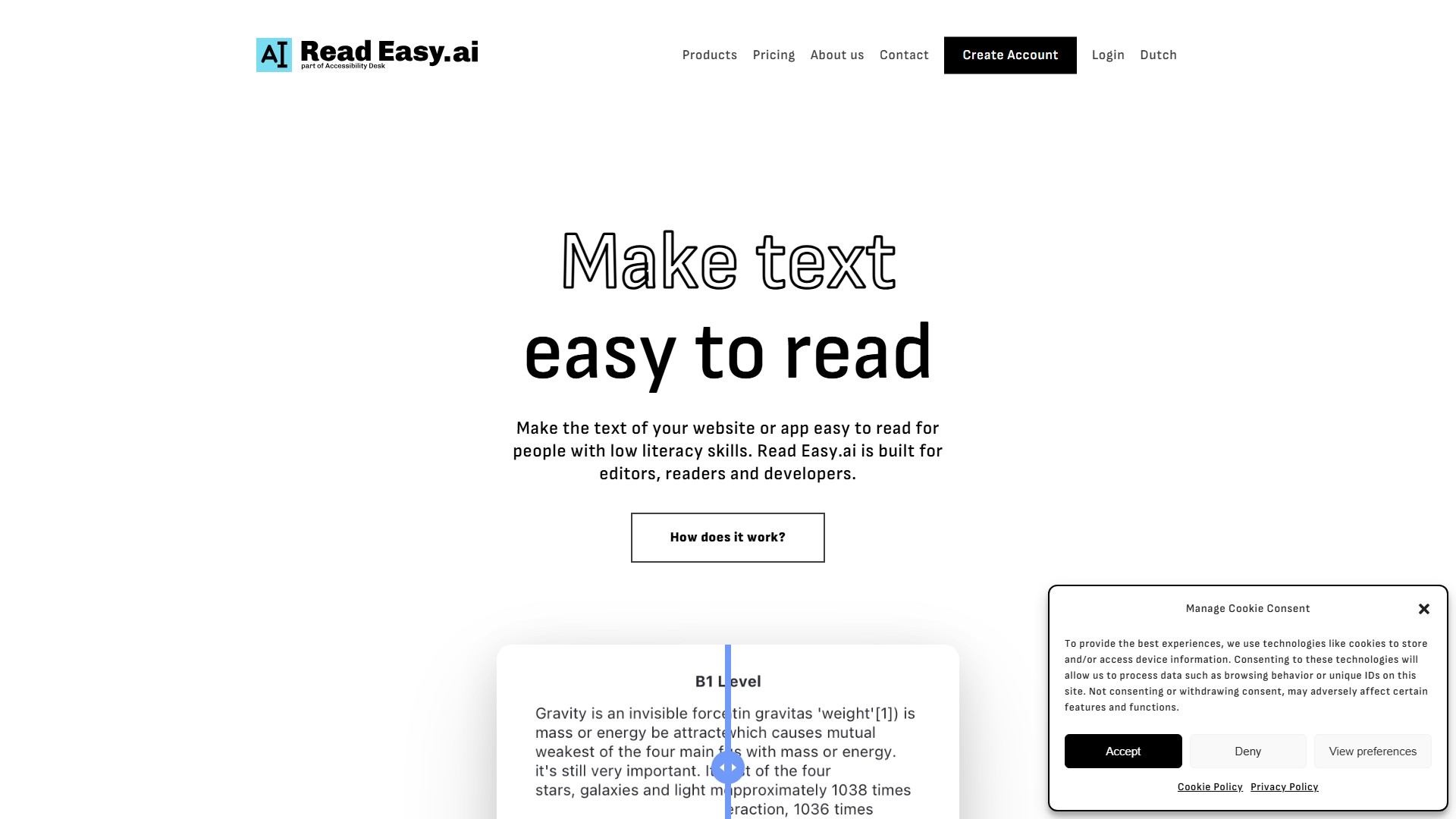
Read Easy.ai

Main Features and Characteristics:

  • Microsoft Office Add-ins for Editors: Powerful tools designed for editors that integrate seamlessly with Microsoft Word and Outlook, providing real-time feedback and suggestions to optimize readability and inclusivity for improved communication with diverse audiences.
  • Chrome Extension for Readers: With just a click, Read Easy.ai instantly simplifies and enhances the readability of text on any website. Designed to support people with low literacy skills, the plugin ensures everyone can easily comprehend and engage with online content. It supports multiple languages, making the internet a more accessible place for all.
  • Developer API: Brings the powerful features of the Microsoft Add-ins to applications, enabling seamless integration of readability analysis, multilingual support, and dyslexia-focused optimization. It is compatible with popular platforms and technologies including React, React Native, Swift, Vue.js, WordPress, and custom development solutions.

Target Users:

  • Editors: Can use Read Easy to check if text is simple enough for people with a reading disability. They also receive feedback on which words or sentences need to be changed and why they are too difficult.
  • Readers: Specifically people with low literacy skills, who can effortlessly understand web content using the Chrome extension.
  • Developers: Can integrate readability optimization into their applications using the API.

Core Advantages:

  • Addressing Low Literacy: In the United States, 54% of adults have a literacy level below that of a sixth-grader, and in Europe, roughly 20 to 25% of the population is considered functionally illiterate. Read Easy.ai helps people understand the web, making understanding written content effortless.
  • Multilingual Support: Offers support for a variety of languages, including English, Spanish, German, Dutch, and Portuguese.
  • Focused Optimization: Provides dyslexia-focused optimization to ensure text accessibility.

Typical Use Cases or Workflows:

  • Editors write text in Microsoft Word or Outlook, use the add-in to get real-time feedback, and break down complex long sentences into shorter, simpler ones (e.g., translating C2 level text to B1 level text) to improve accessibility.
  • Readers use the Chrome extension to instantly simplify complex text on any website with a single click.
  • Developers integrate readability analysis features into their own Web or App applications via the API.

Pricing Information:

  • The page includes a 'Pricing' navigation link but does not display specific charging models or price details on the current page. Based on the product offerings (free Chrome extension and enterprise API Demo), it is inferred to follow freemium and paid models.
액세스: 17.6K
나라: Turkey

의론

로그인 After Sign In, you can make comments