문장 읽어주기
DeckAssistant
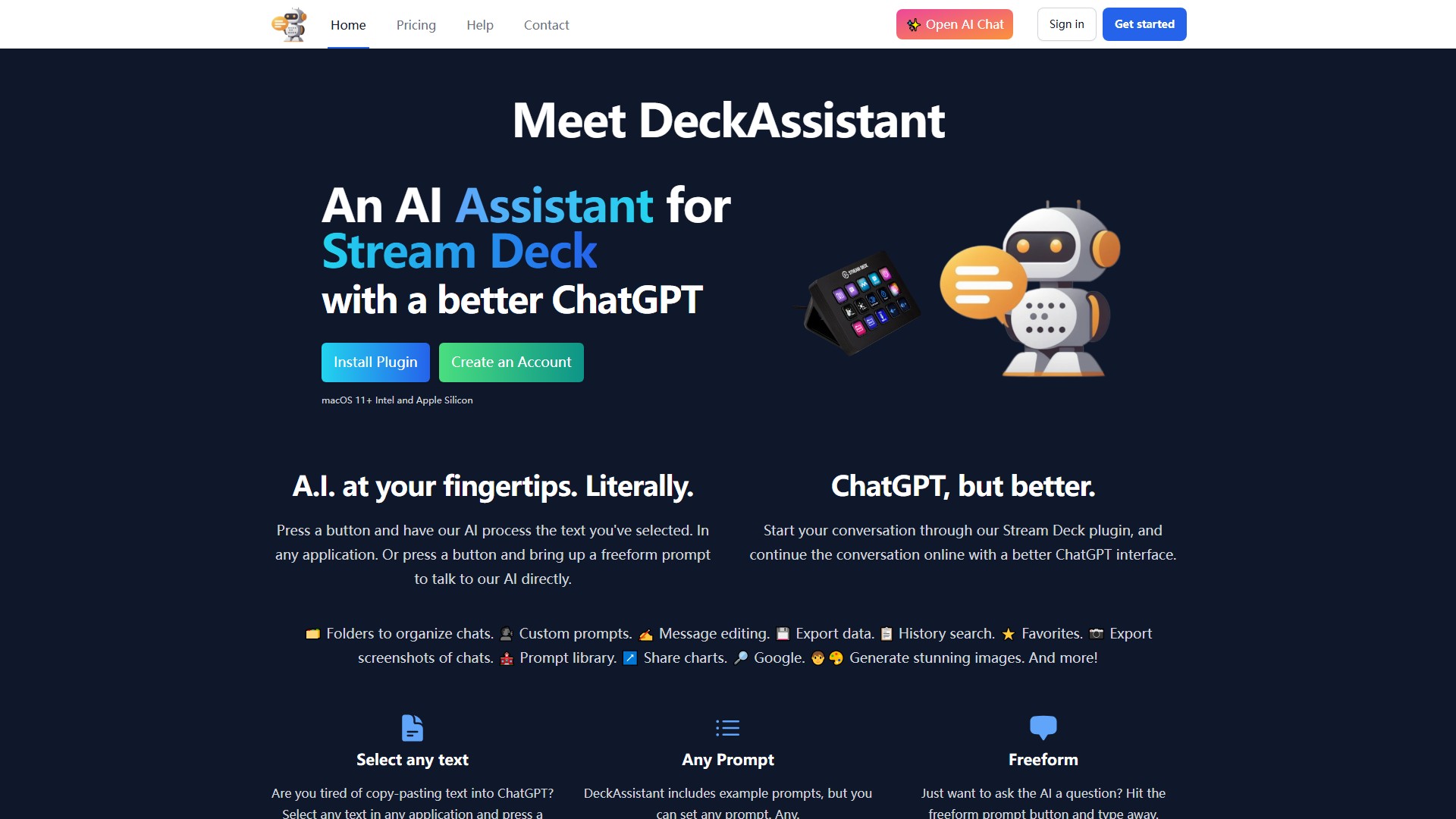
Stream Deck 버튼을 눌러 선택한 텍스트를 AI로 처리하거나 자유 형식 프롬프트를 열 수 있습니다.
조회수
3.1K
월간 방문 수
3.1K
글로벌 순위
##6,368,594
투표 수
0
이 도구 정보
DeckAssistant는 개선된 ChatGPT 인터페이스를 제공하는 Stream Deck용 AI 어시스턴트입니다. 어떤 애플리케이션에서든 텍스트를 선택하고 버튼을 누르면 AI가 처리하며, 자유 형식 프롬프트를 열어 AI와 직접 대화할 수도 있습니다.
주요 기능
- 대화를 정리하는 폴더
- 사용자 지정 프롬프트와 프롬프트 라이브러리
- 메시지 편집
- 데이터 및 대화 스크린샷 내보내기
- 기록 검색 및 즐겨찾기
- 차트 공유, Google 검색 및 이미지 생성
DeckAssistant는 ChatGPT에 반복해서 복사하고 붙여 넣는 작업을 줄여 줍니다. 사용자 지정 프롬프트와 예시 프롬프트를 설정하고 버튼 제목과 아이콘을 변경할 수 있으며, Stream Deck 플러그인으로 시작한 대화를 더 나은 ChatGPT 인터페이스에서 온라인으로 이어갈 수 있습니다.
사용 방법
맞춤법이나 문법을 수정하려면 텍스트를 선택하고 설정한 프롬프트 버튼을 누릅니다. 설정 화면에서 직접 프롬프트를 입력하거나 다양한 예시 중에서 선택할 수도 있습니다.
- 계정을 만듭니다.
- 대시보드에서 API 토큰을 복사합니다.
- Stream Deck 플러그인을 설치합니다.
- 버튼을 추가하고 API 토큰을 붙여 넣습니다.
- 버튼을 눌러 시작합니다.
Intel 및 Apple Silicon 기반 macOS 11+와 호환됩니다. 페이지에 Pricing 탐색 링크가 있어 프리미엄 또는 유료 모델임을 나타내지만, 구체적인 가격은 가격 페이지에서 확인해야 합니다.
트래픽 분석
이 도구의 트래픽, 순위 및 참여도 지표입니다.
글로벌 순위
##6,368,594
국가 순위
#447,076
월간 방문 수
3.1K
방문 추이
추이 데이터 없음
참여도
- 이탈률--
- 방문당 페이지 수--
- 평균 체류 시간--
트래픽 소스
소스 데이터 없음
주요 국가
국가 데이터 없음
인터페이스 미리보기