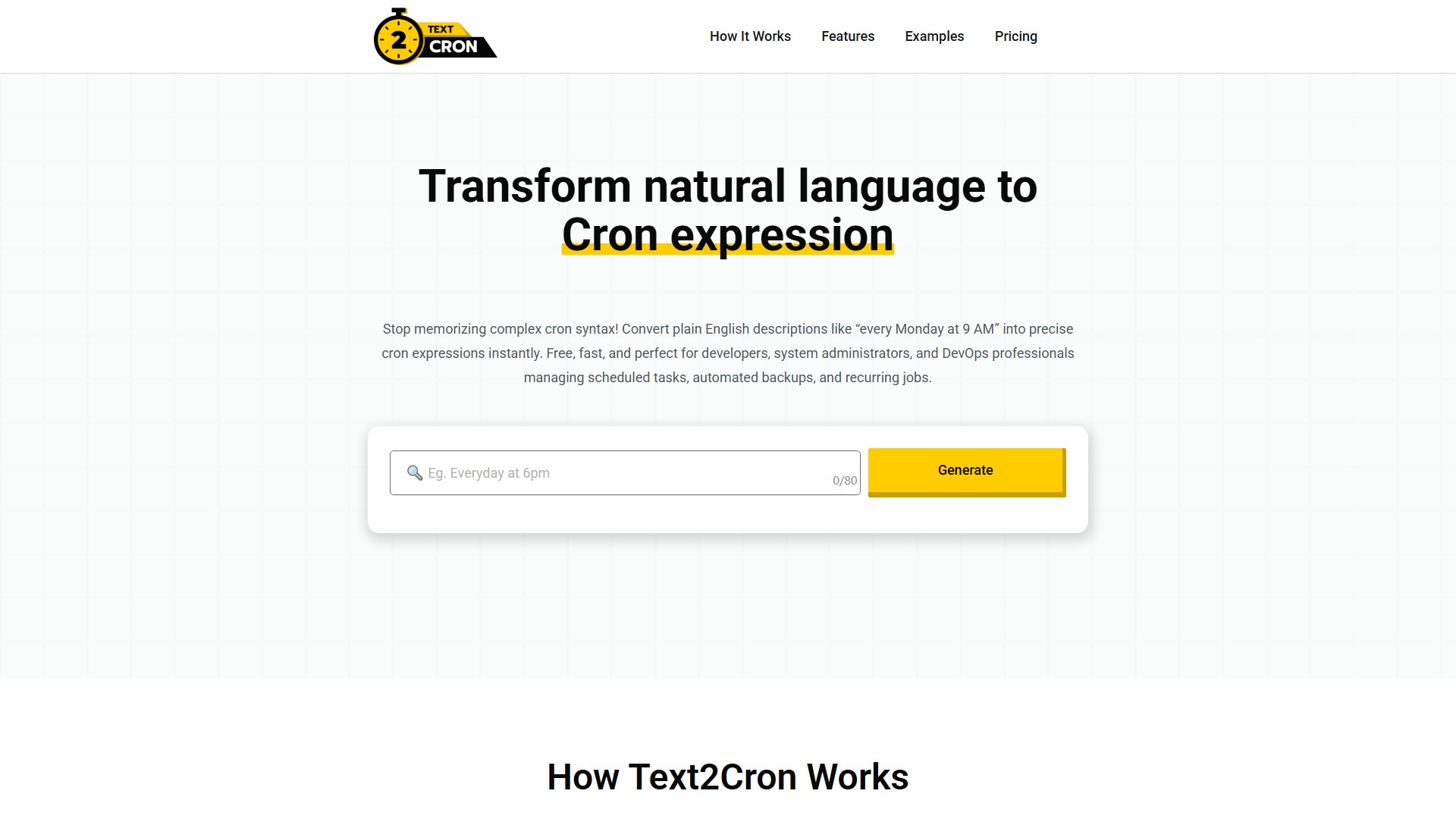
Text2Cron
Main Features
Converts natural language descriptions into standard Unix Cron expressions. Supports time-based (specific times, hourly/minute intervals), day-based (weekdays, weekends, specific days of the week), and month-based (first day of month, quarterly, specific dates, end of month) scheduling formats.
Core Advantages
- Lightning-Fast Conversion: Instantly transforms natural language to cron expressions, eliminating the need to memorize complex cron syntax or consult documentation.
- 99.9% Accuracy Rate: Advanced AI engine understands context, timezone considerations, and edge cases to generate precise cron expressions that work reliably across Unix, Linux, and cron-compatible systems. Automatically prevents common mistakes like confusing day-of-week numbering or forgetting the minute field.
- Developer & DevOps Optimized: Integrates seamlessly with CI/CD tools, Kubernetes, Docker, and cloud platforms. Generated expressions are universally compatible with Unix cron, Linux crontab, Vixie cron, macOS cron, AWS EventBridge, and Kubernetes CronJobs.
- Privacy & Security First: All processing happens client-side. No data is stored or transmitted to external servers, keeping scheduling information completely private and secure.
- Mobile-Responsive Design: Generate cron expressions on any device, perfect for on-call scenarios and remote system administration tasks.
Usage Workflow
- Describe Your Schedule: Type scheduling requirements in plain English (e.g., "every weekday at 2 PM", "first Monday of each month", or "every 30 minutes").
- AI Processes Your Input: The NLP engine analyzes the description, identifying time patterns, frequencies, and scheduling constraints.
- Get Your Cron Expression: Receive a precise, ready-to-use cron expression to copy directly into crontab, CI/CD pipelines, or scheduling applications.
Target Users
Developers, system administrators, SREs, and DevOps professionals.
Typical Use Cases
- System Administration: Automated backups, log rotation, system maintenance, security scans, and monitoring tasks.
- DevOps & CI/CD: Build schedules, deployment pipelines, automated testing, code quality checks, and release automation.
- Cloud Operations: AWS Lambda schedules, Azure Functions, Google Cloud Functions, Kubernetes CronJobs, and resource cleanup. Popular pattern examples: "Every night at 2 AM" (0 2 * * ), "Every Sunday at midnight" (0 0 * * 0), "Every 5 minutes" (/5 * * * *).
Pricing Model
- Lifetime: $49/one-time, includes 100 cron jobs, basic cron expressions, web interface.
- Pro: $12/month, includes unlimited cron jobs, advanced expressions, API access, priority support. Free trial available.
Key FAQ Information
- Expression Format: Consists of five fields: minute (0-59), hour (0-23), day of month (1-31), month (1-12), and day of week (0-7, where 0 and 7 are Sunday).
- Precision Difference: "0 9 * * " runs once at exactly 9:00 AM every day. " 9 * * *" runs every minute during the 9 AM hour (60 times total). Always specify the minute field (0) for single daily executions.
- Timezone Handling: Cron expressions run in the system's local timezone by default. For cloud platforms like AWS Lambda or Kubernetes, specify the timezone in your deployment configuration.
- Complex Schedules: Handles most common patterns including weekly intervals and monthly schedules. For highly complex patterns like "every other Tuesday", combining multiple cron jobs or using advanced scheduling tools with conditional logic may be required.
価格設定モデル:
Free
議論する