
ToolAI Editorial
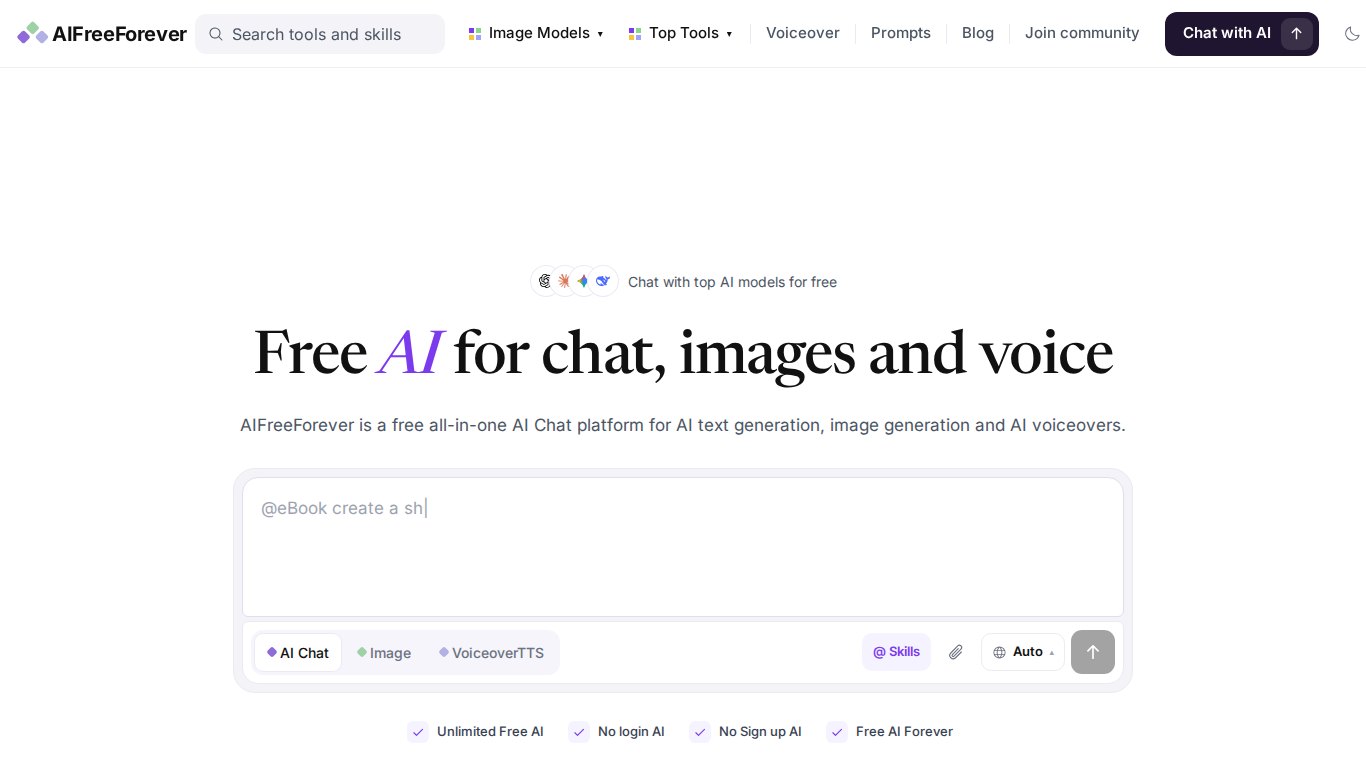
AIFreeForever (AI Free Forever) is a browser-based, ad-funded collection of AI tools. Its homepage promises "Unlimited Free AI", "No login AI" and "No Sign up AI". This review lists the models and tools the site showed on November 4, 2026, explains the @skills feature, and covers the costs that are not money. The tool profile is on our AI Free Forever page.
1. Models listed on the homepage
The model names below are how AIFreeForever labels its options. We could not independently confirm which backend answers each request, and the line-up changes often.
| Type | Model (as labelled) | What the site says it is for |
|---|---|---|
| Chat | GPT-5 Mini | Fast everyday answers and short rewrites |
| Chat | Gemini 3.5 Flash | Chat with PDFs and documents |
| Chat | Claude Haiku 5.5 | General AI chat |
| Chat | DeepSeek V4 | Math help |
| Chat | Grok 4 | Real-time answers on current topics |
| Chat | Kimi 2.6 | Long documents, translation and code |
| Image | GPT Image 2.5 | General image generation |
| Image | Z-Image Turbo | Photorealistic images from short prompts |
The chat assistant section also mentions GPT-6, and the prompt box has an Auto setting that picks a model for you. If you need a specific model, choose it by hand.
2. Other free tools
- AI Text to Speech: choose a voice and generate a voiceover.
- Speech to Text: transcription powered by OpenAI Whisper; the site says it supports 99+ languages with automatic detection.
- AI Background Remover: export as transparent PNG, white background or opaque.
- AI Image Upscaler: sharpen blurry or old photos.
- AI Photo Editor and more than 1,000 writing-tool pages.
3. Using @skills in chat
Type @ in the chat box to call a skill. The homepage lists @Image, @Edit, @Logo, @Sticker, @Document, @Word, @Excel and @Slides, and says skills can create and edit PDF, Word and Excel files in the chat. Example: @Excel make a monthly budget table with income, rent, food and savings columns.
4. What "free" costs you
- Ads and tracking: the site says it is "Funded by ads". On our first visit a consent banner said that 1,036 TCF and other partners may process data such as cookies and device identifiers. Use Manage Options if you want to limit this.
- Privacy: no login does not mean nothing is stored. Do not paste passwords, client data or personal documents.
- Limits can change: "unlimited" applies to the site as a whole. Individual models and tools may still have queues or limits.
- Advertised outbound services are separate products with their own terms.
FAQ
Do I need an account for AIFreeForever?
No. The homepage says you can chat and create without login or sign-up.
Is AIFreeForever really free?
You do not pay money. The site is funded by advertising, which involves cookies and ad partners.
Which model should I pick?
Use Auto for quick questions. Pick GPT-5 Mini for short rewrites, Gemini 3.5 Flash for documents, or Kimi 2.6 for long texts and code.