Produktivitas
Unblur Image AI
Alat online berbasis AI untuk menghilangkan blur pada foto dengan cepat dan memulihkan kejernihan gambar, gratis tanpa registrasi.
Tayangan
-
Kunjungan bulanan
--
Peringkat global
--
Suara
0
Tentang alat ini
Fitur utama
- Peningkatan ketajaman AI: memulihkan detail yang hilang agar gambar lebih jelas.
- Perbaikan instan: memperbaiki blur gerakan dan masalah fokus dengan satu klik.
- Pemulihan cerdas: mempertajam detail dan dapat digunakan sebagai alat peningkatan ukuran gambar AI.
- Kejernihan HD: menghasilkan gambar berdefinisi tinggi dan memulihkan kejernihan foto.
Cara menggunakan
- Unggah gambar WebP, PNG, JPG, atau JPEG dengan ukuran maksimal 5MB.
- Klik tombol generate; 1 kredit akan digunakan.
- Tunggu sekitar 10 detik untuk melihat hasilnya.
Paket harga
- Free: 10 kredit/hari, $0/bulan, fitur penghapus blur dan antrean bersama.
- Basic: 1000 kredit/bulan, $9.9/bulan, fitur penghapus blur dan antrean prioritas.
- Plus: 4000 kredit/bulan, $23.9/bulan, fitur penghapus blur dan antrean prioritas (populer).
- Pro: 8000 kredit/bulan, $39.9/bulan, fitur penghapus blur dan antrean prioritas.
Dapat digunakan gratis tanpa registrasi, menyediakan kredit gratis setiap hari, dan memproses gambar dalam sekitar 10 detik. Semua paket langganan mencakup lisensi komersial dan penyimpanan cloud gratis untuk gambar yang dibuat. Pembayaran diamankan melalui Stripe. Layanan gratis hanya untuk penggunaan pribadi dan nonkomersial; kredit tidak dibawa ke bulan berikutnya. Paket dapat diubah kapan saja, tetapi produk digital tidak dapat direfund. Informasi pembayaran dienkripsi melalui Stripe.
Analisis traffic
Sinyal lalu lintas, peringkat, dan interaksi untuk alat ini.
Belum ada data analitik
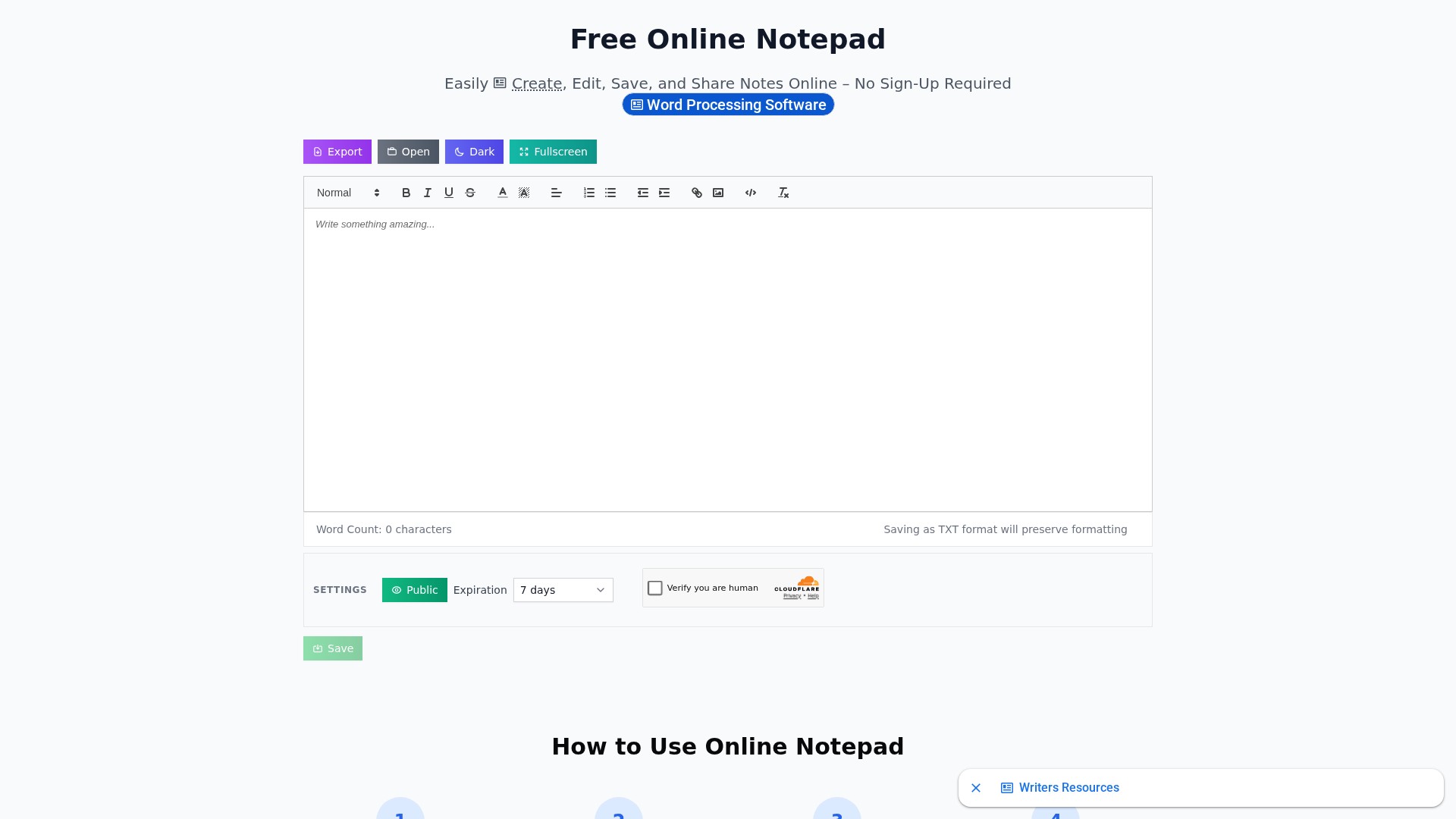
Pratinjau antarmuka