Edición de video
Video to Frames – extractor de fotogramas de video con IA
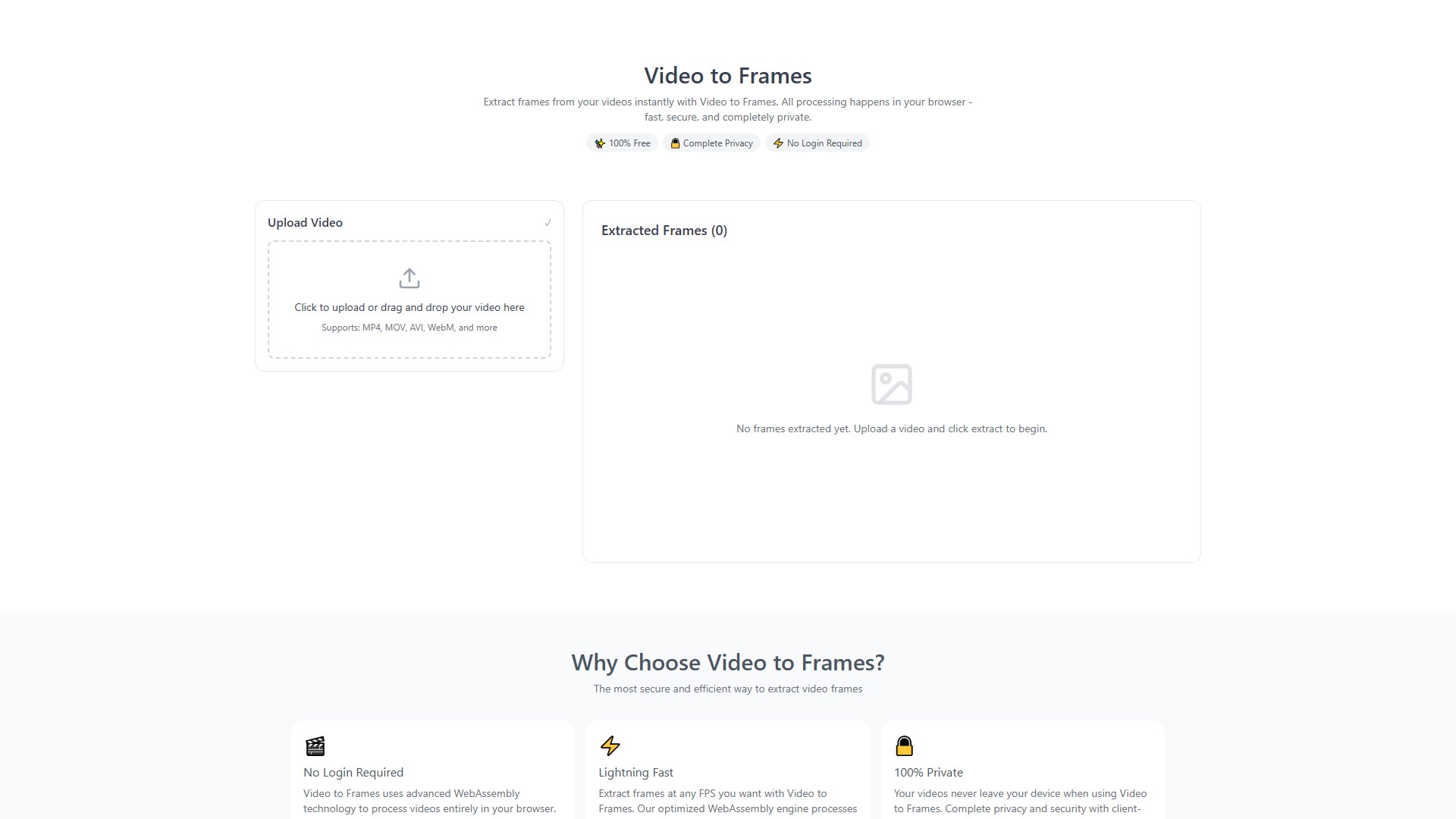
Video to Frames es una herramienta online gratuita para extraer fotogramas de videos directamente en el navegador mediante WebAssembly, sin subir archivos.
Vistas
-
Visitas mensuales
--
Posición global
--
Votos
1
Acerca de esta herramienta
Funciones principales
- Extrae fotogramas de videos y los guarda en formato PNG.
- Permite elegir FPS personalizados o extraer todos los fotogramas.
- Admite MP4, MOV, AVI, WebM, MKV y otros formatos.
Ventajas
- Completamente gratis: sin costes ocultos ni límites de suscripción.
- Privacidad total: procesa los videos localmente en el navegador con WebAssembly, sin subirlos a servidores.
- Sin registro: uso inmediato sin inicio de sesión ni datos personales.
- Rápida y eficiente: motor optimizado para extraer fotogramas con rapidez.
Cómo funciona y limitaciones
- Sube un video o arrástralo a la página.
- Configura los FPS o selecciona todos los fotogramas.
- Haz clic en extraer y descarga las imágenes PNG.
Se recomienda usar videos de menos de 500 MB y 10 minutos. Admite hasta 1 GB, aunque el procesamiento será más largo. En dispositivos móviles se recomiendan menos de 200 MB. Para videos largos, usa 1-2 FPS, cierra otras pestañas y no actualices la página durante el proceso. Los videos 4K pueden tardar varios minutos.
Análisis del tráfico
Señales de tráfico, clasificación y participación de esta herramienta.
Aún no hay datos analíticos
Vista previa de la interfaz