Image editing
Vectorizer
A tool to convert raster images into vector graphics.
About this tool
Core Features
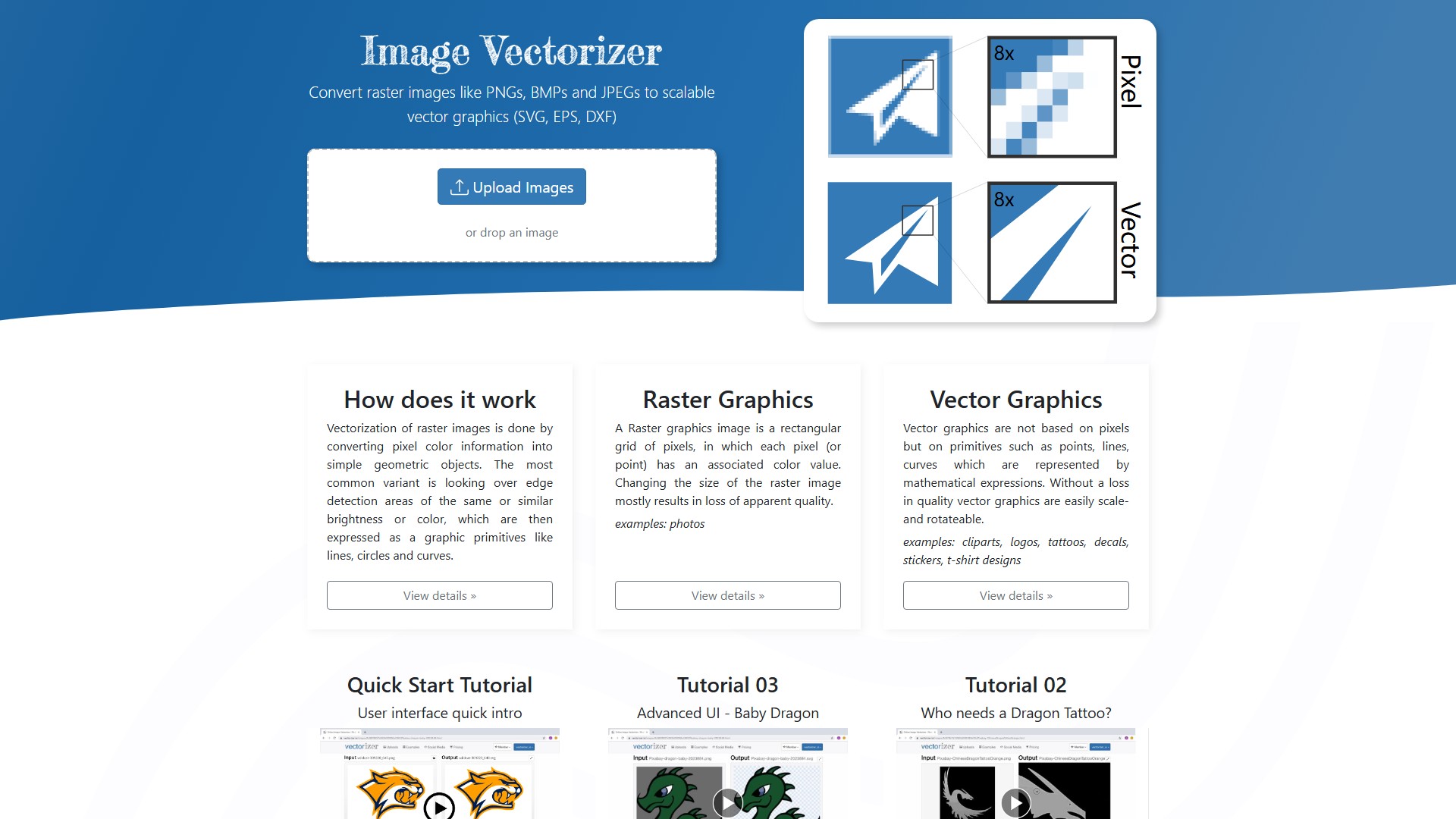
Convert raster images like PNGs, BMPs, and JPEGs to scalable vector graphics (SVG, EPS, DXF).
How It Works
Vectorization of raster images is done by converting pixel color information into simple geometric objects. The most common variant is looking over edge detection areas of the same or similar brightness or color, which are then expressed as graphic primitives like lines, circles, and curves.
Raster vs Vector Graphics
- Raster Graphics: A raster graphics image is a rectangular grid of pixels, in which each pixel (or point) has an associated color value. Changing the size of the raster image mostly results in loss of apparent quality. Examples: photos.
- Vector Graphics: Vector graphics are not based on pixels but on primitives such as points, lines, and curves which are represented by mathematical expressions. Without a loss in quality, vector graphics are easily scale- and rotateable. Examples: cliparts, logos, tattoos, decals, stickers, t-shirt designs.
Free Credits & Evaluation
Sign in with one of the following social media providers to get 3 free credits to evaluate this service. Free credits are intended for non-commercial use cases, or evaluation of this service. If vectorized output files are used for commercial purposes, users need to purchase credits.
Pricing & Payment Model
The site offers a Week or Month-Pass or a Subscription purchase option. Users can sign in using the email address used for the purchase. Specific pricing details require visiting the Pricing page.
API Support
The service provides API support.
Usage Flow & Tutorials
- Visit the website and upload an image or drop an image to the designated area.
- The system automatically processes vectorization and outputs vector graphics.
- Quick Start Tutorials and Advanced UI tutorials (such as Baby Dragon and Dragon Tattoo video tutorials) are provided.
Traffic analysis
Traffic, ranking, and engagement signals for this tool.
Visit trend
No trend data
Engagement
- Bounce rate--
- Pages per visit--
- Average duration--
Traffic sources
No source data
Top countries
No country data
Interface preview