
AI Image Generation from Text
Create original images from text descriptions using models including Nano Banana, GPT Image 2, Qwen Image, and Seedream v4.5, with control over style, composition, and quality.

TOOL PROFILE TOOLAI
All-in-one AI image editor and creative studio for generating, editing, and transforming images in the browser
 View full image
THE BIG PICTURE
Pixlio AI is a browser-based AI image editor and creative studio that combines image generation with photo editing in a single platform. According to its homepage, users can generate visuals from text descriptions and refine existing photos with AI-powered tools without switching between separate applications or subscriptions. The platform is positioned as an all-in-one solution for creating, editing, and transforming images.
The service provides access to a range of AI image models, including GPT Image 2.5, GPT Image 2, Nano Banana Pro, Nano Banana 2, Seedream 5 Pro, Seedream 5 Lite, Seedream 4.5, and Gempix2, with additional models such as Nano Banana, GPT Image 1.5, Seedream v4, Grok Imagine Image, Z-Image Turbo, and Flux 1 Schnell listed in the model menu. Alongside general generation and editing, Pixlio offers many specialized photo-effect and image tools, such as background removal, image upscaling, photo colorization, outpainting, image combining, and style transformations like Ghibli, Pixar, anime, pixel art, and sketch effects.
Pixlio also includes an AI video generator that can create clips from text prompts, animate still images, or use reference media, with available inputs and settings depending on the selected model. The platform is credit-based: new users receive complimentary credits on signup, and paid subscription plans or one-time credit packs provide additional credits. The site states that images created or edited with paid credits come with commercial usage rights, and that most operations complete quickly, with editing operations typically finishing in 5-45 seconds depending on complexity.
A CLOSER LOOK
Explore product screens and published examples. Open any image for a closer look.
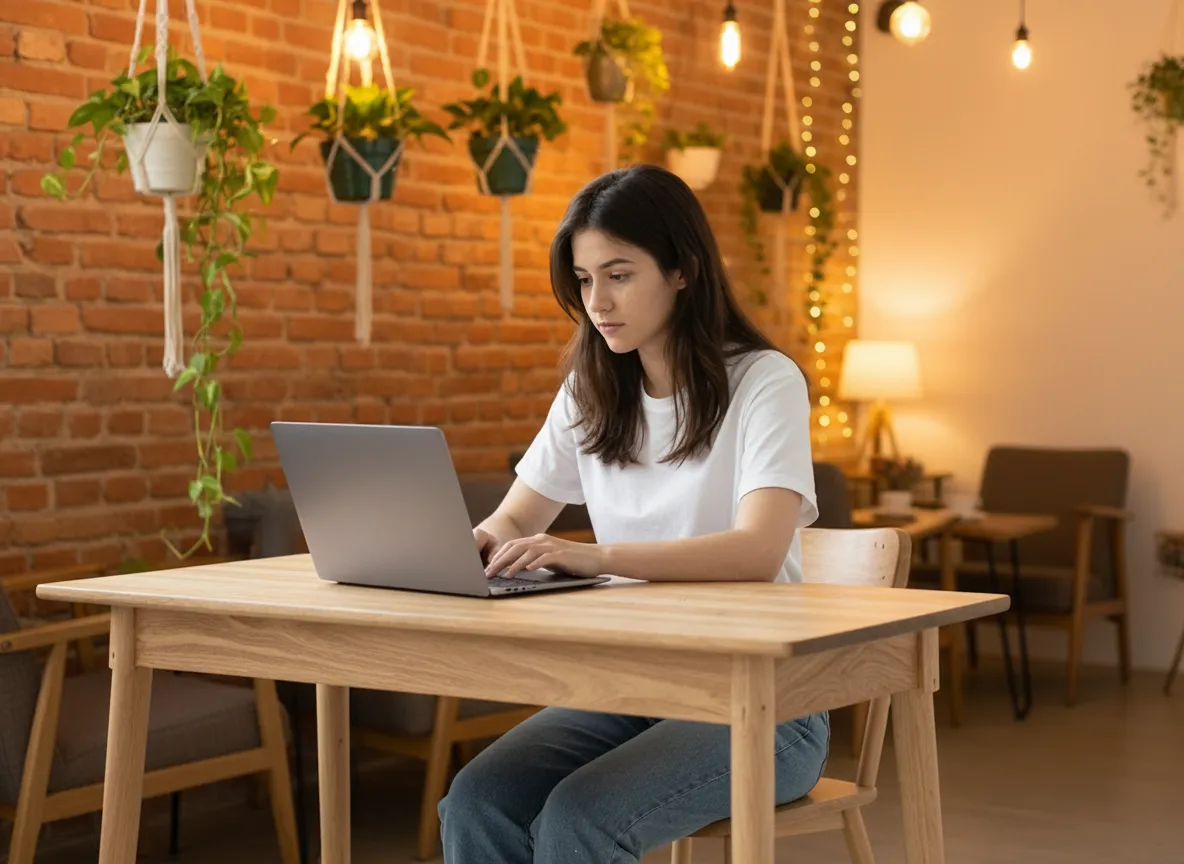
Official creative example published by Pixlio: a person using a laptop in a cafe.
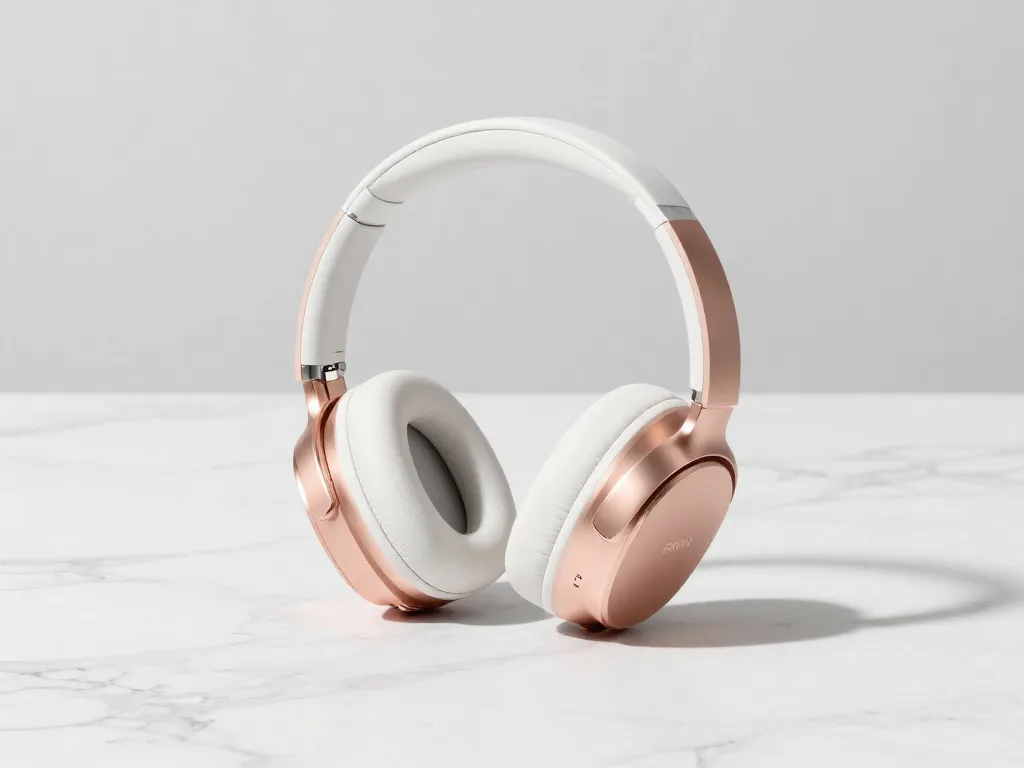
Official product-image example published by Pixlio: headphones on a light surface.
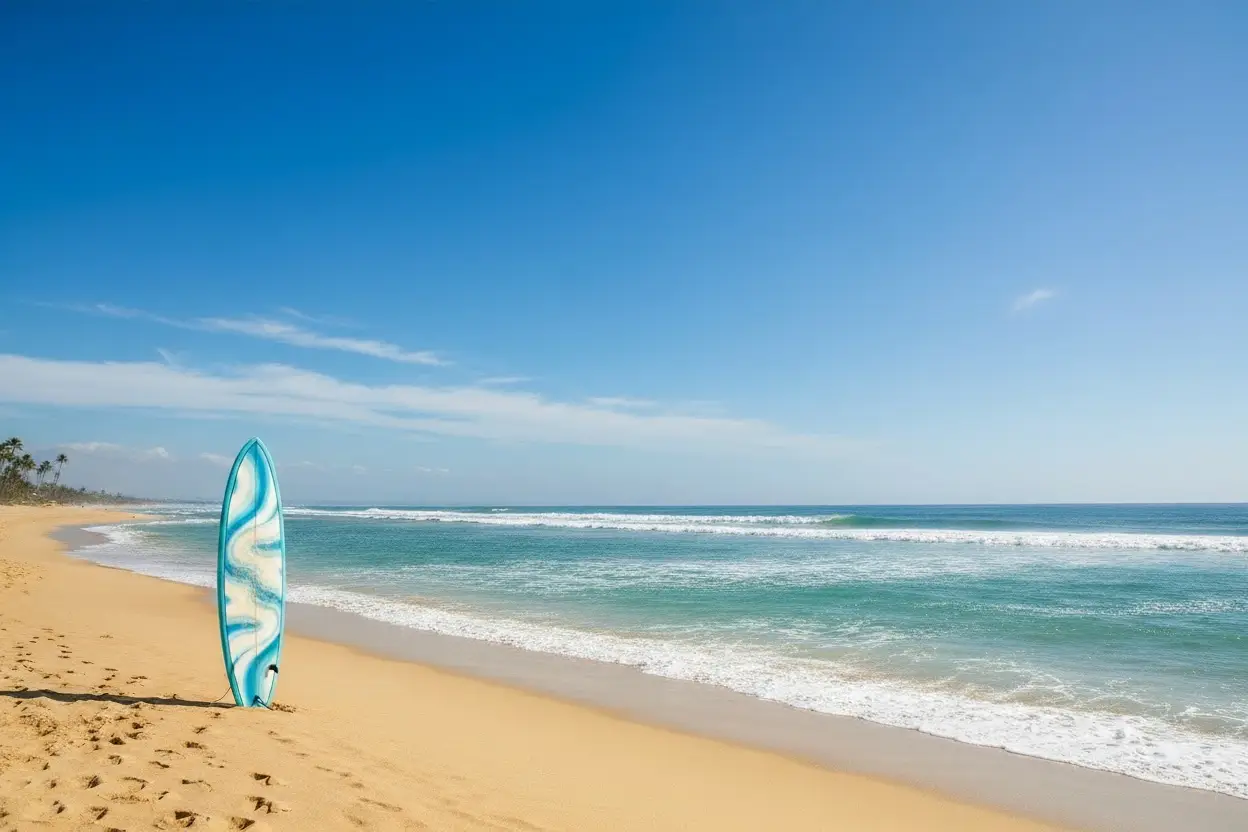
Illustration published on the official product website; see the source page for its context.

WHAT YOU CAN DO
Get to know the capabilities. Find your own way to use them.
Create original images from text descriptions using models including Nano Banana, GPT Image 2, Qwen Image, and Seedream v4.5, with control over style, composition, and quality.
Edit existing images with AI-powered tools that remove or change backgrounds, add or remove objects and text, enhance quality, adjust lighting, and apply filters, with context-aware results.
Generate images in pre-configured styles such as Studio Ghibli anime, Pixar 3D animation, pixel art, photorealistic, fine art, and cartoon, or apply these styles to existing photos.
Control details including custom prompts, aspect ratios (square, portrait, landscape, custom), seed values for reproducibility, negative prompts, guidance scales, and multiple output formats.
Export high-resolution images suitable for print, web, commercial projects, and professional portfolios, with outputs designed to maintain quality and detail.
Upload a photo, choose People or Scene mode, select snow intensity (Light, Medium, Heavy), pick a style preset such as Cinematic Portrait, Holiday Glow, or Urban Night Snow, and generate a winter-ready image. The tool is designed to preserve natural facial features while adding snow and winter atmosphere.
Create an illustrative fuller body-shape preview from one adult photo using Subtle, Natural, or Exaggerated intensity settings. The tool aims to preserve facial identity, expression, pose, crop, clothing, colors, patterns, background, and lighting, and includes a before-and-after comparison view.
Create clips from text prompts, animate still images, or guide generation with reference media. Available inputs and settings depend on the selected model.
MADE FOR YOUR WORKFLOW
Content creators can produce seasonal posts, such as winter-themed images with the AI Snow Photo tool, to maintain a consistent posting schedule with fresh visuals even without real snow.
Businesses can give plain product shots a lifestyle setting and better lighting, or create social graphics, ads, and blog visuals for campaigns, then adjust details until the look feels right.
Users can restore, colorize, upscale, unblur, or apply artistic styles to personal photos, and create effects such as age progression, hairstyle changes, or professional headshots.
Creators can generate an opening scene as an image and then turn it into a short clip with the AI video generator, or animate existing still images.
YOUR FIRST STEPS
Create a Pixlio AI account and receive complimentary credits to explore both creation and editing features. No credit card is required to start.
Generate new images from text prompts using the available AI models, or upload an existing photo to edit with AI tools. Select from pre-configured styles or adjust settings.
Adjust prompts, aspect ratios, seed values, negative prompts, guidance scales, and output formats as needed for the desired result.
Run the generation or editing operation. Most operations complete quickly, with editing operations typically finishing in 5-45 seconds depending on complexity.
Export images in PNG or JPG at the preferred quality and resolution. Images created or edited with paid credits come with commercial usage rights according to the site.
PLAN YOUR NEXT STEP
Credit-based pricing with monthly and annual subscription plans (Basic, Pro, Max) plus one-time credit packs (Growth Pack, Power Pack). Annual billing is advertised with up to 30% off.
PLAN
For light, occasional image creation. Includes 750 credits per month, all upcoming AI editing tools, all AI art styles, no watermark, 6-month storage, creation management, commercial use, cancel anytime, private generation, and email support. Pro-tier AI image models, premium AI video models, video generation up to 30 seconds, higher-resolution video output up to 4K, unlimited image-to-prompt and describer tools, 15% off credit packs, and priority email support are not available in the Basic plan.
PLAN
Best value for creators who use Pixlio regularly. Includes 2,000 credits per month, Pro-tier AI image models in select tools, access to premium AI video models, video generation up to 30 seconds, higher-resolution video output up to 4K, all upcoming AI editing tools, all AI art styles, no watermark, 1 year storage, creation management, unlimited image-to-prompt and describer tools, 15% off credit packs, commercial use, cancel anytime, private generation, and priority email support.
PLAN
For high-volume creators and small teams. Includes 5,500 credits per month, Pro-tier AI image models in select tools, access to premium AI video models, video generation up to 30 seconds, higher-resolution video output up to 4K, all upcoming AI editing tools, all AI art styles, no watermark, 1 year storage, creation management, unlimited image-to-prompt and describer tools, 15% off credit packs, commercial use, cancel anytime, private generation, and top priority email support.
PLAN
One-time credit pack for regular users. Includes 2,000 credits valid for 6 months, all upcoming AI editing tools, all AI art styles, no watermark, 6-month storage (or longer with active subscription), creation management, commercial use, private generation, and email support.
PLAN
One-time credit pack for heavy users. Includes 5,000 credits valid for 6 months, all upcoming AI editing tools, all AI art styles, no watermark, 6-month storage (or longer with active subscription), creation management, commercial use, private generation, and email support.
Prices, usage limits and terms can change. Confirm the latest details on the tool's official website before subscribing.
Plan prices, credit amounts, and credit-pack prices are listed on the official pricing page; confirm current amounts and billing terms there before purchase.
According to Pixlio, an AI image editor uses artificial intelligence to both create new images from text descriptions and edit existing photos intelligently. Pixlio combines generative AI models for image creation with intelligent editing algorithms for photo manipulation in one platform.
Yes. Pixlio states that users can generate original images from text prompts using models like Nano Banana, Qwen Image Edit, and Seedream 4, then edit them or upload their own photos for AI-powered editing, with both capabilities included in one subscription.
The site lists background removal and replacement, text addition and removal, object manipulation, scene changes, style transfers, quality enhancement, and color adjustments, all AI-powered for context-aware results.
Pixlio states that every new user receives complimentary credits to try both image creation and editing features, with no credit card required. The pricing page should be checked for current credit details.
Uploads are accepted in JPG, PNG, and WebP formats. Edited or generated images can be exported in PNG and JPG at various quality and resolution settings.
Pixlio states that most editing operations complete in 5-45 seconds depending on complexity, and image generation takes a similar time. The AI Snow Photo tool page notes most snow photo generations complete in a few seconds, typically within 5-10 seconds depending on image size and server load.
Pixlio states that all images created or edited using paid credits come with commercial usage rights, usable in business, client projects, products, and marketing materials. Users should review their specific plan details and the Terms of Service for complete information.
The AI Fat Filter creates an illustrative fuller body-shape preview from one adult photo using Subtle, Natural, or Exaggerated intensity settings. Pixlio states it is for fun and illustrative purposes only and is not a health, medical, BMI, pregnancy, body-measurement, future-weight, or clothing-fit prediction. Users must confirm they are an adult and have permission to edit the photo before uploading.
FROM THE COMMUNITY
Sign in to share your experience and help others find the right tool.
FEATURED BADGE

YOUR NEXT DISCOVERY

Taste the future of interior design with ImaginaryInteriors. Our AI-generated interior designs provide an endless variety of inspiration. Explore our free download gallery and discover the possibilities of innovative image generation technology.

Transform yourself into a medieval saint-like masterpiece with Painted Saintly's one-of-a-kind portraits! Our AI engine creates stunning personalized portraits of you that capture your essence & generates beautiful medieval works of art.

A platform for social media content creation and scheduling.

Setting up your own AI training system can be a cumbersome, time-consuming, and highly inefficient process. That's why we've developed a user-friendly tool that allows you to easily train your Dreambooth models and download them hassle-free!
MAKE YOUR NEXT MOVE
Visit the official website to explore the latest features and get started.