Developer tools
gptcli
All in one ChatGPT CLI. AI Commit, AI Command inside. You can create your AI command-line tool using YAML, just like GitHub Actions.
About this tool
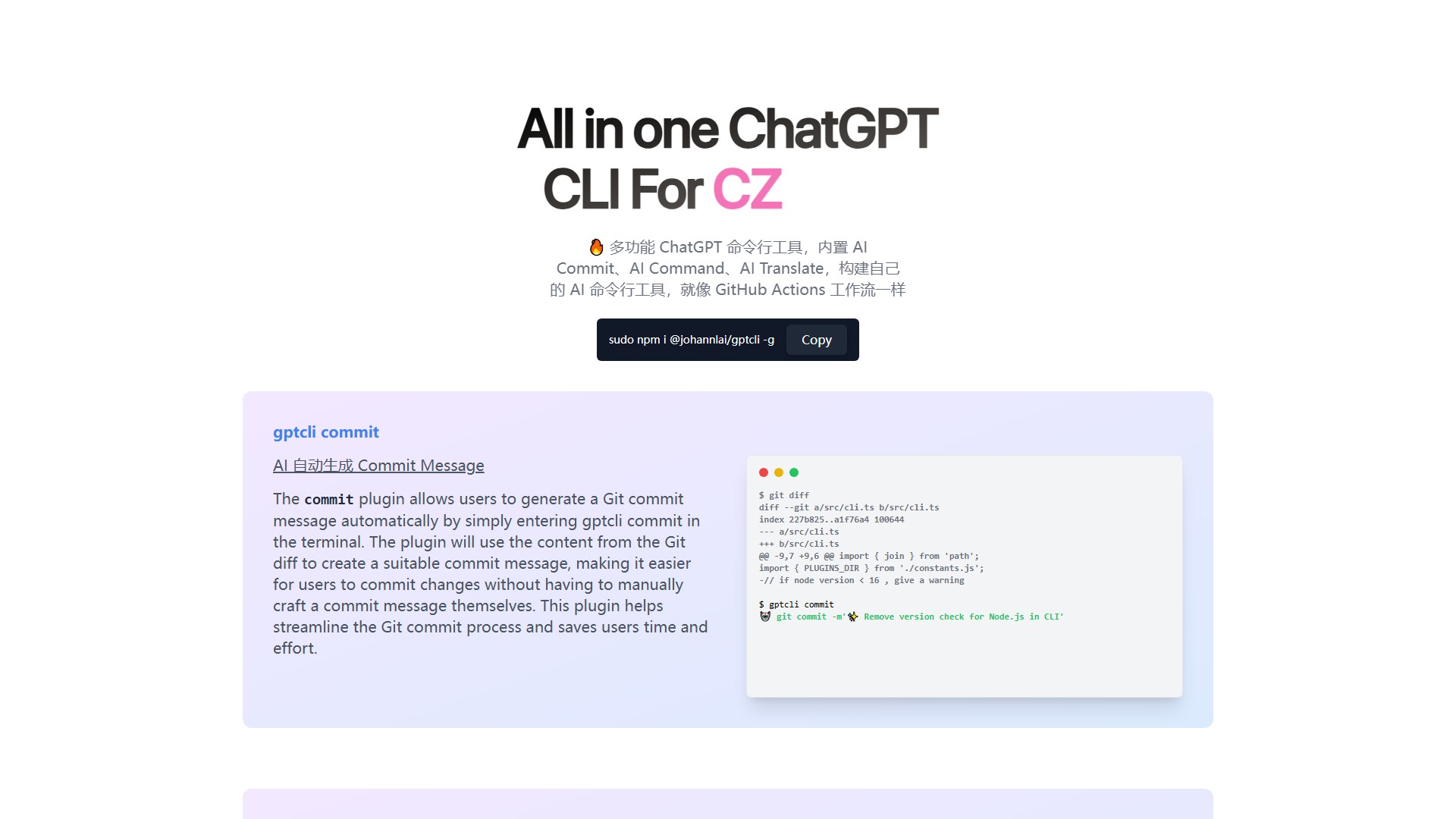
GPT CLI is an all-in-one ChatGPT CLI tool (installed via sudo npm i @johannlai/gptcli -g) with built-in AI plugins, designed to help users build their own AI CLI tools like GitHub Actions workflows. Main functional modules include: AI Commit, AI Command, AI Translate, AI Weather, AI gitmoji, CZ, Notion, and Whisper. Core feature details: 1. AI Commit (gptcli commit): Automatically generates Git Commit Messages. This plugin uses the content from the Git diff to create a suitable commit message, streamlining the Git commit process and saving users time and effort. Typical use case: Enter gptcli commit in the terminal, and the tool reads the diff to automatically generate a commit command like ✨ Remove version check for Node.js in CLI. 2. AI Command (gptcli command): Writes commands via GPT. Users describe their desired command in natural language, and the plugin outputs the corresponding command. Typical use case: Input gptcli command 'js files in the folder', the plugin outputs ls *.js and asks if the user wants to execute it, listing all .js files in the current folder upon confirmation. This plugin makes it easier for users to find and utilize appropriate commands. Core advantages: Transforms natural language into terminal commands, comes with rich practical plugins, is open-source, can be quickly installed globally via npm, and significantly improves developer efficiency in terminal environments.
Traffic analysis
Traffic, ranking, and engagement signals for this tool.
Visit trend
No trend data
Engagement
- Bounce rate--
- Pages per visit--
- Average duration--
Traffic sources
No source data
Top countries
No country data
Interface preview